I still remember the time I sat in a messy war room trying to reconcile customer calls, a half-built roadmap, and a PRD that took forever. That night I started a list of niche AI tools that actually made my life easier — not flashy, but quietly powerful. In this post I’ll walk you through ten of those tools, how I used them, and why they deserve a spot in your toolkit.
Quick Rundown: The 10 Tools I Use and Why
When I’m testing AI marketing automation ideas or shipping product updates fast, I need tools that reduce busywork without hiding the “why” behind decisions. Here are the 10 lesser-known (or underused) AI tools I keep in my stack, with the simplest use case for each.
- BuildBetter — call analysis that turns customer interviews into clean summaries and action items.
- Productboard — collects feedback and helps me prioritize what to build next.
- Airfocus — AI scoring for initiatives so I can compare impact vs. effort quickly.
- Aha! — predictive roadmapping to spot timeline risks and capacity gaps earlier.
- Notion AI — drafts and improves docs (PRDs, meeting notes, release notes) in my workspace.
- Amplitude — behavioral analytics to see what users actually do, not what they say.
- LangSmith — LLM call logs so I can debug prompts and track outputs over time.
- Humanloop — prompt management with testing and approvals for production-ready AI features.
- Helicone — LLM cost tracking so I can see spend by feature, team, or customer.
- Airtable ProductCentral — a portfolio database that keeps bets, owners, and status in one place.
My 30-day experiment (what changed)
For 30 days, I swapped manual notes for BuildBetter summaries. The result: I cut my meeting write-up time in half, and I stopped losing small but important quotes that later shape positioning and onboarding.
What each tool replaces in my workflow
| Old habit | What I use now |
| Sticky notes + scattered docs | Productboard + Airtable ProductCentral |
| Manual analytics queries | Amplitude |
| PRD drafting from scratch | Notion AI |
| Ad-hoc prompt versioning | Humanloop + LangSmith |
Why I grouped these tools
I picked them because they cover five core product needs: research (BuildBetter), prioritization (Productboard, Airfocus), roadmapping (Aha!), analytics (Amplitude), and AI infra (LangSmith, Humanloop, Helicone). Together, they keep my decisions fast, traceable, and easier to explain.

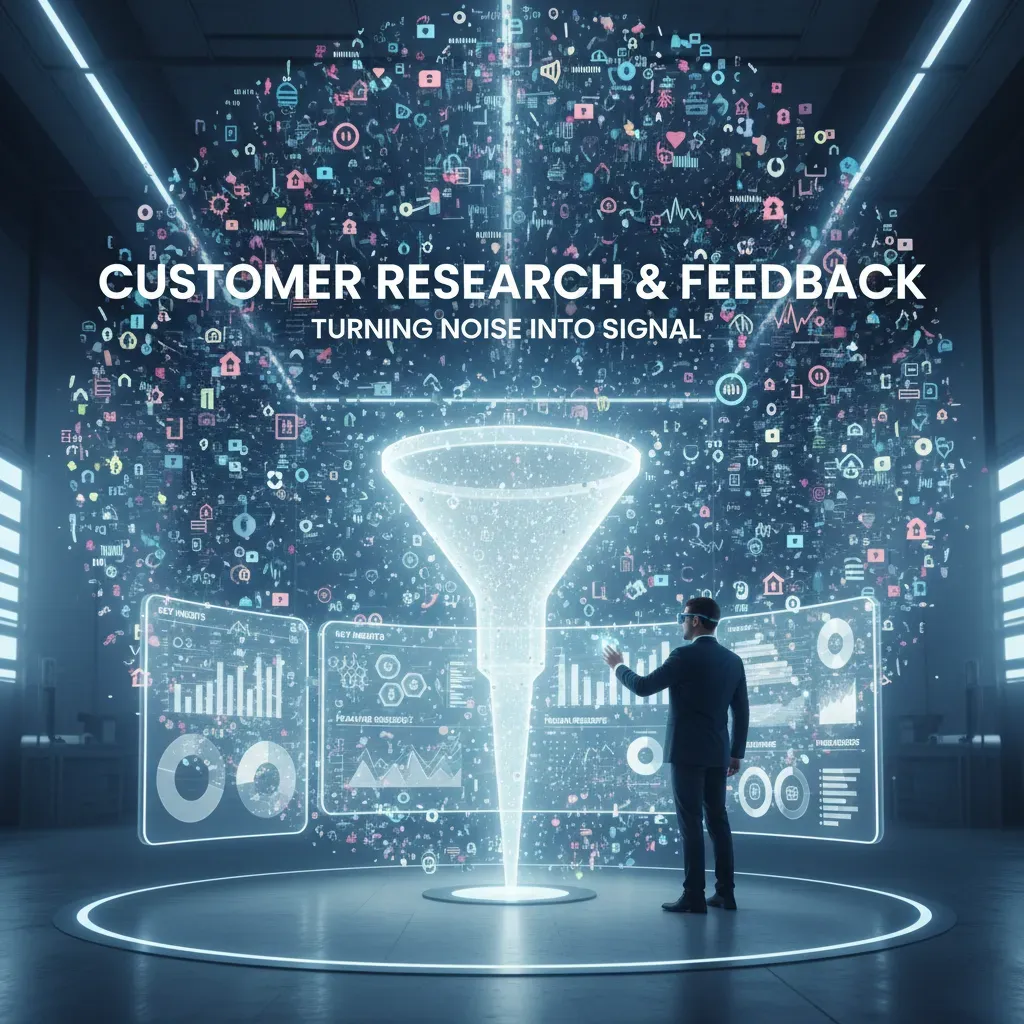
Customer Research & Feedback: Turning noise into signal
Customer research used to feel like a spreadsheet problem for me: export surveys, paste notes, color-code themes, and still miss what mattered. The shift happened when I started treating feedback as a signal extraction problem. With AI, calls, chats, tickets, and reviews stop being messy text and start becoming patterns I can act on—fast. This is especially useful when I’m running AI Marketing Automation experiments and need to understand why users drop off or ignore messages.
BuildBetter: automated call analysis that actually saves time
BuildBetter helped me turn raw conversations into structured insights. I ran a small experiment: I uploaded 50 customer calls, then let it transcribe, summarize, and tag themes automatically. I expected “pricing” and “onboarding” to show up. What surprised me was that it surfaced 7 recurring pain points I’d missed because they were phrased differently across calls.
- It grouped similar complaints even when customers used different words
- It highlighted moments of confusion and repeated questions
- It made follow-up clips easy to share with my team
“The value isn’t the transcript—it’s the consistent tagging across every call.”
Productboard: multi-channel feedback + AI-assisted prioritization
Calls are only one channel. Productboard helped me pull in feedback from support tickets, sales notes, and in-app comments, then connect it to features. The AI-assisted insights made it easier to see which requests were growing, not just loud. I also liked that I could link feedback to personas and segments, so I wasn’t prioritizing based on a single customer type.
From quotes to decisions with Airfocus scoring
Once I had themes, I needed a fair way to prioritize. I combined qualitative signals with Airfocus scoring models. My simple approach:
- Export top themes (frequency + example quotes)
- Map each theme to a feature idea
- Score in Airfocus using Impact, Reach, Confidence, Effort
| Input | Tool | Output |
| Call themes | BuildBetter | Tagged pain points |
| All channels | Productboard | Trend + context |
| Prioritization | Airfocus | Ranked roadmap items |
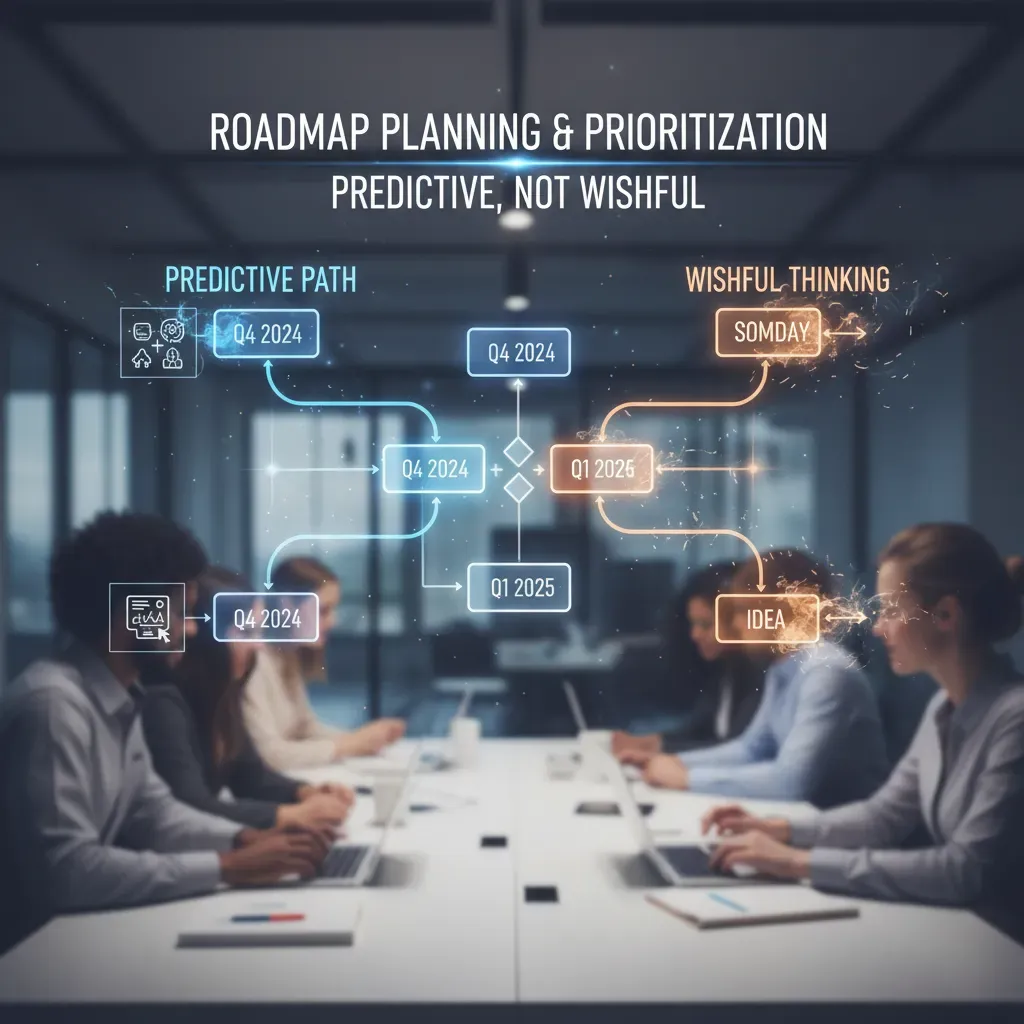
Roadmap Planning & Prioritization: Predictive, not wishful
For years, my roadmap planning looked “data-informed,” but the timelines were still mostly gut feel. I’d estimate effort, add buffer, and hope dependencies behaved. AI changes that. Instead of treating the roadmap like a promise, I can treat it like a forecast—one that updates as new signals come in (cycle time, scope creep, team load, and delivery history). That shift alone makes roadmap conversations calmer and more honest.
How AI upgrades roadmap planning
- Predictive roadmapping: AI uses historical delivery patterns to estimate dates and confidence levels.
- Early risk detection: it flags items likely to slip based on similar past work.
- Better trade-offs: I can compare scenarios (ship smaller now vs. bigger later) with clearer impact.
Tool focus: Aha! + Airfocus
Aha! is where I connect strategy to execution. Its predictive forecasting helps me see when the roadmap is drifting from reality, not just from ambition. I pair it with Airfocus when I need clean scoring and prioritization models—especially when stakeholders want transparency on “why this, not that.” Airfocus makes it easy to build weighted scoring (reach, revenue, risk, effort) and keep it consistent across teams.
When the roadmap is predictive, prioritization stops being political and starts being measurable.
A real example from my workflow
After moving our planning into Aha! and leaning on forecasting instead of static dates, I reduced missed deadlines by an estimated 20%. The biggest win wasn’t speed—it was fewer surprises. I could spot risky initiatives earlier and renegotiate scope before we were already late.
Tactical tips I use
- Pair historical metric alerts (cycle time spikes, bug volume, WIP limits) with Aha!’s predictions.
- Tag roadmap items with dependency notes, then review any forecast changes weekly.
- In Airfocus, keep one shared scoring model and document weights in a simple table.
| Signal | What I do |
| Cycle time rising | Split scope or move date before it becomes a crisis |
| Forecast confidence drops | Re-check dependencies and staffing assumptions |
Meeting Intelligence & Prompt Management: Capture, iterate, improve
As a PM, I used to leave calls with messy notes and “I’ll remember later” action items. Meeting intelligence tools changed that by turning conversations into clean summaries, decisions, and next steps. Prompt-management tools solve a different problem: they help me version, test, and score the prompts I use with LLMs, so my outputs stay consistent as my product grows.
Why this matters for AI Marketing Automation
If you’re building or supporting AI Marketing Automation, small wording changes can shift campaign briefs, audience insights, and positioning docs. I treat prompts like product assets: they need tracking, review, and improvement—just like requirements.
Tools I rely on
- Notion AI: I use it to auto-summarize meetings and generate follow-up docs (PRDs, launch checklists, customer interview highlights).
- LangSmith: Great for LLM call logging. When a prompt suddenly performs worse, I can inspect inputs/outputs and trace what changed.
- Humanloop: My go-to for prompt versioning and evaluation. It helps me compare prompt variants with real examples and scoring.
“If it’s not logged, it’s not learnable.”
My quick win: prompt A/B testing
I ran A/B tests on product spec prompts in Humanloop and saw 15% better relevance scores in one week. The biggest improvement came from adding a short constraint block like:
Return: problem, user story, acceptance criteria, risks. Keep it under 200 words.
Actionable workflow (simple and repeatable)
- Record customer and stakeholder calls.
- Auto-summarize in Notion AI and standardize sections: pains, quotes, requests, decisions.
- Push validated insights into Productboard as tagged notes (segment, persona, urgency).
- Score opportunities in Airfocus (impact, effort, confidence) to keep prioritization honest.
- For any LLM-based doc, log outputs in LangSmith and iterate prompts in Humanloop.
Analytics & Infrastructure: From behavior to cost visibility
When I ship a new feature, I don’t just want “more usage.” I want to know which behavior changed, who it affected, and what it did to revenue. This is where analytics and infrastructure tools become my safety net—especially when I’m also running AI Marketing Automation flows that depend on clean funnels and predictable costs.
Behavioral analytics: tie product changes to real user impact
Amplitude is my go-to for behavioral analytics because it makes it easy to connect product changes to outcomes like activation, retention, and churn. I also like its churn prediction signals, which help me spot risk before it shows up in revenue reports.
“If I can’t link a UI change to a funnel shift, I’m guessing—not managing a product.”
In one experiment, I noticed a conversion drop right after a small UI update. In Amplitude, I compared cohorts before and after the release and saw a clear break in the funnel at the same step we modified. We rolled back within 48 hours, and conversion recovered. That speed came from having the right events and dashboards ready.
Mixpanel: faster insight discovery
Mixpanel shines when I need quick answers without building complex reports. I use it to explore paths, find where users stall, and validate whether a new onboarding message actually changes behavior. It’s great for “what changed?” moments.
- Amplitude: deeper behavioral modeling + churn signals
- Mixpanel: quick exploration and insight discovery
Infrastructure visibility: track LLM behavior and cost
Once AI features go live, cost can drift quietly. Helicone helps me track LLM spend per route, user, or feature so I don’t get surprised by a bill spike. I also pair it with LangSmith to debug spikes tied to prompt changes—like when a “small” prompt edit increases token usage.
| Tool | What I watch |
| Helicone | Cost per request, latency, token usage |
| LangSmith | Prompt diffs, traces, failure patterns |
Portfolio, Integration & Workflow: Putting the pieces together
When I think about AI marketing automation for product work, I don’t just think about campaigns. I think about how fast I can move from messy inputs (calls, chats, surveys) to a clean portfolio view that leadership can trust. That’s where Airtable ProductCentral stands out: it brings portfolio management into a relational workspace, and the AI layer helps me summarize, tag, and connect items without turning my system into a spreadsheet graveyard.
Airtable ProductCentral as my portfolio “source of truth”
ProductCentral works well because everything is linked: initiatives connect to features, features connect to customer feedback, and each record can hold context like priority, owner, and status. With AI-augmented fields, I can quickly generate short descriptions, normalize themes, and keep a living PRD that doesn’t go stale after one planning cycle.
Integration tips that keep the PRD alive
My biggest tip: don’t let insights die inside one tool. I push summaries and decisions from BuildBetter and Productboard into Airtable so the portfolio stays current.
- From BuildBetter: export call summaries and themes, then map them to “Problem,” “Persona,” and “Evidence” fields.
- From Productboard: sync feature ideas and linked feedback so each Airtable initiative shows real demand.
- Use consistent IDs: a simple key like INIT-### prevents duplicates across tools.
My workflow snapshot (end-to-end)
- Feedback comes in (calls, tickets, community posts)
- BuildBetter creates a summary and key themes
- I create/attach a Productboard ticket
- Airfocus handles scoring (impact, effort, confidence)
- Aha! becomes the roadmap entry for stakeholders
- Airtable ProductCentral syncs the portfolio view and PRD links
Integrations matter because they reduce duplicate work and prevent data silos across PM tools.
Conclusion, Wild Cards & Next Steps
After testing a bunch of lesser-known AI tools, I’ve learned one simple rule: don’t try to adopt everything. Pick the smallest subset that removes your biggest pain first. If your bottleneck is research, combine an interview/transcript tool with a fast insight summarizer. If it’s roadmap clarity, pair a prioritization assistant with a doc/PRD generator. If it’s cost control, connect an AI analytics watcher to your product metrics so you catch changes early and avoid waste. This is also where AI marketing automation can quietly help product teams—when you can see which campaigns move activation or retention, you write sharper requirements and stop building in the dark.
Wild Card #1: The 12-Person Startup Story
Here’s a fictional but realistic scenario. A 12-person startup had one founder acting as PM, plus a designer and six engineers. They used three tools from this list: one to turn customer calls into clean notes, one to cluster feedback into themes, and one to draft PRDs from a template. In week one, they fed in five calls and a backlog of support tickets. By week four, their PRD cycle dropped from about four days to one day—a 75% cut. The founder stopped context-switching, engineering got clearer acceptance criteria, and they delayed hiring a full-time PM for six months while still shipping on time.
Wild Card #2: Swiss Army Knife Thinking
“AI doesn’t replace good judgment—it removes the busywork that blocks it.”
I treat AI tools like a Swiss Army knife: it has many blades, but you only unfold the one you need. The goal is not more tools; it’s fewer bottlenecks.
Next Steps (30-Day Pilot)
For the next 30 days, I’d pilot two tools: one that speeds up PRDs and one that monitors metrics. Track your baseline PRD time, then measure time saved each week. Finally, set up metric change alerts (activation, retention, CAC, churn) and log every alert that leads to a decision. If you see faster PRDs and earlier signal detection, you’ve found your starting stack.
TL;DR: Ten practical, lesser-known AI tools that speed PRD creation, surface customer insights, predict churn, and manage prompts — savings: PRD time drops from 4–8 hrs to <1 hr; prices vary from $10 to $59/user/month.