
The first time I “optimized” an operation, I did it with a color-coded spreadsheet and sheer confidence. It looked gorgeous. It also collapsed the moment a vendor shipped late and the sales team changed priorities mid-week. That week taught me a quiet truth: operations isn’t about perfect plans—it’s about building systems that bend without breaking. Below are 15 operations tips I keep coming back to (and yes, I still use spreadsheets… I just don’t worship them anymore).
Essential Building Blocks: My “Ops Reality Check”
When I say good operations, I’m not chasing perfection. I’m chasing two things: speed (work moves without drama) and sanity (people aren’t burning out to “make it happen”). If we can ship faster and keep the team calm, the rest gets easier to fix.
Quick Assessment Audit: What Breaks, and When?
I do a simple ops audit with two questions:
- What breaks weekly? These are your “known fires” (handoffs, approvals, unclear owners).
- What only breaks when I’m on vacation? That’s the real test of scalable execution. If it collapses without one person, it’s not a process—it’s a hero story.
Success Metrics Before Tools (My Small Rebellion)
Before I touch software, I write the operations metrics that define success. Otherwise, tools become expensive distractions.
- Cycle time: from request to done
- On-time rate: promised vs delivered
- Rework: how often we redo “done” work
- Interruptions: how many “urgent” pings per day
Wild-Card: Ops as a Restaurant Kitchen
I picture our work like a kitchen: tickets come in, each role is a station, prep happens before the rush, and the pass is where quality gets checked. Then I ask: Where do plates pile up? That pile is your bottleneck—usually review, dependencies, or unclear intake.
Set a 30-Day Baseline (No More “Vibes”)
For 30 days, I track the metrics above in a simple table or sheet. No judgment—just truth. After that, we stop debating feelings and start improving operations with evidence.

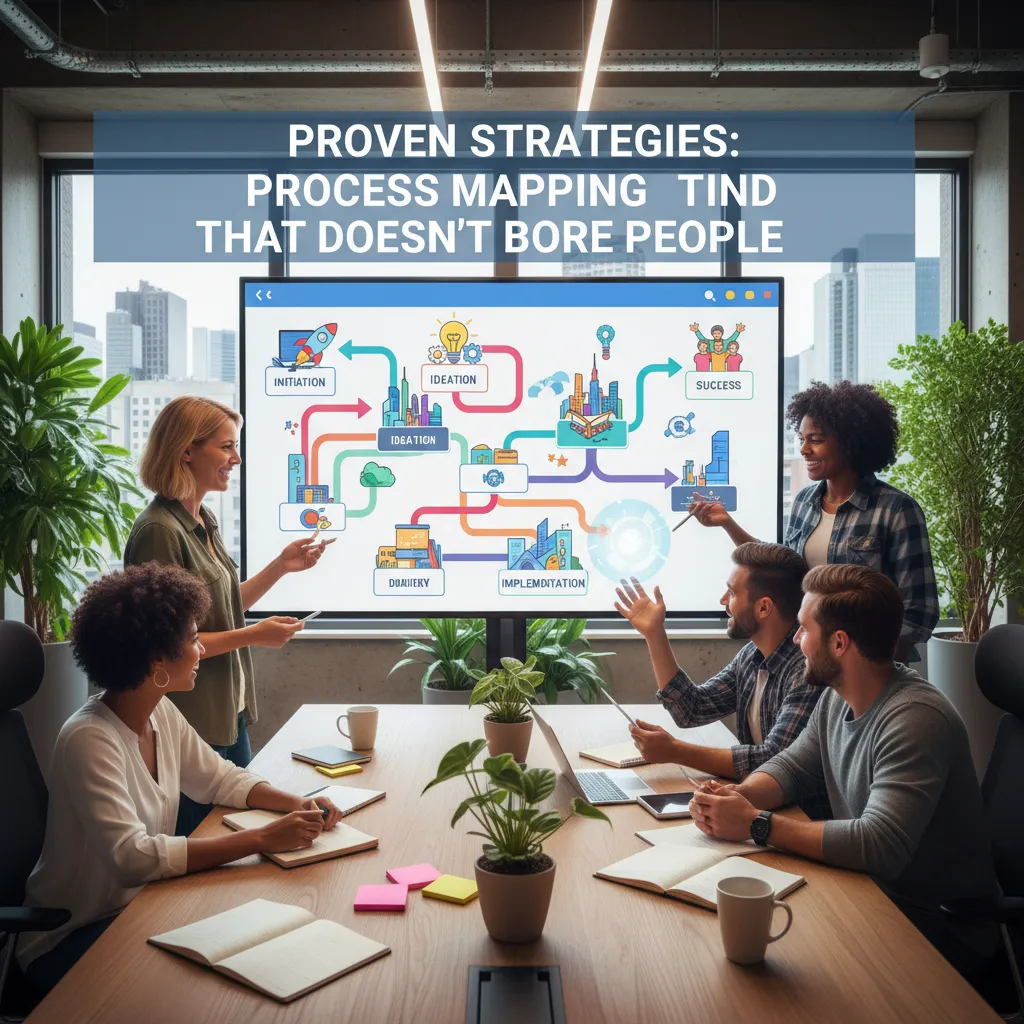
Proven Strategies: Process Mapping that Doesn’t Bore People
I used to map processes alone, in a doc, hoping people would “review later.” They didn’t. Now I do process mapping in the open, and it’s faster and more honest. A 45-minute whiteboard session with the people who do the work beats a week of solo documentation, because you see the real flow, not the “ideal” one.
Map it live, then apply simple design rules
When we sketch the steps together, I follow three process design rules that keep the map useful:
- Name handoffs (who owns it now, and who owns it next).
- Define “done” for each step (what proof shows it’s complete).
- Kill ghost steps nobody admits doing (like “quick check” that’s really a second approval).
Workflow streamlining I stole from kitchens
Kitchens stay calm by limiting what’s cooking at once. I copy that: limit work-in-progress and keep a visible queue. If everything is “in progress,” nothing is. A simple board with three columns—Queued, Doing, Done—often fixes more than a fancy tool.
Add risk checks at every handoff
At each handoff, I add a quick risk assessment so the process can survive real life:
- What can go wrong?
- How will we notice? (signal, metric, alert, or review)
- Who fixes it? (one clear owner)
Tiny tangent: if the map needs a legend longer than the process, you’re documenting chaos, not taming it.
Data-Driven Decision: Metrics I Trust (and the Ones I Don’t)
In calm, scalable operations, I keep metrics tight. When teams track more than 5–7 performance metrics, people start “metric gardening” (tuning numbers instead of improving work). I’d rather have a few signals I trust than a dashboard nobody uses.
The 6 metrics I actually trust
- On-time delivery rate (did we ship when we said we would?)
- Cycle time (how long work takes end-to-end)
- Work in progress (WIP) (too much WIP predicts chaos)
- Escalation count + time-to-restore (how often we break, how fast we recover)
- Capacity vs. load (planned hours vs. committed work)
- Rework rate (how much we redo because of misses)
Metrics I don’t trust (without context)
- Utilization as a goal (it rewards busyness, not outcomes)
- Tickets closed (volume can hide low-value work)
- “Green” status (people learn to keep it green)
Dashboards for the three moments that matter
I build real-time dashboards around: planning (what’s coming), execution (what’s stuck), and escalation (what needs help now). If a chart doesn’t change a decision in one of those moments, it doesn’t belong.
Forecasting: separate signals from wishful thinking
In my planning sheet, I literally label one column hope. Demand signals come from actual intake, sales pipeline stages, and historical run rates. “Hope” is anything that depends on perfect conditions.
Capacity planning prevents heroics
I treat heroics as a smell, not a strategy. If we need nights and weekends to hit “normal” goals, the system is under-capacity.
Monitoring cadence
I review weekly leading indicators (WIP, cycle time, load vs. capacity) and monthly lagging outcomes (on-time delivery, rework, reliability).
Employee Development: Training That Actually Sticks
I’ve learned that employee development works best when I treat training like product onboarding: small steps, clear practice, and fast feedback. Long slide decks feel productive, but they don’t change behavior. What does? Short modules that people can finish in one sitting, then repeat in real work.
Train like onboarding: short, practical, repeatable
- Short modules (10–20 minutes) focused on one task
- Practice immediately on a real example
- Feedback within 24 hours
- Repeat until it’s routine
The “two-deep” rule for calm operations
For scalable execution, I use a simple rule: every critical task must have at least two trained people. Vacations shouldn’t be outages. Neither should sick days, promotions, or surprise resignations. This also reduces stress because no one feels trapped as “the only one who knows.”
Use communication channels on purpose
Training sticks faster when communication is clean. I separate channels so people know where to look and what to do:
- Decisions: final calls and context (easy to search later)
- Work: daily tasks, handoffs, and status
- Emergencies: urgent issues only—no chatter
A lightweight resource allocation rhythm
To avoid hidden overload, I run a simple weekly check-in: who’s on what, for how long, and why. I keep it visible in a small table:
| Person | Workstream | Timebox | Reason |
|---|---|---|---|
| Alex | Fulfillment | 2 weeks | Peak volume |
“The day my best operator quit taught me documentation isn’t bureaucracy—it’s kindness.”
When they left, the team didn’t just lose speed—we lost confidence. Now I document the “why” and the “how” as we train, so the next person can succeed without panic.
Quality Management + Quality Control Without the Drama
I used to treat quality like a badge and a baton. I’d jump in late, spot issues, and become the accidental “quality police.” It created tension and didn’t scale. Now I frame Quality Management as prevention, not policing: build the process so the right outcome is the easiest outcome.
Quality Management = prevention, not blame
Quality Management is the system: clear standards, simple training, and feedback loops. When something goes wrong, I ask, “What allowed this defect to happen?” not “Who did it?” That shift keeps people honest and calm, and it protects the customer.
Put Quality Control where it has the highest leverage
Quality Control is the check. I don’t add checks at every step (that’s how teams get slow and annoyed). I add one simple checklist at the point of highest leverage—usually right before work becomes expensive to change or customer-visible.
- One checklist (5–10 items max)
- Clear pass/fail criteria
- Owner + timing (who checks, when)
Run tiny “stop-the-line” drills
If the same defect shows up twice, I run a small drill: we pause, capture the example, and fix the system. This is not a big meeting. It’s a 15-minute reset.
Rule: If a defect repeats twice, stop the line and remove the cause.
I like a simple trigger like:
if defect_count(same_type) >= 2: pause_work(); fix_system();
Connect defects to cost reduction and customer pain
Defects aren’t moral failures. They are cost (rework, refunds, delays) and customer pain (confusion, broken trust). When I tie quality to these outcomes, people engage without feeling attacked.
Success metrics I track
- First-pass yield (done right the first time)
- Rework rate (how often we redo work)
- Customer-visible errors (what customers actually notice)

Supply Chain Coordination: Vendor Management Meets Reality
I treat supply chain coordination like a relay race. The work is not just “running fast”; it’s the handoffs. I map every step from purchase order to delivery to receiving to production. Then I mark where timing matters and where a “dropped baton” happens: missing specs, late approvals, unclear packaging rules, or a carrier that never got the updated address.
Vendor management basics that actually work
To keep vendor management simple, I standardize three things and refuse to negotiate them:
- One scorecard: on-time delivery, defect rate, lead time, and responsiveness.
- One escalation path: who I email first, who gets looped in next, and when we jump to a call.
- One calendar for check-ins: weekly for critical vendors, monthly for stable ones.
Demand forecasting: stop pretending it’s one perfect number
When I share a forecast, I don’t send a single “final” quantity. I send ranges: best / likely / worst. This helps suppliers plan capacity without overreacting to noise. It also makes my team more honest about uncertainty, which is the real driver of stockouts and rush fees.
Build buffers on purpose (and document them)
Buffers are not a failure; they’re a choice. I use:
- Time buffers (extra lead time for customs or QA)
- Stock buffers (safety stock for high-variance items)
- Alternative suppliers (approved backups for key parts)
But I always write down why the buffer exists and what would remove it, so it doesn’t become permanent clutter.
Hypothetical: if my top supplier disappears for 10 days, what breaks first—cash flow, customer promises, production, or support?
Intelligent Automation + Digital Transformation (Without the Hype)
When I hear “digital transformation,” I ignore the big slogans and look for one simple thing: where people are copy-pasting between systems. That’s usually the first gold vein. If someone is moving the same customer data from CRM to a spreadsheet, then into finance, that’s not “work”—it’s risk, delay, and cost.
Start Where the Copy-Paste Lives
I begin by mapping the handoffs in a process and circling the steps that are repetitive, rules-based, and frequent. Those are the best candidates for intelligent automation because they remove friction without changing the whole business at once.
Choose Tools by Job-to-Be-Done (Not by Brand)
I keep the conversation practical by listing automation tools by what they need to do:
- Routing: send requests to the right owner based on clear rules
- Approvals: capture decisions with timestamps and simple audit trails
- Alerts: notify teams when thresholds are hit or tasks are stuck
- Data sync: keep key fields consistent across systems
Digital Platforms Must Create Shared Visibility
Automation alone can make you faster at being disconnected. I push for digital platforms that give shared visibility across CRM, finance, and operations. If sales sees one version of the customer, finance sees another, and ops tracks a third, you’re just building faster silos.
Run the First Sprint with a Cross-Functional Pair
For the first automation sprint, I pair an ops lead with a finance or customer success partner. Ops brings process clarity; finance or CS brings real-world constraints and edge cases. That pairing prevents “perfect” workflows that fail on day one.
Cost Leadership: Standardize, Then Automate
Standardize the boring stuff, then automate it; don’t automate chaos.
I document the simplest standard way to do the task, remove exceptions where possible, and only then automate. That’s how intelligent automation supports calm, scalable execution—and keeps costs under control.
Key Takeaways: The 15 Tips as a One-Page Playbook
When I need calm, scalable execution, I pull these 15 operations tips into one simple playbook. I group them into five buckets that keep me focused: Map it, Measure it, Train it, Assure it, Automate it. If I can’t place a problem into one of these buckets, I’m usually dealing with noise, not operations.
Map it means I make the work visible: who does what, in what order, with what inputs and outputs. This is where I run my Cross-Functional Alignment checkpoint: if two departments define “done” differently, you don’t have a process—you have a debate. I fix that by writing one shared definition of done and one handoff rule.
Measure it is how I keep decisions repeatable. I pick a few signals that show flow (speed), quality (errors), and load (capacity). I don’t measure everything; I measure what changes behavior. Then I review it on a steady rhythm so the team isn’t surprised by results.
Train it is where I protect consistency. I document the “one best known way” today, then I coach people to use it. Training is not a one-time event; it’s how I reduce rework and help new hires ramp faster.
Assure it is my safety net: checks, approvals, and clear escalation paths. I aim for fewer, smarter checks that catch issues early, not late.
Automate it comes last. I automate only after the process is stable, so I don’t scale chaos. My rule of thumb: make the work visible, make decisions repeatable, and make learning continuous.
If your ops were a band, who’s the drummer (tempo) and who keeps trying to solo?
To close, I set my next 2-week experiment and I write down what I’ll stop doing if it fails (rare, but magical). That’s how operations stays calm—and keeps improving.
TL;DR: Operations gets easier when you map the work, pick a few meaningful metrics, train people like you mean it, and automate the boring parts. Aim for visibility, alignment, and steady operational improvement—not perfection.