
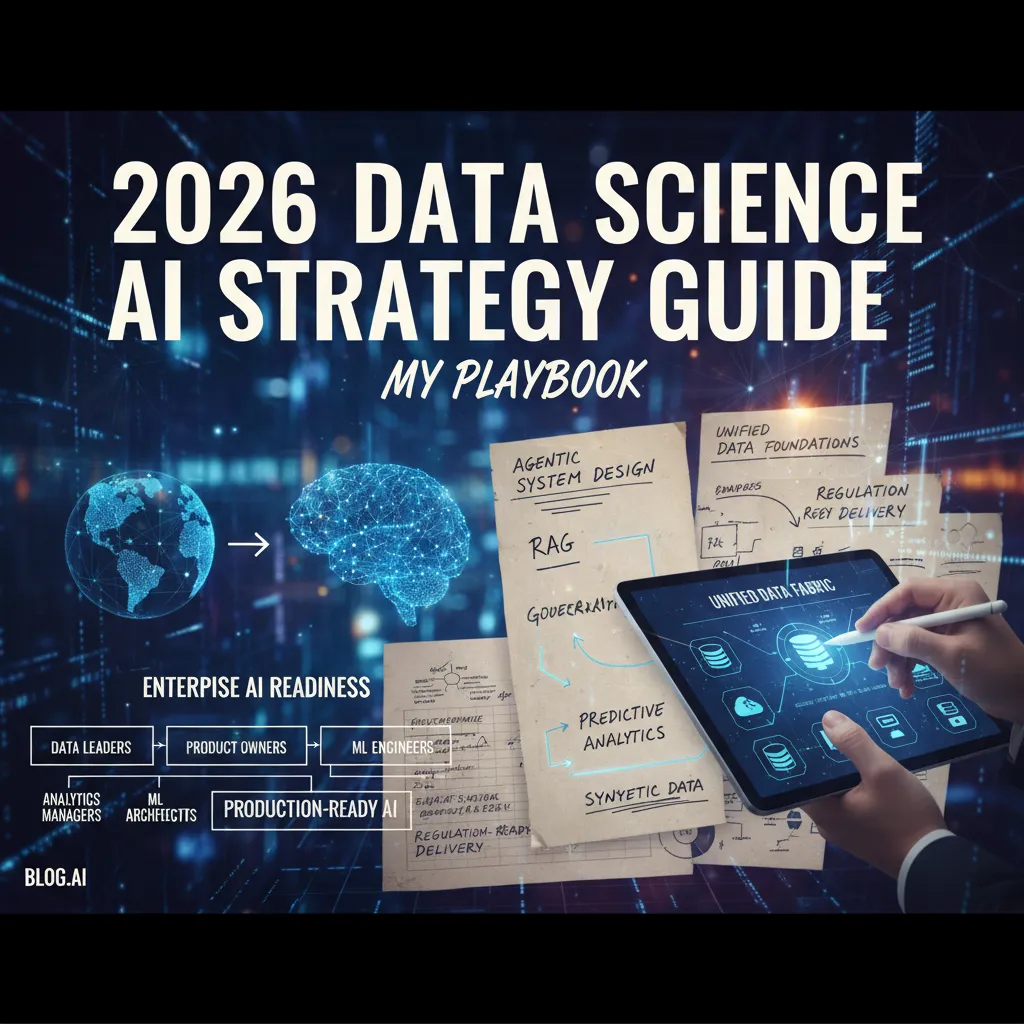
I used to think “AI strategy” meant a prettier slide deck and a bigger model. Then a pilot I was proud of face-planted in week three—not because the model was dumb, but because the data was messy, the permissions were weird, and nobody could explain why the bot said what it said. That’s when I stopped obsessing over model size and started thinking like a systems person: data foundations, vector retrieval, evaluation, and governance that actually blocks bad behavior. This outline is my attempt to bottle that lesson into a 2026 Data Science AI Strategy playbook—warts, tangents, and all.
1) From GenAI demos to real work: my 2026 pivot
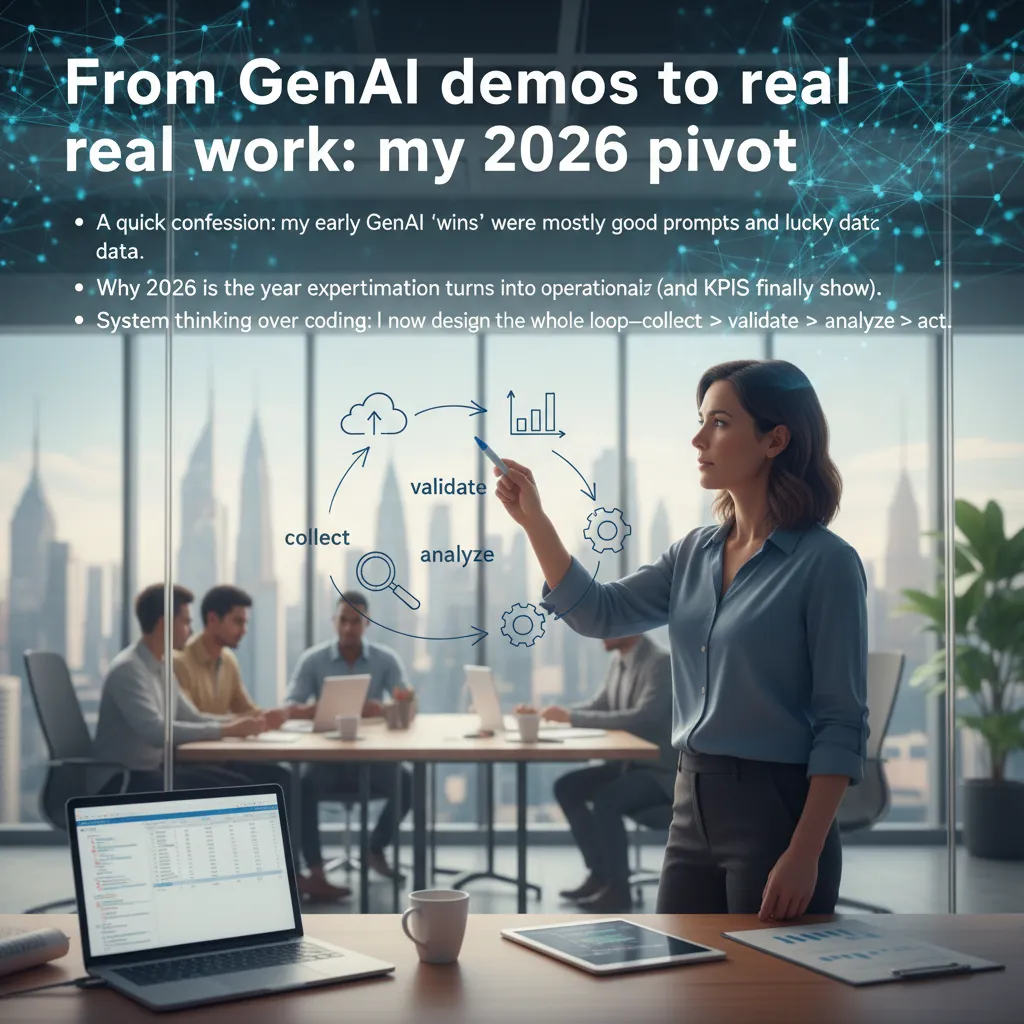
A quick confession: my early GenAI “wins” were mostly good prompts and lucky data. I could make a demo look smart in a notebook, but the moment it hit real workflows, the cracks showed: missing context, messy inputs, unclear ownership, and no way to measure impact.
In my 2026 data science AI strategy, I’m treating this as the year experimentation turns into operationalization. That’s when the KPIs finally show up: cycle time, error rate, cost per task, customer satisfaction, and risk. If I can’t tie a GenAI feature to a metric, it’s not “strategy”—it’s a toy.
System thinking over coding
I still code, but I spend more time designing the whole loop:
- Collect: what data the system is allowed to use, and what it must ignore
- Validate: checks for quality, privacy, and policy
- Analyze: models, prompts, retrieval, and evaluation
- Act: human review, automation rules, and feedback capture
My meeting-room test
I use a small “meeting-room test” before I ship anything: can the system explain itself in plain English under pressure? If it can’t answer “why this output?” and “what would change it?” then it’s not ready for production.
In 2026, I don’t ship models. I ship systems with accountability.
My wild card analogy: I treat AI like a new teammate. It needs onboarding (context), guardrails (rules), and performance reviews (ongoing evaluation). That mindset keeps my GenAI work grounded in real business outcomes.
2) Unified Data Foundation: boring, essential, and oddly political
My rule: if the data foundation is a swamp, your “smart” AI becomes a confident swamp creature. It will answer fast, sound sure, and still be wrong. In my 2026 data science AI strategy work, this is the part everyone wants to skip—until the first model ships and the numbers don’t match Finance.
What I mean by a Unified Data Foundation
I’m not talking about “one giant database.” I mean a shared foundation with:
- Shared definitions (what “active customer” means)
- Lineage (where the data came from and how it changed)
- Access patterns (how teams read/write data safely)
- Semantic context (metrics, dimensions, and business meaning)
This is the boring layer that makes AI strategy real: consistent features, trusted dashboards, and fewer “why is this different?” meetings.
Where Data Mesh fits (and where I’ve seen it go sideways)
I like Data Mesh when it’s decentralized ownership with centralized standards. It goes sideways when every domain invents its own metric names, access rules, and “just this once” pipelines. Then you don’t have a mesh—you have a patchwork.
A practical exercise: pick one golden dataset
Pick one dataset that matters (customers, orders, inventory) and treat it like a product:
- Define the contract (fields, meaning, freshness)
- Assign an owner and a change process
- Publish lineage and quality checks
Tiny tangent: naming conventions matter more than we admit. I once lost a week to customer_id vs client_id. That’s not a tech problem—it’s a coordination problem, which is why this layer gets oddly political.
3) AI Agents System Design: orchestration, not magic
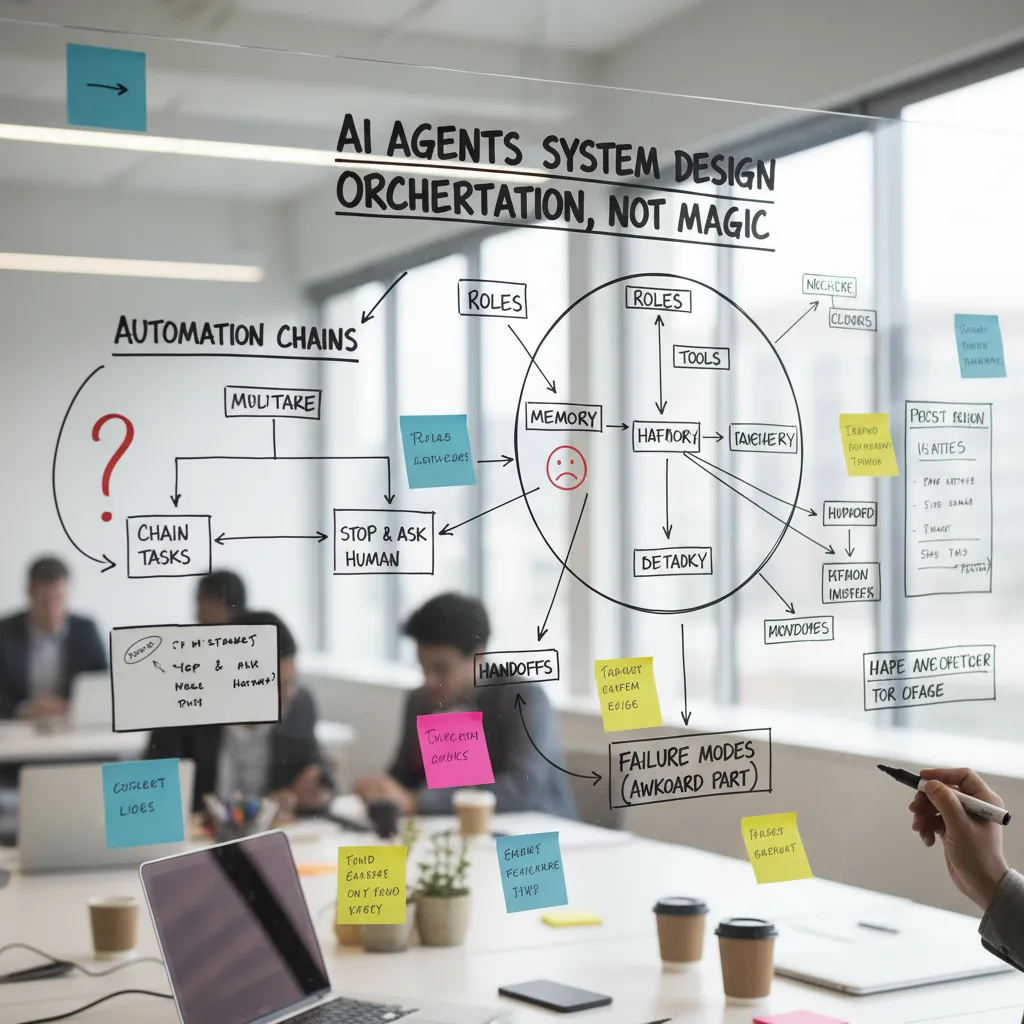
The moment I started drawing agent workflows on a whiteboard, things got… easier. I stopped thinking “the model will figure it out” and started designing orchestration: who does what, with which tools, and when to hand off.
Roles, tools, memory, and handoffs (plus failure modes)
In my playbook, an AI agent system is a set of small roles working together. Each role has clear inputs, allowed tools, and a memory boundary. I also write down the awkward part: how it fails.
- Roles: researcher, planner, writer, verifier, executor
- Tools: SQL, feature store, vector search, ticketing, email, dashboards
- Memory: short-term context vs approved long-term notes
- Handoffs: explicit “done” criteria and next-owner
- Failure modes: stale data, wrong tool, prompt drift, silent assumptions
Chaining tasks vs stopping for a human
Agent orchestrated automation chains are great for repeatable steps (pull data → summarize → draft). I stop the chain and ask a human when the agent hits policy, money, customer impact, or uncertainty it can’t resolve. A simple rule I use: if the action is irreversible, require approval.
Real-time observability context
I want to see prompts, tool calls, data lineage, and “why this answer.” If I can’t trace an output, I don’t trust it.
“If it’s not observable, it’s not automatable.”
My two-speed pattern
I run a fast agent for drafts and options, then a slow agent for verified outputs with citations, checks, and tool-based validation.
4) Vector Databases RAG: the unglamorous superpower
If I had to bet my budget, I’d fund retrieval before I’d fund bigger models. In most companies, the real problem is not “the model is too small.” It’s “the model can’t see what we know.” Vector databases + RAG fix that by letting the system pull the right internal facts at answer time.
Why “just dump PDFs” fails
Vector databases power retrieval augmented generation using embeddings (meaning-based search). But results depend on how I prepare the content:
- Chunking strategies: split by section, policy clause, or FAQ—not random pages.
- Metadata: product, region, effective date, owner, and source URL.
- Re-ranking: after initial retrieval, re-score top passages so the best evidence wins.
When teams “just dump PDFs,” they get broken chunks, missing context, and stale versions. The model then guesses, and it sounds confident while being wrong.
Domain knowledge engines that can be cited
I treat RAG like building a domain-specific knowledge engine: clean messy docs, dedupe, track versions, and store citations. My goal is simple: every answer should point to the exact paragraph it used.
A quick scenario
Yesterday, legal updates the refund policy. Without retrieval, a support bot repeats last month’s rule. With RAG, it retrieves the new clause and answers:
“As of 2026-02-09, refunds for annual plans follow the updated prorated schedule…”
Where it breaks
- Stale embeddings when docs change but vectors don’t.
- Permission leaks if retrieval ignores ACLs.
- Hallucinations with a too-confident tone when evidence is weak.
5) Prompt agent testing evaluation: my new ‘seatbelt’
I don’t trust an AI system until it has a test suite—same as code (maybe more). In my 2026 data science AI strategy guide, I treat prompt and agent behavior like a product surface: it must be measured, repeatable, and safe under change.
Golden datasets: offline evals that match real pain
I build a small golden dataset of 30–50 questions that represent our real work: the messy edge cases, the high-cost mistakes, and the “sounds right but is wrong” traps. I pick them from support tickets, sales calls, and analyst notes, then lock them as a baseline. Every prompt edit, model swap, or tool change must beat the baseline on accuracy, refusal quality, and citation behavior.
Prompt agent testing: regression, red-teaming, canaries
- Regression tests: same inputs, expected outputs, scored with simple rubrics.
- Red-teaming: jailbreaks, prompt injection, data leakage, and tool misuse.
- Canary prompts in production: a few known probes that run quietly to detect sudden behavior shifts.
Drift detection + human-in-the-loop
I set rules for what gets auto-approved vs escalated. Low-risk FAQs can ship with light checks. Anything touching money, policy, or customer data routes to a human review queue. Drift signals include rising disagreement rates, more “I’m not sure” answers, or changes in tool-call patterns.
My slightly grumpy aside: dashboards that only show latency are lying by omission.
I want quality, safety, and cost next to speed—otherwise we optimize the wrong thing.

6) Autonomous Analytics Copilots & Natural Language Dashboards
I used to hoard SQL like it was a secret handshake. If you didn’t know the joins, you didn’t get answers. Analytics copilots changed that dynamic fast: now a product manager can ask a question in plain English and still get a useful first pass.
What copilots do well (and where they fail)
In my playbook, autonomous analytics copilots shine at exploration: quick cuts, anomaly callouts, plain-language summaries, and lightweight forecasts. They help teams move from “can we query it?” to “what should we do?”
They struggle with definition wars. If “active user” means three things across teams, the copilot will confidently pick one unless I lock down a semantic layer and metric definitions.
Natural language dashboards without chart spam
Natural language dashboards are powerful, but they can create endless charts. I prevent that by keeping a small set of certified metrics and forcing every answer to map back to them.
- Metric catalog: one owner, one definition, one SQL source.
- Guardrails: limit new visuals unless they answer a decision.
- Consistency: same time windows, filters, and cohorts everywhere.
From rear-view BI to predictive analytics in workflows
Enterprise predictive analytics matters when it shows up inside work: sales prioritization, inventory alerts, churn risk in CRM—not in a separate BI tab. I treat forecasts as “next best action” suggestions with confidence and assumptions shown.
Fun test: the CFO asks mid-meeting, “Why did margin drop last week?” Can your copilot answer in 60 seconds with sources?
I require every response to cite tables, filters, and query links, like: finance.orders + finance.returns, last 7 days, region=NA.
7) Governance Control Mechanisms + Regulation Ready AI (EU AI Act vibes)
Governance used to feel like a brake. In 2026, it’s the steering wheel. When I run AI in production, I’m not just shipping models—I’m managing agents, tools, and LLM calls that touch real data and real decisions. Good governance keeps speed and control.
Data governance for AI workloads
My baseline is simple: control what agents can access, and prove what they did. That means least-privilege permissions, scoped tool access, and logs that connect every action to a user, a purpose, and a dataset.
Governance control mechanisms I rely on
- Lineage: where data came from, how it changed, and where it went.
- Policy checks: PII rules, retention rules, and “no external sharing” gates.
- Approvals: human sign-off for high-risk prompts, deployments, and data joins.
- Audit trails for LLM calls: prompts, tools used, retrieved sources, outputs, and timestamps.
EU AI Act vibes: build for transparency, explainability, and accountability from day one—not after an incident.
Regulation-ready AI by design
I design systems so I can explain what happened, why it happened, and who approved it. I also track model versions, evaluation results, and known limits. If a workflow can’t be explained, I treat it as not ready.
My audit packet checklist
- Inputs (datasets, fields, and access grants)
- Sources (RAG citations, URLs, document IDs)
- Prompts (templates, system messages, tool instructions)
- Outputs (final answer + intermediate tool results)
- Reviewers (names/roles, approvals, and change history)
8) Synthetic Data Workflows: privacy, speed, and the awkward validation step
Synthetic data privacy enhancing sounds like a cheat code—until I check distribution drift. I’ve learned the hard way: “looks realistic” is not the same as “behaves like the real thing.” If the synthetic version shifts key patterns, my model tests can lie to me, and my analytics can look better than they should.
Where I use synthetic data (and where I don’t)
- Testing: load tests, pipeline checks, and edge-case simulations.
- Sharing: giving partners or vendors something useful without exposing sensitive records.
- Prototyping: quick dashboards, feature ideas, and early model experiments.
- Not for final truth: I don’t treat synthetic data as the ground truth for final model performance or business decisions.
The awkward validation step I force myself to do
Before I celebrate, I compare key distributions between real and synthetic. It’s simple, but it catches most problems early.
| Check | What I compare |
|---|---|
| Univariate | means, medians, histograms for top fields |
| Relationships | correlations, group-by rates (e.g., churn by segment) |
| Rare events | fraud rate, error codes, outliers |
If those drift, I treat the synthetic generator like a model: tune it, retrain it, or narrow the use case.
Why it still matters in 2026
Synthetic data unlocks scaling analytics without exposing sensitive info. I can move faster, unblock reviews, and let more people explore data safely—without copying raw customer records everywhere.
Wild card thought experiment: if I had to open my dataset to a partner tomorrow, what would I synthesize first?
Conclusion: My surprisingly simple 2026 checklist (and the ‘coffee test’)
If I had to shrink this entire 2026 Data Science AI Strategy Guide into one page, my checklist would look almost boring: unify data, design agents, add RAG, test relentlessly, and govern like you mean it. That’s it. Not because the work is easy, but because the winning teams keep the core simple and repeatable. When these pillars connect, they form an intelligence layer—a unified convergence of data, models, tools, and feedback loops that actually ships to production.
The ‘coffee test’
Here’s my favorite reality check: could I explain our AI system to a new hire over coffee without hand-waving? If I can’t clearly describe where the data comes from, how the agent decides, what the RAG layer retrieves, how we measure success, and who approves changes, then the system is not ready. It’s a demo, not a strategy.
A gentle warning I keep repeating to myself: the fanciest model won’t save an unowned metric or an unlogged prompt. If nobody owns the KPI, you can’t improve it. If prompts and tool calls aren’t logged, you can’t debug failures. If evaluations aren’t automated, you can’t trust updates. Governance is not paperwork; it’s how you keep speed without breaking trust.
My call to action for this quarter is simple: pick one workflow—support, finance, or ops—and operationalize it end-to-end. Unify the data, ship the agent with RAG, instrument it, test it, and govern it. Then repeat.
TL;DR: By 2026, winning with AI is less about “training a model” and more about operationalizing agentic systems on a unified governed data foundation: RAG + vector databases, rigorous evals (golden datasets, offline testing, drift), autonomous analytics copilots, synthetic data workflows, predictive/prescriptive intelligence, and regulation-ready governance (e.g., EU AI Act).


