

Last year I watched a team celebrate “record model accuracy”… while the help desk quietly melted down because the workflow around it was held together by three spreadsheets and a prayer. That week, I learned (again) that AI doesn’t fail loudly—it fails in the handoffs: the queue nobody owns, the dashboard nobody trusts, the compliance checkbox nobody updates. So this post is my practical cheat sheet: the 15 AI Operations Metrics I wish every leader tracked before approving the next round of AI investments.
Core Pillars: the 15 metrics (at a glance)
When I’m talking with leaders about AI operations, I notice the same problem: everyone tracks something different, and in a real incident or board update, it’s hard to recall what matters most. So I group the 15 AI Operations metrics into five buckets. This makes them easier to remember under pressure and easier to assign to owners.
Bucket 1 — Reliability (does AI stay up and recover fast?)
- SLA attainment: percent of time AI services meet agreed uptime/latency targets.
- Incident rate: how often AI-driven systems trigger production incidents.
- Mean time to recovery (MTTR): how quickly we restore normal service after failure.
Bucket 2 — Data & systems (is the engine fed and connected?)
- Data freshness: how current key inputs are (and how often they go stale).
- Integration health across connected ecosystems: success rate and latency of critical API/data flows.
- Fragmented systems index: how many handoffs, tools, and duplicate sources exist in the workflow.
Bucket 3 — Value (are we getting real business impact?)
- Measurable ROI: value delivered versus total cost, tied to a clear baseline.
- Cost savings: hard-dollar reduction (cloud spend, vendor costs, labor hours converted to savings).
- Throughput / work removed (not “usage”): tasks eliminated or cycle time reduced, not just prompts or logins.
Bucket 4 — Risk (are we safe, compliant, and responsible?)
- Responsible AI scorecard: a simple rubric for privacy, explainability, safety, and human oversight.
- Compliance automation coverage: percent of controls tested continuously (not manually once a quarter).
- Drift & bias monitoring cadence: how often we check performance shifts and fairness signals.
Bucket 5 — Scale (can we move from pilots to repeatable delivery?)
- Experiment-to-operations conversion rate: how many pilots become stable, owned production services.
- Multi-agent/multiplayer workflow success rate: percent of end-to-end runs that finish correctly across tools/teams.
- Time-to-deploy changes: how long it takes to ship model, prompt, policy, or pipeline updates safely.
I treat these five buckets like a dashboard: reliability keeps trust, data keeps accuracy, value keeps funding, risk keeps permission, and scale keeps momentum.

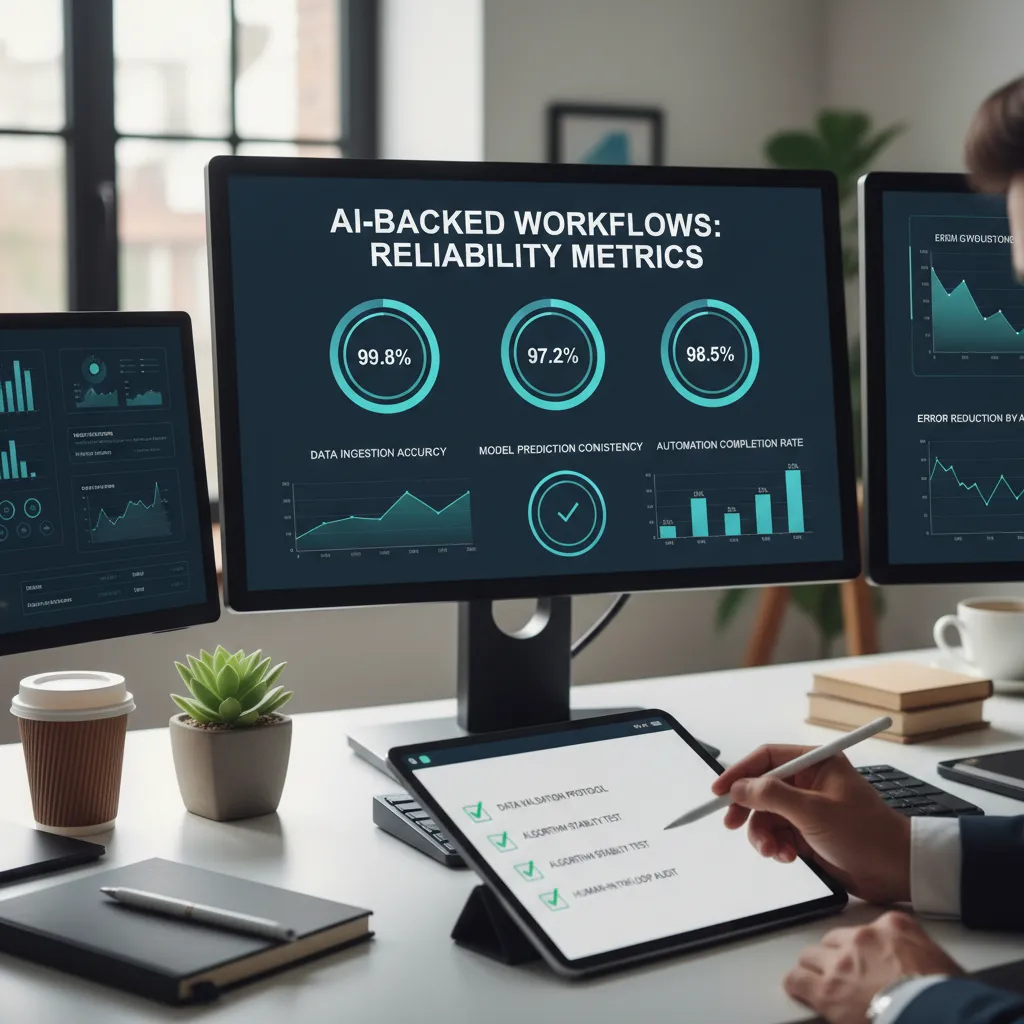
AI Backed Workflows: reliability metrics I check weekly
When leaders ask me if our AI workflows are “reliable,” I don’t answer with vibes. I answer with three weekly metrics that tell me whether automation is actually helping the business—or quietly creating risk. I review them every week because AI-backed workflows can look fine in dashboards while users feel the pain in delays, rework, or support tickets.
Metric 1: Workflow SLA attainment
This is the percent of workflow runs that meet our agreed time and quality targets. I treat it like the heartbeat of AI operations: if SLA attainment drops, something is off even if the model accuracy chart looks stable.
- Time target: Did the run finish within the expected window (for example, under 2 minutes)?
- Quality target: Did it produce an acceptable outcome (for example, low manual review rate or correct routing)?
I like to track SLA attainment by workflow step (ingestion, feature creation, inference, human review) so I can see where the slowdown or quality slip starts.
Metric 2: Incident rate
I track AI-related tickets per 1,000 transactions. This normalizes for volume, so a busy week doesn’t hide problems. I include issues like wrong classifications, broken integrations, missing data, and “the model is acting weird” reports.
To keep it clean, I use a simple definition: if the ticket requires a change to the model, data pipeline, prompt, or AI workflow logic, it counts.
Metric 3: MTTR (with time-to-diagnose vs time-to-fix)
MTTR is hours from detection to recovery. But I split it into two parts because they tell different stories:
- Time-to-diagnose: How long it takes to find the real cause (data drift, bad deployment, vendor outage, prompt regression).
- Time-to-fix: How long it takes to apply and ship the fix (rollback, retrain, config change, patch).
My personal rule: if MTTR is improving but incidents aren’t, you’re getting faster at cleanup—not preventing messes.
Tiny tangent: I like naming incidents like storms—“Model Drift Monday” or “Prompt Spike Thursday”. It sounds silly, but it makes postmortems oddly more humane, and people remember the lessons.
Connected Ecosystems: measuring the hidden tax of fragmented systems
In AI operations, I’ve learned that model quality is only half the story. The other half is the ecosystem the model depends on: tickets, logs, data pipelines, feature stores, dashboards, and the people moving between them. When systems are fragmented, every handoff adds delay, risk, and confusion. That “hidden tax” shows up as slow incident response, stale insights, and teams arguing over whose numbers are right.
I’ve seen an “average 17 worktech tools” stack turn a simple question into a week-long scavenger hunt.
Metric 4: Fragmented systems index
This metric answers: how many tools touch one process end-to-end? I track it per workflow (not per team), because fragmentation is usually a workflow problem.
- Definition: Count distinct systems used from trigger → decision → action → reporting.
- Example workflow: “Detect anomaly → open incident → assign owner → deploy fix → confirm recovery.”
- Why it matters: Each extra tool adds context switching and more places for data to drift.
Metric 5: Integration health
Even if you have many tools, you can reduce pain by making integrations reliable. I measure % of critical connectors passing daily checks.
- Definition:
(# connectors passing checks / # critical connectors) * 100 - Daily checks: auth valid, schema unchanged, latency within threshold, error rate acceptable.
- What I watch for: “green” integrations that still deliver partial data (silent failures).
Metric 6: Data freshness
AI ops teams often debate accuracy when the real issue is time. I track median minutes/hours from source to feature/store/dashboard. Median is important because averages hide long delays.
| Stage | Freshness target | Common failure |
|---|---|---|
| Source → pipeline | < 15 min | batch jobs slipping |
| Pipeline → feature store | < 30 min | schema mismatch |
| Feature store → dashboard | < 60 min | cache not updating |
Practical move
Before I add a new model, I pick one cross-system workflow and make it More Connected: fewer tools in the path, clearer ownership, and automated checks for integrations and freshness. That single change often improves AI outcomes faster than tuning another parameter.
ROI Measurement without vanity metrics (my ‘work removed’ test)
When I measure AI operations success, I avoid vanity metrics like “daily active users” or “number of prompts.” Those numbers can go up while the business gets no real value. In AI Ops, I prefer arguing about dollars and hours, because they connect directly to outcomes leaders care about.
Metric 7: Measurable ROI tied to a business outcome
I track ROI as net benefit / cost, and I tie it to one clear outcome: faster case resolution, fewer refunds, lower support cost, or higher order accuracy. If the outcome is fuzzy, the ROI will be fuzzy too.
| ROI Inputs | Examples |
|---|---|
| Benefits | Labor hours saved, fewer errors, reduced rework, faster cycle time |
| Costs | Model/API spend, engineering time, monitoring, compliance, vendor fees |
Simple formula I use: ROI = (Benefits - Costs) / Costs. I also document assumptions (volume, wage rate, error cost) so the math can be challenged and improved.
Metric 8: Work removed (hours eliminated per month)
This is my favorite “work removed” test: if we turned the AI off tomorrow, how many hours of manual work would come back? That number is hard to fake. I measure it as hours of manual steps eliminated per month, not “time saved per user” in a survey.
- Baseline: average manual minutes per case before AI
- After: manual minutes per case after AI + any new steps
- Work removed: (baseline – after) × monthly volume
Metric 9: Throughput after AI goes live
Even if time per case drops, I still check throughput: cases/orders/requests completed per day. Throughput shows whether the system actually moves more work through the pipeline, or if bottlenecks just shifted to another team.
I’d rather debate “we removed 120 hours/month” than “engagement is up 18%.”
Hypothetical scenario: do we still win?
Say AI saves 10 minutes per case, but adds one compliance review step that takes 3 minutes. Net savings is 7 minutes. If you handle 2,000 cases/month, that’s 14,000 minutes (233 hours) removed. Then I compare that benefit to total AI costs and confirm throughput didn’t drop due to compliance queueing. If dollars and hours improve, the AI Ops metric story is real.
Responsible AI as an operations metric (not a policy PDF)
I used to think governance slowed teams down—then I watched a “minor” data leak eat an entire quarter. Not because we lacked a policy, but because we lacked operational checks that ran every day. That’s why I treat Responsible AI like uptime: measurable, monitored, and owned by the team shipping models.
The goal is boring reliability: fewer surprises, faster approvals, calmer audits. To get there, I track three metrics that turn Responsible AI from a document into a workflow.
Metric 10: Responsible AI scorecard
This is the percentage of models that pass a standard set of checks before release (and on a schedule after release). I keep it simple and consistent across teams:
- Fairness: does performance hold across key user groups?
- Privacy: are we minimizing sensitive data and preventing leakage?
- Explainability: can we explain outputs at the level our users and regulators expect?
I report it as: % models passing / total models evaluated. If the score drops, it’s a signal that our pipeline is letting risk through—not that people need another training.
Metric 11: Automated compliance coverage
Policies don’t scale; automation does. This metric measures the percentage of required controls that are enforced automatically inside AI workflows (CI/CD, feature stores, model registries, and deployment gates).
I track: % controls automated / total required controls. Examples of “automated controls” include PII scanning, access rules, dataset lineage capture, approval gates, and logging defaults. When coverage rises, reviews get faster because humans are checking exceptions, not re-checking basics.
Metric 12: Model drift & bias monitoring cadence
Responsible AI isn’t “set and forget.” I measure two things together:
- Days between checks (cadence): how often drift and bias tests run in production
- % alerts triaged: how many monitoring alerts are reviewed and resolved within an agreed SLA
When monitoring is rare or alerts pile up, risk becomes invisible—until it becomes urgent.
In practice, I want frequent checks for high-impact models and a high triage rate. If cadence is good but triage is low, the system is noisy or the team is overloaded. If triage is high but cadence is poor, we’re reacting too late.

From AI Experiments to AI Operations: scale metrics for 2026
By 2026, I expect most AI teams to stop asking, “Can we build it?” and start asking, “Can we run it every day?” That shift is the real move from AI experiments to AI operations. In my experience, leaders don’t need more dashboards—they need a few AI ops metrics that force clear decisions about what gets funded, what gets fixed, and what gets shut down.
Metric 13: Experiment-to-operations conversion rate
Experiment-to-operations conversion rate is the percentage of pilots that become supported products. I like this metric because it exposes a common problem: teams run many proofs of concept, but only a small number become reliable AI services with monitoring, on-call ownership, and a real user promise. If this rate is low, it usually means we are treating AI like a demo machine instead of a product line. If it’s high, it signals we have a repeatable path from idea to production, which is the heart of AI operations.
Metric 14: Time-to-deploy a safe change
Time-to-deploy a safe change measures the days from an approved PR to production. For AI systems, “safe” matters as much as “fast.” I track this because model behavior can drift, prompts can break, and data can change without warning. When this metric is too slow, teams avoid updates and risk bigger failures later. When it’s fast but messy, teams ship regressions. The goal is a steady, trusted release process that keeps quality high while still moving quickly.
Metric 15: Multiplayer AI / Multi Agent workflow success rate
Multiplayer AI / Multi Agent workflow success rate is the percentage of tasks completed end-to-end without human rescue. As multi-agent systems show up in support, research, and internal tooling, this metric tells me whether the workflow is truly operational or just impressive in a controlled test. If humans constantly step in, we don’t have automation—we have hidden labor.
I’m optimistic about 2026—but only for teams who treat AI like a factory, not a science fair. The closing thought I keep coming back to is simple: the best ops metric is the one that changes a meeting agenda tomorrow morning.
TL;DR: Track AI Operations Metrics across five buckets: workflow reliability, data & systems connectivity, ROI measurement (work removed + throughput), Responsible AI, and scaling readiness. If you can’t measure outcomes weekly, you’re still experimenting.


