
I still remember the first time I watched an HR team “automate” onboarding by stitching together five tools and a spreadsheet that had more tabs than a browser. It worked… until it didn’t. That experience keeps coming back to me as we head into AI in HR 2026—because the real challenge isn’t buying AI, it’s making it behave like a teammate: consistent, governed, and actually useful on a Tuesday afternoon when everything’s on fire.
Turning Point 2026: From Bots to Orchestration
In my view, 2026 feels different because we’re no longer just automating single HR tasks with bots. We’re shifting toward AI workforce orchestration: end-to-end flows that connect recruiting, onboarding, payroll, learning, and employee support into one coordinated experience. The “Comprehensive HR AI Strategy Guideundefined” frames this shift as moving from isolated efficiency wins to a system that can route work, enforce rules, and keep context across the employee lifecycle.
My gut-check exercise: the 10 HR moments people remember
When I’m deciding where to apply HR AI, I do a quick gut-check. I list the 10 HR moments employees actually remember, then I circle the ones that could be quietly improved by AI voice agents or workflow automation.
- First-day onboarding and access
- Manager’s first 1:1 cadence
- Benefits enrollment questions
- Payroll issues and corrections
- Time-off requests and approvals
- Policy questions (“Can I…?”)
- Performance review deadlines
- Internal mobility and job changes
- Leave of absence and return-to-work
- Offboarding and final pay
Then I ask: where do people get stuck, repeat themselves, or hear different answers depending on who they ask? Those are orchestration opportunities.
Key impacts I see when orchestration works
- Faster cycles: fewer handoffs, less waiting, clearer next steps.
- Fewer policy “interpretations”: the workflow applies the same rules every time, with documented exceptions.
- More consistent employee experience: even if the HR team is small, service feels steady and responsive.
A wild-card analogy I use
If 2018 HR tech was a toolbox, 2026 HR AI is a stage manager calling cues—lights, sound, and exits included.
Where I’m cautious: avoid “automation theater”
Orchestration without governance becomes automation theater: impressive demos, messy reality. I watch for unclear ownership, weak data controls, and AI agents that can’t explain decisions. If we can’t audit it, we shouldn’t orchestrate it.
HR Data Foundation: Making Sense of Unstructured Workforce Data
Confession: I’ve seen “data lakes” become data swamps. So I start with a boring question that saves months of pain: what decisions do we want to make faster? If we can’t name the decision, we can’t design the data foundation for HR AI.
Start with decisions, then map messy data to outcomes
Most workforce data is unstructured: résumés, emails, performance reviews, interview notes, and open-text survey comments. I map each source to a clear outcome, so the team knows why we’re cleaning it.
- Skill gap detection: résumés + learning history + role profiles
- Retention forecasting analytics: performance notes + manager feedback + mobility signals
- Hiring quality: interview notes + scorecards + early performance indicators
Build a lightweight HR knowledge graph (or at least a taxonomy)
AI struggles when HR systems disagree on basic terms (job family, level, location, policy names). I build a lightweight HR knowledge graph—even if it starts as a simple taxonomy—so AI can navigate HR data without hallucinating policies or mixing up roles.
At minimum, I define:
- People, roles, skills, teams, locations, and time periods
- Approved policy sources (handbook, intranet pages, HRIS fields)
- Synonyms (e.g., “SWE” = “Software Engineer”)
My rule of thumb: if a manager can’t explain the data source in one sentence, it’s not ready for predictive talent modeling.
Two practical AI-driven examples
- Convert interview feedback into structured signals: I use AI to tag notes into consistent fields like role skills, risk flags, and evidence strength, then store the tags—not the raw opinion—as the modeling input.
- Normalize role skills for job recommendations: I standardize skills (e.g., “Excel,” “Advanced Excel,” “Spreadsheets”) into one skill node, then match people to roles based on skills and intent (career goals, learning activity, internal applications).
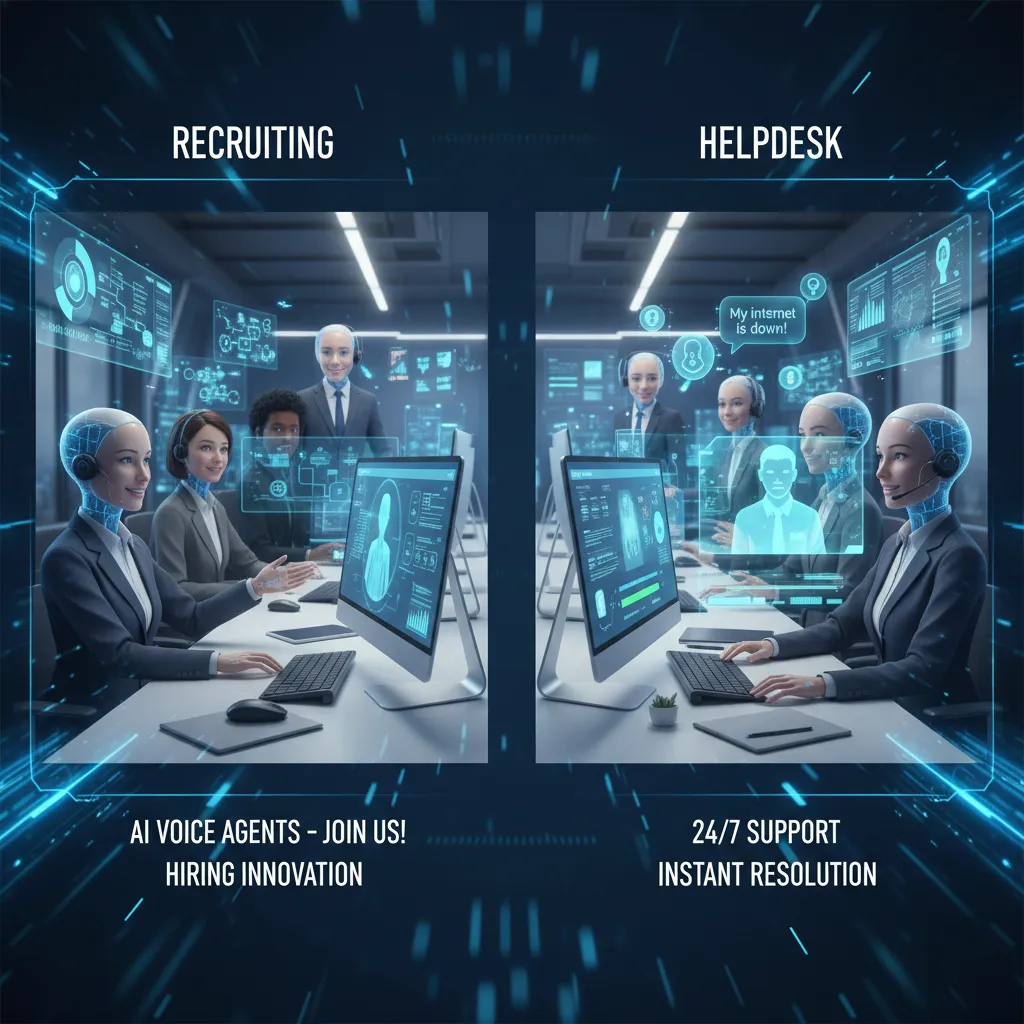
AI Voice Agents (Yes, on the Phone): Recruiting to Helpdesk
The moment I became a believer was not a demo. It was a messy week of interview scheduling. An AI voice agent handled the back-and-forth better than any shared inbox ever did (and nobody had to reply all). It confirmed time zones, offered open slots, and sent clean calendar holds. The recruiters stayed focused on people, not ping-pong emails.
Where AI voice agents fit in HR
In my 2026 HR AI strategy planning, I treat voice as a front door: fast, always on, and great for repeatable questions. The best use cases are the ones with clear rules and high volume.
- Candidate pre-screens (basic qualifications, availability, pay range alignment)
- Interview scheduling (reschedules, reminders, no-show reduction)
- Benefits guidance (plan options, deadlines, “where do I find…”)
- Onboarding FAQs (day-one logistics, forms, equipment steps)
- Multilingual HR helpdesk (consistent answers across languages and shifts)
The design choice that matters most: act vs. hand off
I always decide, up front, where the voice agent can take action (book, update, open a ticket) versus where it must hand off to a human. This is especially important for sensitive employee issues like harassment, medical topics, leave disputes, or performance concerns. A simple rule helps: if the outcome could impact someone’s job, safety, or privacy, the agent should escalate.
“Automation is great, but escalation is trust.”
Hyper-practical tip: write “golden questions”
For candidate pre-screens, I write a short set of golden questions so the agent stays consistent and compliant. I keep them job-related, plain language, and easy to audit.
- “Are you authorized to work in [country]?”
- “Can you work [required schedule]?”
- “Do you have [required certification]?”
Small tangent: voice UX is awkward at first
Some employees won’t want to talk to a bot. I plan for that by offering a non-voice fallback: chat + a searchable knowledge base. Adoption stays steady when people can choose the channel that feels easiest.
Hyper-Personalized Journeys Across the Talent Lifecycle
In my HR AI playbook, hyper-personalization is not a “nice to have.” It’s how I stop treating people like generic records in an HCM system. When AI uses the right signals (skills, goals, role needs, and past choices), the talent lifecycle feels less like a workflow and more like a guided path that respects the individual.
Why It Matters
Personalization improves speed and trust at the same time. Employees get relevant options without digging through portals, and managers get clearer next steps without waiting for HR to run reports. Done well, it also supports fairness: decisions rely on consistent skill data instead of who speaks the loudest.
What Personalization Looks Like (End to End)
- Job recommendations based on verified skills and stated intent (e.g., “I want to move into maintenance planning”).
- Tailored recruiting messages that match a candidate’s experience and motivations, not a generic template.
- Personalized development pathways that map role requirements to learning, projects, and mentors.
Scenario: Frontline Supervisor, Real-Time Support
Imagine a frontline supervisor in manufacturing energy infrastructure. A new safety standard rolls out, and the system detects a skill gap based on required certifications and recent task assignments. The supervisor gets an alert and a two-week learning plan—micro-lessons, a short checklist for the next shift handover, and a quick assessment—without asking HR for a report or waiting for the next training cycle.
My Guardrail: Explainable, Not Creepy
“Because you said X / your role needs Y” beats “we noticed your late-night searches…” every time.
I require every personalized nudge to show the why in plain language and to use approved data sources. If I can’t explain it, I don’t ship it.
AI-Driven Examples I Use
- Adaptive learning paths that change after a performance check-in (e.g., more practice on lockout/tagout after a coaching note).
- Internal mobility nudges that surface roles, gigs, or mentors before attrition risk spikes—based on skills match and career signals, not surveillance.
Agentic AI Systems: Your New ‘Multiplayer HR Work’ Model
My opinionated take: agentic AI adoption is less about replacing HR roles and more about creating AI-assisted roles that expand capacity. In the “Comprehensive HR AI Strategy Guideundefined” mindset, the win is not “fewer people,” it’s faster service, cleaner data, and more time for human judgment where it matters.
What “Agentic AI” Means in Plain Terms
I think of agentic AI systems as a team of small AI agents that employees can delegate to—each with a narrow job and clear permissions. Instead of one big chatbot doing everything, you set up multiple helpers that can:
- Read and summarize (but not approve)
- Draft messages (but not send without review)
- Pull data from HR systems (but only what they’re allowed to see)
- Route work to the right human owner
This “multiplayer HR work” model matters because HR work is already distributed across HR, managers, IT, and employees. Agentic AI simply makes the handoffs smoother.
Actions to Take: Start with One Workflow and Design Handoffs
I would start with one workflow—onboarding is perfect—then design handoffs like I would for a human teammate. That means defining:
- Inputs (forms, tickets, offer details)
- Permissions (what systems and fields the agent can access)
- Decision points (what requires human approval)
- Outputs (checklists, emails, tasks, summaries)
“If you can’t explain what the agent is allowed to do, you can’t safely deploy it.”
What I’d Pilot First (With Human Review)
- HR systems navigation agent to guide managers through HRIS steps and reduce “how do I…?” tickets
- Policy Q&A agent grounded in your handbook and local rules, with citations
- Case summarizer that drafts a neutral timeline and key facts for ER/HR cases (human review required)
Organizational Impact: CHRO as Strategic Operator
At the top, this pushes a CHRO strategic operator mindset: bringing predictive models (attrition risk, hiring capacity, skills gaps) to the boardroom with financial-forecasting discipline—assumptions, confidence ranges, and clear accountability for decisions.
AI Governance Framework (Non‑Negotiable, Sorry)
Why It Matters (again)
In 2026, HR is no longer “testing AI.” We’re deploying tools that can shape hiring, pay, performance, and exits. That puts many HR use cases in the high-risk bucket. When governance is sloppy, the first thing we lose is trust—from employees, candidates, works councils, and regulators. I’ve learned that a smart HR AI strategy is not just about accuracy; it’s about being able to explain, control, and prove what the system is doing.
Build the Framework Before You Scale
My baseline AI governance framework has four parts:
- Data governance standards: what data we can use, where it comes from, how long we keep it, and who can access it.
- Model monitoring: performance drift, bias drift, and “weird output” tracking, not just uptime.
- Vendor contracts: clear terms for data use, security, audits, and incident response.
- Escalation path: a named owner and a fast route from HR to Legal, Security, and Compliance when something breaks.
Procurement Checks I Won’t Skip
When I buy HR AI tools, I treat procurement like risk control. My practical checks include:
- Data minimization: only collect what the use case truly needs.
- Zero data retention (or strict limits): vendors should not keep prompts, resumes, or transcripts by default.
- Audit logs: I need logs for inputs, outputs, access, and admin changes.
- Bias testing routines: documented tests, frequency, and what happens when results fail.
A Mini “Red Team” Exercise I Like
I run a simple test: I ask the system to do something it should refuse, like infer medical status from attendance notes. If it complies, I treat that as a governance failure, not a “user error.”
Close the Loop: Monitoring Is a Habit
Continuous monitoring isn’t a quarterly meeting—it’s dashboards, alerts, and clear ownership. If no one is accountable for the metrics, the framework is just a document.
Strategic Pillars 2026: Reskilling, Redesign, Reality Checks
When I build an HR AI plan for 2026, I start with a hard truth: most organizations can’t hire their way into AI maturity. The market is tight, budgets are tighter, and even great hires struggle if the rest of the system stays the same. So I treat workforce reskilling as the first pillar, not a side project. I focus on practical skills people can use this quarter—prompting basics, data judgment, AI risk awareness, and how to review AI output—then I tie learning to real workflows so it sticks.
Reskilling That Matches Real Work
I don’t aim for everyone to become a data scientist. I aim for every team to know what AI can do, what it can’t do, and how to work with it safely. That means role-based learning paths, manager coaching, and time blocked for practice. If we don’t create space, reskilling becomes “extra work,” and adoption stalls.
Hybrid Intelligence Job Redesign
The second pillar is job redesign. I update roles, workflows, and expectations so humans and AI don’t step on each other’s toes. I map tasks into three buckets: tasks AI can draft, tasks humans must decide, and tasks that need both. Then I clarify ownership: who reviews, who approves, and who is accountable when AI is involved. This reduces confusion and protects decision quality.
A Simple Change Move: AI Etiquette
The third pillar is a reality check: change management. My simplest move is an “AI etiquette” one-pager that answers: what to automate, what to escalate, and what to document. It also sets clear rules for sensitive data, bias concerns, and when to stop and ask for help. This small artifact prevents big mistakes.
To measure success, I look beyond the “number of automations.” I track cycle-time improvements, employee sentiment, and the quality of decisions—fewer rework loops, clearer approvals, and better outcomes. In the end, the HR AI playbook isn’t a document; it’s a practice I revisit and refine as adoption accelerates and the work keeps changing.
TL;DR: If you want HR AI to matter in 2026, build an HR data foundation first, choose a few high-leverage workflows (recruiting, onboarding, employee support), adopt agentic AI systems with guardrails, and invest in workforce reskilling programs so humans stay in the driver’s seat.


