

The first time I tried to “add AI” to a product, I treated it like a feature flag: ship it, watch the numbers, call it done. Two weeks later, support tickets turned into a bonfire—wrong answers, weird edge cases, and the classic: “It sounded confident, but it was wrong.” That experience taught me that implementing AI isn’t a sprinkle-on upgrade; it’s a systems change. In this guide, I’ll walk through the practical steps I now use—from business goals to data readiness to model deployment—plus the messy human parts (stakeholders, trust, and budget reality).
Executive Summary: AI Implementation 2026 in one page
When I implement AI in a product, I start with one “north star” definition of success: a real user problem solved measurably—not a demo that dazzles. If we can’t name the user, the pain, and the metric, we don’t have an AI project yet. We have a science fair.
My 5-Pillar Framework for AI implementation
This guide follows the same step-by-step flow I use in real launches:
- Data Readiness: Do we have the right data, enough of it, and can we use it legally?
- Architecture Selection: Should we use rules, classic ML, fine-tuning, or an LLM API?
- Evaluation: What does “good” mean, and how do we test it before users do?
- Deployment: How do we ship safely, monitor, and iterate without breaking trust?
- Governance: Who owns risk, privacy, bias checks, and change control over time?
Reality check: why AI projects fail (and early warning signs)
- Vague goals → no target metric, only “make it smarter.”
- Weak data → missing labels, messy logs, or data you can’t actually access.
- Wrong architecture → overbuilding when a simpler approach would work.
- No evaluation plan → “looks good” replaces repeatable tests.
- Deployment gaps → no monitoring, no rollback, no human-in-the-loop.
- Governance ignored → privacy, security, and compliance show up too late.
What this guide covers (and what I skip)
I focus on practical AI product implementation: scoping, data checks, choosing an approach, building evaluation, launching, and operating responsibly. I’m intentionally skipping academic model theory and deep math. You’ll get what you need to make decisions, not to publish papers.
60-second boardroom pitch (steal this)
“We’re solving [user problem] for [target users]. Success means improving [metric] from [baseline] to [target] within [time]. We’ll start with data readiness, pick the simplest architecture that meets quality, and prove it with an evaluation set before launch. We’ll deploy with monitoring, fallback, and clear governance for privacy and risk. Budget is [cost], and we’ll know in [weeks] if it’s working.”

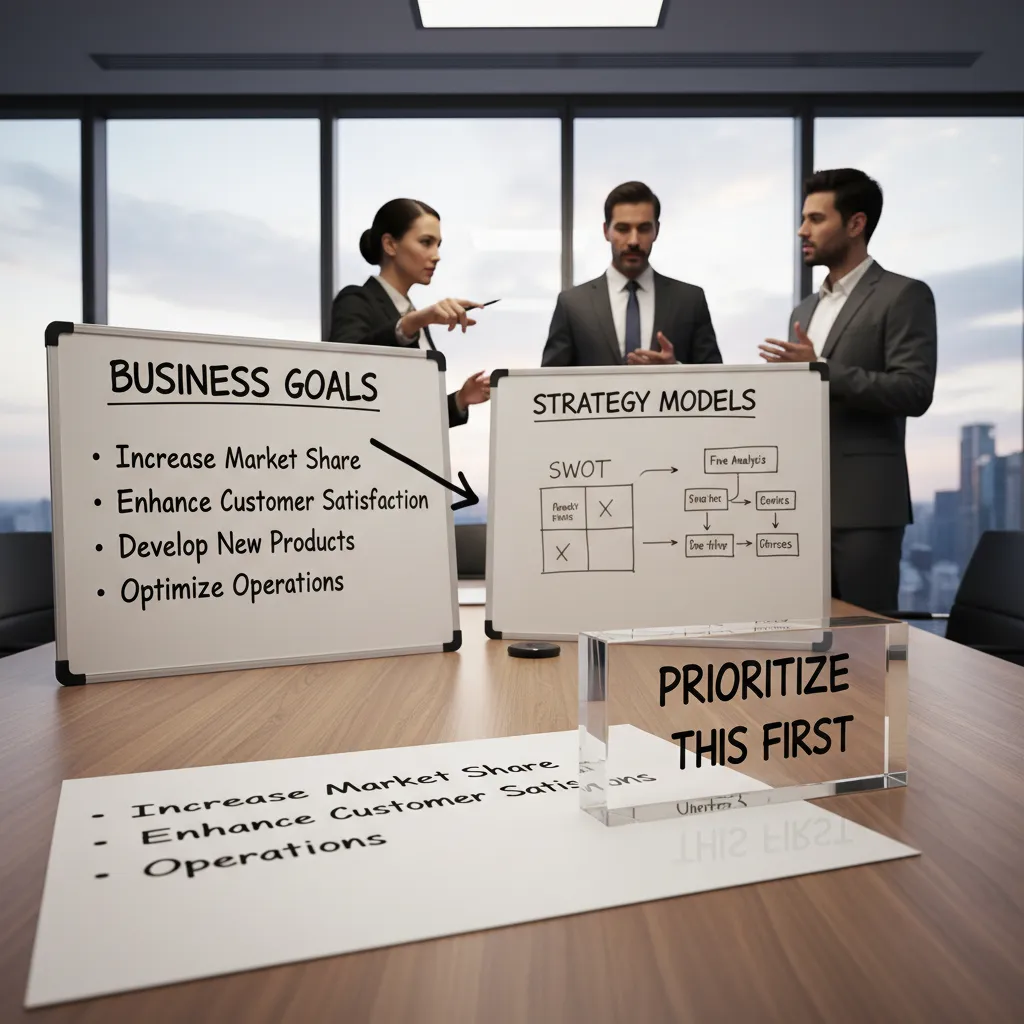
Strategy Development: Business goals before models
If we can’t ship AI, what do we do instead?
That’s the uncomfortable question I ask first, and it comes straight from the “implement AI in product” playbook: start with the business outcome, not the model. If the fallback plan is “we have nothing,” the AI idea is probably not tied to a real user problem. But if the fallback is clear (better search, clearer onboarding, new reports, faster support), then AI becomes one option to reach a goal—not the goal itself.
Use case prioritization (simple, but strict)
I rank AI use cases with four factors so we don’t get stuck debating opinions:
- User value: does it remove a real pain or create a clear win?
- Feasibility: do we have data, access, and team skills?
- Risk: privacy, compliance, brand harm, and wrong answers.
- Time-to-learn: how fast can we run a pilot and measure?
Map ideas to the B2B buying journey
I also map each idea to the B2B funnel, handbook-style, because AI features often sell differently than they demo:
| Stage | What AI should help with |
|---|---|
| Awareness | Explain value fast (content summaries, benchmarks, simple insights) |
| Consideration | Reduce evaluation work (RFP drafts, security Q&A, tailored demos) |
| Decision | Lower risk (audit trails, admin controls, clear limits, ROI proof) |
A tiny tangent: “cool tech” roadmaps quietly kill budgets
When the roadmap is driven by shiny models, teams ship demos that don’t move retention, revenue, or cost. Leaders then label AI as “expensive experiments” and funding disappears. Strategy prevents that.
Mini-example: Chatbots vs. internal data analysis assistant
If I’m choosing between deploying chatbots and an internal data analysis assistant, I score both. Chatbots may boost Awareness and deflect tickets, but risk wrong answers. An internal assistant may have lower external risk, faster time-to-learn, and direct cost savings for sales ops or support—often a better first launch.
Foundation Building: Data readiness (the part nobody brags about)
When I use the step-by-step approach from How to Implement AI in Product, I start with data readiness before I touch models. It’s not exciting, but it decides whether the AI feature ships or stalls.
Data infrastructure basics: what I check in week 1
- Schemas: Do key fields mean the same thing across systems? I look for “same name, different meaning” traps.
- Ownership: Who is responsible for each dataset, and who approves changes?
- Access: Can the team get data safely (roles, audit logs), or are we emailing CSVs?
- Retention: How long do we keep raw events, labels, and model outputs? Can we reproduce last month’s results?
Quality vs. quantity: where “good enough” is—and where it’s not
I don’t chase perfect data. For many product AI use cases, good enough means: consistent formats, low missing rates on critical fields, and labels that match the real user outcome. But it’s not good enough when errors create harm: compliance, safety, billing, or anything that changes user trust. In those cases, I set stricter checks and block launch until we can measure and explain failures.
Data pipelines and feedback loops
One-time training is a trap. I design pipelines that keep learning aligned with the product:
- Capture inputs, predictions, and user outcomes.
- Route edge cases to review (human-in-the-loop).
- Turn reviews into new labels and retraining data.
- Monitor drift with simple dashboards (volume, accuracy proxies, latency).
Synthetic data: lifesaver vs. self-deception
Synthetic data helps when real data is scarce, sensitive, or slow to collect (testing, privacy, rare edge cases). It becomes self-deception when it replaces real-world messiness. If synthetic examples don’t match production distributions, the model learns a fantasy.
Quick gut-check worksheet: “Can we explain where this answer came from?”
Trust architecture starts with traceability, not confidence scores.
- Can I trace an output back to source records and timestamps?
- Do we log the model version and prompt/features used?
- Can we show top signals or retrieved sources (if using RAG)?
- Do we have a rollback plan if outputs go wrong?
Pilot Implementation: Rapid prototyping without getting stuck in demo-land
My favorite rule is simple: prototype in days, not quarters. If I can’t get a working slice in a week, the scope is too big. I also write down what I’m not solving yet—edge cases, long-tail intents, perfect tone—so nobody mistakes a pilot for a finished product.
AI Prototyping Manager workflow I follow
To keep momentum, I use a tight loop that mirrors the “implement AI in product” playbook: define the job, test quickly, then show something real.
- Problem statement: one sentence, one user, one outcome.
- Prompt sketch: rough prompts + system rules + a few examples.
- Evaluation set: 20–50 real-ish inputs with expected outputs.
- Demo: a thin UI that proves the flow end-to-end.
I’ll often store the evaluation set as a simple table so it’s easy to review:
| Input | Expected | Pass? |
|---|---|---|
| Customer email | Draft reply + tags | ✅/❌ |
Development tools stack I’ve used
- Cursor/Copilot for speed when wiring APIs and UI.
- LangChain framework for LLM apps (routing, tools, memory, retries).
- Loom for async feedback: I record a 3-minute walkthrough and collect comments fast.
Pilot project checklist (so it ships, not stalls)
- Success metric: e.g., “reduces handle time by 15%” or “80% acceptable drafts.”
- Fallback UX: clear “AI is unsure” states + manual override.
- Red-team tests: prompt injection, sensitive data leaks, unsafe outputs.
- Budget ceiling: max tokens/day, max latency, and a hard stop date.
If the pilot can’t fail fast, it will fail late.
Tiny scenario: I built a support-reply prototype that aced internal testing. Then real customers wrote “my stuff is busted lol” and pasted messy screenshots text. The model misread slang, missed key details, and suggested the wrong fix. The fix wasn’t “better prompting” alone—it was adding real customer language to the evaluation set and tightening the fallback UX when confidence dropped.
Model Development: Build vs Buy (and the awkward middle: partner)
When I decide how to develop an AI model, I don’t start with “Which model is best?” I start with a build vs buy choice using three lenses: differentiation, data sensitivity, and speed-to-market. This keeps the decision practical and tied to product outcomes.
Build vs Buy: the three lenses I use
- Differentiation: If AI is the core feature users pay for, I lean toward building or deep customization. If it’s a support feature, buying is often enough.
- Data sensitivity: If I’m handling regulated or highly private data, I prefer tighter control (private deployment, strict access, clear retention rules).
- Speed-to-market: If I need value in weeks, I buy or partner first, then iterate.
The awkward middle: partner
Partnering is useful when I need expertise fast but still want control over the roadmap. I treat partners like a temporary extension of my team: clear ownership, shared evaluation metrics, and a plan to bring key pieces in-house.
Custom AI solutions: where “custom” actually matters
I only go custom when it improves real usage:
- Domain language: industry terms, internal acronyms, and “how we say things.”
- Workflow fit: the model must match screens, steps, and approvals users already follow.
- Guardrails: policy checks, safe outputs, and “don’t answer” behavior for risky prompts.
Emerging AI technologies for 2026
In 2026, I see teams mixing building blocks: RAG for grounded answers, SLMs for cheaper targeted tasks, VLMs for image + text, multimodal systems for richer inputs, agentic AI for tool use, and edge AI for low-latency or offline needs.
Architecture selection: keep it simple when you can
I’ve learned that a strong RAG pipeline beats a fancy model you can’t monitor. If retrieval, citations, and logging are solid, I can improve quality without losing control.
Cost management: invite finance early (yes, really)
Token spend can surprise you—especially with long contexts, retries, and agent loops. I bring finance in early to set budgets, alerts, and unit economics like cost per ticket or cost per summary.

Deployment Production: shipping AI like a product, not a science project
Model deployment basics (the boring stuff that saves you later)
When I move from prototype to production, I treat the model like any other product dependency. I ship it behind an API with clear inputs/outputs, versioning, and timeouts. I set a latency budget early (for example: 300–800ms for interactive UI, 2–5s for heavier tasks) and I design for real-time processing only where it truly matters. Everything else can be queued. This is straight out of the “implement AI in product” playbook: reliability beats clever demos.
- API contracts: schema, auth, rate limits, retries
- Latency controls: caching, streaming, smaller models, batching
- Safety rails: input validation, prompt templates, output filters
Monitoring dashboards: what I track weekly
I don’t “set and forget” AI. I review a simple dashboard every week so issues show up before users complain.
| Metric | What I look for |
|---|---|
| Quality | Human review scores, task success rate |
| Cost | Cost per request, token spikes, cache hit rate |
| Latency | P50/P95 response time, timeout rate |
| Fallbacks | % routed to rules/search/human |
| User satisfaction | Thumbs up/down, CS tickets, churn signals |
Deploy chatbots and assistants safely
For assistants, I always build an escalation path: “talk to support,” “create a ticket,” or “handoff to a human.” I also require citations when the bot answers from company docs, and I design an “I don’t know” UX that feels helpful, not broken.
“If the bot can’t be confident, it should be clear, cite sources, and offer the next best action.”
Process operations: who gets paged at 2 a.m.?
Model drift happens. I define on-call ownership, alert thresholds, and a rollback plan. If quality drops, the system should automatically switch to a safer fallback.
A small rant: ‘one more prompt tweak’ is not a release strategy
Prompt tweaks are fine, but production needs change control: tests, eval sets, staged rollout, and release notes. Otherwise you’re not shipping AI—you’re gambling with it.
Governance & ROI Tracking: the grown-up part of AI Product Development
In every AI launch I’ve worked on, governance is where teams either get serious or get stuck. I’ve seen the opposite of “helpful” governance: long approval chains, vague rules, and documents nobody reads. What works in 2026 is a lightweight governance framework that people can actually follow: clear owners, simple review steps, and a short list of non-negotiables (privacy, security, and user trust). If it slows delivery without lowering risk, it’s not governance—it’s friction.
Next is evaluation. I don’t let “it seems fine” pass as a quality bar. For each use case, I define what “good” means before we ship: accuracy (is it correct), helpfulness (does it solve the task), safety (does it avoid harmful output), bias (does it treat groups fairly), and tone (does it match our brand). This is where I borrow from the step-by-step AI implementation mindset: start with the user job, then design tests that reflect real workflows, not lab demos.
Then I track ROI—the only scoreboard that matters. I tie the model’s performance to business outcomes like time saved for teams, conversion lift in key flows, churn reduction for retained users, and support deflection when self-serve answers work. If we can’t measure impact, we can’t defend the roadmap, and we can’t decide whether to scale, pause, or pivot.
As adoption grows, organizational maturity becomes the safety net. I build habits that scale: consistent documentation, regular red-teaming, simple model cards that explain limits, and incident playbooks so we respond fast when something breaks. These practices keep launches repeatable instead of heroic.
To close the loop, I always map metrics back to the original business goals we agreed on at the idea stage. When governance rules, evaluation scores, and ROI numbers all point to the same goals, nobody argues later—we just make the next decision with confidence.
TL;DR: Implementing AI in 2026 works best when you start with business goals, prioritize use cases, get brutally honest about data readiness, prototype fast, deploy with monitoring and governance, and track ROI like it’s a product metric—not a vanity slide.


