
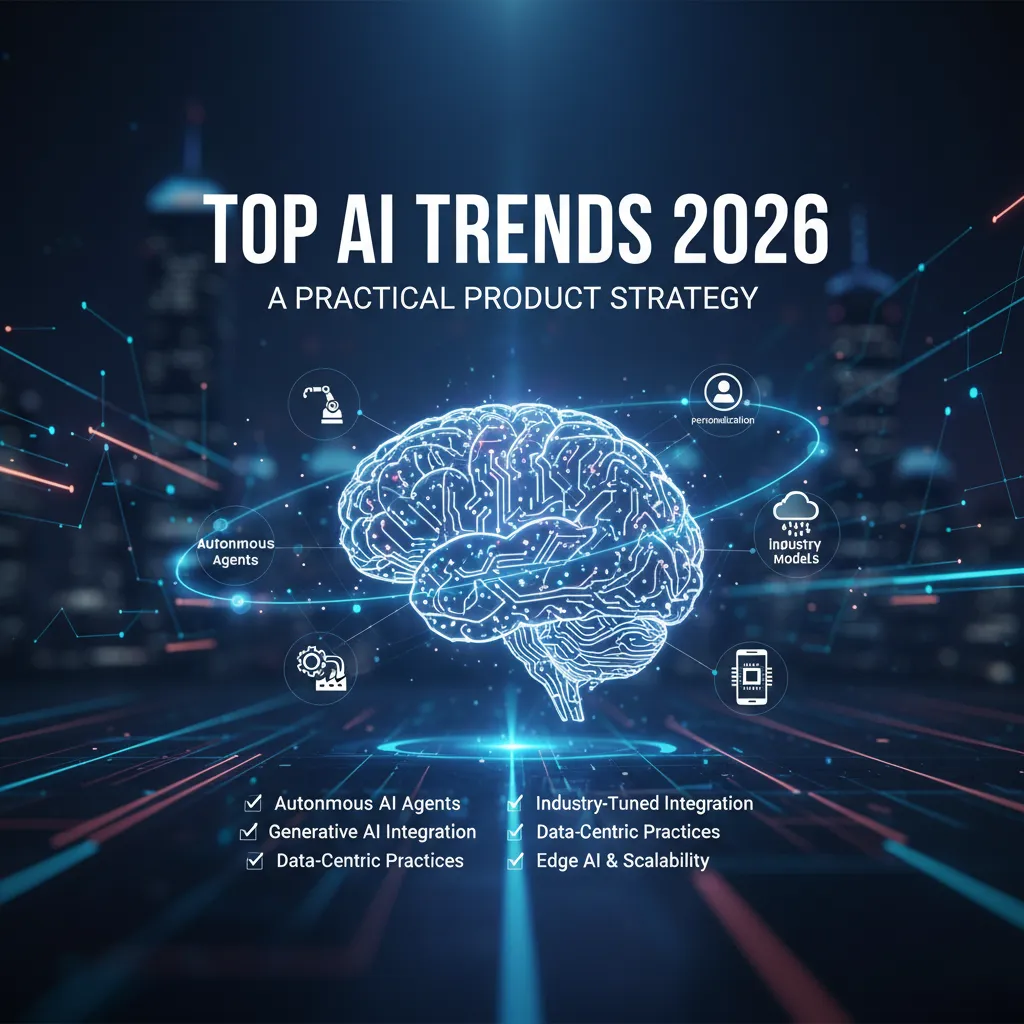
I still remember the first time I “added AI” to a roadmap: it was a single sticky note wedged between Payments and Notifications, like AI was a feature you could just squeeze in before a release. Two quarters later, we had a demo that impressed exactly one person (me)… and a support queue that impressed everyone else. That’s when it clicked: AI isn’t a garnish. In 2026, it’s becoming core product logic—something you design, instrument, and govern like any other critical system. This guide is the playbook I wish I had before that sticky note moment, plus a few hard-earned rules I now follow so I don’t repeat my own mistakes.
Autonomous AI agents: from feature to teammate
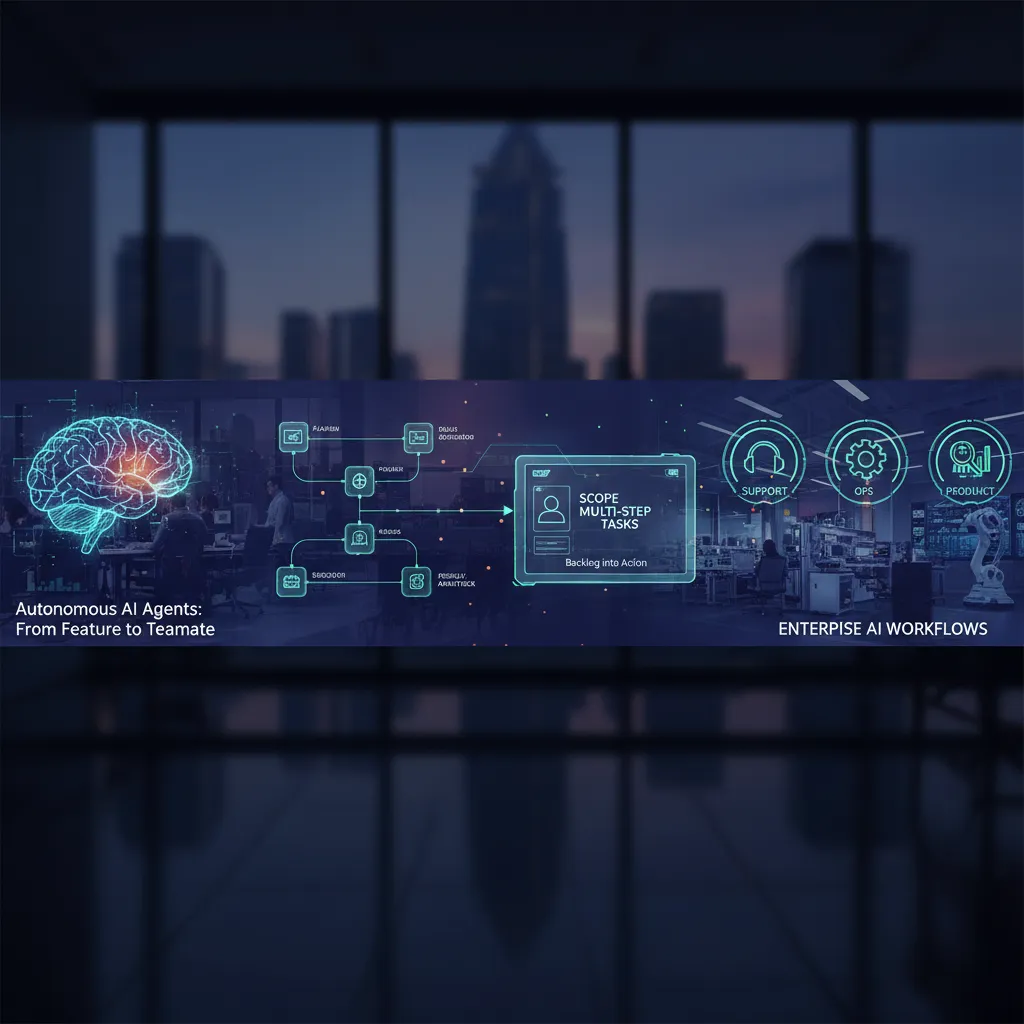
In 2026, I see autonomous AI agents moving from “a chat box on the side” to active participants inside the product system. Instead of only answering questions, agents can observe signals (tickets, logs, dashboards), plan steps, and take actions across tools. This shift matters because real work is rarely one prompt—it’s a chain: gather context, decide, execute, verify, and report.
Why agents are becoming system participants
From my product strategy work, the biggest change is integration. When an agent can read from the knowledge base, update CRM fields, open a Jira issue, and post to Slack, it stops being a “feature” and starts acting like a teammate. The value comes from closing loops: not just suggesting what to do, but doing the safe parts automatically and handing off the risky parts.
How I scope multi-step automation (without sci‑fi backlogs)
I scope agents like I scope any workflow: start small, measure, then expand. I avoid “build an agent that runs the company” stories and focus on repeatable tasks with clear inputs and outputs.
- Pick one job: “triage new support tickets,” not “fix support.”
- Define steps: fetch context → classify → draft → route → log.
- Set success metrics: time saved, accuracy, deflection rate, CSAT impact.
- Limit tools: fewer integrations means fewer failure modes.
Where agents earn their keep in enterprise workflows
- Support: summarize threads, suggest replies, detect duplicates, route by intent.
- Ops: monitor alerts, run checklists, open incidents, collect evidence for postmortems.
- Product analytics: answer “what changed?” questions, annotate dashboards, draft insights from weekly metrics.
Wild card: a day in the life of a “super agent”
At 9:05 AM, the agent scans merged PRs and release flags, then drafts release notes in my template. It creates two Jira follow-ups for edge cases found in logs, links the PRs, and posts a Slack summary for review.
“Drafted release notes + created Jira tasks. Waiting for approval to publish.”
Guardrails I insist on
- Approvals for external actions (publishing, customer emails, billing changes).
- Rate limits to prevent runaway loops and tool spam.
- Audit logs of prompts, tool calls, and outputs for compliance and debugging.
- Fallbacks: safe defaults, human handoff, and “read-only mode” when confidence is low.
Personalisation becomes expectation (and yes, it’s awkward)
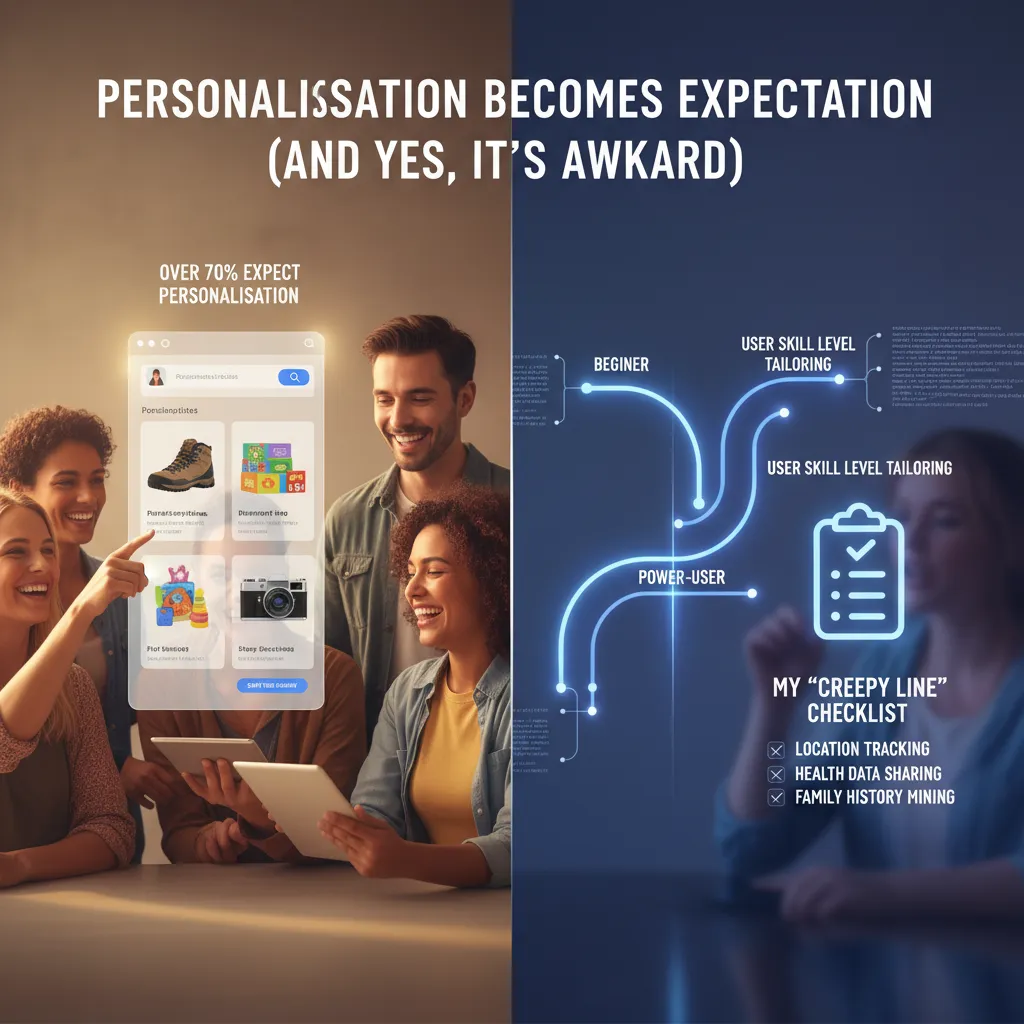
In 2026, personalisation isn’t a “nice to have.” It’s table stakes. In the The Complete Product AI Strategy Guide, one idea keeps showing up in different forms: users now assume the product will meet them where they are. And with over 70% of people expecting personalisation, that changes how I think about product discovery and onboarding.
What 70%+ expectation changes in discovery and onboarding
Discovery used to be about showing the full menu. Now it’s about showing the right first bite. If I drop a new user into a complex dashboard, they bounce. If I ask 20 onboarding questions, they bounce too. So I aim for “light signals” early: role, goal, and urgency. Then I let behavior do the rest.
Tailor by skill level without splitting the product in half
I don’t want a “beginner app” and a “pro app.” I want one product with different paths. My rule: keep the core model the same, and vary the guidance layer.
- Beginners: fewer choices, more explanations, safe defaults, and a clear next step.
- Power users: shortcuts, bulk actions, advanced filters, and less hand-holding.
- Bridge: progressive disclosure—unlock complexity only when it’s useful.
My “creepy line” checklist (what I won’t personalise)
Even if it converts, I won’t personalise:
- Sensitive traits (health, finances, politics) unless the user clearly opts in.
- Embarrassing inferences (“We noticed you’re struggling…”).
- Anything that surprises users about what I tracked or how I used it.
- Social pressure based on private behavior (e.g., “Your team saw you didn’t…”).
My test: would I feel okay if this personalisation showed up on a shared screen in a meeting?
Micro-experiments I run: nudges, adaptive UI, smart defaults
- Contextual nudges: show one tip when a user stalls, not a tutorial dump.
- Adaptive UI: reorder actions based on repeated use, but keep a stable “All tools” view.
- Smart defaults: pre-fill settings from common patterns, with a clear
Undo.
Quick tangent: when my app recommended the exact thing I was avoiding
Once, a wellness app suggested a plan that matched a topic I had intentionally stopped engaging with. It was accurate—and it felt awful. What I learned: accuracy isn’t the goal; comfort and control are. Now I add “Not interested” and “Reset recommendations” everywhere personalisation shows up, and I treat those actions as first-class signals.
Industry-specific foundation models beat one-size-fits-all
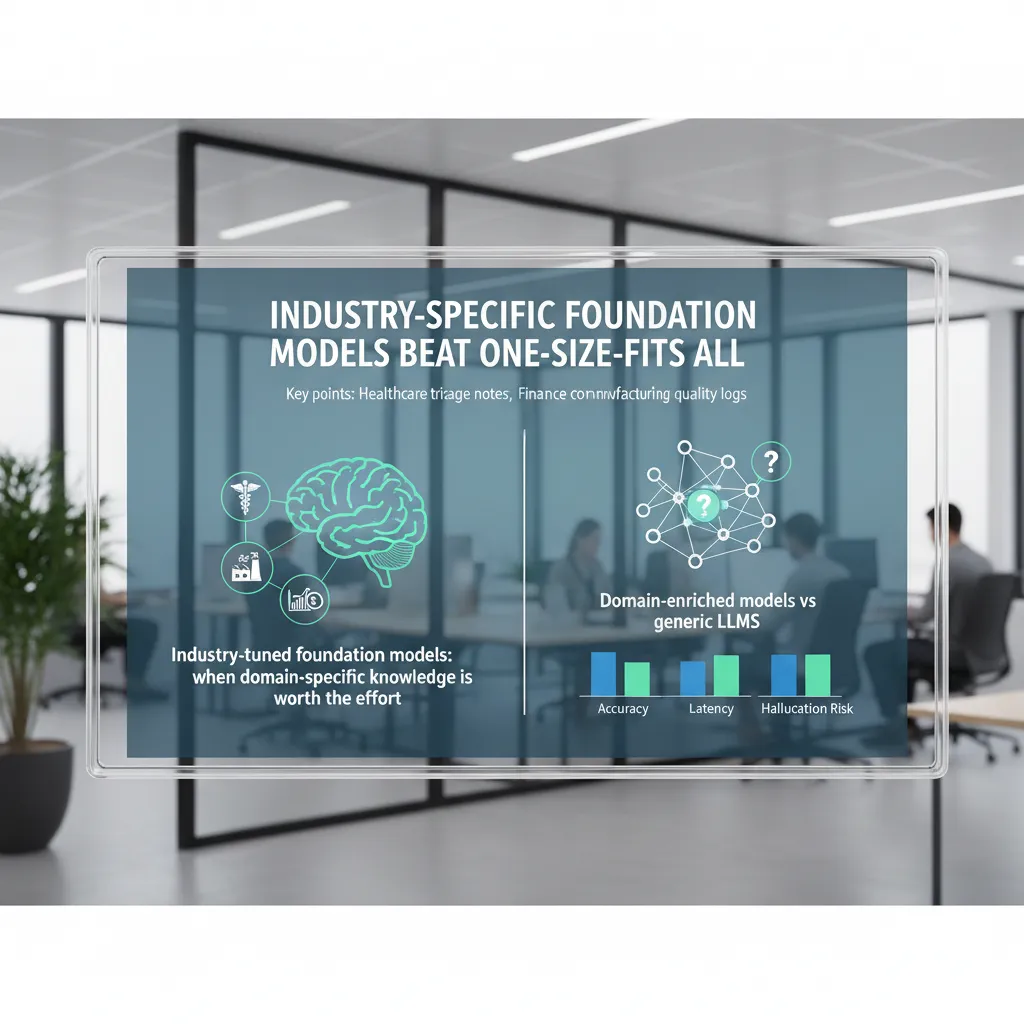
In my product work, I’ve learned that generic LLMs are great for broad tasks, but they often miss the details that matter in regulated or high-risk workflows. That’s why industry-tuned foundation models are one of the most practical AI trends for 2026. When the cost of a mistake is high, domain knowledge is worth the effort.
When domain-specific knowledge is worth it
I usually push for an industry-tuned model when we have repeatable documents, clear labels, and real consequences for errors. If the team spends hours correcting outputs, or if we need audit-ready reasoning, a domain-enriched model pays back fast.
- Healthcare triage notes: extracting symptoms, red flags, and urgency levels from messy text.
- Finance compliance checks: mapping communications and transactions to policy rules and required disclosures.
- Manufacturing quality logs: spotting defect patterns, root causes, and recurring machine issues.
Domain-enriched models vs generic LLMs: how I evaluate them
I compare options using three product metrics: accuracy, latency, and hallucination risk. Generic models can look impressive in demos, but I care about performance on our real data and edge cases.
| What I test | How I test it | Why it matters |
|---|---|---|
| Accuracy | Golden set + expert review on top failure modes | Reduces rework and support load |
| Latency | P95 response time in the target workflow | Protects UX and throughput |
| Hallucination risk | “No-answer” tests + citation/grounding checks | Prevents confident wrong outputs |
My rule: if the model can’t reliably say “I don’t know,” it’s not ready for high-stakes automation.
Smaller reasoning models: choosing “just enough model”
I don’t default to the biggest model. My rule of thumb is simple: start with the smallest model that meets the acceptance tests, then scale up only if it fails on critical cases. Smaller reasoning models often win on cost and speed, and they’re easier to deploy close to the data.
Procurement: buyer’s market and avoiding lock-in
In 2026, it’s a buyer’s market. I ask vendors for portable prompts, exportable fine-tunes, and clear pricing for tokens, hosting, and eval tooling. I also design an abstraction layer so we can swap providers without rewriting the product logic.
model_provider = choose_provider(cost, latency, accuracy, compliance)
Edge AI on-device: speed, privacy, and fewer cloud bills
Why “real-time computation devices” changes UX
In my product work, I treat phones, wearables, kiosks, and cars as real-time computation devices: they can run AI locally and respond in milliseconds. That speed is not just a tech win—it changes the user experience. Buttons feel instant, voice feels natural, and camera features feel “always on.” When latency drops, users stop waiting, and flows become simpler because I don’t need loading states for every AI step.
My split: what moves on-device vs what stays in the cloud
From The Complete Product AI Strategy Guide, the practical rule I use is: keep fast, frequent, and sensitive tasks on-device, and keep heavy, shared, and evolving tasks in the cloud.
- On-device: wake-word detection, quick intent classification, basic summarization, translation snippets, image filtering, personalization signals.
- Cloud: large reasoning tasks, long document processing, cross-user analytics, model training, and anything needing fresh global context.
This split reduces cloud dependence and cuts inference costs, while still letting me ship advanced features when the device cannot handle them.
Wearables and smartphones: the scenarios I plan for
Edge AI shines when the network is weak or when privacy matters. I design for:
- Offline assist: a running coach on a watch that gives cues without a connection.
- Private summarization: meeting notes summarized locally so raw audio never leaves the phone.
- Instant translation: short phrases translated on-device for travel, with cloud fallback for long conversations.
When users feel the product works anywhere, trust goes up—and support tickets go down.
ASIC-based accelerators: hardware becomes strategy
In 2026, I expect more teams to treat NPUs and ASIC-based accelerators as part of product strategy, not just engineering detail. If your core feature is camera AI, voice, or continuous sensing, you may need to pick devices (or partners) that guarantee sustained on-device performance. This also affects QA, benchmarking, and your minimum supported hardware list.
Trade-offs I warn teams about
- Battery: always-on models drain power; I budget compute like I budget money.
- Model updates: shipping new weights is like shipping a mini app update; plan rollout, rollback, and storage.
- Weird edge cases: different chips, thermal throttling, and background limits can break “works on my phone” assumptions.
Data-centric AI approach (the unglamorous advantage)
In 2026, my most reliable AI gains still come from a boring place: better data. I used to chase model upgrades like they were magic. But again and again, the “wow” improvements in real product metrics came from fixing labels, tightening definitions, and making datasets easier to trust.
Data quality focus: my best wins came from labeling fixes
When an AI feature underperforms, I now ask one question first: Are we training on the truth we actually want? In practice, many datasets are full of “almost right” labels—mixed intents, unclear edge cases, and inconsistent human judgment. Swapping models can hide the problem for a week, but cleaning labels fixes it for months.
- Clear label rules (one page, not a wiki)
- Disagreement reviews (where annotators differ is where the product is unclear)
- Hard-negative examples (near-misses that teach the boundary)
Synthetic data: great for rare events, risky for bias
Synthetic data helps when reality is scarce: fraud spikes, safety incidents, rare support tickets, or new product flows. I use it to fill gaps and stress-test behavior. But it can backfire when it amplifies bias—especially if the generator learns from skewed history and repeats it at scale.
I treat synthetic data like seasoning, not the meal:
- Use it for coverage (rare cases, long tail)
- Avoid using it to “prove” fairness or performance
- Always compare results on a real holdout set
A lightweight governance loop (that doesn’t slow teams)
Data-centric AI needs a small loop that runs every sprint:
- Dataset versioning (what changed, when, and why)
- Fixed eval sets (stable tests that reflect real user tasks)
- Drift checks (alerts when inputs or outcomes shift)
Even a simple naming scheme helps: support_intents_v12_2026-03.
Simulation environments: test agents safely
As agents ship into products, I rely more on simulation. Before an agent touches real users, I want it to fail in a sandbox: fake accounts, fake money, fake inboxes, and scripted edge cases. Simulation turns “unknown unknowns” into repeatable tests.
Small confession: I ignored data contracts—until a rename broke everything
One analytics event got renamed, and our training pipeline silently mapped the wrong field for two weeks.
Since then, I insist on data contracts: agreed schemas, stable event names, and change notices. It’s not glamorous, but it’s how AI stays dependable in production.
AI factories infrastructure: making it real across the enterprise
When I say “AI factory,” I don’t mean a single tool or a flashy chatbot. I mean an enterprise system that can reliably produce AI outcomes the way a product team ships features: with repeatable steps, clear ownership, and measurable quality. In The Complete Product AI Strategy Guide, the idea that keeps showing up is simple: if AI is going to matter in 2026, we need infrastructure that turns experiments into operations.
What I include (and what I cut) in an AI factory
My AI factories infrastructure has four parts: platforms + methods + data + algorithms. Platforms are the runtime (cloud, GPUs, model gateways, observability). Methods are the playbooks (evaluation, red-teaming, prompt and workflow design, release gates). Data is the fuel (clean inputs, feedback loops, governance). Algorithms are the models and agent logic (LLMs, retrieval, ranking, classifiers).
What I cut: “random AI features” with no owner, no evaluation, and no path to scale. If it can’t be monitored, tested, and improved, it’s not factory-ready.
From pilots to enterprise-wide adoption
In 2026, I see more all-in adopters moving past pilots. The pattern is top-down: leadership sets a small number of business outcomes (cost, speed, risk, growth), funds shared infrastructure, and forces teams to reuse it. That’s how an enterprise AI strategy becomes real—by making the default path the easy path.
Human-AI collaboration workflows
AI factories fail when we don’t design “who does what.” I map workflows where AI drafts, summarizes, routes, or flags—and humans approve, override, or audit. I also define review rules: what needs two-person approval, what needs sampling, and what gets blocked automatically. This is how I keep quality high without slowing everything down.
Open-source agentic AI and interoperability
I have an interoperability bias: open standards, portable prompts, and agent frameworks that don’t lock me in. Open-source agentic AI helps when I need control, transparency, and the ability to swap models. Proprietary is fine when it is clearly better on security, latency, or total cost—and when I can still export my data and evaluations.
My conclusion for 2026 is not “use AI.” It’s run a repeatable AI system—an AI factory that ships improvements every week, learns from real usage, and scales across the enterprise without starting over each time.
TL;DR: In 2026, AI strategy shifts from “which model?” to “which system?” Build around autonomous AI agents, personalization as a baseline expectation (over 70% expect it), industry-tuned models, edge AI for speed/privacy, and a data-centric practice with synthetic data—wrapped in human-AI collaboration workflows and strong governance.


