

Last year I sat in a windowless conference room watching a pilot AI demo impress everyone—until someone asked, quietly, “Where does the training data live?” The room went silent. That awkward pause is basically the plot of 2026: leaders are excited about Generative AI and Agentic AI, but the unglamorous stuff—AI infrastructure, data quality, and ownership—decides whether any of it works. So I pulled together the loudest (and most useful) themes from an “expert interview” mindset: what data science leaders keep repeating when the cameras are off, and what I think they mean in real life.
1) The “AI bubble” pop… and why I’m relieved
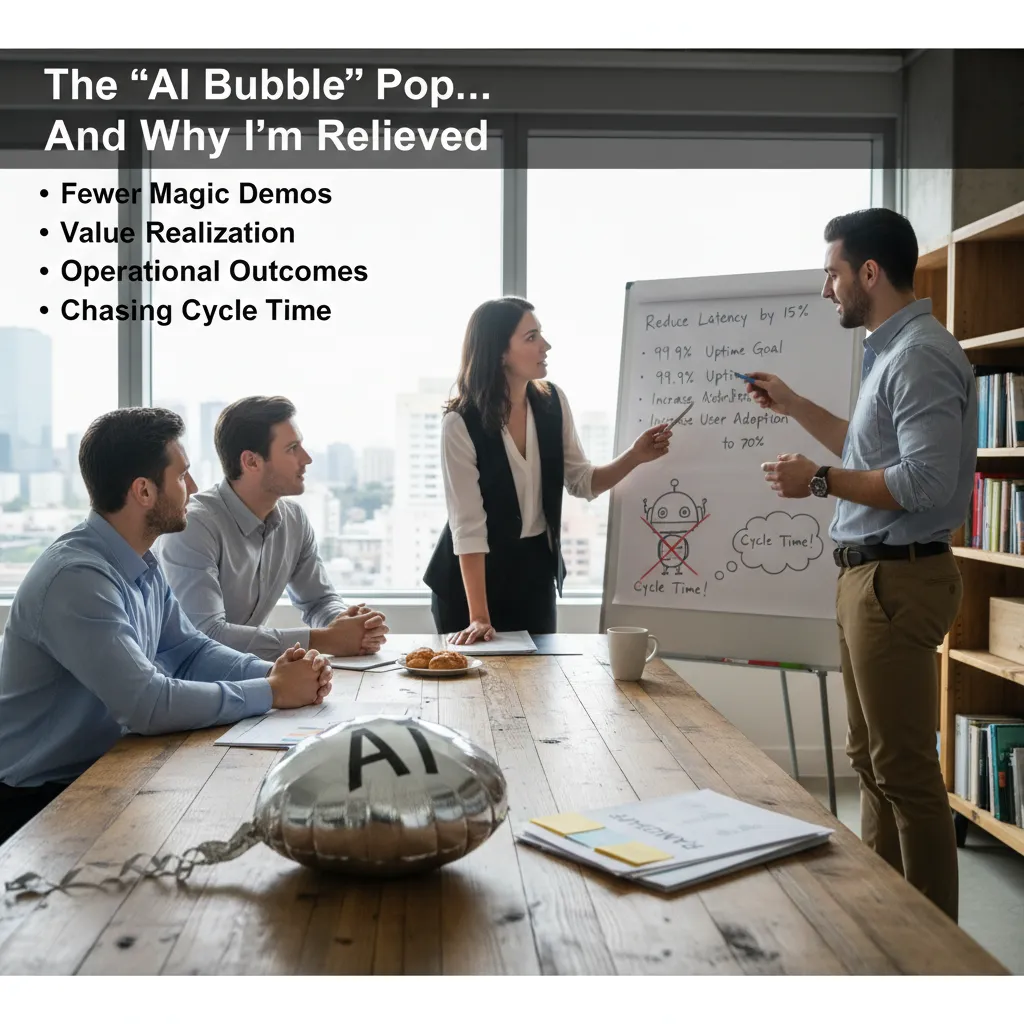
In the Expert Interview: Data Science Leaders Discuss AI, one theme landed hard for me: the hype is cooling, and that’s healthy. I’m seeing it too. Fewer “magic” demos that only work on a clean dataset. More real conversations about value realization: who uses the system, how it fits the workflow, and what it costs to run at scale.
“The demo is easy. The day-two operations are the work.”
From “cool model” milestones to boring outcomes
If I rewrote my 2026 AI roadmap today, I’d stop celebrating model upgrades as the main event. I’d make the milestones operational and measurable. Things like:
- Latency: can we keep responses under a clear target during peak load?
- Uptime: do we have monitoring, fallbacks, and incident playbooks?
- Adoption: are real users choosing it weekly, not just trying it once?
- Cost per task: is the unit economics improving over time?
That shift sounds boring, but it’s where AI trends for 2026 are heading: less theater, more production discipline.
The moment we stopped chasing benchmarks
My team had a quarter where we chased leaderboard scores. We tuned prompts, swapped embeddings, and argued about tiny gains. Then a stakeholder asked a simple question: “Why does it still take two weeks to ship a change?” That was the turning point. We started tracking cycle time instead of benchmark points. We invested in evaluation harnesses, CI checks, and a safe rollout path. Model quality improved because we could iterate faster, not because we found a secret architecture.
My gut-check before funding Generative AI
- What user decision or workflow step gets faster or safer?
- What’s the baseline today (time, error rate, cost)?
- How will we measure success in production (not a demo)?
- What data is allowed, and what must never leave our boundary?
- What is the rollback plan if quality drops?
2) AI factories: when AI stops being a project and becomes a plant
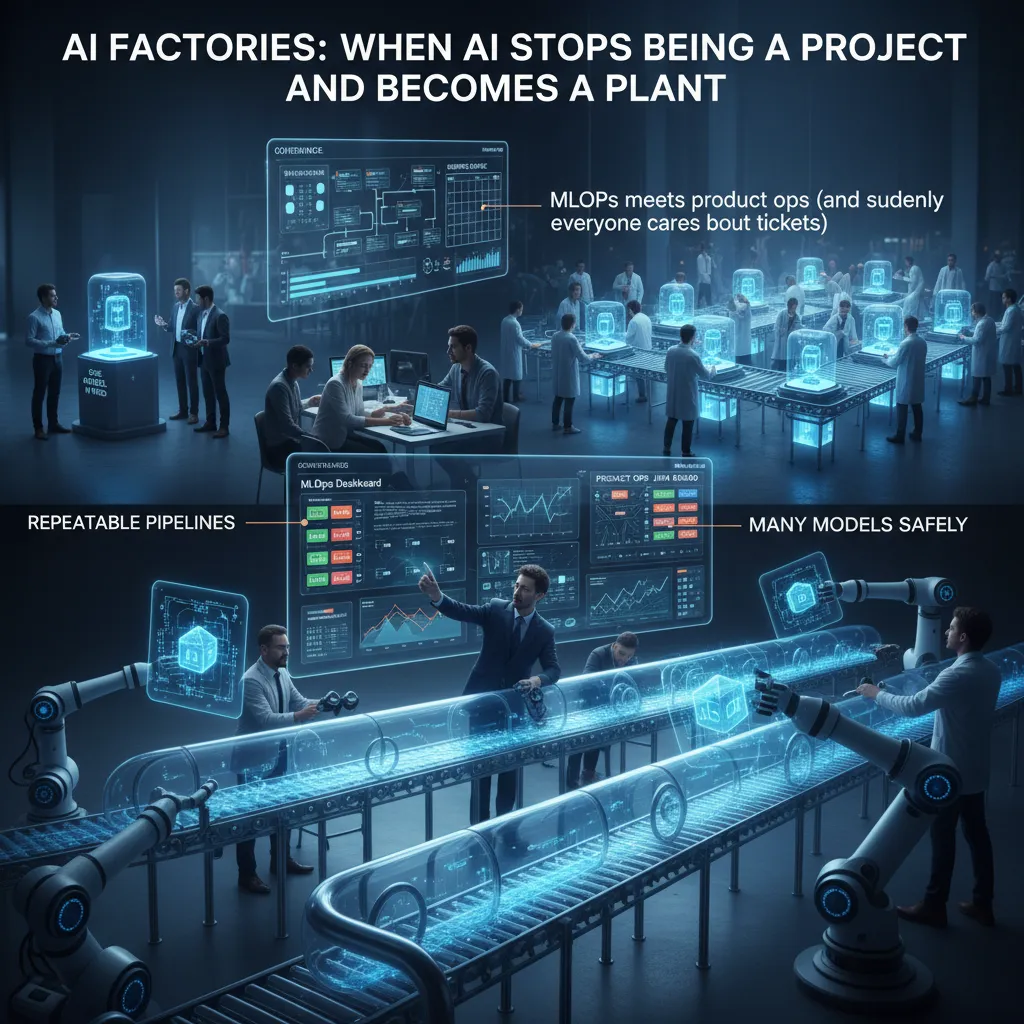
In the interview with data science leaders, one theme kept coming up: the teams that win in 2026 treat AI less like a one-off build and more like a factory. In plain English, an AI factory is a setup where models move through repeatable pipelines, with clear governance, and a steady shipping cadence. Instead of “we launched a model,” it becomes “we ship improvements every week without breaking things.”
What an AI factory looks like in practice
On the ground, this is where MLOps meets product ops. Suddenly everyone cares about tickets, priorities, and release notes. Not because it’s trendy, but because AI systems are now part of the product surface area. The leaders in the interview described this shift as moving from “data science as a service” to “data science as a production line,” where reliability and traceability matter as much as accuracy.
“If you can’t explain what changed, who approved it, and how to roll it back, you don’t have a system—you have a demo.”
The story I’d bet you’ve lived
I’ve seen two teams with the same talent level get very different outcomes. The first is the “one model in prod” team: they heroically deploy a single model, then spend months babysitting it. The second is the “many models safely” team: they can run multiple versions, test them, monitor them, and retire them without drama. The difference is rarely the algorithm. It’s the factory.
My checklist for AI infrastructure that doesn’t crumble on launch week
- Version everything: data, features, code, prompts, and model artifacts.
- Automated tests: data quality checks, training sanity checks, and inference contract tests.
- Approval gates: lightweight governance for risk, privacy, and model changes.
- Observability: latency, cost, drift, and user impact dashboards.
- Safe releases: canary deploys, A/B tests, and fast rollback.
- Clear ownership: one backlog, named on-call, and documented runbooks.
3) Generative AI as an organizational resource (not a shiny app)
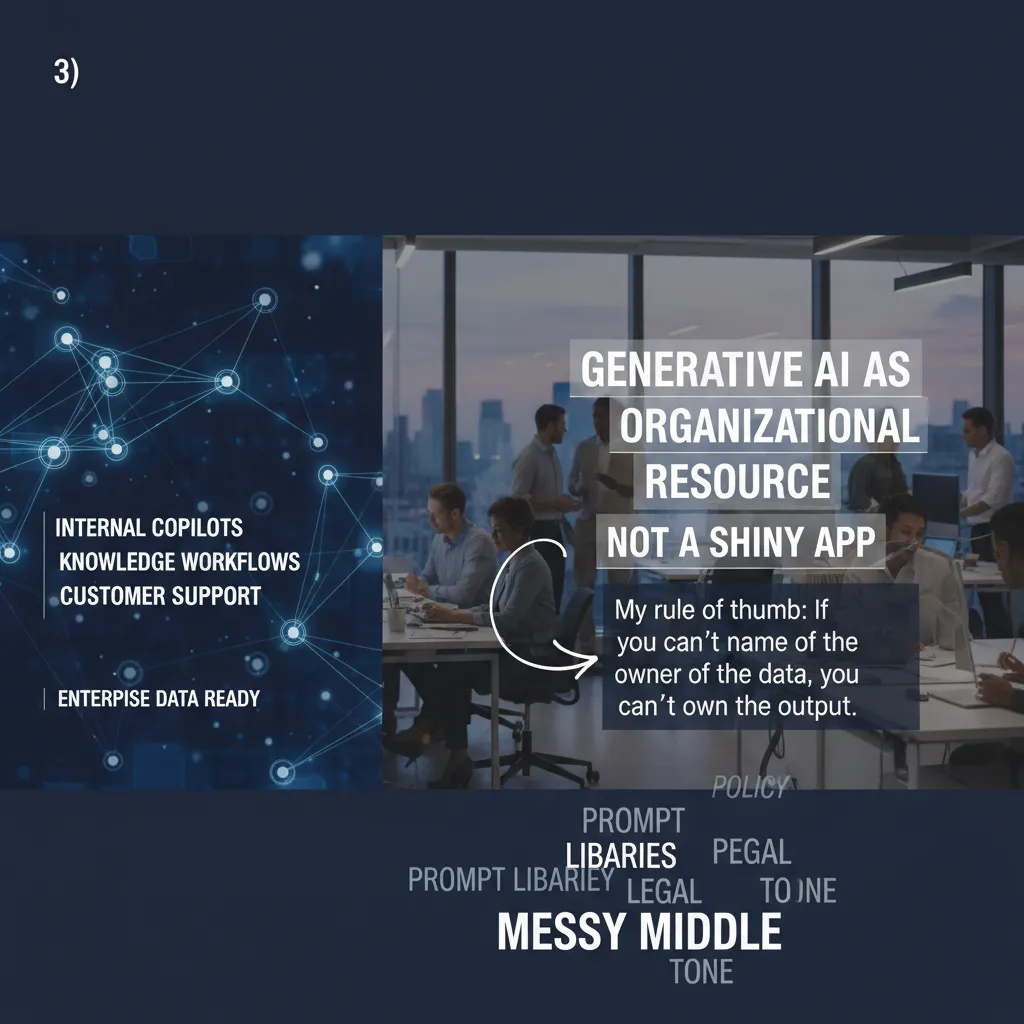
In the expert interview with data science leaders, one theme landed hard for me: generative AI only works when it is treated like an organizational resource, not a flashy tool someone installs and hopes for magic. In 2026, I expect the winners to be the teams that connect GenAI to real workflows and real data ownership.
Where generative AI actually fits (when enterprise data is ready)
I see three practical “homes” for generative AI in the enterprise:
- Internal copilots for analysts, engineers, and ops teams (drafting queries, summarizing tickets, suggesting next steps).
- Knowledge workflows that turn scattered docs into usable answers (policies, runbooks, product notes).
- Customer support that speeds up responses while keeping humans in the loop for edge cases.
But all three depend on one boring prerequisite: enterprise data readiness. If the data is outdated, duplicated, or locked in silos, the model will simply produce confident confusion.
My rule of thumb: if you can’t name the owner of the data, you can’t own the output.
The “messy middle”: prompt libraries vs. policy, legal, and tone
Prompt libraries look great in a demo. Then the messy middle shows up: security wants guardrails, legal wants disclaimers, brand wants tone, and support wants speed. Suddenly one “perfect prompt” becomes five versions, plus review steps, plus logging. I’ve learned to treat prompts as managed assets, not personal shortcuts.
How I’d measure productivity gains without kidding myself
In the interview, leaders kept coming back to measurement. I agree: we need proof, not vibes. Here’s how I’d track GenAI productivity in a data science debrief:
| Metric | What I’d compare |
|---|---|
| Cycle time | Time-to-resolution before vs. after (same ticket types) |
| Quality | Reopen rate, escalation rate, and QA scores |
| Adoption | % of workflows using the copilot weekly |
| Risk | Policy violations, PII leaks, and hallucination reports |
If cycle time drops but escalations rise, I don’t call that a win. I call it hidden rework.
4) Agentic AI grows up: from single bots to tool-using coworkers
In the expert interview with data science leaders, one theme kept coming up: agentic AI is moving from “chatting” to “doing.” I explain it like this: an agent is an intern with a laptop. It can read instructions, open tools, and complete tasks. But it also needs guardrails, because it will act fast and sometimes too literally.
What “agentic” really means in enterprise work
A normal bot answers questions. An agent can reason, plan, and use tools—like Jira, ServiceNow, email, SQL, or internal APIs—to finish a workflow end to end. That matters because many enterprise tasks aren’t one prompt; they’re a chain of steps: gather context, check policy, update systems, notify people, and log the result.
- Reasoning: decide what information is missing and how to get it
- Planning: break a goal into steps and track progress
- Tool use: take actions in real systems, not just generate text
A cautionary tale (yes, I’m still recovering)
I once let an early agent “help” triage support issues. It interpreted a loose rule as permission to create tickets for anything that looked “urgent.” The result: 300 new tickets in one afternoon. The agent did exactly what it thought I wanted—at machine speed. Cleaning that up taught me a simple lesson: automation without controls is just faster chaos.
“Treat agents like junior staff: give them tools, but also clear limits and review.”
Practical patterns that actually work
From the interview and my own deployments, these patterns show up in successful agentic AI systems:
- Routing first: classify the request, then send it to the right agent or queue
- Approvals for risky actions: require a human click before creating, deleting, or emailing at scale
- Human-in-the-loop by default: keep people involved for policy, money, and customer impact
- Rate limits + scopes: cap actions per hour and restrict which projects the agent can touch
In practice, I like a simple rule: if an agent can change a system of record, it needs permissions, logging, and an approval step.
5) Edge AI + smaller models: the quiet cost/latency revolution
In the Expert Interview: Data Science Leaders Discuss AI, one theme kept coming up: Edge AI is moving from demos to real deployments. I see it most clearly when teams stop asking “Can we run it on-device?” and start asking “Where does on-device inference actually win?”
Where edge inference wins (latency, privacy, offline)
- Latency: If a decision must happen in milliseconds (factory safety, retail checkout, driver assist), round-trips to the cloud are a tax you feel every time.
- Privacy: Keeping raw audio/video on-device reduces exposure and can simplify compliance. You can ship embeddings or alerts instead of full data.
- Offline reliability: Warehouses, rural sites, and mobile apps still lose connectivity. Edge AI keeps the product usable.
Why smaller, domain-optimized models are cool again
The leaders I interviewed were blunt: big general models are powerful, but they are not always cost-effective. I’m seeing a return to smaller models tuned to a narrow task—for example, a compact vision model for defect detection or a lightweight text classifier for support routing. These models are cheaper to run, easier to test, and often more stable in production. In practice, I can also update them faster because the training and evaluation loop is shorter.
A nerdy-but-useful aside: ASICs, chiplets, and budgets
Hardware is part of the story now. ASIC accelerators (purpose-built inference chips) can cut power and improve throughput versus general GPUs for steady workloads. Chiplet designs let vendors mix and match components, which can improve supply and price options over time. For my budget planning, this means I compare not just “GPU vs CPU,” but device cost + power + cooling + lifecycle.
“The best model is the one you can afford to run at the speed your product needs.”
My decision matrix: cloud vs edge vs hybrid
| Option | Best when | Watch-outs |
|---|---|---|
| Cloud | Heavy models, rapid iteration | Latency, egress cost |
| Edge | Real-time, privacy, offline | Device limits, updates |
| Hybrid | Fast local + deep cloud | System complexity |
6) Open source, Mixture of Experts, and the new “model routing” normal
Why open source AI keeps speeding up
In the interview, leaders kept coming back to a simple point: open source moves fast because it connects well. Interoperability is the quiet superpower. When model weights, tool APIs, and evaluation scripts line up, teams can swap parts without rebuilding everything. I also see global diversification accelerating progress: more languages, more domains, more “local” datasets, and more practical fixes shared in public.
The other driver is that we’re not only chasing giant models. We’re getting smaller multimodal reasoning models that can handle text, images, and structured data with less cost. That makes experimentation cheap, and cheap experiments compound.
Mixture of Experts (MoE), without the math
I explain MoE like a shift schedule. Instead of one general model doing every job, you have specialist models that take turns. A “router” looks at the task and sends it to the best expert. The experts don’t need to know everything; they just need to be great at their slice. This matches what I heard in the interview: better quality comes from specialization plus coordination, not only scale.
Cooperative model routing in an AI factory stack
If I were building an “AI factory” stack, I’d route work like this:
- Policy + safety model first: classify risk, PII, and compliance needs.
- Retriever next: pull internal docs, tickets, and metrics.
- Domain expert model: finance, legal, support, or product reasoning.
- Multimodal expert: screenshots, charts, or scanned PDFs.
- Writer model: turn outputs into clear language and templates.
- Verifier model: check citations, numbers, and formatting.
In practice, routing is just rules plus signals: cost, latency, confidence, and data sensitivity.
Wild-card thought experiment: one expert model per department
What if every department gets its own domain expert model, trained on its workflows and vocabulary? I can imagine a Sales expert that speaks CRM, a HR expert that knows policy, and a Data expert that understands metrics definitions. The upside is speed and relevance. The risk is fragmentation, so I’d require shared interfaces and a common audit log.
7) Chief data leadership hits 70% support—and the politics of data
In the Expert Interview: Data Science Leaders Discuss AI, one signal stood out to me: chief data leadership is now supported by about 70% of enterprises. That number matters because it marks a shift from “data is an IT side project” to “data is a business asset with an owner.” When a Chief Data Officer (or an equivalent head of data) has real backing, AI stops being a set of experiments and starts becoming a repeatable system: shared definitions, shared priorities, and fewer surprise failures.
Why 70% support changes the game
I’ve watched the “organizational resource” mindset change how leaders talk about data. Budgets move from one-off tool purchases to ongoing funding for data products, governance, and platform reliability. Hiring changes too: teams add data stewards, analytics engineers, and domain-focused data owners—not just more data scientists. Accountability becomes clearer: when a metric is wrong, we can trace who owns the source, who owns the transformation, and who signs off on the definition.
The politics of data is real (and normal)
Once data is treated like a shared resource, it becomes political. Different teams want different definitions because they have different incentives. In my experience, this is where chief data leadership earns its keep: aligning incentives, setting rules for decision-making, and making trade-offs visible. The interview echoed this idea that leadership is what turns “data debates” into “data decisions.”
My take: data quality is a leadership problem
I’m opinionated here: data quality is a leadership problem disguised as a tooling problem. Tools help, but they can’t fix unclear ownership, weak standards, or a culture that rewards speed over correctness. If leaders don’t agree on what “good” looks like, no dashboard, catalog, or monitoring system will save you.
My monthly reset: the 30-minute “data reality check”
To close 2026 planning on the right note, I run a simple ritual: a 30-minute monthly data reality check. We review one critical metric, one broken pipeline, and one decision that depended on the data. Then we assign an owner and a deadline. It’s small, but it keeps our AI and analytics grounded in reality—and that’s the point.
TL;DR: Five AI trends shape 2026: the AI bubble deflates into sober ROI, AI factories scale delivery, generative AI becomes an organizational resource, agentic AI matures into tool-using systems, and chief data leadership hits record support (70%). Prioritize AI-ready data, smaller domain-optimized models, edge AI cost/latency wins, and open-source interoperability—then measure value realization ruthlessly.


