
The first time I tried “adding AI” to a newsroom workflow, I did it the lazy way: I shoved a chatbot into the middle of a breaking-news morning and expected magic. Instead, it politely hallucinated a quote, and I spent the next hour doing the least futuristic thing imaginable—calling people back to verify what I should’ve never published in the first place. That little embarrassment taught me something: AI in newsrooms works best when it behaves less like a flashy writer and more like plumbing—quiet, reliable, and boring in the best way. This guide is the version I wish I’d had before I learned it the hard way.
1) Start with “Why”: AI newsroom value (not vibes)
Before I touch a tool, I write down the one newsroom pain I actually want to fix. For me it’s not the “robots will write my lede” fantasy. It’s the real, weekly grind I call Tuesday spreadsheet doom: copying numbers from PDFs, cleaning messy tables, matching names across files, and chasing updates in Slack threads. That work is slow, error-prone, and it steals time from reporting.
Pick the first win: information processing, not content generation
In the step-by-step approach I follow, the safest early value comes from AI information processing, not auto-writing. I treat these as two different lanes:
- AI content generation: drafting headlines, ledes, or full stories.
- AI information processing: extracting facts, summarizing documents, tagging topics, comparing versions, and spotting missing fields.
I start with information processing because it supports the journalist instead of replacing the journalist. It also fits a source-first workflow: the model works from documents, transcripts, datasets, and notes we already have, and it produces outputs we can verify.
Make the “Why” measurable
If I can’t measure it, it’s vibes. So I set 2–3 outcomes we can track per story:
| Outcome | How I measure it |
|---|---|
| Minutes saved per story | Time spent on extraction + cleanup before/after AI |
| Fewer handoffs | Count of “can you reformat/check this?” requests |
| Fewer copy/paste errors | Corrections caught in edit vs. after publish |
A promise to readers (what AI will never do alone)
In our newsroom, AI will never publish facts, quotes, numbers, or attributions without human review. It will not invent sources, fill gaps with guesses, or “smooth out” uncertainty. Any AI-assisted summary, extraction, or translation must link back to the original material, and a journalist remains responsible for verification, context, and fairness.

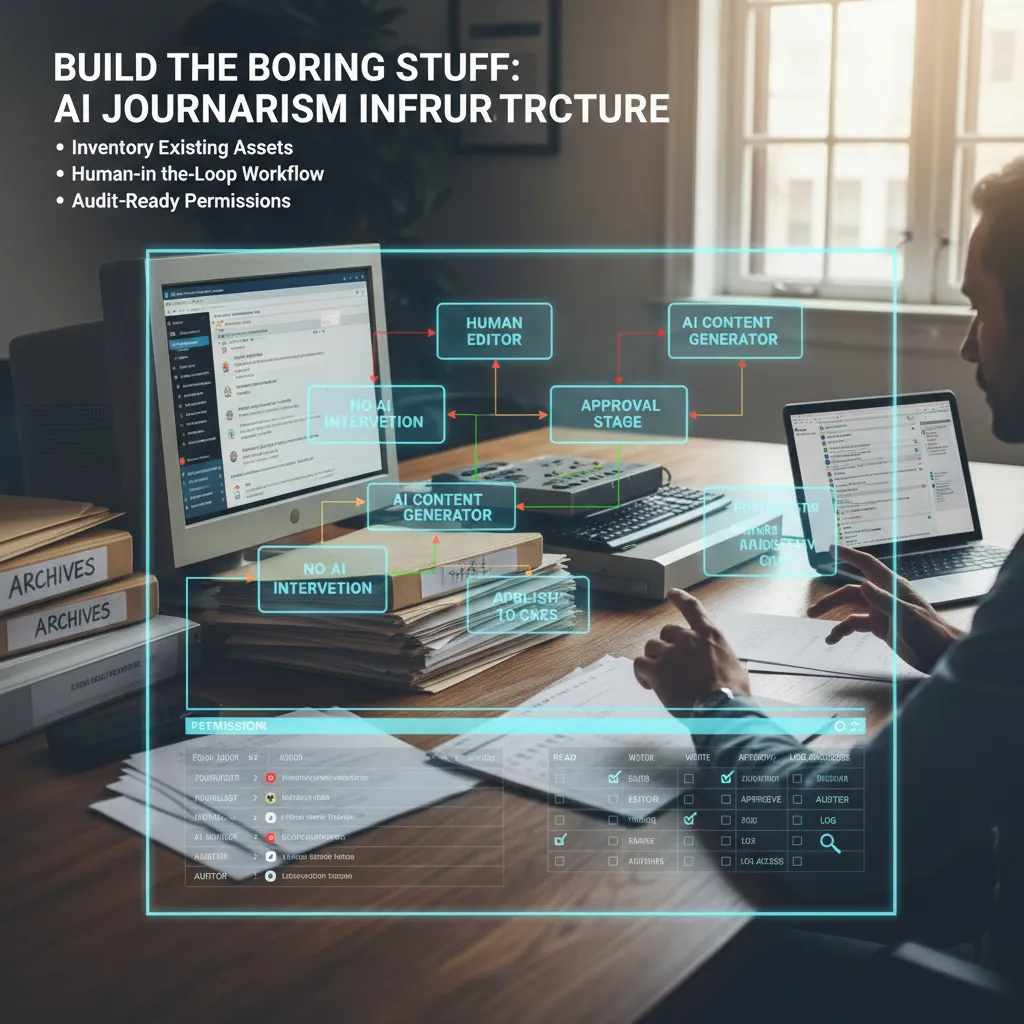
2) Build the boring stuff: AI journalism infrastructure
Before I buy a single new AI tool, I do the unglamorous work: I inventory what we already have. In most newsrooms, the real “AI problem” isn’t a missing chatbot—it’s messy systems. So I list our CMS, DAM, archives, FOIA folders, shared drives, and the Slack chaos where key context goes to die. This step comes straight from my “implement AI step-by-step” mindset: if I don’t know where our truth lives, I can’t automate anything safely.
Inventory first, then connect the dots
- CMS: What fields exist (headline, dek, tags), and what’s missing?
- DAM: Who owns photos/video rights and captions?
- Archives: Are they searchable, and can we cite them?
- FOIA: Where are requests, responses, and redactions stored?
- Slack: Which channels contain editorial decisions we’ll need later?
I draw a human-in-the-loop workflow (on purpose)
Next, I create a simple workflow diagram that shows who approves what, where AI touches content, and where it absolutely doesn’t. I’m not trying to be fancy—I’m trying to prevent silent publishing, accidental plagiarism, or made-up quotes.
| Stage | AI allowed? | Human check |
|---|---|---|
| Research summary | Yes | Reporter verifies sources |
| Draft suggestions | Yes | Editor reviews line-by-line |
| Quotes / facts | No | Must come from reporting |
Permissions and logging (because audits happen)
I set up permissions and logging like I’m preparing for an awkward audit (because I am). I want to know who used AI, what they fed it, when, and where the output went. Even a basic log beats guessing later.
Small tangent: I stop calling it “prompting” and start calling it briefing, like I would with a new intern.
So I write briefs with context, constraints, and sources, and I keep them attached to the story record in the CMS.
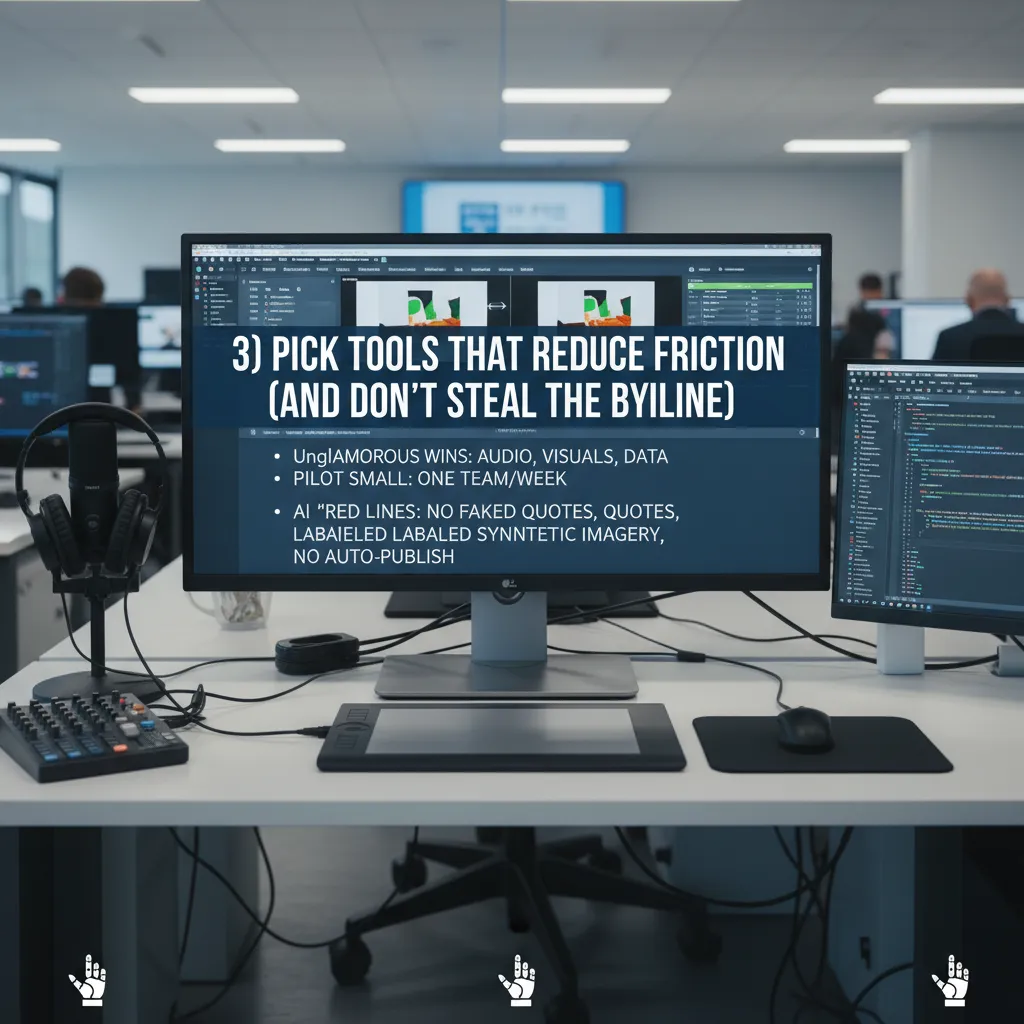
3) Pick tools that reduce friction (and don’t steal the byline)
When I bring AI into a newsroom, I start with the unglamorous wins. I’m not looking for a robot reporter. I’m looking for tools that remove small blocks in the workflow: audio cleanup for noisy interviews, image editing for quick crops and blur, visual analysis to spot repeats or manipulation, and data conversion to turn messy PDFs into usable tables. This matches the step-by-step approach I use: pick one pain point, test it, measure it, then decide.
My shortlist: boring tasks, real impact
- Audio: reduce background noise, improve speech clarity, speed up rough transcripts.
- Images: resize, redact faces, remove metadata, generate alt text (with human review).
- Visual verification: frame-by-frame review, reverse search helpers, manipulation flags.
- Data: OCR, PDF-to-CSV, column cleanup, entity extraction for reporting notes.
One tool per week, tiny blast radius
I pilot one tool per week with a single team—metro, investigations, or visuals—so mistakes stay small. I set a simple test: one real assignment, one deadline, one editor check. If the tool saves time without adding risk, it moves forward. If it creates confusion, I drop it fast.
My “red lines” for AI generation
No fabricated quotes. No unlabeled synthetic imagery. No auto-publishing.
- AI can assist drafts, but a reporter owns every fact and line.
- Any AI-altered image needs a clear label and editor approval.
- Nothing goes live without a human review step.
Wild card: a deepfake clip hits our inbox (button-by-button)
- Save original file to a secure folder; do not forward in chat apps.
- Record intake: who sent it, when, claimed location, and context.
- Extract frames and run reverse image/video search on key frames.
- Check metadata (if present) and note gaps or odd timestamps.
- Listen closely for voice artifacts; compare with known authentic clips.
- Verify externally: call sources, request raw footage, confirm with officials/witnesses.
- Escalate to investigations/visuals editor; publish nothing until verified.
4) Design for trust: AI content authenticity + control
When I bring AI into a newsroom, I treat trust like a product feature, not a promise. Readers need to know what they are looking at, and journalists need to stay in control. So I design simple rules that scale, based on the same step-by-step thinking I use for any AI workflow: define the use case, set guardrails, and document decisions.
Clear labeling rules (including “no AI”)
I add labeling rules for three states: AI-assisted analysis, AI-assisted generation, and no AI used. Yes, the third one matters, because it prevents confusion and stops “AI everywhere” assumptions.
- Analysis: AI helped summarize documents, spot patterns, or compare datasets.
- Generation: AI drafted text, headlines, captions, or translations.
- Neither: Reported, written, and edited without AI tools.
Editorial control: AI can suggest; a human decides
My core rule is simple: AI can suggest; a human decides and signs. That means every publishable claim still needs a journalist to verify sources, check context, and take responsibility. I also keep a lightweight audit trail so we can answer, “Who approved this, and why?”
“If no human is willing to sign it, it doesn’t run.”
Likeness policy: protect voices, faces, and names
I create a likeness policy early, before anyone experiments. Voices, faces, and names are not training data by default—full stop. If we ever need exceptions (for example, a consented internal demo), we document consent, scope, storage, and deletion dates.
| Asset | Default | Exception |
|---|---|---|
| Voice | Do not train | Written consent + time limit |
| Face | Do not train | Written consent + purpose |
| Name | Do not train | Legal review if needed |
Monthly “hallucination post-mortem”
I run a monthly hallucination post-mortem, like we do for corrections: less shame, more learning. We log failures, root causes, and fixes (prompt changes, source requirements, or tool limits). A simple tag like #hallucination in our tracker makes patterns easy to spot.
5) Use AI to go deeper: enterprise reporting, not commodity content
When I think about AI in newsrooms, I try to keep it away from “commodity content.” I don’t need another tool that rewrites a press release. I need help with the work we always mean to do but rarely have time to finish: digging through records, connecting datasets, and building clear evidence trails. That’s where AI becomes infrastructure, not a chatbot.
I aim AI at the work that unlocks reporting
- Public-records parsing: I use AI to extract names, dates, addresses, and dollar amounts from PDFs, emails, and scanned documents, then I verify against the originals.
- Dataset joins: I ask it to suggest matching keys (company IDs, parcel numbers, officer names) so I can merge tables faster and spot gaps.
- Timeline building: I feed in filings, meeting minutes, and articles and generate a draft timeline with links back to sources.
- Interview prep: I turn a messy folder into a question list, a “what we still don’t know” list, and a claim-check checklist.
I set a “distinctiveness” goal
One rule I follow from my implementation checklist: every AI-assisted story should become more original, not more generic. I track this with a simple standard: fewer rewrites, more enterprise angles. That means prioritizing explanatory visuals, annotated documents, and “how it works” sidebars over quick takes.
I build a multimodal investigation workspace (with citations)
My best workflow is multimodal: documents + audio + images in one place. I transcribe interviews, pull quotes with timestamps, and attach citations to every claim. If the model can’t point to a source, it doesn’t make the draft.
Quick confession: the best AI moment I’ve had was it flagging a pattern I would’ve missed at 11:47 p.m.
It highlighted repeated vendor names across separate contracts, which pushed me to request one more batch of records—and that’s the kind of “go deeper” assist I’m actually paying for.
6) The compliance curveball: regulations, healthcare parallels, and what I’d steal
When I implement AI in a newsroom, I treat compliance like its own beat. It’s not a one-time legal review. It’s ongoing reporting: what changed, who is enforcing, and what we need to label or log. In the step-by-step approach I use, this sits right next to vendor selection and workflow design, because rules shape the product.
I track regulation like I track a story
I keep a simple running doc with the big moving parts:
- EU AI Act timelines: what counts as high-risk, what documentation is expected, and when requirements phase in.
- State attorney general oversight: consumer protection is a real lever, even when “AI laws” are vague.
- Labeling requirements: when we must disclose AI use, and how we do it without confusing readers.
What I borrow from healthcare AI compliance
Healthcare has lived with strict rules for years, and I steal three habits from that world:
- Outcome-aligned thinking: don’t ask “is the model cool?” Ask “does it reduce errors, bias, or risk?”
- Enforcement discretion: regulators often look for good-faith effort, documentation, and fast fixes.
- “Prove it works” culture: validation, monitoring, and clear ownership beat vague promises.
My rule: if we can’t explain the control in plain language, we probably can’t run it safely.
Vendor questions I actually understand
I avoid fancy questionnaires and ask practical questions tied to newsroom risk:
- What is your data retention policy, and can we set deletion windows?
- Will our prompts or files be used for training? Can we opt out in writing?
- Do you provide audit logs (who used it, what happened, when)?
- What is your incident response plan for leaks, outages, or harmful outputs?
Odd analogy: AI governance is food safety
Most of it is checklists, and that’s the point. Like a kitchen, the goal is repeatable hygiene: clean inputs, clear labels, temperature checks (monitoring), and a logbook that proves we did what we said we do.
Conclusion: AI media reshaping, one unsexy workflow at a time
When I look back at every “AI in newsrooms” project that actually worked, the pattern is boring in the best way: infrastructure first. Before I ask AI to write a headline or draft a script, I want it to help us process information—sort tips, tag documents, pull key facts, track changes, and surface what matters. That step-by-step approach is what keeps AI in journalism grounded, because it improves the system around reporting, not just the words at the end.
If you want something practical you can do this week, I’d start small and specific. Pilot one tool in a low-risk workflow: for example, an internal assistant that summarizes meeting notes, clusters reader emails, or flags duplicate pitches in your CMS. In parallel, draft one simple policy page that answers: what data can go into AI tools, what can’t, who approves new tools, and how you document AI use. Then add one trust label to your publishing flow—something readers can see that explains when AI helped with transcription, translation, summarizing, or fact-check support. These are not flashy launches, but they are the building blocks of AI newsroom infrastructure.
I also want to name the emotional part. Fear of replacement is real. So is the boredom of process work: cleaning data, setting permissions, writing checklists, and testing edge cases. I feel that tension too. But we do it anyway, because the goal is not to “use AI.” The goal is to protect time for reporting, reduce avoidable errors, and make our decisions easier to explain.
Correction: We caught this faster because our systems were built right.
That’s my wild card future note—the kind I hope more newsrooms can write. Not because AI is magic, but because we invested in the unsexy workflows that make accuracy, accountability, and speed possible.
TL;DR: Implement AI in AI news by treating it as infrastructure, prioritizing AI information processing over AI content generation, building guardrails for AI content authenticity, and measuring workflow time saved—not hype.


