
I didn’t start looking for AI sales tools because I love shiny software. I started because I was tired—tired of writing the “quick follow-up” email at 11:47 p.m., tired of guessing which deal would stall, and (honestly) tired of pretending my CRM was up to date. The first time an AI copilot surfaced an upsell angle mid-call, I felt equal parts impressed and mildly threatened. So I decided to compare the tools like a human would: by the messy parts of the week they actually fix, not by the number of badges on a landing page.
1) My “real week” test for AI Sales Tools (not a demo)
I don’t trust demos. In a demo, every workflow is clean, every contact is perfect, and nobody asks for a “quick follow-up” while you’re in back-to-back calls. My test is simple: I run an AI Sales Agent like I would on a normal Monday, using the same messy CRM data and the same calendar pressure I always have.
The Monday-morning reality check
Here’s what I’d happily outsource to AI-powered sales tools (based on what the best tools compared in Top Sales Tools Compared: AI-Powered Solutions are trying to solve):
- Prospecting: finding lookalike accounts, pulling firmographic notes, and drafting first-touch emails.
- Lead qualification: summarizing inbound forms, scoring intent signals, and routing leads to the right rep.
- Live call support: real-time notes, objection prompts, and clean call summaries.
- Pipeline review: deal risk flags, next-step reminders, and “what changed since last week” updates.
What I won’t outsource: pricing decisions, relationship calls, and anything that needs real judgment (like when a deal is “stuck” because the champion is nervous, not because the next step is missing).
My slightly unfair rule: kill copy-paste
If it doesn’t reduce copy-paste, it’s not Sales Automation—it’s just another tab.
This rule is unfair on purpose. If an AI agent can’t write back to the CRM, update fields, log activities, and push tasks into my workflow, it’s not helping. It’s just generating text I still have to move around manually.
Where AI Sales Agent features actually matter
I map every tool to four moments in the sales cycle:
- Prospecting: list building + personalization that uses real account data.
- Lead Qualification: fast summaries + consistent scoring rules.
- Live calls: accurate transcription + action items that become tasks.
- Pipeline review: forecasting support + deal hygiene without nagging.
Wild-card analogy: packing for a trip
Choosing tools is like packing for a trip. One great jacket beats five “maybe” shirts. I’d rather have one AI sales platform that connects to email, calendar, and CRM than a stack of point tools that don’t talk to each other.
Mini anecdote: the “content generation” trap
I once bought a tool for “sales content generation.” The writing was fine, but the CRM integration was flimsy. So I still wrote most emails myself—because copying drafts, finding the right record, and logging activity took longer than just doing it. That week taught me my real standard: automation is only real when it lands inside the system of record.

2) Prospecting Tools that don’t feel like a slot machine
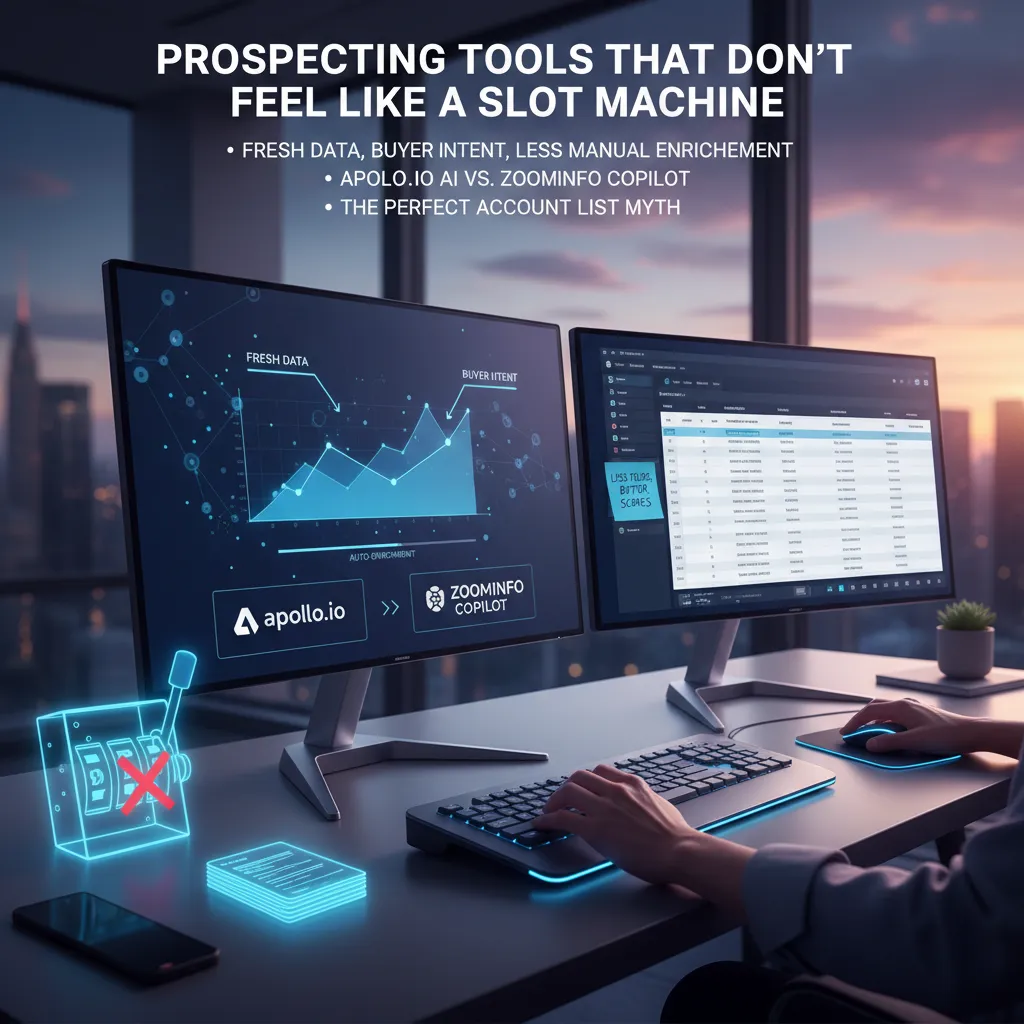
Most prospecting tools still feel like pulling a lever and hoping a “good lead” falls out. In 2026, what I actually want is simple: fresh data, buyer intent clues, and less manual data enrichment. If a tool can’t tell me whether a contact is still in-role, whether the company is actively evaluating something, and what to say without me filling 12 fields, I’m out.
What I’m really buying: freshness + intent + enrichment
- Freshness: recent job changes, verified emails, and fewer bounced domains.
- Buyer intent: signals like tech changes, hiring patterns, content spikes, or category research.
- Enrichment that stays out of my way: auto-fill firmographics and basics so I can focus on the message.
Apollo.io AI vs ZoomInfo Copilot: when I’d pick each (and when I’d run away)
Based on the “Top Sales Tools Compared: AI-Powered Solutions” angle, I think of these as two different bets.
Apollo.io AI is what I’d pick when I need speed: build lists fast, enrich quickly, and get into outreach without a long setup. I’d run away if the workflow pushes me into blasting sequences just because it’s easy. If I catch myself saying, “Let’s just add 2,000 more contacts,” that’s the slot machine talking.
ZoomInfo Copilot is what I’d pick when I need stronger account context and intent-style guidance—especially for bigger deals where timing matters. I’d run away if the process becomes “more dashboards, more filters, more meetings” and I’m still not sure why I’m emailing someone today.
Personal tangent: the “perfect account list” trap
I once chased a “perfect account list” for two weeks. I tweaked industries, headcount bands, tech stacks—everything. The result: a spreadsheet I was proud of and a pipeline that didn’t move. What I actually needed was better lead scoring and fewer fields. A simple score like:
Fit (ICP) + Intent (signals) + Timing (recent change)
How Copilot-style outreach changes email
AI copilots help me move from generic sequences to one sharp reason to reach out. Not “checking in,” but a single relevant trigger: a new role, a tool change, a hiring push, or a public initiative.
One email, one reason, one next step.
Pitfall to watch: “human” personalization that’s too eager
If the email sounds like it studied their entire life story, it gets creepy fast. I keep personalization light, specific, and calm—no forced compliments, no overconfident assumptions, and no “I noticed you…” paragraphs that read like surveillance.
3) AI SDR Tools for Lead Qualification (and the meeting you didn’t have to chase)
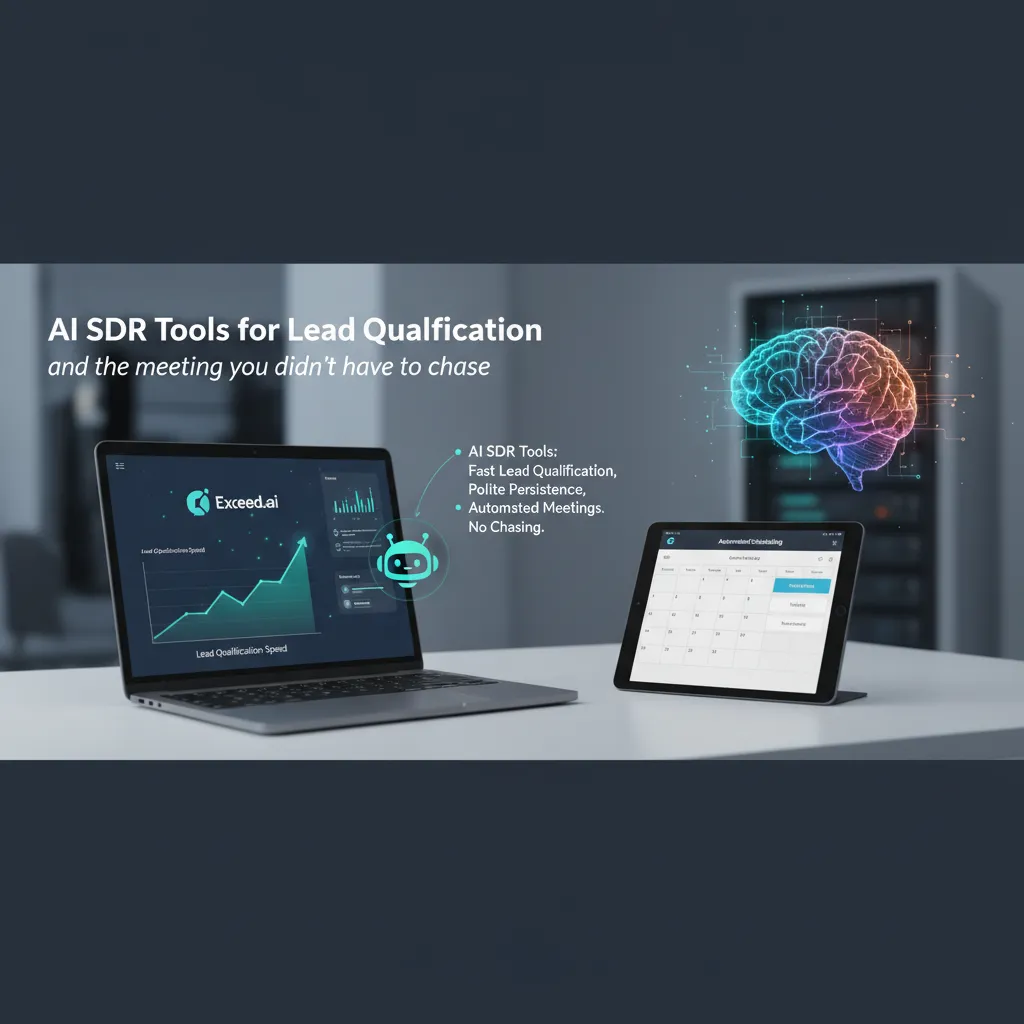
When I look at AI agents for sales in 2026, AI SDR tools are the ones I’d actually put in front of my pipeline first. Based on the “Top Sales Tools Compared: AI-Powered Solutions” roundup, the biggest wins are simple: fast lead qualification, polite persistence, and meeting scheduling that doesn’t take five emails and a calendar link that gets ignored.
Where AI SDR tools shine (in real life)
- Speed: qualifying inbound leads in minutes, not days.
- Consistency: follow-ups that happen on time, every time.
- Scheduling: moving from “Interested” to “Booked” without manual back-and-forth.
Exceed.ai as the “always-on” qualifier
Exceed.ai is a good example of what the source calls human-like conversations. In practice, that doesn’t mean it pretends to be your best rep. It means it can handle the normal early-stage questions in a natural flow: confirming role and company size, asking about timeline, and offering a few meeting slots. It can also keep the tone polite when someone goes quiet—no guilt trips, no awkward “just bumping this” energy.
“Human-like” should mean: clear questions, short replies, and a smooth handoff when the lead is ready.
Scenario: your inbound spikes after a webinar
Here’s what breaks first without automation: response time. After a webinar, you might get 200 sign-ups and 40 “hot” replies in a day. If your team is manually sorting, replying, and chasing scheduling links, the best leads cool off while you’re still triaging. The second thing that breaks is follow-up. Even great SDRs miss touches when the volume jumps.
The good kind of sales automation
I’m not looking for automation that “spams harder.” I want the helpful kind:
- Routing: send qualified leads to the right rep based on territory, segment, or intent.
- Follow-ups: timed nudges that stop the moment a lead books or says “not now.”
- Focus: reps spend time on discovery calls, not inbox cleanup.
My bias confession
I trust AI SDR automation more when it can hand off cleanly to a real person—full context, the conversation history, and the exact qualification notes. If the rep has to ask the same questions again, the tool didn’t save time; it just moved the work around.
4) Conversation Intelligence: the call moments I wish I could rewind
I used to trust my gut feel after a sales call. “That went well,” I’d tell myself—then the deal would stall, and I couldn’t explain why. Conversation Intelligence fixes that gap by turning live conversations into data I can learn from. Instead of guessing, I can see patterns across calls: where prospects get confused, which objections show up most, and what top reps say right before a meeting turns into a real opportunity.
Why it beats “gut feel”
What I like most is the conversation analysis. It doesn’t just summarize one call; it shows trends across many calls. That’s the difference between “I think I talk too much” and “I talk 68% of the time on discovery calls, and deals drop after that.” Tools in the “Top Sales Tools Compared: AI-Powered Solutionsundefined” category make this kind of feedback practical, not theoretical.
Remberg Copilot: real-time nudges I’d normally miss
Remberg Copilot is the kind of tool I’d actually use in 2026 because it helps in the moment. The best example is the upsell moment: a buyer casually mentions a second team, a new location, or a deadline shift. In real life, I might acknowledge it and move on. With real-time nudges, I get a prompt to ask one more question or position the add-on while the context is still warm.
Gong.io: coaching and deal visibility (without being creepy)
Gong.io stands out for coaching and pipeline visibility. The value isn’t “spying” on reps—it’s making success repeatable. I can compare how top performers handle pricing, how they set next steps, and how they respond to the same objection I struggle with. Done right, it feels like a shared playbook, not surveillance.
My small imperfection: I still take notes by hand
I still write notes during calls. Then I compare them to the AI summary. That’s where I catch blind spots: what I thought the buyer cared about vs. what they actually repeated, emphasized, or avoided.
What I measure after calls
- Talk/listen ratio (am I leaving space for the buyer?)
- Next steps clarity (is there a date, owner, and outcome?)
- Stage movement: how often deals change stage after a call
5) Revenue Intelligence & Deal Forecasting: fewer surprises in pipeline review
The pipeline meeting problem: forecasting fails when it’s just vibes
I’ve sat through too many pipeline reviews where the “forecast” is really a mix of hope, loud opinions, and last-minute deal math. That’s why classic sales forecasting breaks: it depends on memory and confidence, not evidence. Predictive forecasting helps when it’s tied to real signals—stage movement, activity quality, deal age, and historical win patterns—so the number changes for a reason, not a mood.
Einstein AI + Agentforce: CRM-native moves I’d actually use
From the “Top Sales Tools Compared: AI-Powered Solutions” lens, Salesforce’s Einstein AI and Agentforce stand out because they live inside the CRM where the data already is. That matters: fewer exports, fewer shadow spreadsheets, and fewer arguments about which dashboard is “right.”
- Lead scoring that’s visible in the record, so reps know why a lead is hot.
- Stalled deal detection (no stage change, no new contacts, no next step) so I can coach early.
- Custom AI Agents for repeatable tasks like “flag deals missing a mutual action plan” or “summarize risk factors before QBR.”
The key is keeping the agent’s job narrow: one workflow, one output, one owner.
Freddy AI and Zia AI: useful… if you keep it simple
Freddy AI (Freshworks) and Zia AI (Zoho) bring practical “next-best action” guidance, plus anomaly detection and sentiment cues. I like these features when they reduce noise, not when they create more alerts.
- Next-best actions: “Book a technical validation call” beats generic “follow up.”
- Anomaly detection: sudden drop in activity on a late-stage deal is a real signal.
- Sentiment: helpful as a prompt to review calls/emails, not as a final verdict.
Where Clari Copilot usually fits
In most revenue intelligence conversations, Clari Copilot shows up as the layer that tightens forecast calls across teams—especially when leadership wants consistent rollups, deal inspection, and cleaner commit/best-case hygiene.
My hard boundary: if the model can’t explain a forecast change, I don’t let it steer the quarter.
If an AI agent says “forecast down 8%,” I need the drivers in plain language: which deals moved, which slipped, what signals changed. No explanation, no authority.
6) Personality insights & personalization: helpful… until it’s weird
In 2026, I’m still bullish on personalization—but only the kind that makes outreach feel less like a template and more like a human paying attention. Tools like Humantic AI (often grouped in “AI-powered sales tools” comparisons) promise Personality Insights: quick signals on how someone may prefer to communicate, decide, and handle risk. Used well, it helps me adjust tone and structure. Used poorly, it turns into a creepy guessing game.
Where one-click personalization actually works
The best use case is follow-ups and warm threads. If someone already engaged, personality hints can help me choose between a short “two-line check-in” versus a more detailed recap with options. It also helps when I’m writing for multiple stakeholders: the champion who wants speed, and the operator who wants process. In those moments, one-click personalization saves time without changing the truth of what I’m saying.
Where it backfires fast
I avoid heavy personality-based language on the first touch, especially to a cold CFO. A cold intro that sounds like “I know how you think” is a fast way to lose trust. CFOs (and plenty of other buyers) don’t want a stranger labeling them. They want clarity: why now, why us, what’s the risk, and what’s the next step.
A realistic moment that changed my mind
One email reply I still remember came from a VP who’d ignored two earlier nudges. Instead of referencing their company tagline (which every vendor copies), I wrote: “It looks like your team ships fast—if you’re moving at that pace, I can share a 10-minute checklist to reduce back-and-forth on approvals.” That got a response. Not because I “profiled” them, but because I matched the team’s pace and offered something useful.
Ethics, tone, and what I refuse to do
I won’t use AI to imply I know someone’s personality, background, or private motives. I also won’t generate fake familiarity (“As a fellow introvert…”) or make sensitive assumptions. If the insight can’t be tied to observable signals, I treat it as noise.
My guardrails (and my closing take)
I keep personality insights optional, transparent internally (so reps know it’s a model, not a fact), and I tie it to outcomes: reply rate, meeting rate, and deal velocity—not “vibes.” That’s my line for AI agents in sales: help me communicate clearly and respectfully, or don’t help at all.
TL;DR: If you want AI that actually moves deals, match the tool to the moment: prospecting (Apollo.io AI / ZoomInfo Copilot), lead qualification + scheduling (Exceed.ai), conversation intelligence (Gong.io / Remberg Copilot), CRM-native scoring & forecasting (Einstein AI, Agentforce Salesforce, Freddy AI, Zia AI). Build around one CRM integration, keep the stack small, and track a few outcomes (reply rate, meetings, forecast accuracy) instead of collecting “features.”


