

I realized I had a “tool problem” the day my browser had 37 marketing tabs open and I still couldn’t answer a simple question: which AI tool is actually moving the needle? I’d been bouncing between content creation, SEO research, and automation dashboards like a pinball—getting lots of activity, not much clarity. So I did what any slightly-stubborn marketer would do: I made a messy comparison sheet, ran a few small experiments, and paid attention to what saved time (and what just created more drafts). This post is the cleaned-up version—still honest, still a little opinionated, and focused on the AI marketing tools that show up again and again in real workflows heading into 2026.
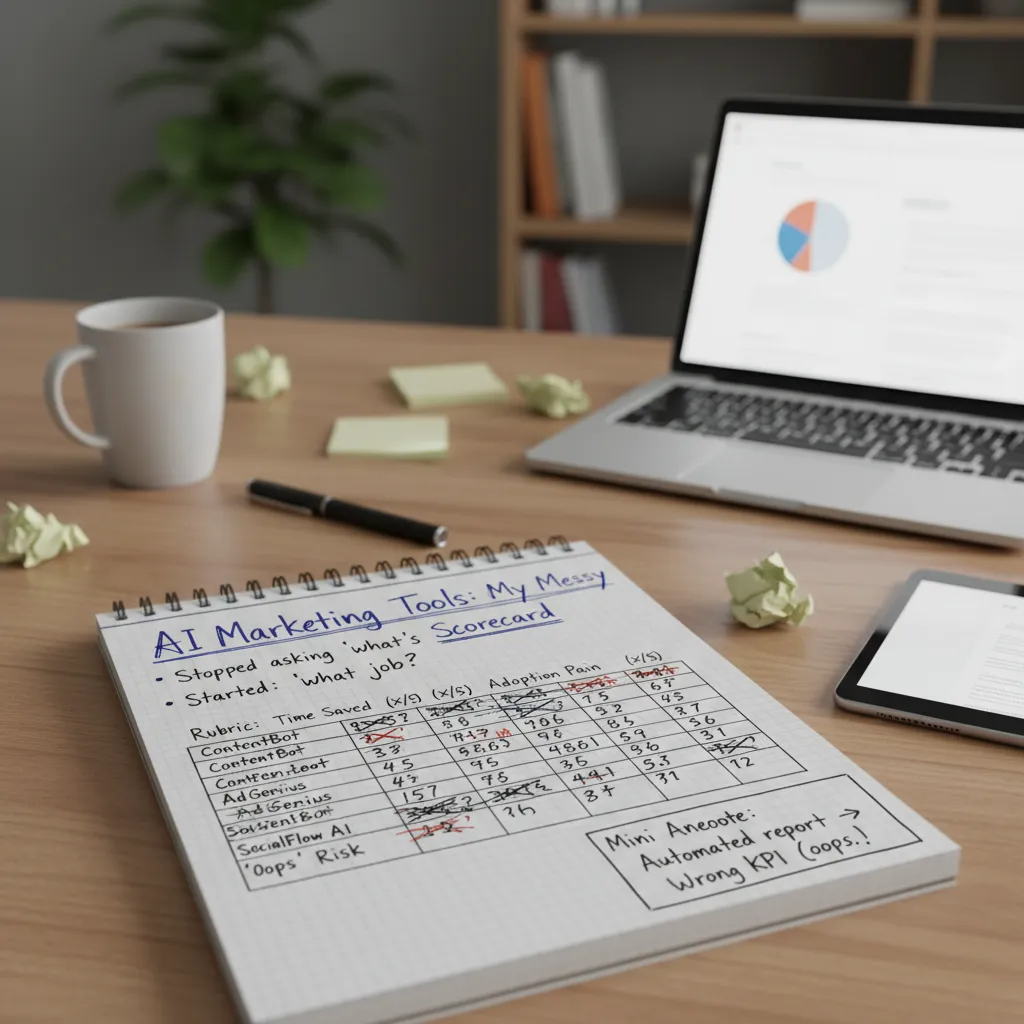
1) My slightly messy scorecard for AI marketing tools
I used to ask, “What’s the best AI marketing tool?” That question wasted a lot of time. In 2026, I get better results when I ask: what job am I hiring this tool for? Writing ad variations is a different job than cleaning CRM data, building audiences, or summarizing campaign results. The source material on top marketing tools compared kept pointing to the same truth: “AI-powered” only matters when it maps to a real workflow.
My quick scoring rubric (the one I actually use)
I keep a simple scorecard in a spreadsheet. It’s not pretty, but it keeps me honest. I rate each AI-powered solution on four things:
- Time saved: Does it remove steps, or just move them around?
- Quality lift: Are outputs better than my baseline (not just faster)?
- Adoption pain: How hard is it for my team to use weekly?
- “Oops” risk: Hallucinations, wrong targeting, compliance issues, or brand voice drift.
When I’m comparing AI marketing tools, I’ll often write the “job” at the top of the sheet, like: “Turn raw campaign data into a weekly performance story.” If the tool can’t do that job reliably, it doesn’t matter how many features it has.
The week I automated a report and optimized the wrong KPI (yes, really)
I once automated a weekly report using an AI summary layer. It pulled numbers, wrote insights, and even suggested “next actions.” The problem? I had the dashboard filtered to CTR, but leadership cared about pipeline. For a full week, I proudly “improved performance” by pushing changes that raised clicks while hurting lead quality. The AI didn’t fail—my inputs did. That’s why “oops risk” is a real category on my scorecard.
What “AI-powered marketing” means in 2026
It’s less magic and more discipline: clean inputs, clear definitions, and review loops. My best setups look like this:
- Define the job (one sentence).
- Standardize inputs (naming, UTMs, audiences, brand voice rules).
- Run AI for drafts, clustering, or anomaly detection.
- Human review before anything ships.
Wild card: the “tool diet”
One more thing I learned from comparing AI-powered marketing tools: sometimes growth comes from removing tools. Fewer platforms means fewer handoffs, fewer mismatched metrics, and less brand voice drift. My scorecard isn’t just for buying—it’s also for cutting.
2) Content creation: where ChatGPT shines (and where it doesn’t)
The real reason I keep ChatGPT open all day isn’t “magic writing.” It’s speed. I use it for conversational drafts, quick angle testing, and turning rough notes into a usable outline. When I’m staring at a blank doc, I’ll paste messy bullets and ask for three structures: a how-to, a checklist, and a short story-led version. In minutes, I can see which direction fits the campaign.
How I use it in a real marketing week (multi-modal work)
In the “Top Marketing Tools Compared: AI-Powered Solutions” mindset, I treat AI as a helper across tasks, not a single writing button. Here’s what that looks like for me:
- Copy drafts: landing page sections, product blurbs, and FAQ starters.
- Quick research: asking for common objections, competitor positioning ideas, or a list of benefits to validate with real sources.
- Rewriting ad variants: turning one core message into 10 hooks for Meta, Google, and LinkedIn.
- Light editing: shorten, simplify, or match a brand voice I describe.
Where it doesn’t shine: anything that needs fresh data, strong point of view, or real customer truth. If I don’t feed it insights, it will default to safe, generic lines.
My “rules of the road” so content doesn’t turn into bland soup
- Start with inputs: audience, offer, proof, and one clear goal.
- Ask for options: “Give me 5 angles,” not “write the final.”
- Force specificity: include numbers, constraints, and examples.
- Keep my voice: I rewrite intros and punchlines myself.
- Fact-check: anything that sounds like a claim gets verified.
ChatGPT vs Jasper vs Copy.ai (when I’d pick each)
| Tool | Best for | When I choose it |
|---|---|---|
| ChatGPT | Drafting, ideation, rewrites, flexible workflows | When I need fast thinking and many directions |
| Jasper | Brand-style consistency and team workflows | When a team needs repeatable on-brand output |
| Copy.ai | Quick templates for sales/marketing copy | When I want structured prompts and speed |
Tiny tangent: why my best subject lines start in Notes
My best email subject lines still begin in a Notes app because I capture real phrases from calls, reviews, and support tickets. Then I’ll use ChatGPT to remix them into variants, like:
“Create 15 subject lines using this exact customer phrase, keep them under 45 characters.”
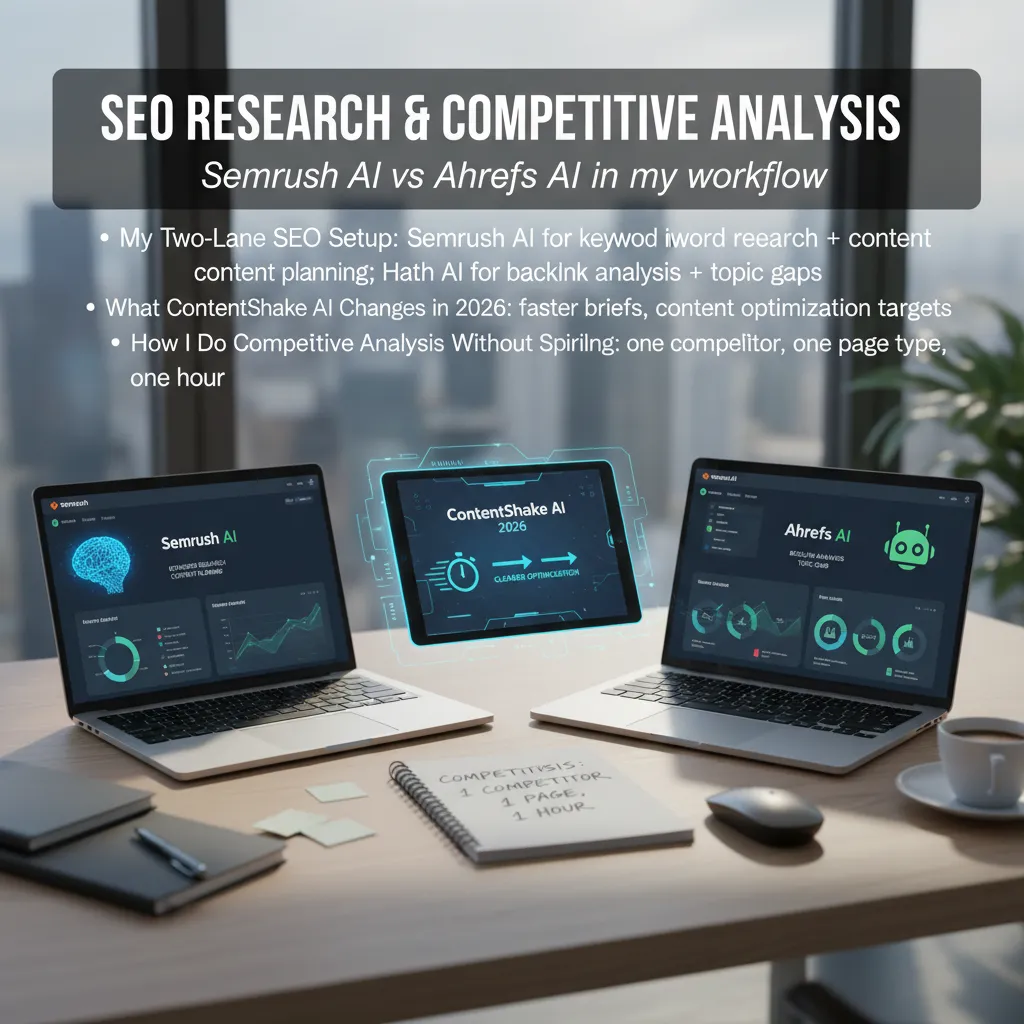
3) SEO research & competitive analysis: Semrush AI vs Ahrefs AI in my workflow
In my 2026 workflow, I run SEO in two lanes so I don’t mix tasks and waste time. I pulled this approach from the “Top Marketing Tools Compared: AI-Powered Solutions” mindset: use AI where it speeds decisions, not where it adds noise.
My two-lane SEO setup
- Semrush AI is my lane for keyword research + content planning. I use it to cluster keywords, map intent, and turn a messy idea into a clean content calendar.
- Ahrefs AI is my lane for backlink analysis + topic gaps. I use it to see why a competitor ranks (links, pages, anchors) and where my site has missing coverage.
This split keeps me focused: Semrush helps me decide what to publish, and Ahrefs helps me understand what’s supporting rankings.
What ContentShake AI changes in 2026
ContentShake AI is the biggest “speed upgrade” for me this year. Instead of building briefs from scratch, I generate a first draft brief fast, then I edit it like a strategist. The real win is clearer optimization targets: primary keyword, supporting terms, and on-page elements I can actually measure.
| Task | Before | With ContentShake AI |
|---|---|---|
| Brief creation | 30–60 minutes | 10–20 minutes |
| Optimization targets | Guesswork | Clear checklist |
Competitive analysis without spiraling
I limit competitive research with a simple rule: one competitor, one page type, one hour. I pick a single page type (like a product page or a “how-to” blog post), then I review:
- Top keywords and intent
- Content structure (headings, sections, FAQs)
- Link profile signals (quality, not just quantity)
“Constraints keep SEO research useful. Unlimited digging turns into procrastination.”
Brand monitoring and mentions (even when I’m not “doing PR”)
I track brand mentions because they often show up before traffic does. A mention can lead to a link, a partnership, or a new keyword idea. In Ahrefs, I watch who’s talking about competitors, then I look for realistic ways to earn similar coverage.
The organic traffic reality check
Rankings are nice, but I treat them as a signal, not the goal. My real check is: clicks and intent. If a page ranks but brings the wrong visitors, I adjust the angle, update the intro, and tighten the call-to-action so the content matches what searchers actually want.

4) Marketing automation & customer journeys: HubSpot AI, Zapier workflows, and ManyMoney AI
In my experience, marketing automation is where AI tools marketing either pays off fast—or quietly breaks trust. When automation is helpful, it feels like good service. When it’s too pushy or too personal, it feels like surveillance. So I judge these tools on one thing: do they help me deliver the right message at the right time without crossing the line?
HubSpot AI: CRM-led engagement that stays connected
HubSpot AI works best when your CRM is the “source of truth.” I use it to keep customer journeys consistent across marketing and sales. The value is not just writing copy—it’s using CRM context to reduce guesswork.
- Email personalization: smarter subject lines, content suggestions, and timing based on lifecycle stage.
- SEO recommendations: topic ideas and on-page guidance tied to what your audience is already engaging with.
- Sales handoffs: cleaner routing when a lead hits a threshold (like pricing-page visits or demo requests).
Zapier workflows: the glue that makes “smart” feel real
Zapier is the boring hero. It doesn’t try to be your strategy—it connects your tools so your automation doesn’t fall apart. When people say their AI stack “doesn’t work,” it’s often because data isn’t moving cleanly between forms, CRM, email, and support.
Example workflow logic I rely on:
New form submission → enrich lead → create/update CRM → notify Slack → add to nurture sequence
ManyMoney AI (by Pushwoosh): e-commerce journeys and optimization
ManyMoney AI by Pushwoosh is built for e-commerce customer journeys where speed matters: segmenting audiences, triggering campaigns, and optimizing performance across channels. I like it for:
- Audience segments: grouping by behavior (views, add-to-cart, repeat purchases) instead of broad demographics.
- Journey building: structured flows that react to actions in near real time.
- Campaign optimization: improving send time, message mix, and conversion steps based on results.
Hypothetical cart abandonment flow (personalized, not creepy)
Here’s a simple approach I’d use to avoid over-personalization:
- 1 hour: friendly reminder with the product category, not the exact item name.
- 24 hours: helpful content (“How to choose the right size”) + clear return policy.
- 48 hours: optional incentive, capped frequency, and an easy opt-out.
Personalization should feel like assistance, not exposure.
5) Ad optimization: when I let AI touch budgets (and when I don’t)
The big promise of AI ad optimization is simple: campaign optimization and dynamic budget allocation without babysitting dashboards. In the source material on AI-powered marketing tools, the theme is clear—these platforms want to watch performance signals in real time and make small, smart moves faster than I can. When it works, it feels like having a junior media buyer who never sleeps.
Where AI ad optimization helps me most
I don’t hand over the keys to everything. But I do let AI handle the parts that benefit from speed and repetition:
- Creative variants: generating and testing multiple headlines, images, and hooks so I’m not stuck guessing what will click.
- Bidding suggestions: recommending bid adjustments based on cost-per-click, cost-per-lead, and conversion trends.
- Fast learning loops: spotting patterns early (like a placement that’s burning spend) and reacting before the day ends.
Tools on my radar: Blaze.ai and Albert AI
Two names I keep seeing in AI marketing tools compared lists are Blaze.ai and Albert AI. I like them for different reasons. Blaze.ai is on my radar for speeding up testing—especially when I need quick creative iterations and tighter feedback loops. Albert AI is the one I associate more with automated optimization across campaigns, where it can adjust based on performance signals.
That said, I still sanity-check the targeting. AI can optimize toward the wrong audience if the inputs are messy. I always review:
- Audience definitions (interest stacks, lookalikes, exclusions)
- Geo and language settings
- Placements (where ads actually show up)
My “two approvals” rule for budget changes
Here’s my guardrail: AI can suggest, but humans approve spend changes over a threshold. In practice, I use a simple rule:
- AI proposes a budget shift.
- I approve it if it’s under my limit.
- If it’s over the limit, it needs two approvals (me + someone else).
I even label it in my notes as:
if budget_change > $X: require_two_approvals()
Quick aside: my $200 humility lesson
I once boosted the wrong post and learned a $200 lesson in humility.
The ad “worked” (lots of engagement), but it was the wrong objective and the wrong audience. That’s why I treat AI budget automation like a power tool: useful, fast, and absolutely something I respect.
6) Picking your 2026 stack (without turning into a tool hoarder)
By 2026, the biggest risk isn’t missing an AI marketing tool—it’s buying too many. I’ve learned to pick a stack that matches the customer journey, not my curiosity. When I use the “Top Marketing Tools Compared: AI-Powered Solutions” mindset, I stop chasing shiny features and start building a workflow that actually ships campaigns.
A simple stack-by-stage map
I map tools to four stages so each one has a job. For Awareness (content), I want an AI writing and creative tool that helps me draft posts, scripts, and visuals fast while keeping my brand voice. For Consideration (SEO), I need keyword research, content briefs, on-page checks, and rank tracking so I can earn traffic instead of renting it. For Conversion (ads), I look for ad creative testing, audience insights, and landing page support to improve ROAS. For Retention (automation), I rely on email/SMS automation, segmentation, and basic customer data syncing so follow-ups feel personal.
Three starter stacks I’d recommend
If I’m a solo creator, I keep it lean: one AI content tool, one SEO suite, and one email automation platform. If I’m on a B2B team, I add a CRM plus an AI assistant that can summarize calls, draft follow-ups, and support account-based marketing. If I run an e-commerce brand, I prioritize product feed support, ad optimization, and retention flows (welcome, browse abandon, cart abandon, post-purchase) with AI personalization.
Budget reality (the part nobody likes)
I’d rather pay for a few tools I use daily than juggle a dozen half-used subscriptions. In practice, fewer tools means cleaner data, fewer logins, and faster training. That’s how AI-powered marketing solutions actually save time.
The questions I ask before I buy
I check whether it integrates with what I already use, who owns the data I upload, how it handles brand safety (claims, sources, compliance), and how steep the learning curve is for my team. If it can’t fit my workflow in a week, it’s probably not a “win” tool.
My final rule: the best AI marketing solutions feel invisible—because the workflow finally makes sense, the handoffs are smooth, and results improve without me thinking about the tools at all.
TL;DR: If I had to choose: ChatGPT for content creation and ideation, Semrush AI + ContentShake for keyword research and SEO optimization, Ahrefs AI for backlink analysis and brand monitoring, HubSpot AI for CRM-led customer engagement, Zapier workflows for glue, and ManyMoney AI for e-commerce customer journeys and campaign optimization. Pick by workflow, not hype.


