
I remember the first time my team tried to run a product sprint across three time zones — we ended up juggling Slack threads, a Teams calendar, and a Discord voice room. That chaotic week sparked my curiosity: how do these platforms really compare when AI is in the mix? In this post I walk through features, quirks, and real-world scenarios to help you pick the right collaboration tool.
Snapshot — Features, Pricing, and the AI Angle
When I compare Slack, Microsoft Teams, and Discord, I look at three things first: how fast I can communicate, how well it fits my work tools, and how much AI can reduce busywork. Each platform can run a team, but they feel very different in daily use.
Quick side-by-side: what each brings
| Platform | Best at | Typical strengths |
| Slack | Work chat + app integrations | Channels, threads, strong search, workflows, lots of integrations |
| Microsoft Teams | Meetings + Microsoft 365 | Video calls, calendar, files, tight Office integration, org controls |
| Discord | Community-style real-time chat | Voice channels, casual collaboration, roles, lightweight setup |
In practice, Slack feels like a “work hub” where tools come to me. Teams feels like the default choice when my company already lives in Outlook, Word, and SharePoint. Discord feels fastest for always-on voice and informal teamwork, especially for groups that don’t need heavy admin features.
Pricing highlights (what I notice first)
- Slack: after free tier limits, paid plans start at $7.25/user/month.
- Discord: generous free messaging and voice; Nitro upgrades are there for power users who want extras.
- Teams: pricing often depends on Microsoft 365 plans, so the “real cost” can be bundled with tools you already pay for.
The AI angle: where the time savings show up
This is where the AI conversation gets practical. Slack has been pushing AI-powered message summaries and workflow suggestions in paid plans, which matters when channels move fast. Teams and Discord are also moving in this direction through bots and AI integrations (often via third-party apps or platform add-ons).
When I needed concise meeting notes, Slack’s summaries saved me time—an example of AI delivering immediate ROI.
Instead of scrolling through long threads, I can get a quick summary, confirm key decisions, and move on. For me, that’s the simplest test of AI collaboration features: does it cut reading and follow-up time today?
Real-time Messaging, Voice Channels, and Video — Where Discord Wins (Sometimes)
Why Discord feels faster in the moment
When I compare Slack, Microsoft Teams, and Discord for real-time messaging, the biggest difference is how quickly I can move from text to voice. Discord is built around always-available voice channels, so joining a conversation feels like walking into a room, not scheduling a meeting. In my own work, my team used a Discord voice room for quick design syncs, and it honestly beat setting up a formal call. We didn’t need invites, calendar blocks, or a “start meeting” button—people just dropped in, shared ideas, and left when they were done.
Slack and Teams: strong, but more “meeting-shaped”
Slack and Teams both support voice, video, and screen sharing, and they are reliable for structured work. But the workflow often feels more scheduled and tied to meetings. In Teams, video calls naturally connect to calendars and recurring meetings. In Slack, huddles are quick, but they still feel like a feature you “start” rather than a space that’s already there. For many business teams, that’s a good thing—it creates clarity and reduces interruptions—but it can slow down spontaneous collaboration.
Where the always-on model helps creative teams
For community engagement and creative teams, Discord’s low-friction voice model can accelerate ideation. I’ve seen brainstorming improve when people can casually join a channel, listen for a minute, then speak up when they have something. It supports lightweight collaboration without forcing everyone into a formal video grid.
- Spontaneous check-ins: quick feedback loops without scheduling
- Drop-in collaboration: people join only when relevant
- Better “studio” energy: ongoing presence can spark ideas
AI features that change how voice work is captured
This is where AI can make voice channels more useful long-term. Voice is fast, but it’s also easy to lose. With AI additions like voice-to-text transcripts, real-time moderation bots, and auto-summaries, voice conversations become searchable and easier to archive.
| AI capability | What it improves |
| Voice-to-text transcripts | Searchable history of decisions and ideas |
| Auto-summaries | Quick recap for people who missed the talk |
| Moderation bots | Safer community spaces and cleaner discussions |
In practice, when AI turns voice into usable notes, Discord’s “always-on” style becomes more than casual chat—it becomes a real collaboration system.
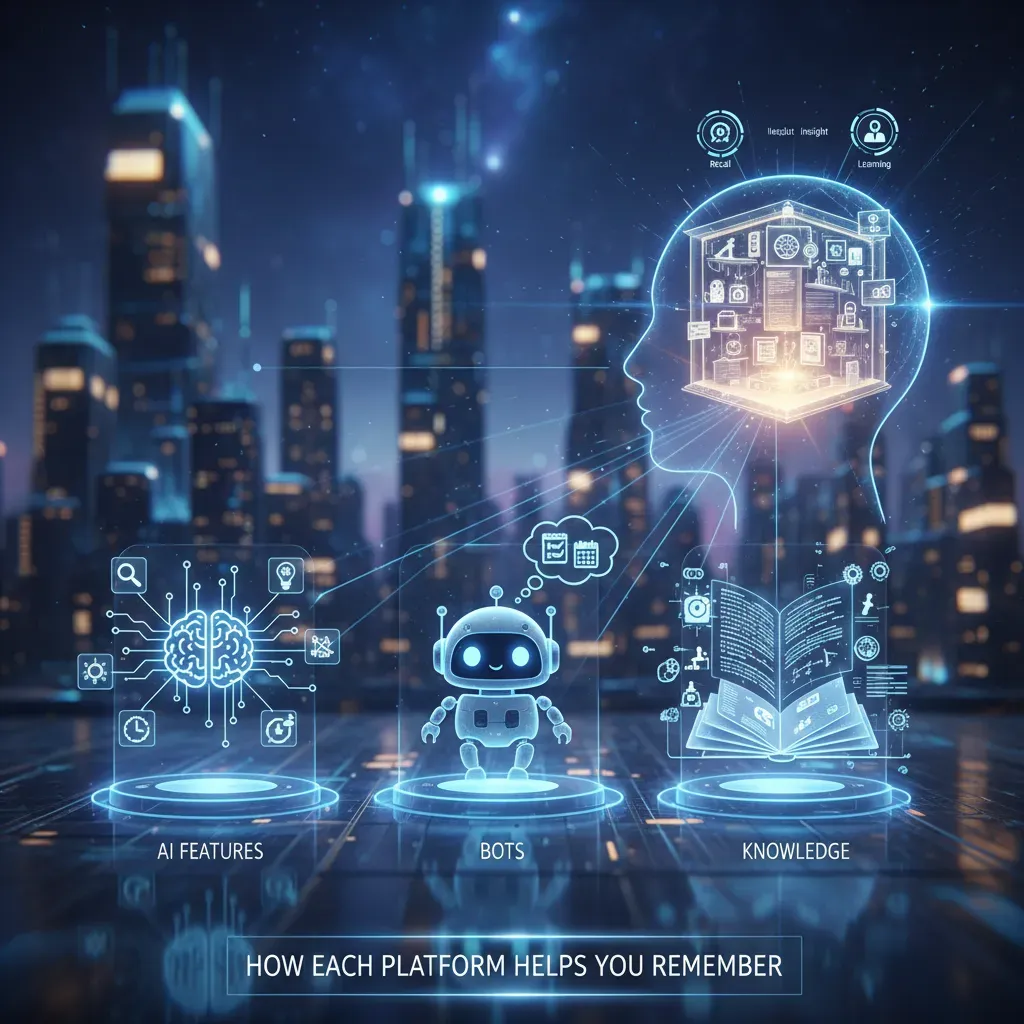
AI Features, Bots, and Knowledge — How Each Platform Helps You Remember
When I compare Slack, Microsoft Teams, and Discord, I focus on one practical question: how well does the platform help me remember what happened? In busy projects, AI is less about flashy chat and more about turning messy conversations into usable knowledge.
How AI support feels different in each app
- Slack: AI features tend to center on message summaries, quick catch-up views, and workflow suggestions that reduce repeated manual steps.
- Microsoft Teams: Teams leans into the Microsoft 365 ecosystem. The strongest “AI” moments show up through co-authoring, meeting context, and contextual suggestions tied to files, calendars, and chats.
- Discord: Discord is more flexible but less standardized. It often relies on bots and community-built AI tools that can summarize, moderate, or answer FAQs—depending on what a server installs.
Knowledge management: what actually sticks
Slack’s advantage for institutional memory is how it combines threaded messages, channels, and strong search. When a decision is made in a thread, I can usually find it later by searching a keyword, a person, or a file. That matters more than it sounds—because most “lost knowledge” is simply buried in chat.
Teams can be excellent for memory when the work lives in Microsoft 365. If the conversation is linked to a document, a meeting, or a shared notebook, I can trace the story faster. In practice, Teams “remembers” best when my team is disciplined about storing files in the right place.
Discord can store a lot of history, but knowledge depends on server setup. With the right bots, pinned messages, and well-organized channels, it can work. Without that structure, important details can drift away in fast-moving chat.
A quick sprint test: Slack summary bot
During a sprint, I tested a simple Slack summary bot on a noisy thread. It took a 30-minute back-and-forth and condensed it into three action items:
- Confirm the API endpoint change
- Update the QA checklist
- Assign an owner for the release note
AI limits I watch for
AI can still hallucinate, miss nuance, or summarize the wrong “truth.” I also think about privacy (what data is being processed) and admin controls (who can enable bots, what they can access, and how logs are handled). For me, AI is helpful—but only when it’s governed and easy to verify.

Security, Admin Controls, and Enterprise Readiness
When I compare Slack, Microsoft Teams, and Discord for AI-powered collaboration, I always pause at the same question: can this tool meet enterprise security and admin needs without extra workarounds? In real organizations, it’s not just about chat. It’s about admin controls, custom roles, audit logs, and compliance. This is where Slack and Teams feel the most battle-tested.
What enterprises usually require
In my experience, “enterprise-ready” means I can control access, prove what happened, and reduce risk at scale. Typical needs include:
- Role-based access (custom roles, least-privilege permissions)
- Audit logs for investigations and policy checks
- Data retention rules and legal hold options
- Compliance support aligned with common frameworks
- Centralized admin tools for onboarding, offboarding, and device policies
Slack: strong controls plus search and knowledge management
Slack stands out to me because it combines enterprise-grade security features with practical day-to-day governance. Admins can manage workspace settings, permissions, and retention policies in a way that scales. Slack also shines in advanced search and knowledge management: finding past decisions, files, and key messages is often faster than expected, which matters when AI features summarize or surface old context.
For enterprise teams, good search is not just convenience—it’s part of risk control and accountability.
Microsoft Teams: built on Microsoft’s enterprise security foundation
Teams benefits from Microsoft’s long history with enterprise security and compliance. I see this most clearly in the centralized admin portals and the way Teams fits into broader Microsoft controls. If your company already uses Microsoft 365, Teams can feel like the “default secure” option because identity, access policies, and compliance workflows are often managed in one place.
Discord: improving, but historically community-first
Discord has been improving its controls, but it was built first for community moderation rather than enterprise admin tooling. Roles and permissions can work well for servers, yet the overall experience still feels less focused on formal compliance, audit depth, and corporate governance. For smaller teams it may be fine, but for regulated environments I usually treat Discord as a higher-effort choice.
| Platform | Enterprise readiness (practical view) |
| Slack | Strong admin controls, security features, and excellent search/knowledge workflows |
| Teams | Deep Microsoft security/compliance alignment and centralized administration |
| Discord | Good moderation basics, but lighter enterprise-grade compliance and audit tooling |
Integrations, Workflows, and Automation — Where Work Actually Gets Done
When I compare Slack, Microsoft Teams, and Discord, I always come back to one thing: integrations. AI features are helpful, but the real daily win is when my chat tool connects to the apps where work lives. The more my tools talk to each other, the less I jump between tabs, and the easier it is to keep context.
Slack and Teams: Deep Integrations That Reduce Context Switching
Both Slack and Teams offer strong app ecosystems. In practice, that means I can pull updates, files, and meeting links into the same place where I’m already talking with my team. This is where AI can help too—by summarizing long threads, highlighting action items, or helping me search across connected tools.
- Google Workspace: share Docs/Sheets, get notifications, and keep links organized.
- Trello: turn messages into cards and track progress without leaving chat.
- Zoom: start meetings fast and keep recordings and notes easy to find.
Workflow Automation: Slack Workflows vs. Teams + Power Automate
Slack makes automation approachable with built-in workflows and bots. I can create simple forms, route requests to the right channel, and post reminders on a schedule. Teams takes a slightly different path: it shines when I’m already in Microsoft 365. With Power Automate plus Office apps, I can connect chat to approvals, SharePoint lists, and Outlook calendars.
| Platform | Best for | Automation style |
| Slack | Fast team workflows | Workflows + bots inside channels |
| Teams | Microsoft-heavy orgs | Power Automate + Office integration |
| Discord | Communities and flexible setups | Community bots + third-party tools |
Discord: Creative Bots, Less Standardized Workflows
Discord leans on community bots and third-party tools. I’ve seen teams build clever systems for onboarding, reminders, and role-based alerts. But compared to Slack and Teams, it can feel less standardized for business workflows, and quality varies by bot.
I once replaced a weekly status email with an automated Slack workflow that posted summaries—our meeting time dropped by half.
For me, that’s the real test: can the platform turn repeated work into a simple, reliable flow—while AI helps me understand and act faster?
Best Scenarios, My Recommendation, and Frequently Asked Questions
Best scenarios (where each tool wins with AI)
If I’m supporting a structured enterprise team doing knowledge-heavy work, I lean toward Slack. Its channel-first setup makes it easier to keep decisions, links, and context in one place, and AI features like search, summaries, and “catch me up” style recaps help me recover time when I miss a day of messages. Slack works best when the goal is to turn chat into a living knowledge base.
If the company already lives in Microsoft 365, I usually pick Teams. The biggest advantage is how naturally it connects to Outlook, SharePoint, OneDrive, and Office files. For regulated teams, compliance and admin controls matter as much as AI, and Teams tends to fit that reality. AI becomes most useful here when it can summarize meetings, pull action items, and connect chat to documents without leaving the Microsoft ecosystem.
When the team is creative, community-driven, or voice-first, Discord is hard to beat. It shines for fast collaboration, casual drop-in voice, and social energy. AI can help with moderation, quick answers, and organizing conversations, but the real win is how naturally people talk and build momentum together.
My recommendation (pick the workflow, not the hype)
My practical recommendation is simple: choose the platform that reduces tool switching and matches your document and compliance needs. If your work is mostly threads and decisions, Slack is strong. If your work is mostly Office files and governance, Teams is the safer bet. If your work is mostly community and voice, Discord keeps things moving.
Frequently asked questions
How do I migrate without chaos? I start by moving active channels first, then pin a short “where things live now” guide. I also keep the old tool read-only for a few weeks so people can search history while AI summaries help them catch up.
How can I save money? I reduce paid seats by giving light users free/view access where possible, limit premium AI to teams that truly need it, and clean up unused workspaces and bots.
Do AI features change onboarding? Yes. New hires ramp faster when AI can summarize key channels, explain past decisions, and surface the right docs. I still pair that with a human buddy, but AI shortens the “lost in chat” phase.
Wild card: a hybrid stack
I can imagine a hybrid where Teams handles documents and compliance, Slack runs day-to-day threads and cross-team coordination, and Discord hosts socials and voice huddles. It’s not for everyone, but when AI reduces friction across tools, this mix can feel surprisingly natural.
TL;DR: Slack is best for structured, enterprise workflows and knowledge management; Teams excels with Office 365 integration; Discord shines for spontaneous voice/video and community-style collaboration. AI features are emerging across all three — message summaries, workflow suggestions, and bots — so choose based on use case.


