
When I first sat across from our head of IT and they casually mentioned a pilot that used generative models to clean invoices, I admit I bristled. I’d been burned by shiny pilots that never delivered cash value. Over the next 18 months I led a small cross-functional effort to test AI on accounts payable, and what surprised me wasn’t a magic wand—it was the governance questions we ignored early that almost derailed us. In this guide I share that messy, human experience and a pragmatic roadmap for CFOs who want measurable ROI from AI without losing sleep over risk.
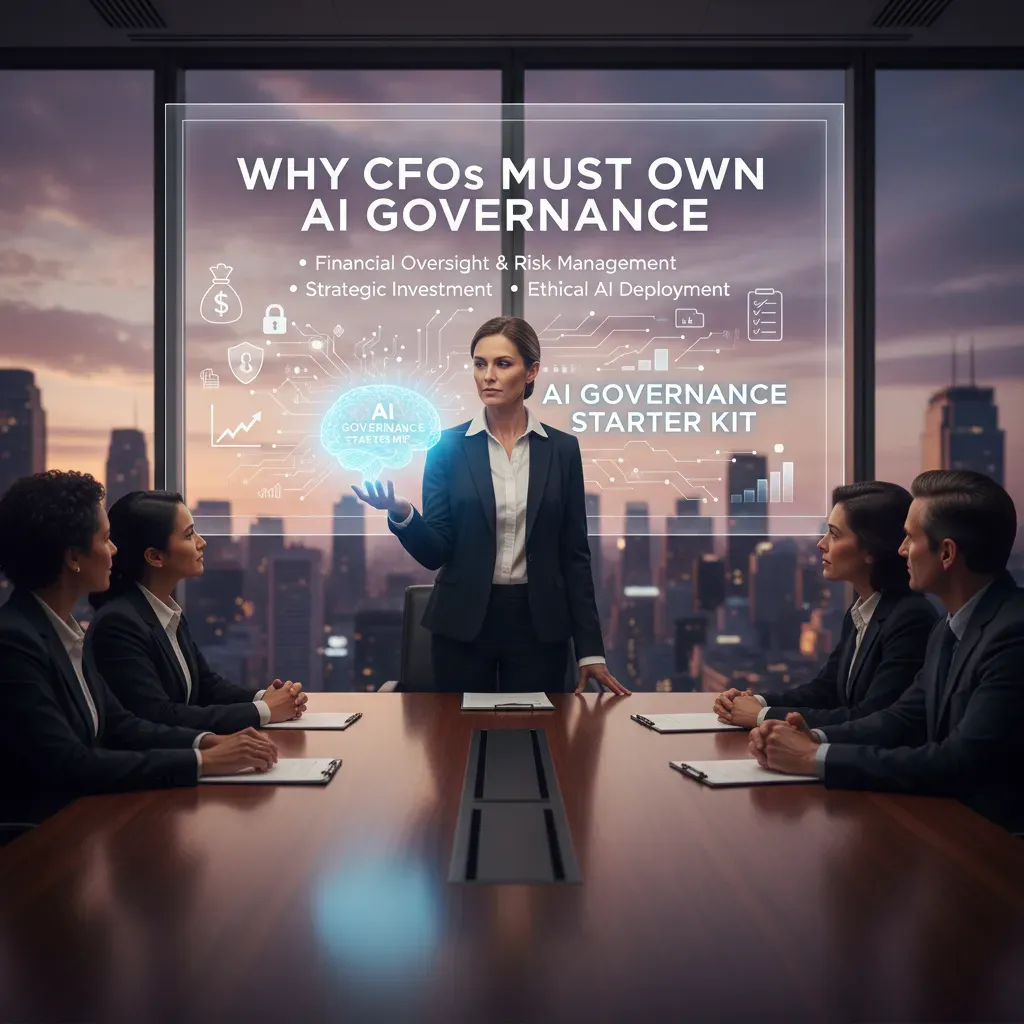
Why CFOs Must Own AI Governance (AI Governance Starter Kit)
In my experience, AI governance works best when finance owns it. Not because we want more control, but because we already sit at the center of data access, risk oversight, and capital allocation. AI touches sensitive financial data, changes how decisions are made, and can create hidden costs fast. If governance lives only in IT, it can miss business impact. If it lives only in legal, it can slow delivery without improving outcomes. Finance can balance speed and safety.
Why finance is uniquely positioned
- Data access: We manage invoice, payroll, customer billing, and forecasting data—the exact inputs many AI tools want.
- Risk oversight: We already run controls for fraud, compliance, and audit trails. AI needs the same discipline.
- Capital allocation: AI is not “free automation.” It is spend (licenses, vendors, compute) plus risk (errors, leakage, fines). CFO ownership keeps ROI measurable.
AI Governance Starter Kit: my checklist
- Data access rules: Define what data can be used in AI, by role, and where it can be stored. Include “no paste” rules for sensitive fields.
- Visibility of AI usage: Require teams to disclose AI tools used for finance work (including browser plug-ins and external chat tools).
- Incident response playbook: A simple plan for “AI went wrong”—who to notify, how to contain, how to document, and how to report.
- Vendor transparency requirements: Ask vendors about training data use, retention, model hosting location, audit logs, and breach notification timelines.
A quick story from my pilot
During an AP automation pilot, a team member used an external model to “clean up” invoice descriptions. The policy was unclear, so they pasted invoice text that included bank details. Nothing malicious happened, but we had no proof the data was not stored or used for training. That was enough to pause the pilot.
What we changed: we created a short rule—no external models for invoice content unless approved, we masked sensitive fields, and we moved the workflow to an approved tool with logging.
First steps I recommend this week
- Build an AI tool inventory: list every AI feature and tool used in finance, who uses it, and what data it touches.
- Set acceptable error thresholds: define what “good enough” means (e.g., <1% miscode rate in GL tagging) and when humans must review.
- Appoint a governance champion: one accountable owner in finance to coordinate IT, security, legal, and audit.
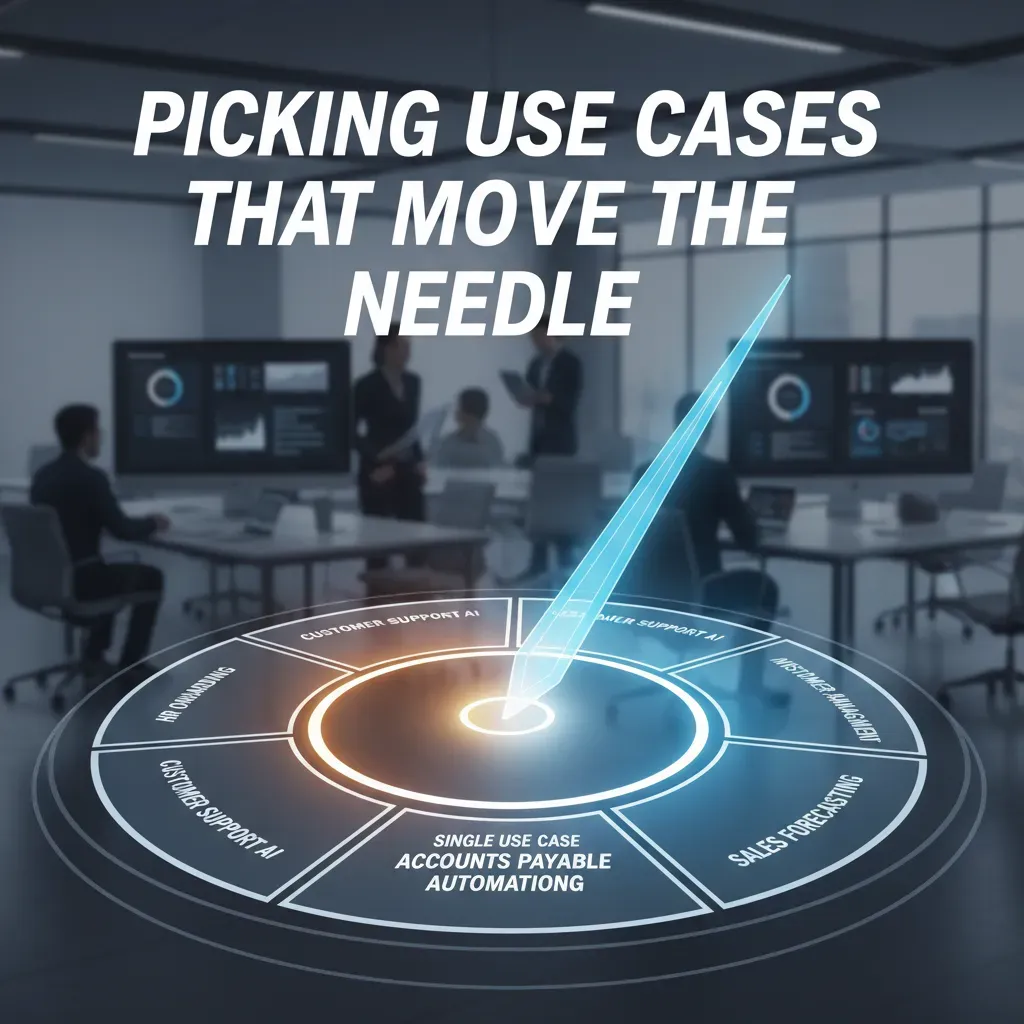
Picking Use Cases that Move the Needle (Single Use Case, Accounts Payable Automating)
When I’m asked where to start with AI, I usually recommend accounts payable (AP) automation and invoice processing AI. It’s not the most exciting area, but it’s one of the fastest ways to show measurable ROI. AP is high-volume, rule-based, and full of small delays that add up: chasing approvals, fixing coding errors, matching POs, and handling exceptions. That makes it ideal for AI that can read invoices, extract fields, route approvals, and flag anomalies.
Why AP is my go-to first use case
- Clear baseline: We already know our invoice counts, cycle times, and exception rates.
- Fast feedback loops: You can see improvements in weeks, not quarters.
- Contained risk: Start with a subset (one entity, one vendor group) before expanding.
- Direct cost impact: Less manual work, fewer late fees, better capture of early-pay discounts.
How I assessed “single use case” impact: the three Cs
In my pilot, I tracked impact using what I call the three Cs: clarity, capacity, and confidence.
- Clarity: Did we reduce confusion and rework? For example, fewer missing fields, fewer back-and-forth emails, cleaner audit trails.
- Capacity: Did we free up time? I looked at invoices processed per FTE and how many exceptions a specialist could handle per day.
- Confidence: Did controls improve? This includes better matching, stronger approval routing, and more reliable detection of duplicates or suspicious changes.
My rule: if a use case doesn’t improve at least two of the three Cs, it’s not ready to scale.
KPIs I used to prove ROI
| KPI | What it tells me |
| Invoice processing time | Speed from receipt to approval/payment |
| Error rate | Rework, miscoding, and mismatch frequency |
| Fraud detection events | Duplicate invoices, vendor bank changes, odd spend patterns |
| Cost per invoice | Total AP cost divided by invoice volume |
Quick wins vs strategic bets
I prototype when the goal is learning: limited scope, light integration, and a clear stop/go metric. I scale into ERP integration when the workflow is stable and the exception handling is understood. If the AI can’t reliably handle edge cases, I keep it in “assist mode” (suggestions + human approval) rather than full automation.
Implementation Details & Outcomes (Implementation Details Outcomes, ERP Integration AI)
1) Inventory AI tools and map ERP integration points
Before I approved any new AI spend, I did a simple inventory: what AI we already had (embedded in tools, not just “AI projects”), who owned it, and what data it touched. Then I mapped each tool to our ERP touchpoints. I used the same practical template for both SAP and NetSuite, because the questions are consistent even when the connectors differ.
| AI Tool / Use Case | ERP Object | Integration Method | Data Direction | Controls |
| Invoice coding assistant | AP invoices, vendors | API / iPaaS | ERP → AI → ERP | Approval workflow, audit log |
| Cash forecasting model | AR, bank, GL | Data warehouse feed | ERP → AI | Read-only access, model monitoring |
- Integration points: GL, AP, AR, fixed assets, procurement, and close calendar.
- Data rules: what is read-only vs. write-back, and who can approve write-backs.
2) Vendor evaluation checklist I actually used
When vendors said “secure” or “enterprise-ready,” I asked for specifics. My evaluation focused on four areas that affect CFO risk and ROI:
- Transparency: model behavior, limitations, and what triggers human review.
- Data access policies: retention, training use, tenant isolation, and export rights.
- Incident handling: breach notification timelines, support SLAs, and root-cause reporting.
- Cost structure: per user vs. per transaction, overage fees, and scaling assumptions.
I treat “data access” as a finance control, not an IT detail.
3) Budgeting for agentic AI and GenAI pilots
In the 2026 forecast, I carved out an “AI experiments” fund so pilots didn’t compete with core ERP work. I kept it small but protected, with clear gates:
- 30–60 day pilots with a single process owner
- Success metrics tied to cycle time, error rate, and adoption
- Stop/scale decision based on measured outcomes, not demos
4) Outcomes from ERP integration
Once AI was integrated into SAP and NetSuite workflows (not bolted on), we saw practical gains: faster reporting cadence, fewer reconciliations due to cleaner coding and exception handling, and richer real-time insights from consistent data definitions across GL and subledgers.
People, Roles & Change Management (Upskilling Mandatory AI, Every Role AI)
Why AI fluency is a finance competency now
In 2026, I treat AI fluency the same way I treat spreadsheet skills or basic accounting judgment. AI is already inside forecasting, close, audit support, and vendor analytics. If my controllers and FP&A teams cannot ask good questions, validate outputs, and spot risk, we lose time and trust.
To build confidence fast, I ran short, practical workshops (60–90 minutes) focused on real finance work, not theory. Each session used our own reports and policies, with a simple rule: no one leaves without testing AI on a task they do weekly.
- Controllers: close variance explanations, journal entry support, policy lookups
- FP&A: scenario drafts, driver-based model checks, narrative for board decks
- Everyone: prompt basics, data sensitivity, and “how to verify” steps
Role definitions: ownership, oversight, and escalation
“Every role AI” does not mean “everyone does whatever they want.” I define clear roles so AI use stays safe and measurable.
- AI Key Champion (Finance): owns use-case intake, prioritization, and adoption metrics; partners with IT and Risk.
- Human Oversight Roles: named reviewers for high-impact outputs (forecast changes, revenue commentary, accrual logic). They sign off on what goes to leadership.
- Incident Escalation Path: a simple route for issues like data leakage, biased outputs, or wrong numbers.
My standard: AI can draft, summarize, and suggest. A human must approve anything that changes financial decisions.
Change management pitfalls: bolt-on AI vs. process redesign
The biggest failure mode I see is teams “bolting AI” onto broken steps. That creates duplicate work: people run AI, then redo the same task manually because no one trusts it. I avoid this by redesigning the process first (inputs, controls, handoffs), then placing AI where it removes friction.
To prevent uncoordinated adoption, I require a lightweight intake form and a shared library of approved prompts, datasets, and guardrails.
Upskilling plan: assess, train, measure
I use a simple, repeatable plan:
- Baseline assessment: short quiz + practical task (e.g., “summarize a variance and cite sources”).
- Modular learning paths: 20-minute modules by role (controllers, FP&A, AP/AR) and by risk level.
- Measurement: monthly AI fluency scorecards across teams.
| Metric | What I track |
| Adoption | % of staff using approved AI tools weekly |
| Quality | Error rate found in AI-assisted outputs |
| Control | % of high-impact items with documented human review |
Risk, Compliance & Continuous Monitoring (Handle AI Incidents, Vendor Risk AI)
My AI incident response playbook (and the dry run that proved it)
When I approve AI spend, I also approve the plan for when AI goes wrong. We built an incident response playbook for two common events: model failure (bad outputs, drift, bias) and data exposure (leakage, prompt injection, misrouted files). We tested it in a dry run with Finance, IT, Security, and Legal, and it surfaced gaps fast—especially around who can shut off a model and how we communicate to customers and regulators.
- Detect: alerts from monitoring, user reports, or anomaly flags.
- Triage: classify severity (financial impact, customer impact, compliance risk).
- Contain: pause the feature, switch to human review, revoke keys, isolate data.
- Investigate: log review, prompt/output sampling, root cause analysis.
- Remediate: retrain, adjust guardrails, patch integrations, update policies.
- Report: internal incident report, regulatory notices if required.
In our dry run, the biggest win was a clear “kill switch” owner and a 30-minute decision window.
Vendor risk AI: what I require before signing
Most CFOs will rely on vendors for models, hosting, or data tools. I treat vendor risk as part of ROI because a single incident can erase savings. I ask for transparency on training data sources, retention rules, and how outputs are filtered.
- SLA clauses for model behavior: uptime, latency, and quality thresholds (error rates, hallucination handling, escalation paths).
- Audit rights and third-party reports (SOC 2, ISO 27001) plus AI-specific testing evidence.
- Data use limits: no training on our prompts/outputs unless explicitly approved.
Monitoring cadence: continuous pulse + periodic audits
I set a simple rhythm: continuous pulse monitoring for performance and risk signals, and periodic model audits for deeper checks. I also assign a measurable impact team that tracks cost, cycle time, and error rates.
| Cadence | What I monitor | Owner |
| Daily/Weekly | Accuracy, drift, exceptions, cost per task | Ops + Finance |
| Monthly | Bias checks, prompt abuse patterns, access reviews | Risk + Security |
| Quarterly | Model audit, vendor review, ROI validation | Steering team |
Compliance touchpoints I map early
AI changes compliance in practical ways. For fraud detection, I document how decisions are made and how humans can override them. For data residency, I confirm where prompts, logs, and embeddings are stored. For regulatory reporting, I ensure we can reproduce outputs using logs and versioning, including a simple record like model_version + prompt_hash + policy_id.

The Future: Agentic AI, GenAI & CFO Priorities 2026 (CFO Ultimate Survival)
As I look toward 2026, I see AI moving from “helpful tools” to agentic AI: systems that can plan, take actions, and complete routine finance work with limited prompts. In a scenario where agentic AI runs parts of close, reconciles accounts, drafts variance commentary, and prepares first-pass forecasts, my job shifts from checking spreadsheets to setting the rules of the game. That means governance becomes the real control point: clear approval paths, audit trails, role-based access, and strong data boundaries. If an AI agent can post a journal entry, I want the same discipline I apply to a human: segregation of duties, logging, and a defined escalation path when confidence is low.
How I Would Budget for GenAI Pilots Next Year
When I budget for GenAI pilots, I treat them differently than narrow automation. Traditional automation is usually predictable: one process, one workflow, one ROI model. GenAI is broader and more experimental. It can draft narratives, summarize contracts, answer policy questions, and support analysts across many tasks. So I budget in “learning tranches”: a small pilot to prove value, a second tranche to scale what works, and a final tranche to harden controls and integrate with core systems. I also reserve funds for data cleanup, prompt and model testing, and change management—because the biggest cost is often adoption, not software.
My Strategic CFO Priorities for 2026
First, I focus on Autonomous Finance readiness: standard definitions, clean master data, and documented processes that an AI agent can follow. Second, I push capital allocation through predictive ROI. Instead of waiting for quarterly results, I want leading indicators—cycle time, forecast accuracy, working capital movement, and risk signals—so I can reallocate spend faster. Third, I build a continuous performance pulse: always-on dashboards and narrative insights that explain what changed, why it changed, and what to do next.
I think of AI adoption like planting an orchard. The early work—soil testing, irrigation, and fencing—is not glamorous, but it determines everything. Governance is that soil work. Over time, different trees produce different fruit: some quick wins in reporting, some longer-term gains in forecasting, and a few breakthrough outcomes in decision support. My conclusion is simple: in 2026, CFO survival is not about chasing every new AI feature. It is about building a governed foundation, funding smart GenAI experiments, and measuring ROI in a way that improves decisions—not just efficiency.
CFOs should lead AI governance, start with high-impact finance use cases (like AP automation), integrate with ERP, measure ROI with clear KPIs, and invest in upskilling and continuous monitoring.


