

The first time I watched an AI tool “screen” resumes for a hiring manager friend, it confidently rejected a standout candidate—because the PDF was formatted like a brochure. That tiny, embarrassing moment taught me a big lesson: implementing AI in HR isn’t about buying a tool. It’s about building a system—people, data, guardrails, and a little humility. In this guide, I’ll walk through the steps I wish every team took before turning on automation in HR operations, from benefits queries to onboarding processes and the newer, weirder world of agentic AI.
1) Pick the ‘AI leap’ worth taking (not the fanciest)
When I help teams with AI integration in HR, I don’t start with the flashiest tool. I start with what annoys people every single week. In most HR departments, the same pain points show up again and again:
- Benefits queries that repeat (and pile up in inboxes)
- Resume screening that feels slow and inconsistent
- Onboarding processes with too many steps and too little clarity
- Payroll workflows where small errors create big stress
Then I force one decision before we automate anything: we pick a single north star outcome. This keeps “automation management” from turning into automation chaos, where every team adds a bot and no one owns the experience.
Choose one north star outcome
I ask leaders to pick one primary goal for the first AI leap:
- Speed (faster response times, shorter cycle times)
- Quality (fewer errors, clearer communication)
- Fairness (more consistent decisions, less bias risk)
- Employee value (better self-service, less back-and-forth)
In the step-by-step approach I use, this north star becomes the filter for every feature request. If it doesn’t move the outcome, it waits.
My quick triage exercise: volume + frustration + risk
To pick the first use case, I run a simple triage. The best first AI candidate usually fits this rule:
High volume + high frustration + low risk = first AI integration candidate
“High volume” means it happens daily or weekly. “High frustration” means employees complain or HR dreads the task. “Low risk” means mistakes won’t create legal exposure, pay errors, or compliance issues. That’s why I often avoid starting with payroll changes, even if payroll is painful.
The “Two Pizza Pilot” rule
My wild card rule is this: if the pilot team can’t be fed by two pizzas, it’s too big. Keep the pilot tight—one HR owner, one IT/security partner, and one business stakeholder is often enough.
Example shortlist (practical, not fancy)
- Copilot-style drafting for HR comms (policy updates, manager notes, offer letter templates)
- FAQ bot for benefits that answers common questions and routes edge cases to HR
- Scheduling assistant for interviews to reduce back-and-forth and no-shows
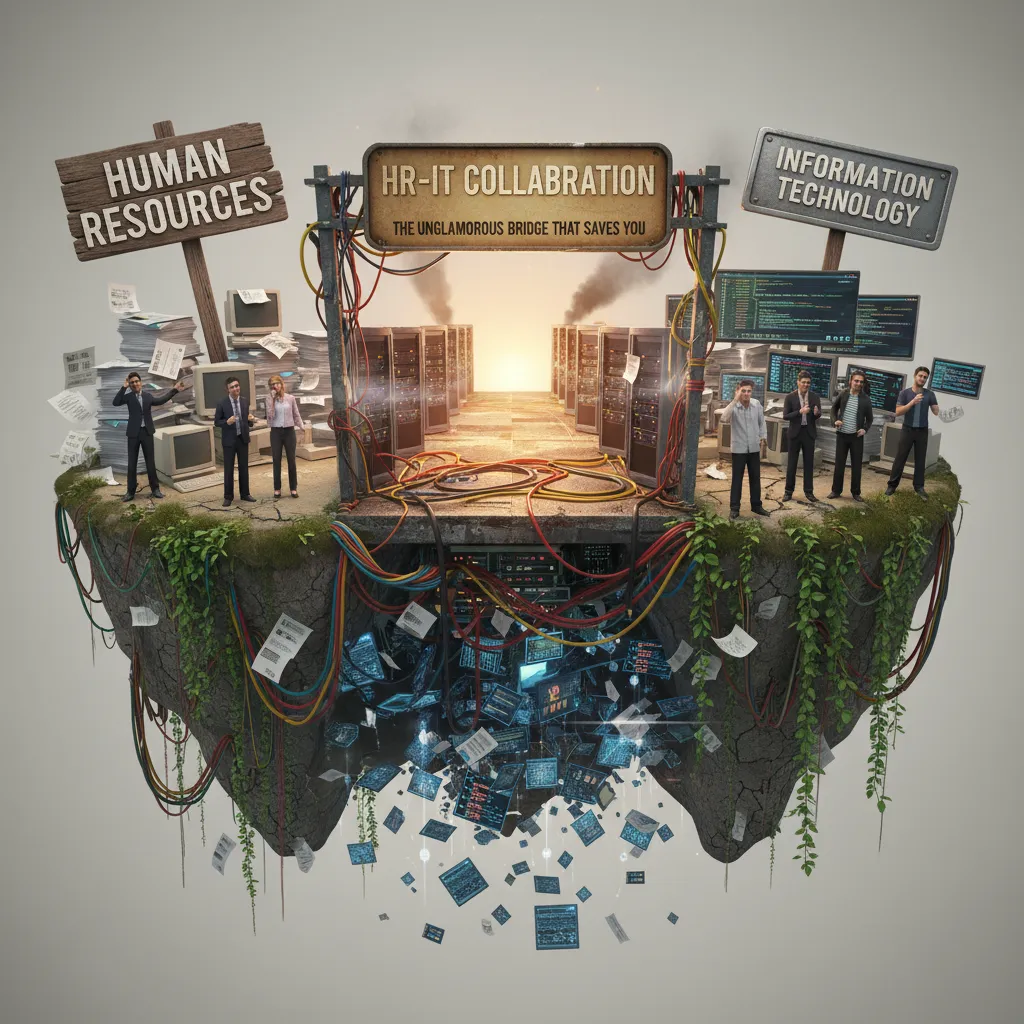
2) HR-IT collaboration: the unglamorous bridge that saves you
When I implement AI in HR, the work that makes or breaks the rollout is rarely the model—it’s the HR-IT handshake. AI tools touch systems that IT owns or protects, and HR owns the outcomes. If we don’t align early, we get slow approvals, security surprises, and “shadow AI” that no one trusts.
The HR-IT convergence map (what touches what)
I start by sketching a simple map of where HR technology intersects with identity, security, and data pipelines. This keeps the conversation practical and prevents “AI” from becoming a vague project.
- Identity & access: SSO, MFA, role-based access, joiner/mover/leaver rules
- Security & compliance: data retention, audit logs, vendor risk, encryption
- Data pipelines: what data flows in/out, refresh frequency, data quality checks
- HR process triggers: approvals, escalations, and exception handling
Skip the giant committee: build a lightweight AI Center of Enablement
Instead of a big steering committee, I prefer a small AI Center of Enablement (or an agile cross-functional pod). It’s fast, accountable, and easy to schedule.
- HR lead: defines use cases, policy, and success metrics
- IT/security lead: validates architecture, access, and controls
- Data/analytics: confirms data sources, quality, and monitoring
- Procurement/legal (as needed): reviews vendor terms and risk
Decide what connects to what (before you “turn it on”)
In the step-by-step approach, integration decisions come early. I force clarity on the core connections:
- HCM system: employee profiles, org structure, job data
- Ticketing: HR helpdesk routing, categories, SLAs
- Knowledge base: approved policies, benefits info, SOPs
- Payroll workflows: sensitive data boundaries and approval gates
My personal red flag: if IT hears about the tool after procurement, expect delays and mistrust. Even a great AI assistant becomes a “risk object” when IT is brought in late.
Mini-playbook for meetings (30 minutes, no drift)
30 minutes. One decision. One owner. One risk logged.
- 5 min: restate the use case and data involved
- 15 min: decide the integration/control (SSO, logging, data scope)
- 5 min: assign one owner and due date
- 5 min: log one risk (and mitigation) in a shared tracker
3) Data, HR analytics, and the ‘skills inference’ moment
I treat HR analytics like plumbing: it’s mostly unseen until it leaks. That’s why I run a data audit before any machine learning touches decisions. In the step-by-step approach to AI in HR, this is the unglamorous work that protects everything else—because AI will only scale what’s already in your data, including errors.
Start with a data audit (before models, dashboards, or “insights”)
I check where HR data lives (HRIS, ATS, LMS, performance tools), who owns it, and how it moves. Then I look for the basics: missing fields, duplicates, outdated job titles, and inconsistent naming. One day we learned the hard way that three different systems spelled the same certification three ways. Our dashboard showed “low certification coverage,” but it was just messy data.
If your data is inconsistent, your analytics will be confident and wrong.
Build a skills-based inventory: roles → skills → evidence
The “skills inference” moment is when you stop relying only on job titles and start mapping what people can actually do. I build a simple inventory that connects:
- Roles (what the business needs)
- Skills (the capabilities behind the role)
- Evidence (proof signals that reduce guesswork)
For evidence, I use what we already have: project history, learning completions, performance signals, manager feedback, and work outputs. The goal is not to “spy” on employees—it’s to create a fair, consistent way to describe skills so AI can support planning and mobility.
| Inventory Layer | Example |
|---|---|
| Role | Customer Success Manager |
| Skill | Renewal negotiation |
| Evidence | Renewal rate trend, deal notes, training completion |
Use skills-based processes for internal mobility
Once skills are structured, I shift internal mobility from “match people to job titles” to “match people to gigs.” That means short projects, stretch work, and temporary coverage can be filled based on skills, not just who has the “right” title. It also helps workforce planning, because gaps become visible at the skill level.
Practical guardrail: AI suggests, humans decide
My rule is simple: AI suggests, humans decide—especially for talent acquisition shortlists. I use AI to surface patterns and possible matches, but I keep decision rights with trained recruiters and hiring managers, with clear documentation of what the model used and what it did not.
4) AI governance that doesn’t kill momentum (ethics + regulatory resilience)
I write governance like a seatbelt: you notice it most when you don’t have it. In HR, AI moves fast—screening, scheduling, employee support, learning content—and the risk is that speed turns into messy decisions. Good AI governance in HR keeps momentum while making sure we can explain, defend, and improve what we deploy.
What I mean by “AI governance” in HR
In simple terms, AI governance is the set of rules and habits that answer: What can we use AI for, what can’t we use it for, who approves it, and how do we monitor it? I keep it practical and tied to real workflows.
- Allowed use cases: drafting job posts, summarizing interview notes, routing HR tickets, skills matching with human review.
- Prohibited use cases: fully automated hiring decisions, “emotion detection,” hidden employee monitoring, or anything that bypasses consent.
- Approval flow: one owner in HR, one in Legal/Compliance, and one in IT/Security for any new tool or model change.
- Monitoring cadence: monthly checks for high-impact tools (hiring, performance), quarterly for lower-risk tools (content drafting).
Ethical checklist I use before rollout
Ethics can feel abstract, so I use a short checklist that managers can actually follow:
- Bias: test outputs across groups; watch for different pass rates or different language used for similar profiles.
- Explainability: can we explain why a recommendation happened in plain language?
- Privacy: minimize personal data, set retention rules, and avoid sending sensitive data into public tools.
- Accessibility: make sure AI-driven steps work for people using assistive tech and different languages.
- Human override: a clear “stop, review, and correct” step for recruiters and HRBPs.
Regulatory resilience habits (so audits don’t derail us)
Regulations change, but good documentation holds up. For each AI system, I document:
- Model purpose and the HR decision it supports (not replaces).
- Training data sources (or vendor statement if it’s a closed model).
- Vendor commitments: data processing terms, security controls, and limits on data reuse.
- Audit trails: prompts, versions, approvals, and key outputs for high-impact actions.
If your policy is 40 pages, no manager will read it—make a one-page “do/don’t” too.
5) From automation tasks to employee value: recognition, engagement, and the human layer
I don’t treat employee engagement as a survey problem—I treat it as a “felt experience” problem. In my 2026 HR playbook, AI is not the engagement strategy. It’s the tool that clears the path so leaders can do the human work: coaching, recognition, and real conversations.
Use AI to remove friction, not replace connection
Following a step-by-step approach to AI integration in HR, I start with the repetitive tasks that quietly drain energy. When AI handles the “small stuff,” employees feel the difference fast—less waiting, fewer dead ends, and clearer next steps.
- Answers: an HR assistant that responds to common policy and benefits questions and links to the right source.
- Drafts: first drafts for job posts, interview guides, performance notes, and internal updates (with human review).
- Routing: auto-triage for tickets (payroll, leave, ER cases) so requests land with the right owner.
The goal is simple: save time and reduce frustration. Then I reinvest that saved time into coaching and recognition—because that’s where engagement actually lives.
Add a recognition loop so the data has context
AI can surface patterns (workload spikes, collaboration networks, response times), but it can’t always see who’s quietly carrying the team. That’s why I build an employee recognition loop alongside analytics. I want a steady stream of human signals to balance the dashboards.
- AI flags a trend (example: one person is repeatedly unblocking projects).
- Managers and peers add context: what happened, who helped, what impact it had.
- Recognition is delivered quickly and specifically, tied to values and outcomes.
“AI gives me the pattern. People give me the meaning.”
Numbers that changed how I prioritize recognition
These benchmarks surprised me and pushed recognition higher on my list:
- Recognition can boost belonging 9x when it happens weekly.
- It can improve retention 6x for employees who see a long-term future.
- It can make talent identification 38% faster for high-priority roles.
Tiny experiment: one AI insight + one human story
In performance management check-ins, I ask managers to bring one AI insight (trend, goal progress, workload signal) and pair it with one human story (a moment of ownership, support, or growth). That pairing keeps the conversation fair, grounded, and deeply human.

6) Scaling to agentic AI (without spooking everyone)
By 2026, I don’t think the big question is “Should HR use AI?” It’s “How far should we let it act?” In this playbook, I treat agentic AI as the next step after chatbots: it’s a tool that can take multi-step actions across systems, not just answer questions. In plain terms, instead of saying “Here’s how to schedule an interview,” it can actually find open times, message candidates, book the slot, and send reminders—while keeping me in control.
Where I use agentic AI first (low drama, high value)
I start where the work is repetitive, rules-based, and easy to verify. Interview scheduling and follow-ups are perfect: the agent can coordinate calendars, send polite nudges, and keep candidates warm without recruiters chasing threads all day. Next, I use it for onboarding task orchestration—creating checklists, triggering IT requests, assigning training, and checking completion. Third, I apply it to HR ticket resolution for common questions like policy lookups, benefits steps, and “where do I find” requests, with the agent gathering details and drafting responses for review.
The guardrail I insist on: “confirm before commit”
My non-negotiable rule is confirm before commit for anything that affects pay, employment status, or system access. The agent can prepare the action, but it must ask for approval before it executes. I also keep clear logs so we can see what it did, when, and why. If we can’t audit it, we don’t automate it.
Change management that keeps trust intact
To avoid fear and rumors, I roll this out like any HR change: I run short demos that show real workflows, not hype. I hold office hours so people can ask “what happens if…” questions. I start with opt-in pilots, then expand only after we measure time saved, error rates, and employee experience. And I always design a clear bot escalation path—when the agent is unsure, it hands off to a human with full context, not a blank ticket.
Reality check: people-AI teams are the new normal
The endgame isn’t replacing HR; it’s building people-AI teams. That’s why I invest in skills infrastructure for HR roles: prompt and workflow design, data literacy, policy-to-automation translation, and basic risk thinking. When HR learns to supervise agents the way we supervise processes, scaling feels practical—not scary.
TL;DR: Start with one high-friction HR process, clean the data, pilot with HR-IT collaboration, set AI governance guardrails, train managers, measure impact (time, cost, experience), then scale into skills-based processes and agentic AI—without treating employees like dataset rows.


