
Last winter I watched a new manager on my team try to deliver tough feedback… while juggling three Slack threads and a calendar reminder screaming “1:1 in 2 minutes.” It wasn’t lack of care—it was cognitive overload. That’s the moment I stopped treating “leadership development” like a quarterly workshop problem and started looking at AI leadership tools as everyday scaffolding: role-playing scenarios before the hard conversation, real-time feedback after it, and performance tracking that doesn’t turn humans into spreadsheets. I also learned the hard way that the “best AI tools” are rarely the flashiest demos; they’re the ones that fit your culture, your privacy rules, and the way your managers actually work.
1) My messy scorecard for AI leadership tools (not the vendor checklist)
When I read “Top Leadership Tools Compared: AI-Powered Solutionsundefined,” I noticed the same pattern I see in most AI leadership tools: the marketing talks about insights, but my day-to-day needs are more basic. So I built a messy scorecard that fits how leadership actually happens in 2026—fast, messy, and inside a calendar full of meetings.
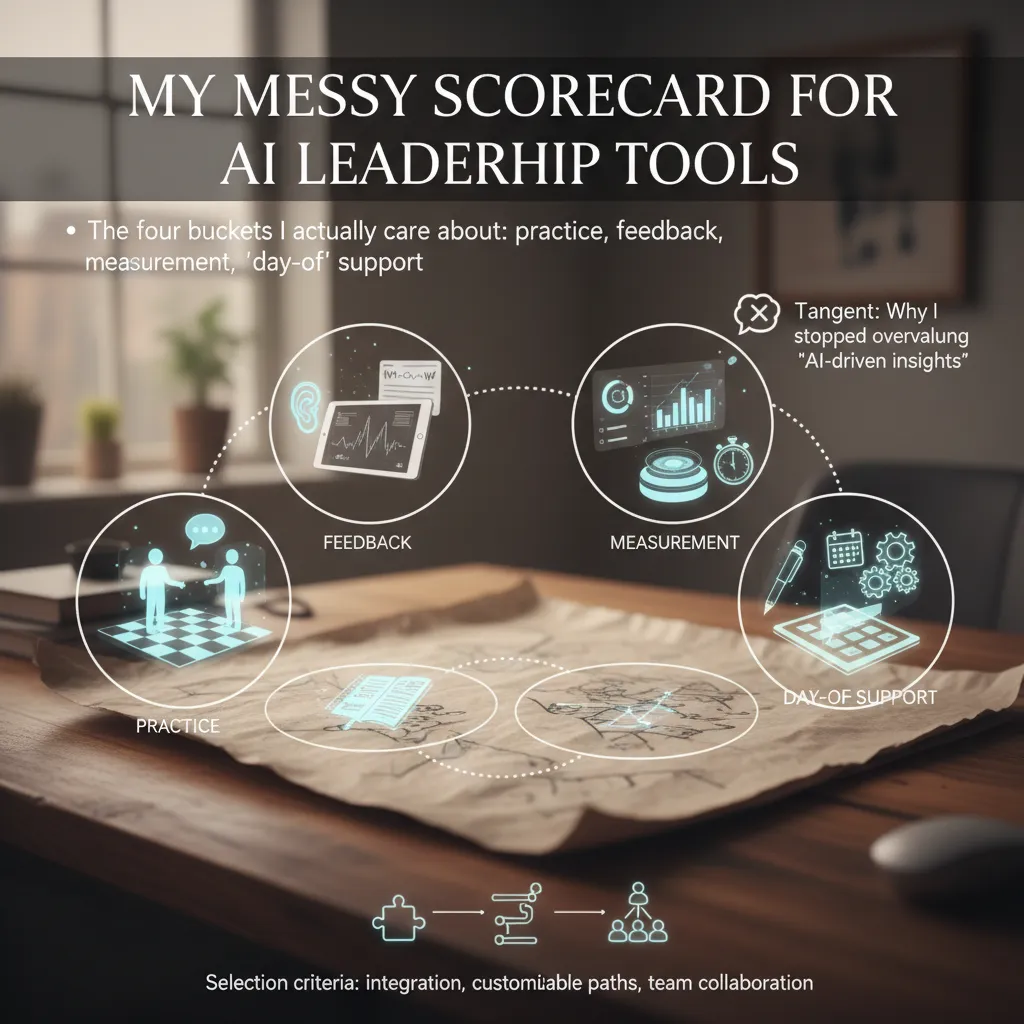
The four buckets I actually care about
- Practice: role-playing scenarios for hard conversations (performance, conflict, feedback). If it can’t help me rehearse, it’s not a coach.
- Feedback: real-time feedback (in the moment) plus personalized feedback (patterns over time). I want “say this instead,” not a generic leadership quote.
- Measurement: performance tracking and analytics dashboards that show behavior change. I’m looking for trend lines, not vanity metrics.
- “Day-of” support: meeting notes and meeting admin—agenda prompts, follow-ups, action items. If it saves me 20 minutes today, I’ll use it tomorrow.
Quick tangent: why I stopped overvaluing “AI-driven insights”
I used to get impressed by tools that promised deep behavioral analysis. Then I realized: if the tool can’t change what I do next week, the insight is just trivia. I now score “AI-driven insights” only when they produce a clear action like: rewrite this message, ask this question in 1:1s, or run this 10-minute coaching drill.
My rule: if an insight doesn’t create a new habit, it’s not leadership development—it’s entertainment.
What separates a helpful coach from a fancy toy
- Integration capabilities: Does it connect to Slack/Teams, email, calendar, and your LMS/HR tools? If it lives in a separate tab, adoption drops.
- Customizable paths: Can I tailor learning to our leadership model, role level, and current goals (new manager vs. director)?
- Team collaboration: Does it support shared language and team habits, not just individual growth? Leadership is a team sport.
Mini-hypothetical: behavioral analysis vs. customizable learning
If my team is remote-heavy, I’ll often pick the tool that nails behavioral analysis and real-time feedback—because tone, clarity, and meeting dynamics are harder to read on video calls. But if we’re rapidly scaling, I lean toward the tool that nails customizable learning paths, so onboarding new managers feels consistent and repeatable across teams.
2) Practice like it’s game day: AI characters + role-playing scenarios
When I compare AI leadership tools in 2026, I keep coming back to one question: can I practice the hard conversations before they happen? The source roundup, Top Leadership Tools Compared: AI-Powered Solutionsundefined, frames role-play as a practical way to build leadership habits, not just learn concepts. In my tests, the best tools felt like “game day reps” for feedback, conflict, and coaching.
Careertrainer.ai: 14+ scenarios were “enough” for a pilot
Careertrainer.ai surprised me. On paper, 14+ predefined leadership scenarios sounds small. In reality, it was enough for a pilot because the scenarios hit the moments my managers actually face: missed deadlines, low morale, unclear ownership, and performance feedback.
What changed the vibe was the AI characters based on the Myers-Briggs model. Instead of a generic employee, I could practice with a “type” that reacted in a consistent way—more direct, more cautious, more people-first. That made the role-playing scenarios feel less like a script and more like a real person with patterns.
Tenor vs VirtualSpeech: scenario count matters less than tailoring speed
Tenor and VirtualSpeech both lean into leadership role-play, but they feel different in scale. Tenor offers 150+ pre-built leadership scenarios, while VirtualSpeech lists 55+ interactive scenarios. I expected the bigger library to win automatically, but quantity mattered less than how fast I could tailor a scenario to our leadership philosophy.
- Tenor: great when I want lots of starting points and quick variety across teams.
- VirtualSpeech: strong when I want guided, interactive practice that feels structured.
- My deciding factor: how quickly I can adjust tone, values, and success criteria.
The no-code roleplay studio angle: can I build it before Monday?
The most useful feature across AI leadership tools is a no-code roleplay studio mindset: I want to build a custom scenario for our culture before next Monday’s staff meeting. That means I need simple controls for:
- Company values and “what good looks like”
- Role context (peer, direct report, senior leader)
- Constraints (time pressure, hybrid work, limited budget)
Role-play tools are like flight simulators—great until you realize your real turbulence is calendar chaos and conflicting incentives.
That’s why I treat AI role-playing scenarios as practice reps, not magic. They help me rehearse language and choices, but I still have to fix the system around the conversation.
3) Behavioral analysis that’s slightly spooky (and very useful)
In the “AI leadership tools” lineup, the category that still gives me a tiny chill is behavioral analysis. Not because it’s creepy by default, but because it can be uncomfortably accurate when it reflects how you actually show up. In the source comparison, Retorio stands out for multimodal behavioral analysis—it looks at facial expressions, tone of voice, and body language to give feedback you can act on.
Retorio’s multimodal feedback: the pattern I didn’t notice
When I tested tools in this space, Retorio helped me spot a pattern in my delivery that I honestly didn’t see: I would start strong, then my voice would flatten right when I hit the “important” part. My words said “this matters,” but my tone said “I’m reading a checklist.” The tool didn’t just score me; it highlighted the shift and tied it to moments where my posture tightened and my eye contact drifted.
- Facial cues: where I looked tense vs. open
- Voice cues: pace, energy, and emphasis
- Body language: stillness, gestures, and presence
The trust factor: GDPR compliance beats the “95% accuracy” headline
Here’s the part I care about most for enterprise rollout: trust. A flashy “95% accuracy” claim is easy to market, but it’s not the first question a serious org should ask. The first question is: Is this safe, compliant, and explainable enough to use with real people? GDPR-compliant tools matter because leadership development often involves sensitive recordings, personal data, and internal context. If employees feel watched, adoption dies—no matter how good the model is.
For leadership development, the goal isn’t perfect prediction. It’s safe, consistent feedback people will actually use.
How I position this for leadership development (not surveillance)
I frame behavioral analysis as a mirror for soft skills training, not “gotcha surveillance.” Used well, it supports coaching, practice reps, and self-awareness—especially for managers who don’t get frequent feedback.
- Use it for practice sessions, not performance policing
- Make participation transparent and expectations clear
- Focus on skills (clarity, empathy, confidence), not personality
Small aside: I once tried practicing in a blank Zoom window; it was… humbling.
Behavioral analysis would’ve saved me 20 minutes of denial.
4) From insights to action: personalized coaching, real-time feedback, performance tracking
In the source comparison of AI-powered leadership tools, the biggest gap I notice isn’t “who has the most features.” It’s who helps me turn insights into better leadership behavior this week. The best tools don’t stop at analysis—they coach, nudge, and track progress in a way that still feels human.
What “personalized coaching” looks like when it’s good
Good personalized coaching is short, specific, and tied to a clear skill gap. I don’t need a generic pep talk like “be more confident.” I need a nudge that connects what happened to what to do next, based on patterns the tool sees across my meetings, messages, or feedback.
- Skill gap analysis → action: “You interrupt in the first 30 seconds of updates. Try a 10-second pause before responding.”
- Context-aware prompts: “In 1:1s you ask ‘Any blockers?’ but don’t follow up. Add one probing question.”
- Micro-habits: one behavior to practice, not five goals at once.
Real-time feedback loops that actually land
Quarterly 360 reviews often arrive too late. By the time I read them, I’ve repeated the same habit for months. The tools highlighted in the source do better when they create real-time feedback loops: feedback that shows up close to the moment, while the meeting is still fresh.
For example, after a live call, I want a quick note like:
“You gave three directions but no owner. Next time, end with: owner + deadline + success check.”
That kind of timing makes it easier to change behavior in the next meeting, not the next quarter.
Performance tracking without dehumanizing
I like performance tracking when it shows trends, not “scores that judge.” The best dashboards track signals like confidence, clarity, and consistency, but still let me add context—because leadership isn’t a spreadsheet.
| Trend | What I’d track | Context I’d add |
|---|---|---|
| Clarity | Decisions + owners per meeting | Was it a brainstorm or execution? |
| Consistency | Follow-ups sent within 24 hours | Travel week / incident response |
| Confidence | Hedging words over time | New topic vs familiar topic |
A practical workflow I’d actually use
- Practice a scenario (difficult feedback, conflict, or a decision meeting).
- Run the live meeting with lightweight prompts, not distractions.
- Capture meeting notes automatically (agenda, decisions, owners).
- Review AI-driven insights focused on 1–2 behaviors.
- Set a micro-goal for next week, like:
End every meeting with owner + deadline.
5) Tool picks by job: project leaders vs engineering leaders (and why it matters)
When I compare AI leadership tools in 2026, I don’t start with features. I start with the job. Project leaders and engineering leaders both “lead,” but the daily work is different. If I pick the wrong tool for the role, I either get noise (too many dashboards) or friction (too many clicks). That’s why role-based tool picks matter in any real-world AI leadership tools compare.
For project leaders: keep the team moving, not modeling everything
For project leaders, I prioritize meeting admin, in-flow support during real 1:1 manager meetings, and team collaboration signals over deep modeling. The best tools help me do the basics faster and more consistently.
- Meeting admin: agendas, notes, action items, and follow-ups that don’t get lost.
- In-flow 1:1 support: prompts that help me ask better questions and capture decisions while I’m talking.
- Collaboration signals: lightweight indicators of handoffs, blockers, and cross-team alignment (not “who worked hardest”).
In the source comparison (“Top Leadership Tools Compared: AI-Powered Solutionsundefined”), the tools that win for project leaders are the ones that reduce coordination cost and make accountability visible without turning leadership into reporting.
For engineering leaders: integration and less context switching
For engineering leaders, I look for integration capabilities with existing systems, lightweight productivity tools, and anything that reduces context switching. If a tool forces engineers to duplicate updates, it will fail.
- Integrations: Slack/Teams, Jira/Linear, GitHub/GitLab, calendars, and docs.
- Lightweight workflows: quick summaries, status rollups, and decision logs.
- Context switching reduction: fewer tabs, fewer manual updates, fewer “where is that info?” pings.
Where Oliva Health’s Oli fits
Oliva Health’s Oli stands out when I want team effectiveness beyond tracking. It’s less about individual scores and more about shared outcomes: how the team is functioning, where support is needed, and what patterns are affecting delivery and wellbeing.
If my budget got cut in half
If I had to cut spend fast, here’s what I’d do:
- Keep: one tool that handles meeting notes + action items + simple team signals.
- Drop: heavy analytics platforms that require ongoing setup and admin time.
- Replace with habits: a shared weekly
Top 3 priorities / Top 3 risksdoc, a 15-minute async check-in, and a consistent 1:1 template.

6) Price reality + rollout plan I’d actually follow (with a tiny rant)
Here’s the price reality I keep seeing in the “Top Leadership Tools Compared: AI-Powered Solutions” landscape: you can start on a free plan, but serious use quickly moves into paid tiers, and enterprise pricing can jump from about $8 all the way to $2,398 per user/month. That range is not “confusing,” it’s a warning label. It tells me two things: first, the cheapest tools often limit exports, integrations, or admin controls; second, the most expensive tools usually bundle support, security, and services that procurement will ask for anyway.
Because of that, I don’t run open-ended pilots. I time-box them and make them painfully specific. If we can’t prove value fast, we’re not “exploring,” we’re just paying to feel modern. My rollout plan is simple and repeatable: I start with 10 managers, I pick 3 leadership scenarios, I run it for 2 weeks, and then we decide using HR analytics, not vibes. The scenarios I use are the ones that show up every week in real teams: coaching a struggling performer, preparing for a difficult 1:1, and writing clear goals and feedback that won’t get misread.
At the end of the two weeks, I want clean evidence: time saved per manager, usage consistency, and whether the tool improved outcomes we can track (like faster feedback cycles or better meeting follow-through). If the tool can’t show adoption by team, role, and workflow, it’s not ready for scale. And if it “feels helpful” but we can’t measure anything, I treat that as a no.
Now the hidden line items: integration capabilities and support levels. This is where budgets get quietly wrecked after procurement gets involved. SSO, SCIM, audit logs, data retention, admin dashboards, and API access often sit behind higher tiers. Support also changes everything—email-only support is fine for a solo user, but not for a company rollout where one broken calendar sync can derail trust.
Tiny rant: if a tool can’t export clean data or fit our calendar stack, it’s not “AI-powered”—it’s overhead.
So my conclusion for 2026 is straightforward: pick tools that integrate, measure, and export. Run short pilots with real scenarios. Then scale only what proves value in the numbers, not in the demo.
TL;DR: I compare AI leadership tools by use case (practice, feedback, analytics, and meeting support), highlight standout platforms (Careertrainer.ai, Retorio, Tenor, Monark, VirtualSpeech, Oliva Health, Second Nature), and map which tools fit project leaders vs engineering leaders. Pricing spans free to $2,398/user/month; prioritize GDPR compliant options, integration capabilities, and customizable learning paths.


