Last spring I missed a small story that turned into a very large client call. The embarrassing part: the signals were there—buried in a niche forum thread and a local outlet I never check. That week I built a scrappy “AI news” routine: instant alerts, a twice‑daily lightning search sweep, and one rule I still follow religiously—no AI output gets published until I can explain it to a skeptical editor in one breath. This outline distills the 39 tips I keep taped (literally) to my monitor.
1) My 5-minute AI News Ritual (the part I actually stick to)
I used to “stay informed” by doomscrolling AI news all day. It felt productive, but it wrecked my focus. What finally worked was a predictable scan loop: one quick pass in the morning and one in mid‑afternoon. It’s boring on purpose—and that’s why I actually stick to it.
My scan loop: morning + mid‑afternoon
- Morning (3 minutes): I open my media monitoring tools dashboard for real time monitoring and scan headlines only.
- Mid‑afternoon (2 minutes): I repeat the scan, then save anything important to read later (not now).
The rule is simple: I’m not trying to read everything. I’m trying to catch the few items that could change my day—client risk, competitor moves, policy updates, or a fast-moving story.
Real-time monitoring + custom alerts for edge cases
My main feed covers the big topics (AI regulation, major model releases, security issues). Then I add custom alerts for the weird edge cases that can blindside a team:
- Product recalls or safety notices tied to my industry
- Executive names (my company, partners, and key competitors)
- Niche competitors that never trend but still matter
- Specific tools we rely on (APIs, vendors, platforms)
Lightning Search: my daily toothbrush
I treat Lightning Search like brushing my teeth: quick, consistent, unglamorous. I run one fast query like "company name" AND (AI OR automation) or "competitor" AND "pricing". It’s not exciting, but it prevents bigger problems—like missing a quiet announcement that turns into a fire drill later.
The two-source rule (because I’ve been burned)
If AI flags something as urgent, I don’t forward it until I confirm it with two independent sources. I’ve been burned by one viral post too many—especially screenshots, “leaks,” and out-of-context clips.
Mini tangent: I color-code alerts
- Green: FYI
- Yellow: needs read
- Red: call someone

2) Choosing Media Monitoring Tools: what I compare (not the marketing)
When I pick a media monitoring platform, I ignore the glossy “AI-powered” pitch and start with what affects my daily workflow. For AI news monitoring, I care less about dashboards and more about whether the tool finds the right stories fast, in the places that actually matter.
Main features I check first
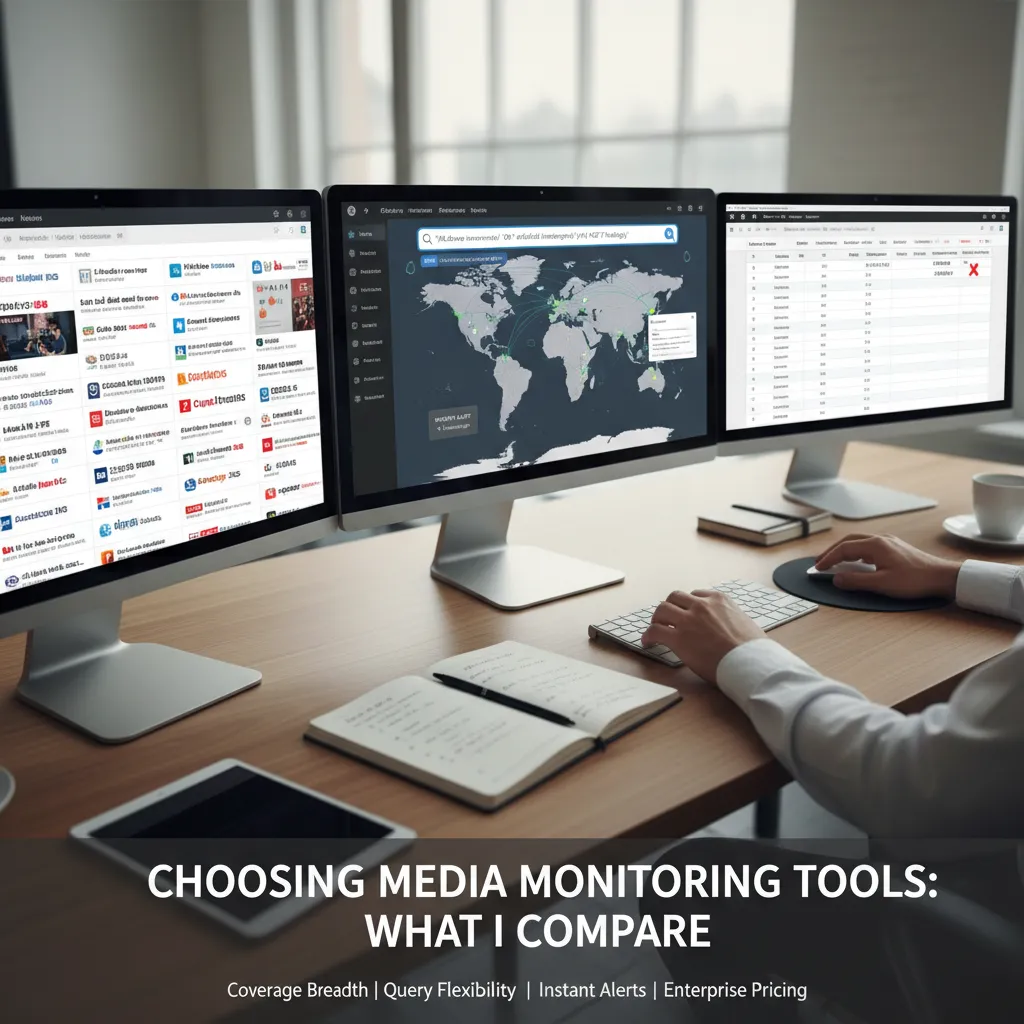
- Coverage breadth: not just “millions of sources,” but which sources. I ask for examples in my niche (trade press, newsletters, podcasts, local business outlets).
- Query flexibility: I want real Boolean searches plus AI help, not AI instead of Boolean. If I can’t control the logic, I can’t trust the results.
- Instant alerts speed: I time how long it takes for breaking news to hit my inbox/Slack. Minutes matter in comms and risk.
Global media monitoring means more than “international”
“Global” isn’t a world map in the UI. It’s language + source diversity + local outlets I’d never bookmark. I test whether the tool can catch regional coverage, non-English mentions, and smaller publications that often move a story before major media does.
Pricing: I compare it early
Enterprise media monitoring pricing can jump fast once you add seats, extra keywords, more alerts, or API access. I ask for a real quote early so I don’t fall in love with a demo I can’t afford. I also check what’s included vs “add-ons” (broadcast, social, paywalled sources, historical data).
My short-list for 2026
- Onclusive
- Cision
- Meltwater
- Signal AI (when Risk Intelligence and entity-level monitoring matter)
My one-week reality check
I always request a one-week trial and score it like this:
- Track false positives vs true hits for my top 10 queries.
- Measure alert delay on known breaking stories.
- Review duplicates, missing sources, and messy entity matches.
“If the tool can’t separate noise from signal in week one, it won’t magically improve after procurement.”
3) AI Powered Features that save me hours (and the ones that don’t)
In my daily AI news workflow, a few AI-powered features consistently save me time. Others look impressive but can quietly waste it. The difference is how I use them: as signals, not final answers.
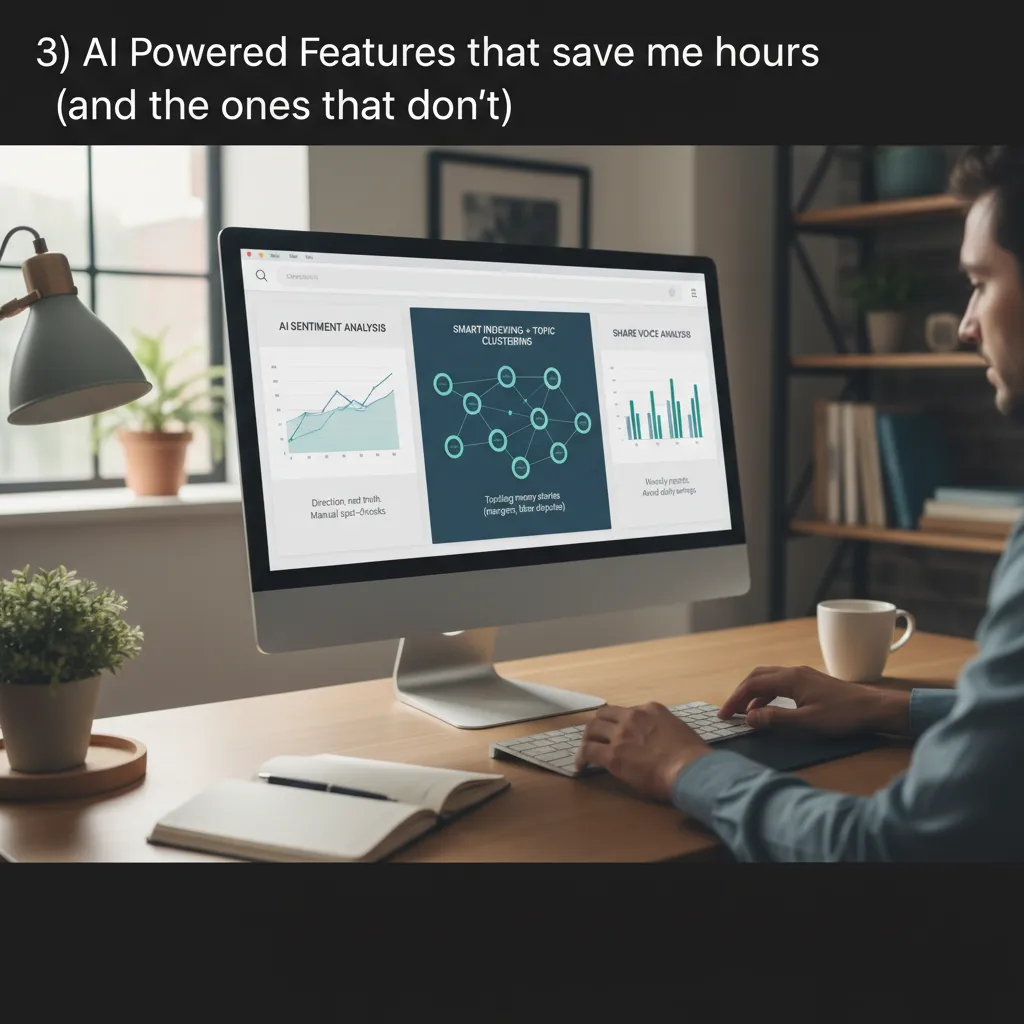
AI Sentiment Analysis (direction, not truth)
I use AI sentiment analysis to get quick direction on how coverage is leaning, especially when I’m scanning dozens of headlines. But I never treat the score as “reality.” I pair it with manual spot-checks: I compare headline tone vs. article body to see if the framing matches the facts.
Sentiment tools are like a weather app—good for planning, bad for predicting your exact afternoon.
Smart Indexing + Topic Clustering (best for messy stories)
Smart indexing and topic clustering are the biggest time-savers when I’m tracking a story that won’t stay in one lane. Think merger rumors, labor disputes, regulatory pressure, or executive exits. Clustering helps me see the “shape” of the story fast: what’s new, what’s repeated, and what’s just noise.
- I scan clusters first, then open only the sources that add new details.
- I label clusters with simple tags (e.g.,
union vote,antitrust,leak).
Share of Voice Analysis (useful weekly, risky daily)
Share of voice analysis is great for weekly reporting decks and client updates because it shows who is “owning” attention across outlets. What doesn’t help me: obsessing over daily swings. One viral post or a single big headline can distort the chart and pull me into overreacting.
AI Events Detection (a tap on the shoulder)
AI events detection works best as an early alert. I treat it like a tap on the shoulder—“something changed.” Then I verify with Human Verification Facts: I check primary sources, timestamps, and whether multiple credible outlets confirm the same event.
4) AI News Writing without losing your voice (or your job)
My rule for AI content generation in the newsroom is simple: it’s a draft partner, not a byline—especially for AI news writing. I’ll use it to outline, tighten a lede, or surface questions I should ask. But I don’t let it “author” the story, because the risk isn’t just style drift—it’s accuracy drift.
AI tools I actually trust for drafting (2026)
These are the tools I’ve tested myself or watched colleagues use well. I treat them like assistants: useful, fast, and sometimes confidently wrong.
- eesel AI for pulling context from my own notes, docs, and internal knowledge bases.
- Rytr for quick rewrites, headline options, and short explainers when I’m stuck.
- HyperWrite for structured drafting and “next paragraph” momentum when deadlines bite.
My “prove it” pass (non-negotiable)
Before anything goes to an editor (or a client), I run a manual fact check. I literally label it PROVE IT in my draft and verify:
- Names (spelling, titles, affiliations)
- Numbers (totals, percentages, comparisons, units)
- Dates (timelines, “first/last,” release windows)
- Direct quotes (source link, transcript, or recording)
If I can’t validate it, it doesn’t run. Period.
SEO is fine. Keyword stuffing is not.
I write SEO optimized articles, but I won’t trade clarity for keywords. I’ve done the “repeat the phrase until it ranks” thing, and I regret it. Now I aim for natural SEO: clear headings, specific terms once or twice, and language that sounds like a human explaining something to another human.
Tiny confession: my banned-phrases list
I keep a list so AI drafts don’t sound like a press release wrote itself. Mine includes:
- “game-changer”
- “revolutionary”
- “in today’s fast-paced world”
Rule of thumb: if a sentence could appear in any company blog, it doesn’t belong in my copy.
5) PR Workflow Tool stack: from Journalist Contacts to Newswire Distribution
My biggest PR toolkit reality check: speed matters, but relevance matters more. AI makes it easy to build huge Journalist Contacts lists fast, but “spray and pray” burns trust. I treat every pitch like a match problem: the right reporter, the right beat, the right angle, the right timing.
Journalist Contacts: build smaller, smarter lists
When I use AI for media contact discovery, I still verify the basics: recent articles, topic fit, and whether they actually cover news. I’d rather send 15 strong emails than 300 weak ones.
- Filter by intent: who covers launches vs. trends vs. data stories?
- Check recency: if they haven’t written on the topic in months, I pause.
- Personalize one line: I reference a specific piece, not a generic beat.
Semrush AI PR Toolkit: discovery, drafting, tracking
I lean on the Semrush AI PR Toolkit for three jobs: media contact discovery, pitch drafting, and Brand Mentions Tracking. Drafting is where AI saves me the most time. I’ll generate two versions (short and ultra-short), then rewrite the first sentence to sound like me.
AI can write the email, but I own the angle.
Cision: pitching + monitoring when deadlines get messy
Cision earns its place in my PR workflow tool stack because pitching and monitoring live in one place. When deadlines are chaotic, I don’t want five tabs open just to answer: “Did anyone open this? Did we get picked up? Who mentioned us?”
Newsletter Distribution vs. Newswire Distribution
I choose based on the audience’s habits, not tradition. If my target readers live in inboxes (operators, niche communities), I use newsletter distribution. If I need broad visibility, compliance, or official reach, I consider newswire distribution. Sometimes I do both, but with different headlines and hooks.
Reports Created: my monthly “what worked” log
I keep a simple monthly report so my future self stops repeating avoidable mistakes:
- Top subject lines + open rates
- Best angles + placements
- Outlets that never respond (so I stop chasing)
6) Risk & Reputation: when ‘monitoring’ becomes insurance
I think of risk and reputation intelligence the way I think of insurance: I don’t use it daily—until I really, really need it. Most days, I’m focused on coverage, angles, and speed. But when a story turns into a threat, the value of monitoring jumps from “nice-to-have” to “non-negotiable.”
Set up threat detection topics (before you need them)
Tools like Signal AI (and internal stacks like an AIQ proprietary dashboard) work best when the topics are already mapped. I set up alerts that match the risks my org can’t afford to miss:
- Product safety: defects, recalls, injuries, “unsafe” claims
- Leadership: executive conduct, layoffs, resignations, conflicts
- Regulatory: investigations, fines, compliance changes, lawsuits
I keep the queries simple and source-first: named entities, product names, and regulator names. Fancy prompts don’t help if the inputs are wrong.
Build a “red phone” protocol
Monitoring only protects you if the right people see the signal fast. I create a red phone list: who gets pinged when the system flags a risk spike. Mine usually includes:
- Comms lead (owns response)
- Legal (checks exposure)
- Product/ops owner (verifies facts)
- Exec on-call (approves statements)
Social media: outrage vs. sustained concern
I don’t treat every spike as a crisis. My rule: recheck at 24 hours. If the same complaint is still spreading, showing up in new communities, or getting picked up by credible reporters, it’s sustained concern. If it fades, it was likely a momentary outrage wave.
Hypothetical: a minor complaint thread becomes a headline (first 60 minutes)
- Confirm what’s true: screenshots, timestamps, original poster, product batch.
- Pull monitoring context: related mentions, prior incidents, top amplifiers.
- Notify the red phone list with a 5-line brief.
- Draft a holding statement: what we know, what we’re checking, when we’ll update.
- Log everything in one doc so updates don’t drift.
7) My “39 Tips” cheat sheet: how I’d teach this to a new hire
If I had to teach AI news tips for pros to a new hire in one sitting, I’d start by sorting my “39 Things I Wish I Knew” into six buckets: Monitoring, Writing, Reporting, PR workflow, Risk, and Don’t forget to sleep. The point isn’t to memorize tools. It’s to build a repeatable system that keeps you fast without getting sloppy.
Monitoring: catch signals before they become headlines
I teach monitoring like a daily scan plus a weekly deep dive. Set alerts, track competitors, and watch product updates, policy changes, and funding moves. When you need a quick pulse, I like automated dashboards for patterns, but I still verify the “why” myself.
Writing + Reporting: let AI speed up the boring parts
For best AI reporting, I’ll use tools like Whatagraph for automated insights and clean summaries, and Easy-Peasy.AI for drafts, headline options, and quick rewrites. But I’m strict about one rule: the commentary stays human. AI can help you see the shape of the story; it can’t earn trust for you.
Journalist’s Toolbox: my curated pit stop
When a new hire asks, “Where do I find the right utilities?” I point them to Journalist’s Toolbox. It’s a practical hub for fact-checking, writing support, data helpers, and local newsroom utilities—exactly the kind of place you go when you need a reliable tool in five minutes.
PR workflow + Pricing: make the process fit the job
In PR workflow, I focus on intake, tagging, response templates, and a clear approval path. Then we talk money: custom pricing matters. Negotiate based on what you’ll actually use—coverage vs features vs seats—so you’re not paying for shiny extras that never touch your workflow.
My closing lesson is simple:
If bots are reading, humans are judging—so make the human parts unmistakably human.
That means clear sourcing, real context, and a voice that sounds like you slept, ate, and thought before you hit publish.
TL;DR: AI has hit critical mass by 2026, so the advantage isn’t “using AI,” it’s implementing it well: pick the right media monitoring tools, set smart custom alerts, verify facts like a human, and use sentiment analysis and risk intelligence to stay ahead—without blowing the budget on enterprise pricing you don’t need.