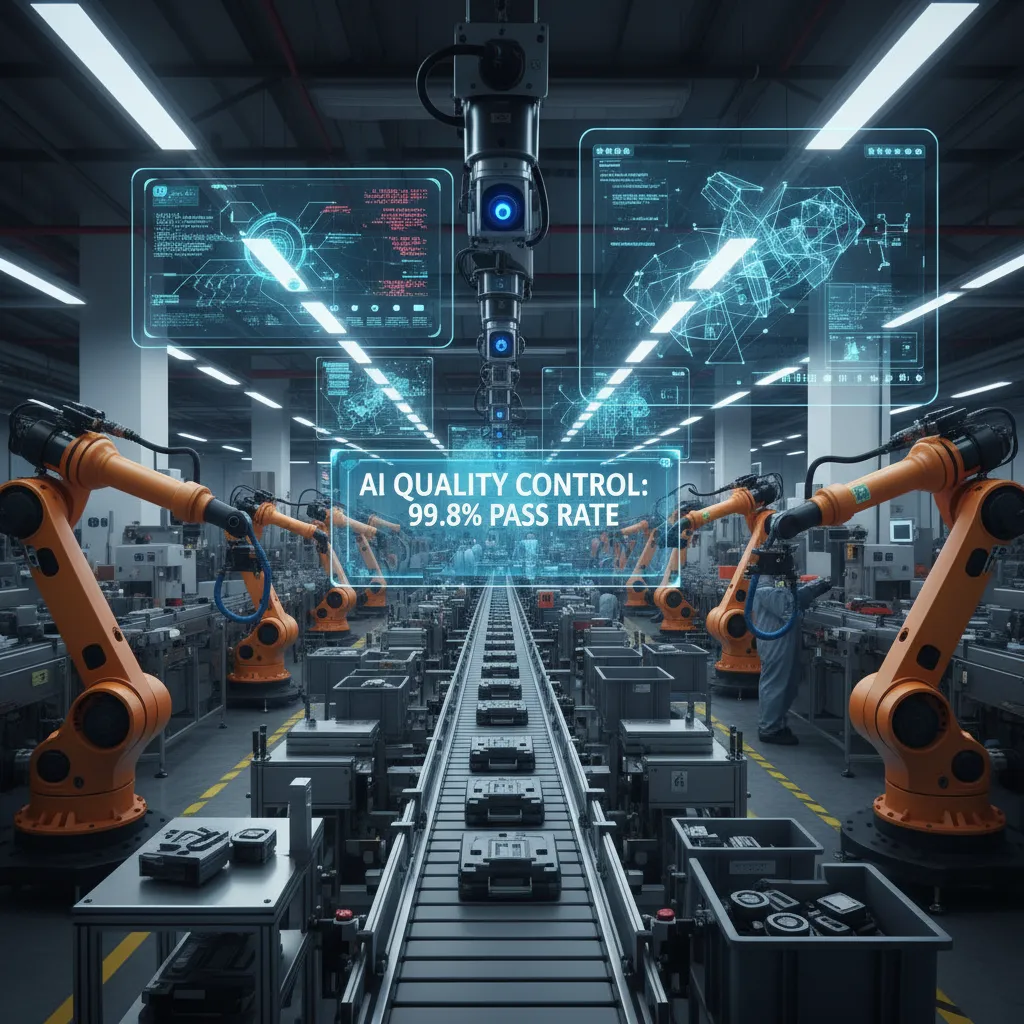
The first time I brought a “smart” camera onto a production line, I assumed the hard part would be the model. Nope. The hard part was the people: the well-trained inspector who’d been catching edge-case defects by feel, the maintenance tech who didn’t want another box to babysit, and me—standing there at 6:10 a.m. realizing my shiny demo didn’t like the glare off freshly oiled parts. That morning taught me what implementing AI quality control on the plant floor really means: messy lighting, noisy sensor data, and a hundred small decisions that decide whether you get faster, more consistent defect detection…or an expensive paperweight. In this post, I’ll walk through how I approach AI-powered quality inspections in real time, how to connect computer vision with the manufacturing process, and how to move from reactive firefighting to predictive quality (and predictive maintenance) without losing the human judgment that makes a plant run.
1) Why I stopped trusting “sampling” alone
A quick scene from my line
I used to feel confident when our team “passed” quality checks. We would pull a few parts every hour, measure them, and move on. Then one week, a bad batch slipped through. The defect was sneaky: a tiny surface mark that only showed up at a certain angle under bright light. Our sample parts looked fine, so the paperwork said we were good. But customers started calling, and suddenly we were sorting pallets, reworking product, and explaining what happened.
That moment changed how I think about AI Quality Control. Sampling is not “wrong,” but it is built on a gamble: that the few items you check represent the thousands you ship. On a fast line, that gamble gets expensive.
What AI transforms: from spot-checks to 100% inspection
When I first saw computer vision in action, the big shift was simple: it didn’t get tired, distracted, or rushed. A camera and an AI model can look at every unit, not just a sample. That matters most when production is moving fast and defects are inconsistent—like a scratch that appears once every few hundred parts, or a seal that fails only when a temperature drifts for five minutes.
- Sampling tells you what happened to a few parts.
- AI Quality Control can tell you what happened to all parts, in real time.
Defect detection is a business problem first
I also stopped treating defects like a “quality department problem.” The real villains are the costs that follow the defect:
- Scrap: material and labor thrown away
- Rework: overtime, line slowdowns, extra handling
- Warranty claims: returns, replacements, and lost trust
Once I framed it that way, investing in better inspection stopped feeling like a nice-to-have. It became a way to protect margin and keep the line stable.
My wild-card analogy
AI is the tire-pressure monitor of quality—annoying until it saves your day.
It may flag issues you didn’t notice before, and it can feel like extra noise at first. But the first time it catches a defect pattern early—before it becomes scrap, rework, or a customer complaint—you understand why “sampling alone” is not enough.

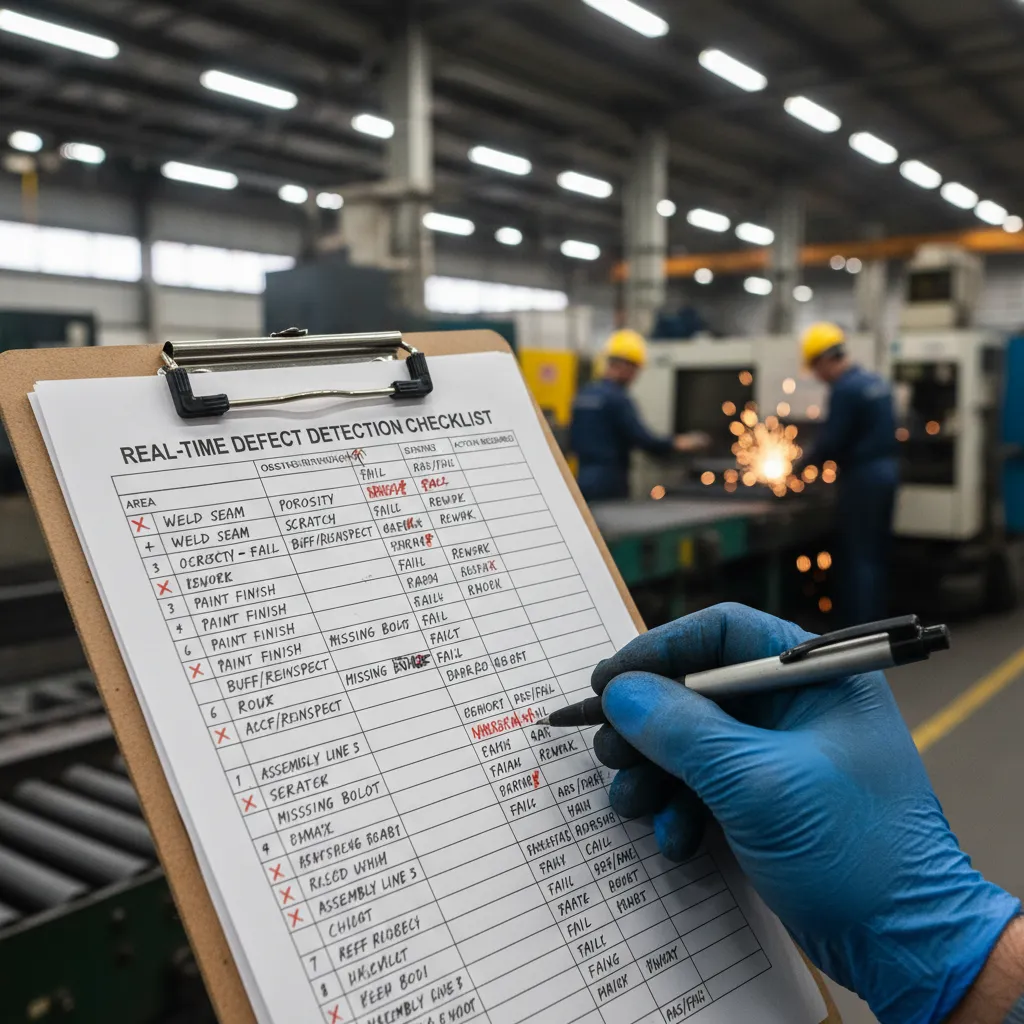
2) Real-time defect detection: the unglamorous checklist
Lighting, lenses, and line speed: why my first pilot failed in week one (glare + vibration)
My first AI Quality Control pilot failed fast, and not because the model was “bad.” The real issue was the plant floor. Overhead lights caused glare on glossy parts, and a small vibration in the camera mount blurred edges at full line speed. The model started flagging “defects” that were really reflections and motion blur.
Now I treat setup like a checklist, not a science project:
- Lighting: control it (diffusers, shrouds, angled lights) before you tune the model.
- Lens choice: pick focal length and aperture for sharpness across the full field of view.
- Mounting: rigid brackets, vibration dampers, and a quick way to re-align after maintenance.
- Line speed: confirm exposure time and frame rate can freeze motion.
Sensor data + vision: when to use cameras, when to add sensors, and how to avoid data drift
Cameras are great for surface issues: scratches, missing labels, wrong assembly, poor fill level. But I add sensors when the defect is not visible or is inconsistent on camera. For example, a part can look fine but fail on weight, torque, temperature, or pressure.
- Use vision for shape, presence/absence, color, alignment, and cosmetic defects.
- Add sensors for force, vibration, acoustic, temperature, and dimensional checks that need precision.
- Avoid data drift by logging changes: new supplier lots, tool wear, lighting swaps, camera re-mounts, and software updates.
I also schedule “reality checks” where I compare recent images and sensor ranges to the training baseline. If the inputs shift, the model will shift too.
Setting acceptance criteria with a well-trained inspector
The model can’t learn “good” unless I define it the same way my best inspector does. I sit with a well-trained inspector and build a shared defect library: clear examples of acceptable variation versus true defects. When we disagree, we write it down and update the standard.
“If two inspectors don’t agree, the model won’t either.”
Accuracy vs speed: choosing thresholds that don’t choke throughput
In real-time defect detection, I don’t chase perfect accuracy if it slows the line. I set thresholds based on cost: false rejects waste time, false accepts create escapes. A simple rule I use is to start conservative, then tune:
- Set a threshold that keeps throughput stable.
- Route borderline cases to manual review.
- Adjust weekly using reject reasons and escape data.
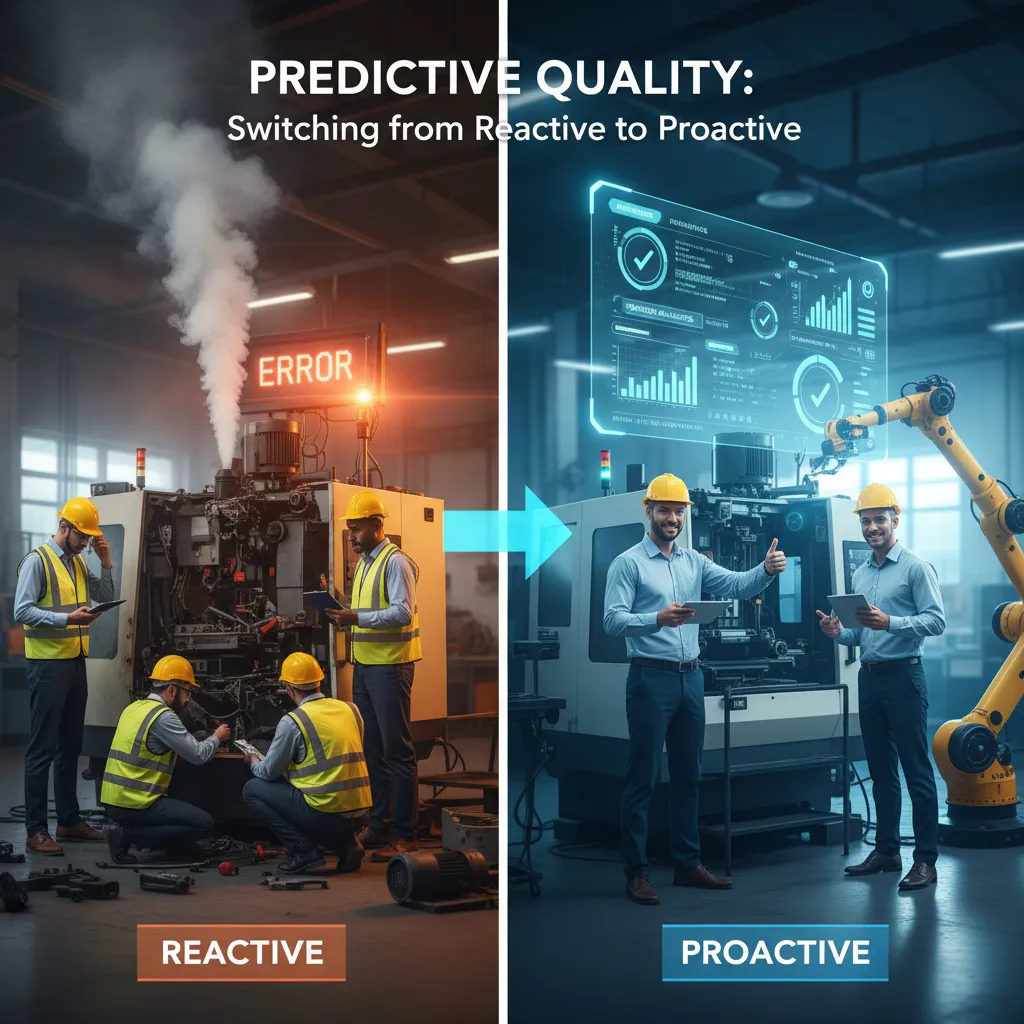
3) Predictive quality: switching from reactive to proactive
When I talk about AI Quality Control on the plant floor, this is the part that changes the daily rhythm. Instead of waiting for a bad part to show up at final inspection, I use the data we already have to spot risk early and act before we ship scrap.
What “predictive quality” looks like on a Tuesday
On a normal Tuesday, predictive quality is not a big “AI moment.” It’s small signals adding up. For example, I’ll see a slow drift in a dimension that still passes spec, but the trend line is climbing. The model connects that drift to tool wear, and I can schedule a tool change during a planned stop—before we start making out-of-spec parts.
- Reactive: We find defects after they happen, then sort, rework, and explain.
- Proactive: We catch the trend, adjust the process, and avoid the defect.
Linking defects to process signals
Predictive quality works best when I link inspection results to process signals like temperature, vibration, and torque. The goal is simple: turn sensor data into early warnings that operators can trust.
Here’s the kind of pattern I look for:
- Rising spindle vibration + slightly higher torque = possible tool wear or chip buildup
- Temperature spikes during a cycle = cooling issue or material variation
- Torque drops below normal = slipping, dull tool, or fixture movement
Once those signals are tied to real defect outcomes, the model can flag “risk of defect” even when the part still looks fine.
How I explain proactive vs reactive with a stoplight dashboard
Leadership usually wants clarity, not model details. So I use a simple stoplight view:
| Status | Meaning | Action |
|---|---|---|
| Green | Process stable | Run normally |
| Yellow | Trend moving toward risk | Check tool/fixture, verify sensors |
| Red | High defect risk | Pause, adjust, confirm with a quick check |
Tiny confession: the “defect” was a sticker
The first time our vision model flagged a “surface defect,” it was actually a small sticker on the part from a previous step. That mistake taught me a key rule: AI Quality Control is only as good as the real-world setup. Now I standardize labeling, control what enters the camera view, and keep a short feedback loop so the model learns what truly matters.
4) Cost reduction without the awkward ‘replace people’ conversation
How I position AI Quality Control: a fatigue-proof assistant
When I introduce AI Quality Control on the plant floor, I avoid the “this will replace inspectors” framing. Instead, I call it a fatigue-proof assistant. Cameras and models don’t get tired on third shift, don’t lose focus after repeating the same check 500 times, and don’t “normalize” small defects over time. That message matters, because it keeps the conversation on consistency and risk reduction, not headcount.
“The goal isn’t fewer people. The goal is fewer escapes, less rework, and more time for humans to solve the hard problems.”
Labor cost reality: reassign, don’t remove
In practice, the cost win often comes from personnel rotation and smarter use of skilled inspectors. Once AI handles the repetitive visual checks, I can reassign experienced people to work that actually needs judgment:
- Layered process audits (catch drift before it becomes scrap)
- Root cause analysis (turn “we found a defect” into “we fixed the source”)
- Supplier quality (incoming inspection strategy, containment, and PPAP support)
This reduces overtime, reduces training churn for “eyes-on” inspection roles, and helps me keep quality knowledge in the building.
Resource optimization: my favorite trio
The most reliable savings show up in three places—my favorite trio:
- Less material waste (earlier detection means fewer parts made after a process shift)
- Less rework (AI flags issues at the station, not at final inspection)
- Fewer warranty claims (fewer escapes means fewer returns, RMAs, and field failures)
A quick ROI example I use (with assumptions)
Here’s a simple back-of-the-envelope model I’ve used in meetings. I always show assumptions so we can argue the numbers, not the idea:
Assumptions (per year):

- Scrap reduction: 0.5% on $2,000,000 material spend = $10,000

- Rework reduction: 200 hours saved x $45/hr = $9,000

- Warranty reduction: 5 fewer claims x $3,000 = $15,000

Total benefit = $34,000
Costs:
– AI system (camera + software + integration) = $25,000
Net = $9,000 in year 1; payback ~ 9 months
If the line is high volume or warranty risk is high, the payback gets even faster.
5) Predictive maintenance is the quiet sidekick
When I roll out AI Quality Control on the plant floor, I quickly learn that quality and maintenance are basically roommates. They share the same signals, the same machines, and the same bad days. A part can fail inspection for a “quality” reason, but the root cause often lives in the equipment.
Why quality and maintenance are roommates
A simple example: the same vibration spike that ruins a surface finish can also be the early warning for a bearing issue. If a spindle starts to chatter, I might see tool marks, roughness, or dimensional drift. At the same time, that vibration pattern can point to wear, imbalance, or misalignment. In other words, the defect is not just a product problem—it’s a machine health clue.
Using AI to flag equipment health in real time
Modern AI systems don’t have to stop at “pass/fail.” If I’m already collecting images, acoustic data, motor current, temperature, or vibration for quality checks, I can use the same stream to spot equipment changes as they happen. That’s where predictive maintenance becomes the quiet sidekick: it works in the background, watching for trends that humans can’t track minute by minute.
- Quality model: flags defects like scratches, burrs, or out-of-spec dimensions.
- Health model: flags drift, unusual vibration signatures, or rising cycle time variance.
- Combined view: ties defect rates to machine conditions so we fix the cause, not just sort parts.
Practical integration: alerts, ownership, and “good” signals
Integration is where this becomes real. I decide who gets the alert and where it lives. For maintenance, that usually means the CMMS. For production impact, it may also touch the ERP or a line dashboard.
| Alert Type | Owner | Where It Lives |
|---|---|---|
| Machine health risk (bearing) | Maintenance | CMMS work request |
| Quality drift (surface finish) | Quality + Production | QC dashboard + ticket |
A “good” alert is specific and actionable: Machine 12: vibration +18% vs baseline for 30 min; defect rate +2.1%; recommend inspection within 8 hours. It avoids noise, includes context, and suggests the next step.
The best alert is the one that doesn’t embarrass anyone on the floor.
I keep alerts neutral and fact-based. No blame, no drama—just clear signals that help the team protect uptime and protect quality at the same time.
6) A messy, honest rollout plan (so you don’t hate your pilot)
When I roll out AI Quality Control on the plant floor, I assume the first pilot will be imperfect. That mindset keeps me calm, and it keeps the team from feeling like the AI is here to “catch” them. My goal is simple: prove value fast without breaking the line.
Start narrow, then earn the right to expand
I start with one defect, one station, one shift. Not “all cosmetic defects,” not “the whole line.” One clear problem that costs us scrap, rework, or customer complaints. Then I run the AI in parallel with human inspection. For a few weeks, the AI does not make final calls; it only flags parts. We compare results, track false rejects and missed defects, and tune lighting, camera angle, and thresholds. This parallel run is how I avoid a pilot that turns into a blame game.
Data governance in plain English
Data is where pilots quietly fail, so I keep rules simple. I label images with the same defect names our inspectors already use, and I document what “good” and “bad” mean with examples. I version everything: the model, the label set, and the camera setup. If I change the lens or move a light, I treat it like a new version because performance can shift.
I also decide what I store and what I delete. I store a small, useful set: representative good parts, confirmed defects, and edge cases that confuse the model. I delete duplicates, blurry shots, and anything that creates privacy risk. If an image includes people, badges, or screens, I either mask it or don’t keep it.
Edge vs cloud: my rule of thumb
If the decision must happen in milliseconds, or if Wi‑Fi drops are normal, I run inference on the edge near the station. If I need heavy training, long-term analytics, or cross-plant reporting, I use the cloud. On the plant floor, reliability beats elegance every time.
The wild-card: when AI says “defect” and the customer says “fine”
This is where I set policy before go-live. If the customer’s spec allows it, the spec wins. I treat the AI as a tool to enforce our agreed standard, not a new standard. When there’s a mismatch, I update the defect definition, retrain with those examples, and document the decision so the next shift isn’t guessing. That’s how the pilot ends with trust—and a real path to scale.
TL;DR: AI quality control works best when you treat it like a plant-floor system, not a lab project: start with one painful defect, capture clean data, run in parallel with inspectors, and scale once you’ve proven real-time defect detection, cost reduction, and predictable, consistent results.