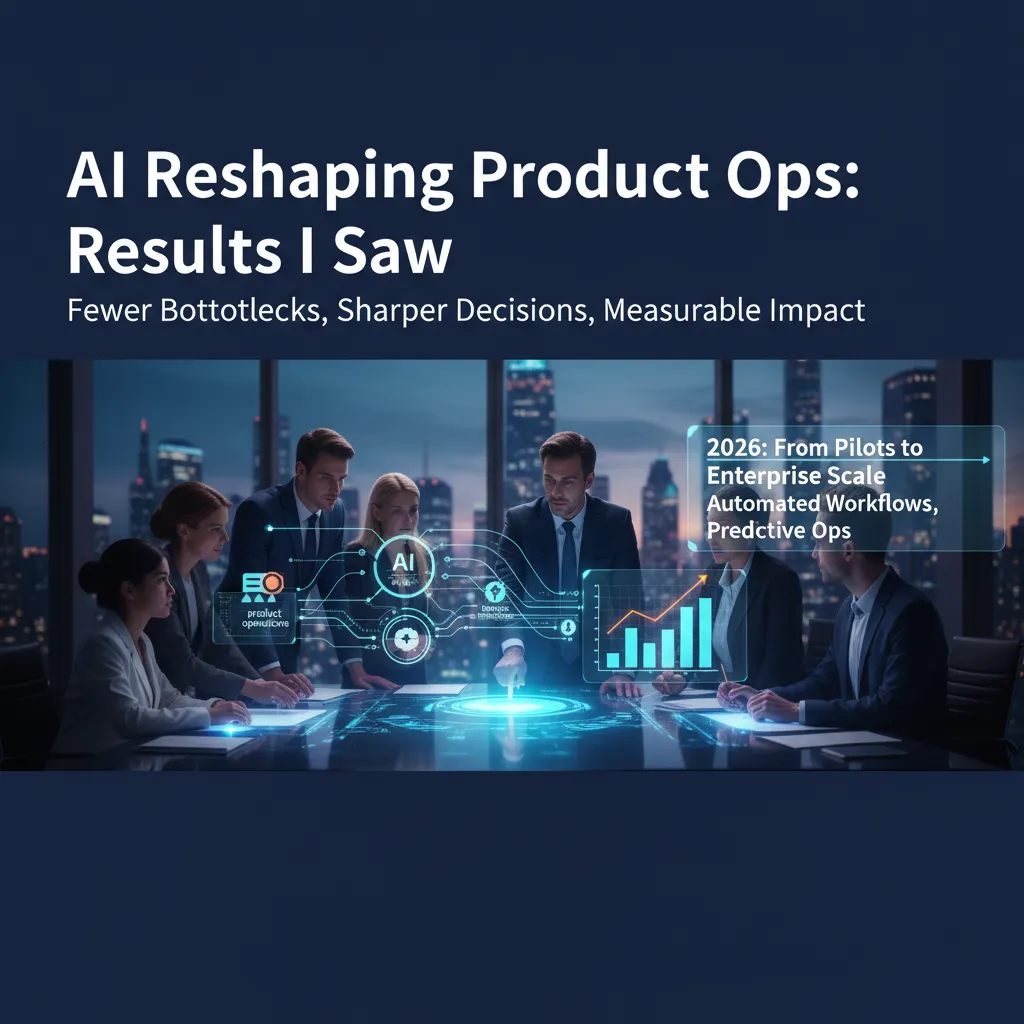
I didn’t “believe” in AI for product ops until a messy Monday: 46 Slack pings, a half-written spec, and an invoice approvals queue that somehow became my problem. We tried a tiny automation as a joke—then watched cycle times drop enough that my calendar stopped feeling like a game of Tetris. This post is my stitched-together field notes: where AI genuinely helped, where it made things weird, and what I’d do differently if I had to restart tomorrow.
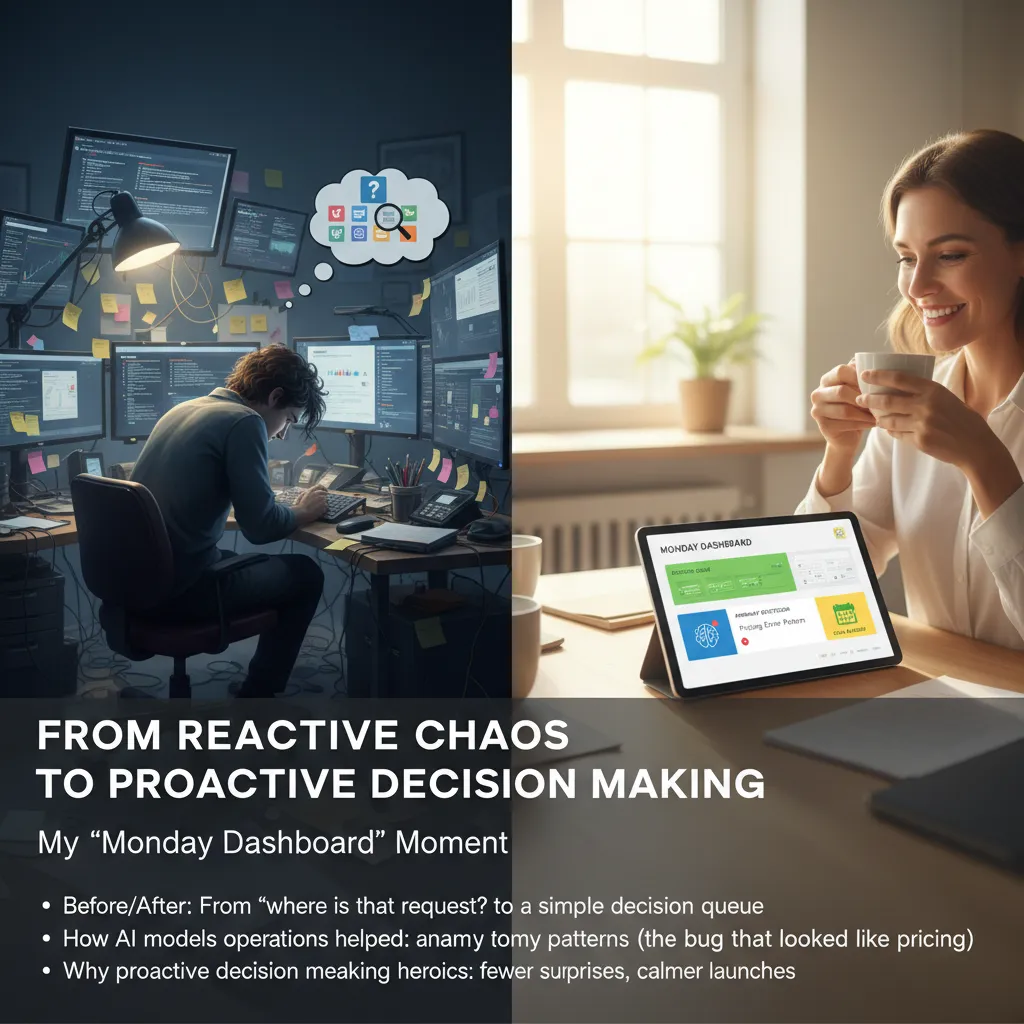
From reactive chaos to proactive decision making (my ‘Monday dashboard’ moment)
Before AI reshaped my Product Ops, Mondays felt like a scavenger hunt. I’d open Slack, Jira, email, and a spreadsheet, then ask the same question on repeat: “Where is that request?” By the time I found the latest update, it was already outdated. I was doing “status work,” not decision work.
The shift happened when I built what I now call my Monday dashboard: a simple decision queue powered by AI for product operations. Instead of a long list of tasks, I got a short list of decisions with confidence signals—what’s likely blocked, what’s trending risky, and what can wait.
My before/after: from chasing updates to a decision queue
- Before: scattered requests, unclear owners, and “I thought you had it” handoffs.
- After: one queue that groups work by impact, urgency, and confidence (high/medium/low).
- Result: I could say “yes,” “no,” or “not yet” with reasons, not guesses.
AI anomaly spotting: the “pricing issue” that was really a bug
One week, support tickets looked like a pricing problem: customers said totals were “wrong.” The AI ops model flagged an anomaly pattern: the complaints spiked only on one plan, only after a specific checkout step, and only on mobile. That didn’t match a pricing change. It matched a flow break.
“This looks like a calculation bug, not a pricing update. Check the mobile tax rounding logic.”
Engineering confirmed it within an hour. Without AI-assisted pattern detection, we would have wasted a day debating pricing.
Why proactive decision making beats heroics
When I stopped reacting and started deciding early, launches got calmer. Fewer surprises showed up late Friday, and fewer people had to “save the day.”
My small ritual: 10-minute daily “AI triage”
- Review the decision queue and confidence signals.
- Scan anomalies and new risks.
- Send two messages: one unblock, one clarify.
That 10-minute AI triage replaced about 45 minutes of status chasing—and made AI in Product Ops feel practical, not magical.
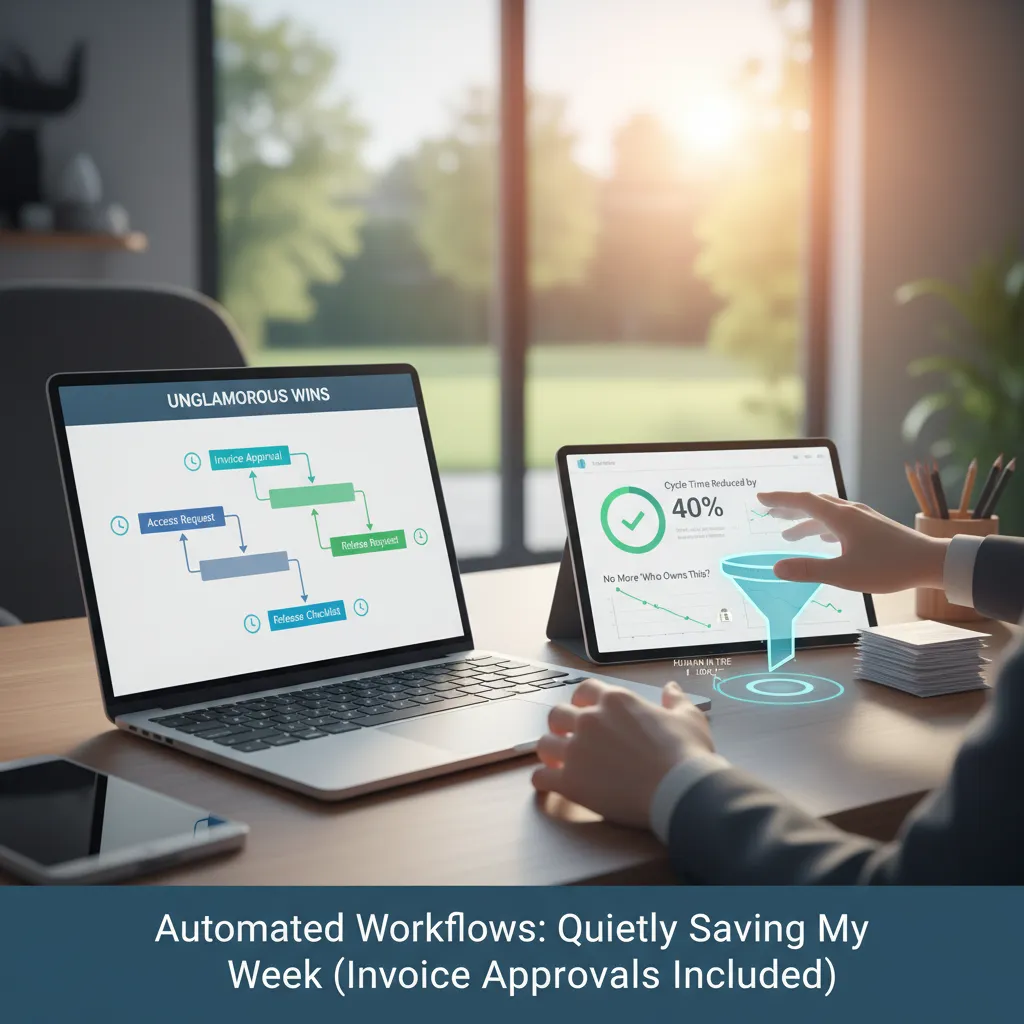
Automated workflows that quietly save my week (invoice approvals included)
In Product Ops, the biggest AI wins I saw were not flashy. They were the boring workflows that used to steal my attention in tiny chunks all day. Once I automated them, my week felt calmer—and my work got more consistent.
The unglamorous wins that stopped stealing focus
I started with tasks that had clear rules and repeatable steps:
- Invoice approvals: AI reads the invoice, matches it to the PO, flags mismatches, and routes it to the right approver.
- Access requests: the request form gets auto-checked (role, team, tool), then sent to the correct owner with the right context.
- Release checklists: AI creates the checklist from a template, pulls links to tickets, and reminds owners before the deadline.
These are small, but they add up. I stopped context-switching every 20 minutes just to “move a thing forward.”
Hands-off execution vs. human in the loop
I’m comfortable with hands-off automation when the outcome is reversible and the rules are stable. For example, routing, reminders, and checklist creation are safe. I still want a human in the loop when:
- Money is leaving the business (final invoice approval)
- Permissions affect security (admin access, broad data access)
- Customer impact is high (release go/no-go decisions)
Cycle times drop when you remove “who owns this?”
My favorite boring improvement was removing the ownership guessing game. AI assigns the request based on simple logic (team, system, cost center), and posts it in the right channel. No more stalled tickets waiting for someone to say, “Is this mine?”
When ownership is automatic, work moves even when people are busy.
A tiny cautionary tale (the rollback)
I once automated access approvals too early. The workflow approved requests based on job title alone, and it missed edge cases like contractors and temporary roles. I rolled it back and rebuilt it with extra checks:
- Manager confirmation
- Time-bound access by default
- Audit log on every decision
That lesson stuck: automate the path, but validate the risk.
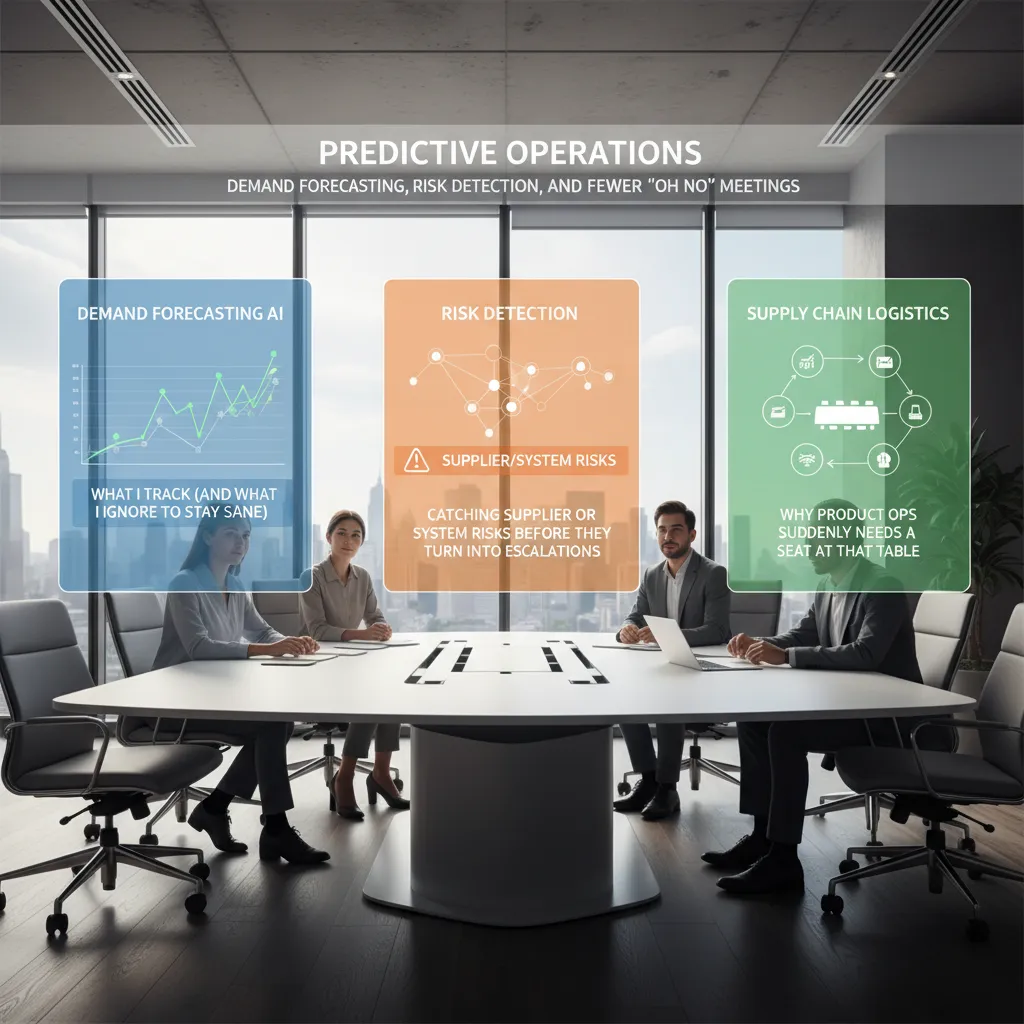
Predictive operations: demand forecasting, risk detection, and fewer ‘oh no’ meetings
One of the most real changes I saw from AI in Product Ops was moving from reacting to problems to predictive operations. In the source story, the biggest win wasn’t “perfect forecasts.” It was fewer surprise escalations and fewer meetings that start with, “oh no.”
Demand forecasting AI: what I track (and what I ignore to stay sane)
Our AI demand forecasting setup gave me a lot of signals, but I learned fast that more data can mean more noise. What I track is simple:
- Forecast range (best case / expected / worst case), not a single number
- Trend breaks (when demand shifts faster than normal)
- Confidence score and what inputs drove it
What I ignore to stay sane: tiny daily swings, “perfect” SKU-level predictions, and any chart that can’t explain itself in plain language.
Risk detection: catching supplier or system risks before they turn into escalations
The source material highlighted how AI helped spot issues early. In my work, risk detection became a weekly habit. The model flagged patterns like late supplier confirmations, rising defect rates, and system latency spikes. Instead of waiting for a customer-impacting incident, we opened a small ticket, ran a quick test, and often fixed it quietly.
Predictive alerts didn’t remove risk. They removed the surprise.
Supply chain logistics: why product ops suddenly needs a seat at that table
AI connected product decisions to logistics reality. When demand forecasts shifted, it affected inventory, shipping windows, and supplier lead times. That’s why Product Ops needed a seat in supply chain logistics talks: we could translate forecast changes into product priorities and release timing.
A weird win: predictive signals changed how we wrote specs
Here’s the unexpected part: predictive signals pushed us to write shorter, more testable specs. If the model warned about risk, we wrote requirements like:
IF demand > threshold THEN enable rate limit + fallback flow
Less storytelling, more checks. It made reviews faster and outcomes clearer.
The numbers that made my CFO lean in: cost savings and revenue increases
Cost efficiency improvements: translating AI work into finance-friendly language
When I first shared our AI wins in Product Ops, I talked about “less manual work” and “better alignment.” My CFO didn’t move. What made him lean in was when I translated AI into unit costs and cycle time. Instead of saying “AI helps triage requests,” I said: “AI reduced the hours we spend per product change request.” That turned a vague benefit into a budget line.
Operational costs reduction: what counts, what’s fuzzy, and what I stopped measuring
In our AI reshaping product ops rollout, I learned to separate hard savings from soft signals. Hard savings were anything tied to invoices, headcount capacity, or paid tools. Fuzzy savings were “less stress” and “fewer meetings”—real, but hard to defend in a finance review.
- What counted: fewer contractor hours for reporting, lower spend on duplicate analytics tools, and reduced rework from clearer requirements.
- What was fuzzy: time saved in Slack, “better collaboration,” and meeting minutes reduced.
- What I stopped measuring: every micro-automation. Tracking 30 tiny wins created noise and dashboard fatigue.
Revenue competitive edge: why faster decisions show up as revenue (not just “nice ops”)
The revenue story clicked when we tied AI to decision speed. Faster intake and prioritization meant we shipped fixes and small improvements earlier. That showed up as fewer churn-risk escalations and more upsell conversations because customers saw progress. In plain terms: speed reduced “time-to-value,” and time-to-value affects renewals.
“If you can’t connect it to cost per outcome or time to outcome, it’s not a metric—it’s a story.”
My ‘two-metric rule’: pick one cost metric and one speed metric
To avoid drowning in dashboards, I used a simple rule:
- One cost metric: cost per shipped change (hours + tooling).
- One speed metric: request-to-decision time.
Everything else became supporting detail, not the headline.
Why 87% of teams start AI initiatives… and only 12% feel real impact
In my Product Ops work, I kept seeing the same pattern from How AI Transformed Product Operations: Real Results: teams launch AI fast, but impact stays small. The gap is rarely the model. It’s the system around it—process, ownership, and the hard work of changing how people operate.
The “pilot trap” (I’ve been guilty)
I used to celebrate a successful AI pilot: a bot that summarized tickets, a prompt that cleaned up release notes, a dashboard that “looked smart.” Then it stalled. No rollout plan, no training, no support path, and no clear metric. The pilot became a side tool used by a few people, not a new way of working.
AI product decisions: where it helps—and where it shouldn’t decide alone
AI reshaping Product Operations works best when it supports decisions, not replaces them. I’ve seen strong results when AI helps with:
- Triage: clustering feedback, tagging themes, routing issues faster
- Critiquing specs: spotting missing edge cases, unclear acceptance criteria, risky assumptions
- Drafting: first-pass FAQs, release notes, internal updates
But I don’t let AI decide alone on prioritization, customer commitments, or policy calls. Those need context, trade-offs, and accountability.
Work design and redesigned roles: the uncomfortable part nobody budgets time for
The real cost is not tokens—it’s redesigning work. Someone must own prompts, data access, review steps, and quality checks. If nobody has time for that, AI becomes “extra work,” and adoption drops.
“The tool was fine. Our workflow wasn’t.”
A practical playbook: 3 gates from experiment → production-grade deployments
- Value Gate: define one workflow, one metric, and a baseline (time saved, cycle time, defect rate).
- Trust Gate: add human review, test on real cases, and document failure modes and escalation.
- Scale Gate: assign an owner, train the team, integrate into tools, and set a monthly audit.
Developer productivity meets product ops: code generation and agentic workflows
One of the biggest surprises I saw in How AI Transformed Product Operations: Real Results was the connection between developer speed and product ops calm. When code generation improved developer productivity, product ops got noticeably quieter. Not because we did less work, but because we had fewer handoffs. Less back-and-forth meant fewer “can you clarify this?” threads, fewer status pings, and fewer meetings just to translate intent.
The surprise connection: faster dev, quieter ops
When engineers could generate scaffolding, tests, and basic UI quickly, we stopped treating every request like a mini-project. Product ops didn’t need to chase updates across tools as often. The work moved forward in smaller, clearer steps, and the system created its own momentum.
Code generation for rapid prototyping changed prioritization
AI code generation made rapid prototyping cheap. That changed prioritization conversations in a very practical way: instead of debating hypotheticals, we could look at something real. A rough prototype answered questions like “Is this usable?” and “Does this solve the support ticket?” faster than a long doc.
- Before: prioritize based on opinions and estimates
- After: prioritize based on a working slice and early feedback
In product operations, this reduced the time I spent mediating between “what we think users want” and “what we can ship.” The prototype became the shared language.
Agentic workflows: draft, test, propose—humans approve
We also started using agentic workflows where AI agents could draft a solution, run basic checks, and propose a pull request. Humans still approved the final change, but the agent handled the busywork.
“Let the agent do the first pass, then let people do the judgment.”
- Agent drafts code + release notes
- Agent runs tests and flags failures
- Engineer reviews and merges
A small tangent: I now write prompts like acceptance criteria
I used to write acceptance criteria to reduce ambiguity. Now I do the same with prompts. I include constraints, examples, and edge cases, like:
Generate a prototype for X. Must support Y. Exclude Z. Provide tests for edge case A.
AI trends 2026: change fitness, responsible trade-offs, and my ‘AI brain’ checklist
At the AI Product Summit, the vibe was clear: everyone wants speed. Demos promised instant insights, auto-written specs, and “one-click” decisions. But in hallway chats, I heard far less about governance—who owns the model, what data it can touch, and what happens when it’s wrong. In my own work from How AI Transformed Product Operations: Real Results, the biggest gains came when we treated AI like a product in Product Ops, not a magic shortcut.
Change fitness: the muscle behind sustainable AI
In 2026, I think the winning teams will build change fitness: the ability to adapt workflows, roles, and rules fast without breaking trust. AI can collapse under its own hype when people don’t know when to rely on it, when to challenge it, and how to recover from mistakes. I learned to train this muscle by making AI use visible, reviewing outcomes weekly, and updating prompts, policies, and playbooks like living documents—not one-time rollouts.
Decision systems + responsible trade-offs before scaling
Before I scale any AI workflow, I require a simple decision system: what decisions AI can recommend, what decisions humans must approve, and what evidence we log. Responsible innovation is not “be careful,” it’s clear trade-offs: speed versus accuracy, automation versus control, personalization versus privacy. If we can’t explain the trade-off in plain language, we’re not ready to expand it across Product Ops.
Wild card: what if your ‘AI brain’ goes down during a launch?
I plan for the day our “AI brain” fails mid-launch—API outage, model drift, or a blocked data source. My contingency plan is boring on purpose: a human-owned launch doc, offline dashboards, and a manual triage path for support and incident response. I also keep a small set of tested prompts and templates stored outside the tool, so we can keep shipping even if the assistant disappears.
Speed is easy to buy. Trust is the part you have to build.
TL;DR: AI transformed product ops most when it shifted us from reactive firefighting to proactive decision making: automated workflows cut bottlenecks, predictive operations improved forecasting and risk detection, and scaled deployments drove cost savings and revenue increases. The catch: most teams still don’t see real impact because they stop at pilots, don’t redesign roles, and skip change fitness.