
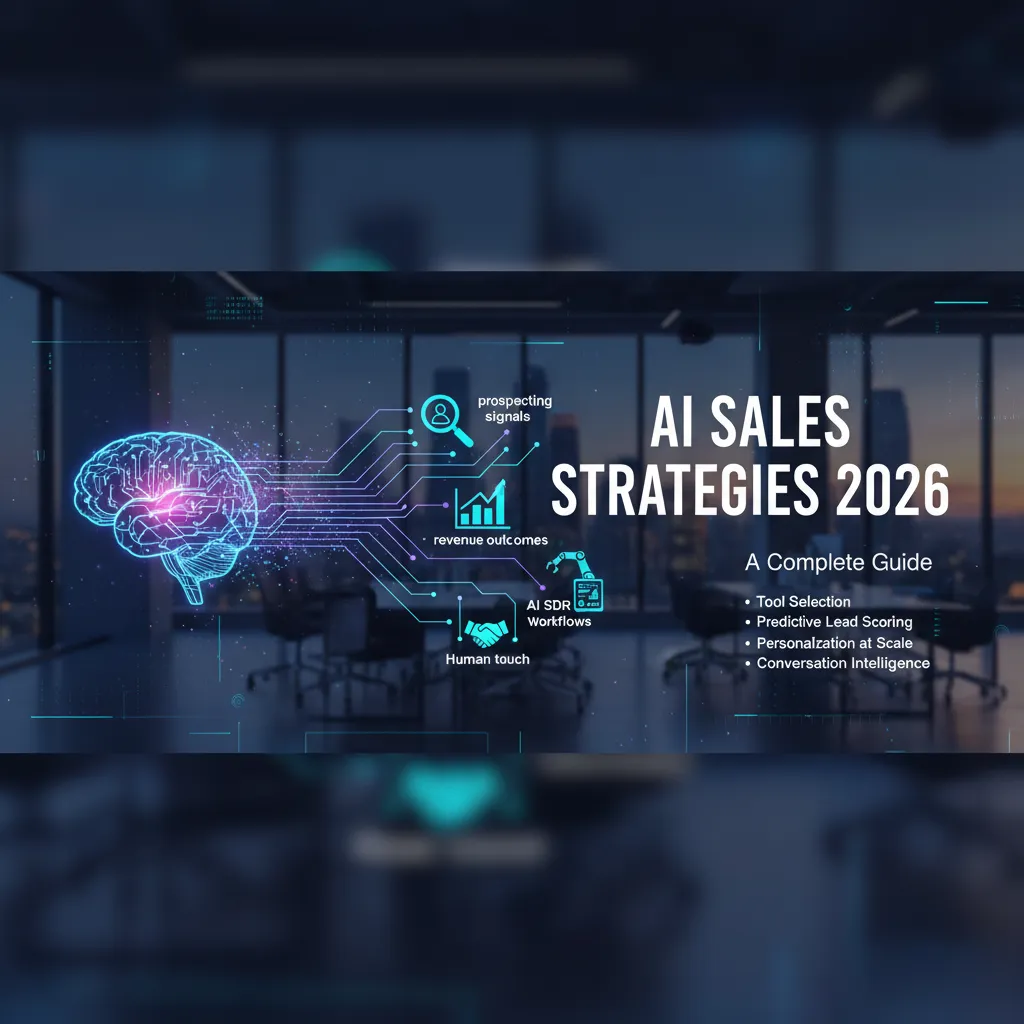
Last year I watched a top SDR on my team spend 47 minutes prepping for a call that never happened—only to discover later the account had already chosen a competitor. That one no-show pushed me to rethink our whole rhythm: what if our reps only did “human work,” and AI handled the busywork and the timing? This guide is the playbook I wish I had then: not a shiny tools list, but a complete sales AI strategy guide you can actually run with—messy realities, adoption hiccups, and all.
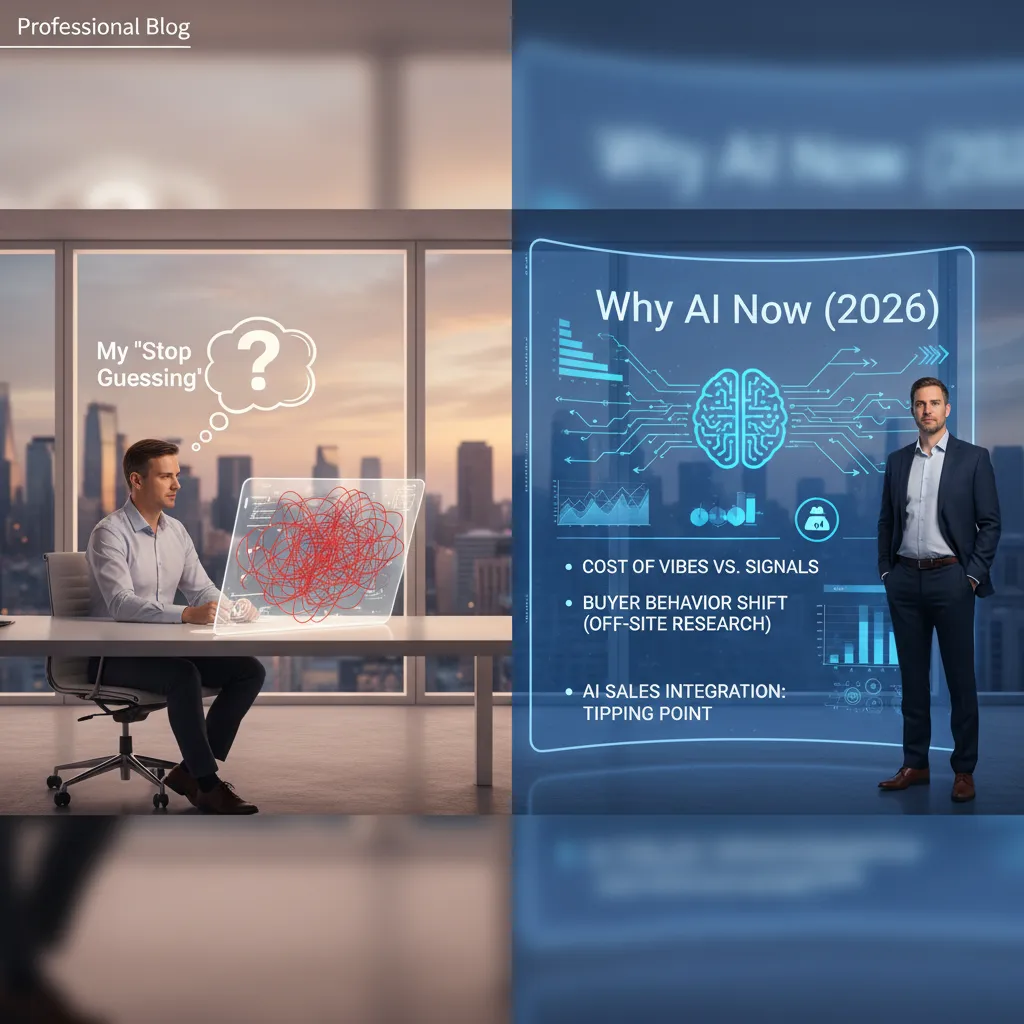
1) My “Stop Guessing” Moment: Why AI Now (2026)
A quick story from my pipeline: vibes vs signals
I used to run my pipeline on “gut feel.” If a buyer sounded friendly on a call, I pushed the deal forward. If they went quiet, I assumed they were busy. Then I had a quarter where two “sure things” stalled at the finish line, while a smaller account I almost ignored closed fast.
When I finally reviewed the data, the pattern was obvious. The stalled deals had polite meetings but weak buying signals: no return visits to key pages, no engagement with pricing, and no internal sharing. The deal that closed had fewer calls, but strong signals: repeat visits, comparison-page reads, and multiple stakeholders showing up. That was my stop guessing moment. I didn’t need more hustle—I needed better visibility.
What’s changed in buyer behavior: the off-site research reality
In 2026, buyers do most of their learning without us. They research on review sites, communities, YouTube, AI search, and peer groups. By the time they talk to sales, they often have a shortlist and a set of “must-have” requirements.
That shift changes the job. My role is less “introduce the product” and more “confirm fit, reduce risk, and help them decide.” AI helps because it connects scattered signals into one view, instead of leaving me to interpret silence.
The adoption tipping point: why AI sales integration isn’t optional
What I see now matches the playbook in The Complete Sales AI Strategy Guide: AI isn’t a tool you “try,” it’s a system you integrate. The teams winning in 2026 are using AI sales strategies to:
- Prioritize accounts based on intent signals, not rep opinions
- Personalize outreach using real context from calls, emails, and site behavior
- Coach reps with call insights and next-best actions
- Forecast with cleaner pipeline hygiene and fewer surprises
When competitors respond faster and tailor every touch, “manual-only” selling becomes a handicap.
A tiny reality check: when AI projects flop (and what it taught me)
I’ve also watched AI projects fail. Not because AI “doesn’t work,” but because we skipped basics:
- Messy CRM data and unclear stages
- No agreed definition of a qualified signal
- AI added on top of broken workflows
AI doesn’t replace strategy. It exposes whether you have one.
My lesson: start with one workflow (like lead scoring or call summaries), set simple rules, and measure impact weekly. That’s how AI sales integration becomes real, not just a dashboard.
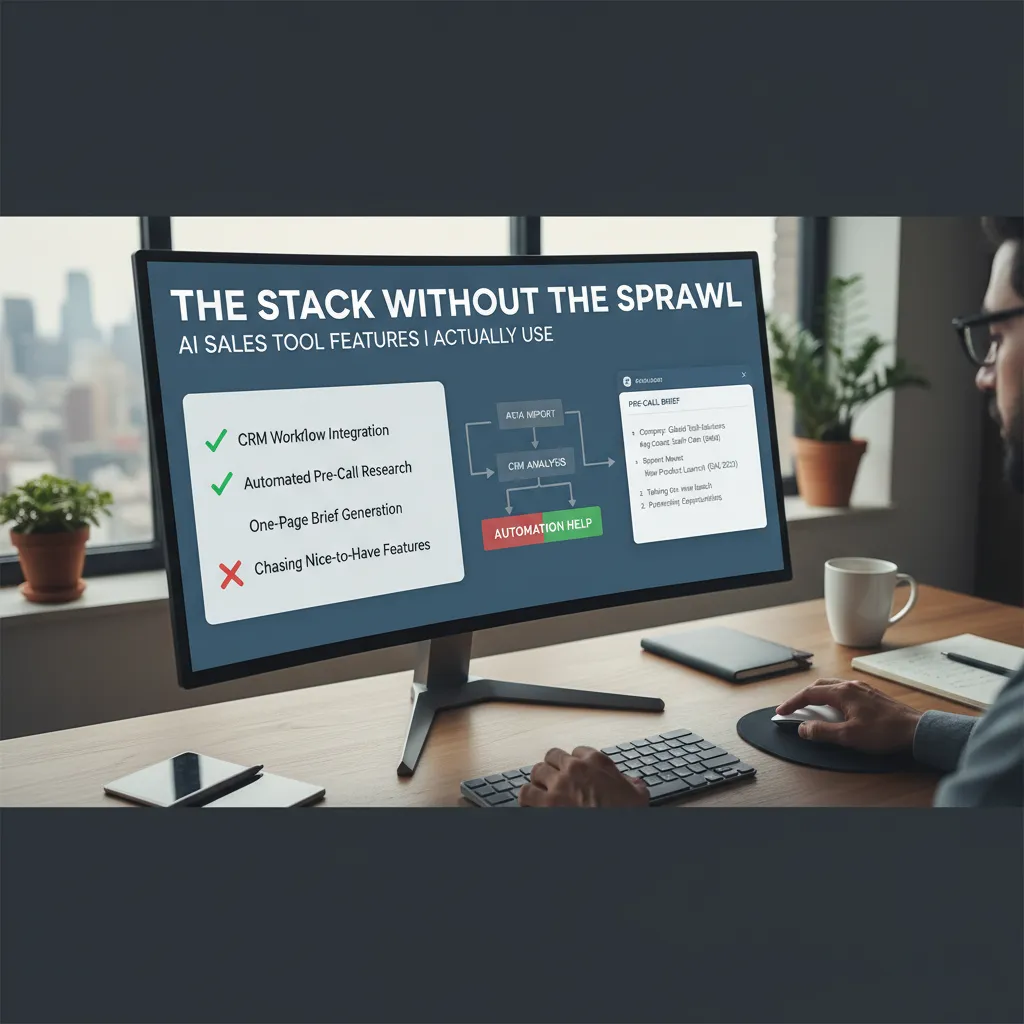
2) The Stack Without the Sprawl: AI Sales Tool Features I Actually Use
I used to collect AI sales tools like browser extensions—one for emails, one for notes, one for research, one for “insights.” It looked modern, but it felt messy. What finally worked for me was a small stack built around a clear checklist from The Complete Sales AI Strategy Guide: fewer tools, tighter workflows, and less switching.
My non-negotiable AI sales tool features checklist
- CRM-first integration: if it doesn’t write back to my CRM, I don’t use it.
- Explainable outputs: I need sources, links, and “why this matters,” not magic text.
- One-click capture: meeting notes, next steps, and fields updated without extra copy/paste.
- Permission controls: clear settings for what data is used, stored, and shared.
- Custom templates: my discovery questions, my deal stages, my tone.
One nice-to-have I regret chasing: hyper-personalized email “at scale”. It sounded great, but it pushed me into sending more messages instead of better messages. The deliverability issues, review time, and brand risk weren’t worth it.
CRM workflow integration: where automation helps vs where it creates chaos
Automation helps when it removes repeat admin work: logging calls, summarizing meetings, updating close dates, and creating follow-up tasks. It creates chaos when it starts guessing. I don’t let AI auto-change core fields like deal stage or forecast category without my approval.
| Good automation | Chaos automation |
|---|---|
| Auto-create follow-up tasks | Auto-advance stages |
| Summarize calls into notes | Rewrite customer quotes |
| Suggest next steps | Auto-send sequences without review |
Automated pre-call research: my “one-page brief” in minutes
Before a call, I generate a simple one-page brief. I keep it tight:
- Company snapshot (what they sell, who they sell to)
- Recent trigger (funding, hiring, product launch)
- Likely pain points (based on role + industry)
- 2–3 tailored questions
- My hypothesis + next step
My goal isn’t to know everything. It’s to show I did the right homework.
A small tangent: the weird satisfaction of deleting tabs
AI prospect research acceleration has a funny side effect: I close tabs. Instead of 18 open pages, I keep one brief, one source list, and my CRM. Less sprawl means I’m calmer, faster, and more present on the call.
3) Prospecting That Doesn’t Feel Like Cold Outreach: Signals, Intent, and Lead Scoring
In 2026, I don’t start prospecting with a list—I start with signals. When I follow the approach in The Complete Sales AI Strategy Guide, my goal is simple: reach out when the buyer is already moving, so my message feels like help, not interruption.
Signal-based prospecting prioritization: what counts as a “buying event” in my world
A “buying event” is any change that makes a purchase more likely right now. I track a short set of signals and treat them like a priority queue.
- Hiring for roles tied to my product (sales ops, revops, security, data)
- Tech changes (new CRM, data warehouse, security tool, website rebuild)
- Funding, expansion, or new leadership
- Usage spikes in free tools, trials, or product-led motion
- High-fit content actions (pricing page, integration docs, ROI calculator)
Intent data activation: turning messy digital crumbs into a clean queue
Intent data is noisy. I only trust it after I translate it into a few clear categories: problem intent, solution intent, and vendor intent. Then I route it into a daily queue with rules I can explain.
“Intent is useful when it changes what I do today, not when it just looks interesting in a dashboard.”
My basic activation rule is: intent + fit + timing. If one is missing, it doesn’t get outreach—it gets nurture.
Predictive analytics lead scoring vs gut feel (and how I sanity-check the model)
I use predictive lead scoring to rank accounts, but I don’t let the model be a black box. I sanity-check it in three ways:
- Back-test: did last quarter’s “top 20” actually convert?
- Reason codes: I require the top 3 drivers (e.g., “pricing visits + hiring + ICP match”).
- Spot checks: I review 10 “high” and 10 “low” leads weekly to catch weird patterns.
Lead Score = (Fit x 0.4) + (Intent x 0.4) + (Timing x 0.2)
Lead generation qualification: where I still insist a human eyes it first
Before outreach, I still want a human review for: enterprise deals, regulated industries, and any lead where the model can’t explain itself. AI helps me move faster, but I own the final call on relevance, tone, and risk.
4) Deep Personalization at Scale (Without Being Creepy)
In 2026, buyers can spot “personalization theater” fast. I use AI to personalize at scale, but I keep it grounded in what I’d say on a real call. The goal is simple: be relevant, not intrusive. In The Complete Sales AI Strategy Guide, the big lesson is that AI should amplify good sales thinking, not replace it.
My “3 Layers” Personalization Model
When I build AI sales strategies, I personalize in three layers. This keeps messaging specific without crossing the line.
- Industry layer: What’s changing in their market, regulations, cost pressure, or buyer behavior.
- Account layer: What their company is doing now (initiatives, hiring, product focus, tech stack signals).
- Human layer: The person’s role, priorities, and likely KPIs—without guessing private details.
AI Messaging That Sounds Like Me (Not a Template Factory)
I prompt AI with my voice rules: short sentences, one clear point, and a respectful ask. Then I edit for truth and tone. Here are examples I actually use:
Email opener (industry + account):
“I’m seeing more SaaS finance teams tighten renewal forecasts this quarter. Noticed you’re hiring for RevOps—are you also revisiting how pipeline risk is flagged?”
LinkedIn message (human layer):
“Quick note—your role sits right between sales and data. If you’re trying to reduce ‘spreadsheet forecasting,’ I can share a 2-minute framework we use with similar teams.”
What I avoid: “I loved your post” when I didn’t read it, or hyper-specific references that feel like surveillance. If AI suggests a detail I can’t verify, I delete it.
Multi-Channel Orchestration With One Narrative Thread
Personalization breaks when each channel tells a different story. I run email + LinkedIn + phone as one sequence with one theme:
- Email: the insight and the problem
- LinkedIn: the same insight, shorter, more conversational
- Phone: one question that matches the insight
Wild-card analogy: personalization is jazz, not a marching band. AI can keep the rhythm, but I still improvise based on what the buyer reacts to.
5) Human–AI Collaboration for SDRs: The Hybrid Model That Finally Clicked
When I first applied ideas from The Complete Sales AI Strategy Guide, the biggest shift wasn’t “more automation.” It was learning to split SDR work into two lanes: machine-fast tasks and human-sensitive tasks. Once I did that, my outreach felt more personal, and my pipeline moved faster.
Split the SDR workflow into “machine-fast” vs. “human-sensitive”
I now treat AI like a high-speed assistant, not a replacement for judgment. Here’s the division that finally worked for me:
- Machine-fast: account research summaries, contact enrichment, list cleanup, first-draft email variants, call notes, CRM updates, follow-up reminders.
- Human-sensitive: choosing the angle, reading tone, handling objections, negotiating next steps, and deciding when to stop pushing.
In practice, I let AI prepare options, then I pick the message that fits the person. That keeps my voice consistent and avoids “robot energy.”
Conversation intelligence: coaching moments I used to miss
Conversation intelligence became my quiet coach. Before, I relied on memory after calls, which is unreliable when you’re doing volume. Now I review AI call summaries and flagged moments like:
- Where I talked too much after asking a question
- When a buyer hinted at a timeline and I didn’t follow up
- Repeated objections across calls that pointed to a weak pitch
“The call didn’t fail because of one big mistake. It failed because I missed three small signals.”
Those insights made my coaching sessions sharper, and my self-review faster.
Deal velocity improves when follow-up isn’t delayed by admin
The biggest deal velocity win came from removing the lag between a call and the next touch. When AI logs notes, drafts the recap, and schedules tasks instantly, I can send a clean follow-up while the conversation is still fresh. That changes everything: fewer stalled deals, fewer “just checking in” emails, and more clear next steps.
A small confession: my first month, I over-automated
I made the classic mistake: I automated sequences too aggressively. Replies came back like, “Did you even read my site?” I had to walk it back by adding human checkpoints:
- AI drafts, I approve before send
- Personal line must be verified by me
- Any negative reply triggers a human-only response
That hybrid model is what finally clicked for my SDR team: AI handles speed, and I handle trust.

6) Measuring AI Strategy Revenue Outcomes (and Not Lying to Myself)
If I can’t measure revenue impact week by week, my “AI sales strategy” is just a story I’m telling myself. In The Complete Sales AI Strategy Guide, the big lesson is simple: AI only earns trust when it earns outcomes. So I treat measurement like a weekly habit, not a quarterly post-mortem.
The 5 revenue metrics I track weekly (not quarterly)
To keep myself honest, I track five numbers every week. They are designed to connect AI activity to real pipeline movement, not vanity metrics like “emails sent.”
| Weekly Metric | What it tells me |
|---|---|
| Pipeline created ($) | Whether AI is helping generate real opportunities |
| Qualified meetings booked | If outreach is reaching the right buyers |
| Stage-to-stage conversion | If deals are progressing, not stalling |
| Win rate on AI-influenced deals | If AI improves outcomes, not just volume |
| Sales cycle time | If AI reduces friction and follow-up delays |
Pipeline forecasting: what AI can estimate well vs what it can’t
AI is great at spotting patterns in historical data: deal size ranges, typical time in stage, and which activities usually lead to progress. It can also flag risk early, like “no stakeholder added” or “no next step scheduled.” But AI can’t reliably predict sudden budget freezes, leadership changes, or a competitor doing something unexpected. That’s why I use AI forecasts as a decision aid, not a promise. If the model says 70%, I still ask: “What would make this deal lose next week?”
Qualified opportunity generation: defining “qualified” so the model doesn’t game it
If I reward the system for “more leads,” it will find ways to create more leads. So I define qualified with clear rules: the right ICP, a real business problem, confirmed timeline, and a next meeting on the calendar. I also require a minimum data standard in the CRM, because AI can’t learn from blanks.
How I avoid the 26% failure bucket
I’ve seen too many teams roll out AI tools and call it strategy. I avoid that trap by starting small, auditing data weekly, and keeping humans responsible for final decisions. My rule is:
AI can recommend, but it can’t own the number.
That mindset keeps this guide’s promise: measurable revenue outcomes, without me lying to myself.
TL;DR: If I had to boil it down: I use AI-driven sales tools to cut research time (up to 90%), score leads with predictive analytics, personalize outreach messaging across channels, and coach with conversation intelligence—while keeping humans in charge of relationships. The teams that win in 2026 will treat AI sales integration like infrastructure, not a hack.


