
The first time I let an AI assistant “help” with our pipeline, I hovered over the undo button like it was a life raft. It wasn’t dramatic—it just quietly re-ranked a bunch of accounts and suggested I stop pestering a deal that (in hindsight) was already dead. The weird part? It felt less like magic and more like finally turning the lights on in a messy room. In this post, I’m mapping the specific places AI transformed sales operations for me—lead scoring, sales forecasting, customer segmentation, automated communication—plus the unglamorous reality checks: data quality, change management, and the occasional model hallucination that tries to book a meeting with the wrong “Chris.”
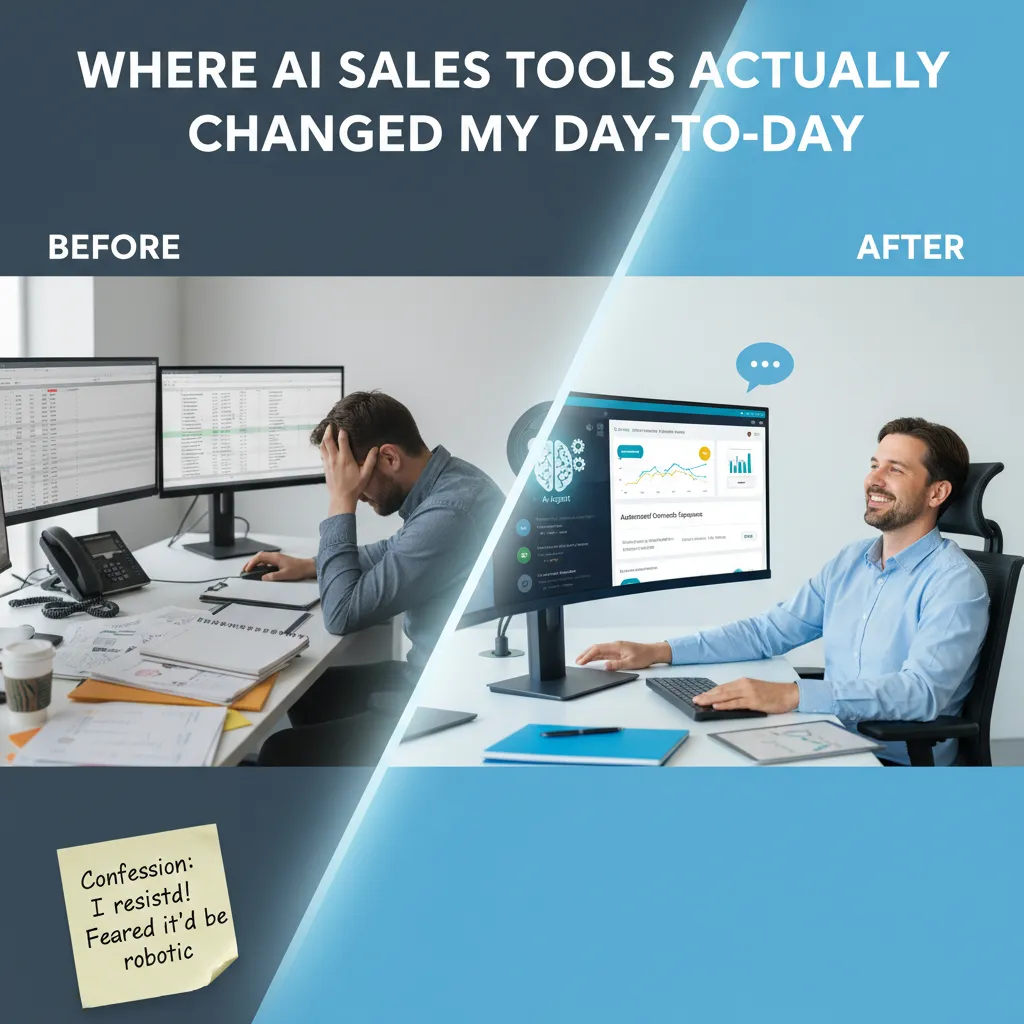
Where AI Sales Tools Actually Changed My Day-to-Day
The “before” picture: busywork everywhere
Before I brought AI sales tools into Sales Ops, my day was a loop of manual prospecting, spreadsheet gymnastics, and pipeline calls built on gut feel. I’d copy lists from one place to another, clean duplicates, and try to guess which accounts were “warm” based on scattered notes. Forecast reviews felt like a debate club: lots of opinions, not enough signal. And the worst part? I was measuring effort instead of outcomes—counting touches, tasks, and logged calls like that proved progress.
The “after” picture: the boring middle gets handled
Now, automated communication and AI agents handle the boring middle—the follow-ups, the routing, the “nudge” emails, and the first-pass research summaries. I still own the strategy and the final message, but I’m not stuck doing repetitive steps that don’t need human judgment. The biggest change is speed: I can move from “lead comes in” to “rep has a clean next step” without three handoffs and a spreadsheet refresh.
Confession: I resisted because I feared robotic outreach
I’ll admit it: I pushed back at first. I thought AI would make outreach feel generic and cold. What changed my mind was setting clear rules—brand voice, approved claims, and required personalization fields—so the tool drafts, but I decide. When it’s done right, it feels more human because I have time to add real context.
A mini-moment from my week (very glamorous)
This week, an AI assistant drafted follow-ups for stalled deals while I fixed a broken CRM field mapping. I was deep in the weeds, but deals still moved forward because the system kept momentum. That’s the real win: fewer “everything stops when Ops is busy” days.
What I track weekly now
- Sales efficiency: time-to-first-touch, speed-to-meeting, and cycle time
- Productivity gains: hours saved on prospecting and admin work
- Engagement rates: reply rate, meeting conversion, and follow-up performance
I still care about activity, but only when it connects to outcomes—not activity for activity’s sake.
Lead Scoring That Stops the ‘Chase Everything’ Habit
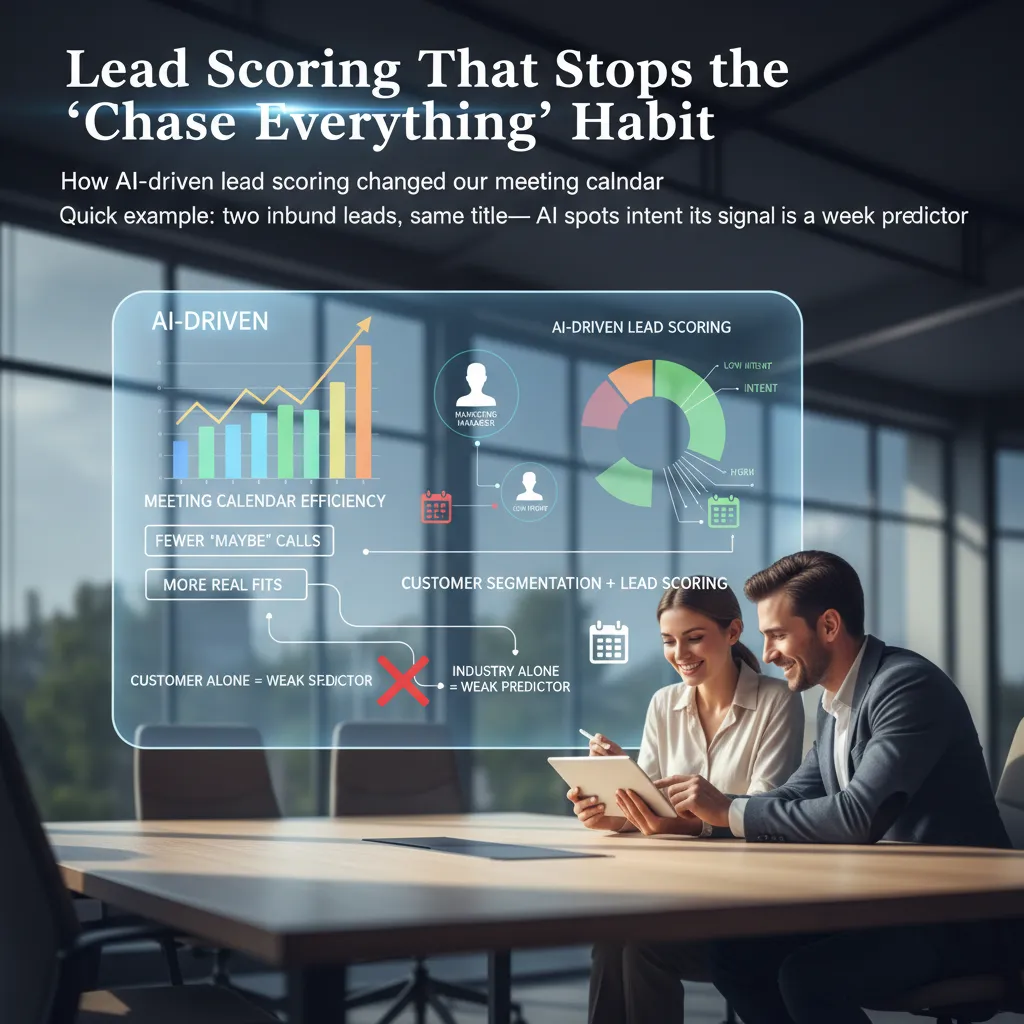
Before we added AI sales tools to Sales Ops, my calendar was packed with “maybe” calls. We treated every inbound lead like a must-win. The result was predictable: reps were busy, but pipeline quality was uneven. After we rolled out AI-driven lead scoring (based on the same “real results” approach I saw in How AI Transformed Sales Operations: Real Results), our meeting calendar changed fast—fewer polite discovery calls, more meetings with real fit and real urgency.
How AI lead scoring changed our meeting calendar
The biggest shift was focus. Instead of booking first and qualifying later, we used intent and fit signals to decide what deserved a meeting now vs. a nurture path. That alone cut down the “just checking it out” calls that used to eat half our week.
- Fewer low-intent meetings that never moved past stage one
- Faster routing to the right rep when intent was high
- Cleaner handoffs between SDRs and AEs because the “why now” was clearer
Quick example: same title, different intent
Two inbound leads came in with the same job title: “Operations Manager.” In the old days, I would have treated them the same. The AI didn’t. One had repeat visits to our pricing page, read two implementation docs, and clicked a security FAQ link. The other only downloaded a generic checklist and never returned. Same title, totally different buying motion. The score reflected that, and we booked only one “right now” meeting.
Segmentation meets scoring: why industry alone is weak
We used to lean hard on industry as a shortcut. AI made it obvious that industry is a weak predictor by itself. Behavior, tech stack, team size, and timing signals mattered more than the label on the company.
A tiny tangent: I still remember the uncomfortable day I learned my “favorite” segment had the worst conversion rates. We loved them because deals sounded good in meetings, but the data showed they stalled late and churned more.
What I tell reps: trust, but verify—especially early on. Use the score to prioritize, then confirm with a few human checks before you bet your week on it.
Sales Forecasting, Predictive Analytics, and My New Favorite Number: Forecast Accuracy
Sales forecasting used to feel like weather forecasting—except the “storm” was always at quarter end, and there was more arguing. Reps had optimism, managers had pressure, and ops had spreadsheets that never matched reality. In How AI Transformed Sales Operations: Real Results, the biggest shift I saw wasn’t a fancy dashboard. It was moving from gut feel to forecast accuracy I could defend.
Predictive analytics: spot pipeline risk early
With predictive analytics, I’m not waiting for a deal to slip and then writing a long explanation. AI sales tools in sales ops now flag risk signals while there’s still time to act: no next meeting, weak multi-threading, pricing pushback, or a champion who went quiet. I treat these as prompts for coaching and deal strategy, not as “gotcha” alerts.
Sales pipeline analysis: the three leaks I see most
When I run sales pipeline analysis, the same leaks show up across teams:
- Stalled stages: deals sit too long in one step because exit criteria aren’t clear.
- Ghosting: activity looks fine until the buyer disappears and no one escalates.
- Skinny deals: low ACV, short term, or missing products that should be in the package.
My “Friday forecast” ritual (stolen from finance)
Every Friday, I publish a one-page forecast. It’s simple, repeatable, and it reduces surprises.
| Scenario | What it assumes | What we do |
|---|---|---|
| Best | Top deals close on time | Protect time, remove blockers |
| Base | Normal slip rate | Focus on next steps + proof |
| Worst | Key deals push | Pull forward backups |
“One page, three scenarios, fewer surprises.”
Better forecasting changes decisions beyond sales
When forecast accuracy improves, the business runs calmer. Hiring plans get timed better, inventory isn’t a guess, and cash planning stops being a fire drill. For me, that’s the real win of AI sales forecasting in 2026: fewer debates, faster decisions, and a pipeline I can actually trust.
Content Personalization + Automated Communication (Without Being Creepy)
In AI Sales Tools in Sales Ops 2026: Real Results, the biggest lesson I learned from “How AI Transformed Sales Operations: Real Results” is simple: personalization works best when it feels earned, not extracted. The line I won’t cross is personalization that feels like surveillance. If a prospect reads an email and thinks, “How do they know that?”, I’ve already lost trust.
The line I won’t cross: personalization that feels like surveillance
I don’t use hyper-specific signals that look like spying (location pings, personal social details, or “I saw you were on our pricing page at 9:12 PM”). Even if the data is available, it can create a “watched” feeling. In sales ops, I’d rather trade a tiny lift in clicks for a big lift in credibility.
Content personalization that’s earned
What does work is tailoring by role, pain, and stage—not just name-dropping. Our AI sales tools help us pick the right proof points and assets based on what the buyer is trying to solve.
- Role-based: CFO gets risk, ROI, and payback; RevOps gets workflow and data quality.
- Pain-based: “manual handoffs” vs. “pipeline coverage” get different examples.
- Stage-based: early = short explainer; mid = case study; late = implementation plan.
Automated communication that reacts to intent
Automation got better when we stopped blasting fixed sequences and started using triggers. Our sequences now react to intent signals like opens, replies, and meetings. If someone replies, the AI pauses the sequence. If a meeting is booked, it switches to prep content. If there’s no activity, it slows down instead of nagging.
“Automation should reduce awkward follow-ups, not create more of them.”
Hypothetical: a ‘warm revival’ campaign while I’m on PTO
When I’m out, an AI agent can run a warm revival campaign: it pulls a list of past engaged leads, sends a simple check-in, and routes replies to the right owner. If a prospect clicks a new product page, it sends a relevant one-pager—not a “just circling back” email.
What moved for us: engagement rates went up, and we had fewer awkward follow-ups because the system knew when to stop, when to wait, and when to help.
Conversation Intelligence: The Fastest Way I’ve Seen Win Rates Move
In Sales Ops, conversation intelligence has been the fastest lever I’ve seen for improving win rates. It takes recorded calls and turns them into clear signals: who talked more, what questions were asked, and where objections showed up. Instead of guessing what “good discovery” looks like, we can measure it.
What we learn from calls (and why it matters)
- Talk ratio: Are reps doing 70% of the talking, or are buyers?
- Question quality: Are we asking “what” and “how” questions, or leading questions?
- Objections: Which ones repeat (security, budget, timing), and when they appear.
The “ouch” moment: features vs. risk reduction
My biggest “ouch” moment came when the data showed we were pitching features early, even when buyers were signaling fear of risk. They weren’t asking, “Can it do X?” They were asking, “Will this break anything?” and “How do we avoid a bad rollout?” The calls made it obvious: we were answering the wrong question.
“We don’t need more features. We need to know this won’t create a mess for our team.”
Predictive recommendations that don’t feel generic
After calls, the best tools now suggest next steps based on what was actually said: send the security packet if “SOC 2” came up, bring in an implementation lead if “timeline” and “resources” were mentioned, or confirm the decision process if multiple stakeholders spoke. Because it’s tied to the transcript, it feels specific, not like a template.
Coaching improves because evidence replaces opinions
Coaching gets easier when we can point to moments in the call: the missed question, the objection that wasn’t handled, the section where the rep talked over the buyer. Fewer debates, more proof.
A practical tweak that shortened cycles
One discovery question helped us reduce back-and-forth:
“What would make this feel too risky to move forward?”
It pulled hidden concerns forward early, so we could address risk before the proposal stage.

Implementation Challenges: Data Quality, Trust, and the Slow Rollout That Worked
Data quality reality: AI can’t fix a broken CRM
The first hard lesson I learned from How AI Transformed Sales Operations: Real Results is simple: AI can’t fix a CRM that thinks “Healthcare” is a job title. When fields are messy, the model “helps” by guessing, and those guesses spread fast—into lead scoring, routing, and even outreach drafts. Before we blamed the AI, we had to face the real issue: our data rules were unclear, and our team had different definitions for the same fields.
The rollout plan I’d repeat: start narrow, prove value, then expand
What worked was a slow rollout with one clear use case: AI-assisted call notes and follow-up emails for a single segment. We measured time saved and reply rates, then expanded only after we could show results in plain numbers. That approach kept the project grounded and reduced noise.
- Pick one workflow with high volume and clear metrics
- Clean the minimum data needed for that workflow
- Run a pilot with a small rep group and one manager
- Document wins, misses, and fixes before scaling
Training reps without the “new tool of the week” problem
I avoided big training days. Instead, I used short sessions inside existing team meetings and gave reps templates they could copy. We also set one rule: if the AI added steps, we removed steps somewhere else. That made adoption feel like relief, not extra work.
Governance: approvals, audits, and ownership
Trust came from clear ownership. We defined who could change prompts, who reviewed messaging, and who handled mistakes.
- Approves messaging: Sales Enablement + Legal for sensitive segments
- Audits outputs: RevOps (weekly spot checks)
- Owns failures: the process owner, not “the AI”
My slightly unpopular opinion: AI adoption is a RevOps project, not a sales toy.
Conclusion: Sales Ops 2026 Feels Like a Hybrid Team (and I’m Oddly Okay With That)
When I look back at the “real results” from How AI Transformed Sales Operations: Real Results, the biggest change wasn’t a flashy dashboard. It was the day-to-day feel of the work. Sales efficiency went up because the system stopped waiting on me. Follow-ups got triggered on time, notes were captured faster, and handoffs stopped slipping through the cracks. The best part was the drop in busywork. I spent less time cleaning CRM fields and more time spotting patterns that actually mattered. And forecasting got clearer—not perfect, but clearer—because the inputs were more consistent and the gaps were easier to see early.
Sales Ops in 2026 feels like a hybrid team. Humans bring judgment, context, and the ability to say, “This deal looks good on paper, but something feels off.” AI agents bring speed and consistency. They don’t get tired, they don’t forget to log activity, and they can run the same check across every account without bias. I’ve learned to treat AI like a strong junior ops analyst: great at execution, still needs direction, and always needs oversight.
My wild card thought: imagine your CRM as a garden—AI is the irrigation, not the plants.
The irrigation system can keep everything evenly watered: clean data, timely tasks, and steady alerts. But it can’t replace the plants. The plants are your reps, your messaging, your product, and your customer relationships. If those aren’t healthy, more automation just helps you move faster in the wrong direction.
So here’s what I’m doing next week to keep the hybrid model working: I’ll pick one workflow to automate (something small but repeatable), one score to audit (lead, account, or health score), and one rep to train (so the tools don’t become “Ops-only”).
If you’re closing this article and wondering where to start, ask yourself one question: where would AI help your team most right now—pipeline, coaching, or forecasting?
TL;DR: AI sales tools can materially improve sales efficiency and sales performance: better lead scoring, higher conversion rates, stronger sales forecasting and forecast accuracy, and faster cycles via conversation intelligence. The catch is boring but real: data quality, training, and incremental rollout matter more than the fanciest demo. By 2026, agentic AI and AI agents are expected to be embedded in RevOps, making hybrid human-AI selling a competitive advantage.


