
I didn’t expect an “AI trends” conversation to start with someone admitting they turned off a shiny new agent feature after it spammed a teammate’s calendar for three days. But that’s the vibe I keep hearing from product leaders lately: excitement, yes—plus a lot of cleanup. In this interview-style post, I’m collecting the patterns I hear when product folks talk honestly about AI: where it helps, where it breaks, and what we should build anyway. I’ll also keep a running list of the bets that feel inevitable for AI Trends 2026—especially across the product lifecycle.
1) My messy notebook from an expert interview (why “Top AI Trends” felt personal)
I listened to the Expert Interview: Product Leaders Discuss AI with my notebook open, expecting big predictions. What surprised me was how practical the leaders sounded. They talked less about “the future” and more about the daily work: writing specs, reviewing designs, answering support tickets, and making trade-offs. What didn’t surprise me: everyone is under pressure to move faster, and AI is now part of that pressure.
The two truths I kept hearing
Across the interview, I kept writing the same idea in different words. It boiled down to two truths:
- AI accelerates drafts. It helps teams get to a first version of copy, code, research summaries, and plans.
- AI amplifies unclear decisions. If the goal is fuzzy, the output gets confidently messy—more options, more noise, and more rework.
Faster output doesn’t fix a missing decision.
A tiny tangent: my best meeting had less AI
Last month, my best product meeting used almost no AI. We started with one clear question, agreed on what “good” meant, and only then used AI to draft a short follow-up note. The win wasn’t the tool. The win was alignment. That’s why the interview felt personal: it matched what I see in real product work.
What I mean by AI Product Development
In this post, AI Product Development means using AI inside a product team to ship and improve real features—not research demos or one-off prototypes. Think: AI-assisted workflows, AI-powered features, and AI in the delivery process.
What I’m tracking as “AI trends” in 2026
- Speed: time to draft, decide, and ship
- Accuracy: correctness and failure modes
- Cost: model, infra, and human review time
- Privacy: data handling and risk
- Team trust: confidence, adoption, and accountability

2) Autonomous AI Agents & Agentic Systems: the “delegation problem”
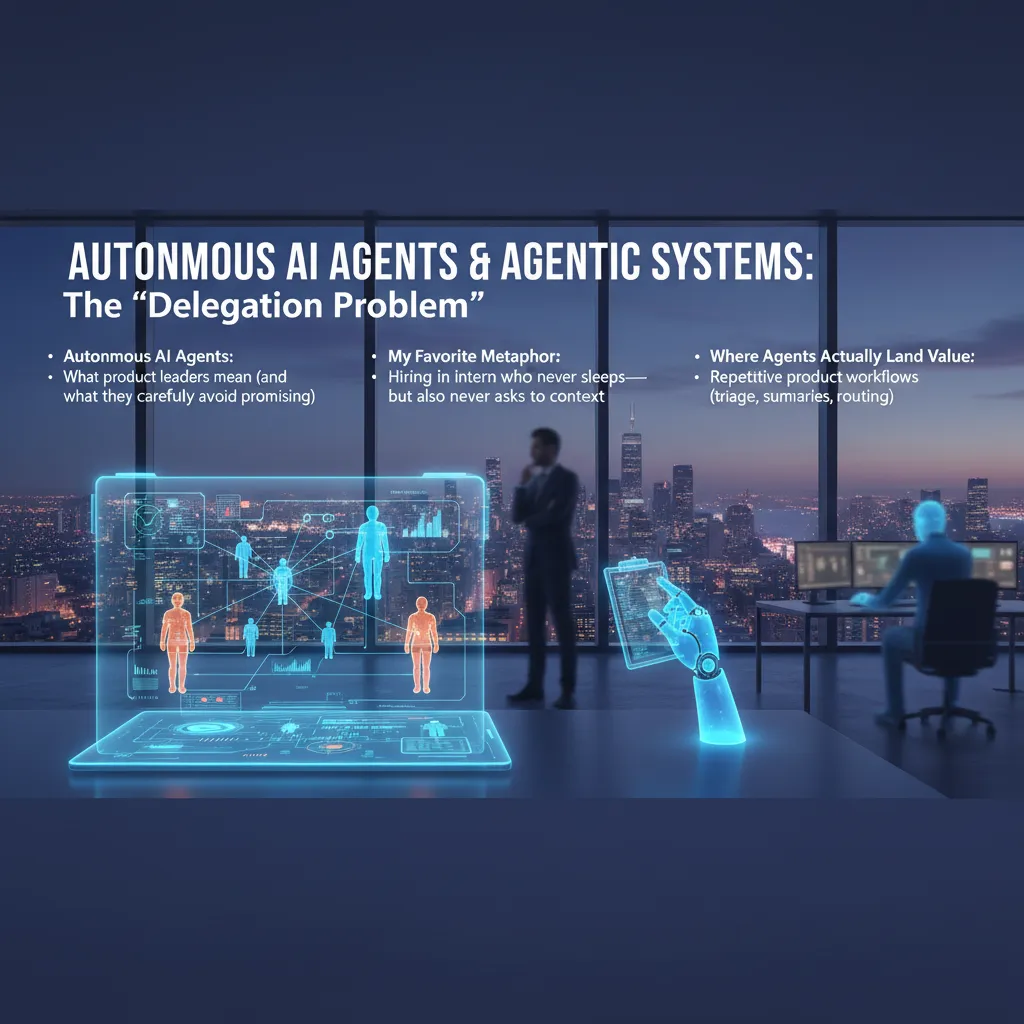
In the Expert Interview: Product Leaders Discuss AI, “autonomous AI agents” did not mean a magic worker that runs my product end-to-end. Product leaders used the term in a careful way: an agent can plan steps, use tools, and follow a goal, but they avoided promising full independence. The real issue is the delegation problem: what can I safely hand off, and what still needs my judgment?
What leaders mean (and what they avoid promising)
- Meaning: multi-step automation across apps (docs, analytics, support, backlog).
- Not promised: perfect context, perfect decisions, or zero oversight.
- Reality: agents are only as good as the data, tools, and rules I give them.
My metaphor: the intern who never sleeps
I think of an agent like hiring an intern who never sleeps—but also never asks for context. It will work fast, but it may miss the “why” behind a decision. If I don’t set boundaries, it will confidently do the wrong thing at scale.
Where agents actually create value
Product leaders kept pointing to repetitive workflows where speed matters more than perfect nuance:
- Support triage and tagging
- Meeting and research summaries
- Issue routing to the right team or owner
The risk bucket: agents that take actions
Risk jumps when agentic systems can write into real systems: calendars, tickets, pricing, feature flags, or deployments. One bad assumption can create customer impact, not just a messy note.
A practical pattern: read-only before write
Start with “read-only” agents, earn trust, then add limited write permissions.
I like a simple rollout ladder: observe -> suggest -> draft -> execute with approval. This keeps autonomous AI agents useful while I stay in control of outcomes.
3) Generative AI Integration across the Product Lifecycle (where it quietly wins)
From the Expert Interview: Product Leaders Discuss AI, the clearest lesson I took is this: generative AI integration isn’t a feature. It’s a pipeline that quietly touches discovery, design, delivery, and support. When teams treat it like a single “AI button,” they get demos. When they treat it like workflow plumbing, they get results.
Where it helps most: prototyping without faking taste
I’ve seen the biggest lift in faster prototyping and iteration. AI can draft flows, rewrite microcopy, and generate variants in minutes. But it doesn’t replace taste. It speeds up the loop so humans can spend more time choosing, editing, and saying “no.”
Multimodal AI beats “just prompts” for UX debugging
One product leader stressed that the best debugging happens when you feed AI screenshots + text + logs, not only a prompt. I now bundle evidence so the model can connect what users saw with what the system did.
- Screenshot: what the user experienced
- Session notes: what they tried to do
- Logs: what actually happened
Even a simple template helps:
Goal: …
Steps: …
Expected: …
Actual: …
Evidence: screenshot + log snippet
AI coding is a team sport
In the interview, the healthiest teams weren’t swapping devs for copilots. They were pairing developers with copilots, plus code review, tests, and shared standards. AI writes faster; the team keeps it safe and consistent.
A mini-lesson I learned the hard way: define “done” first
Before you generate anything, define what “done” means.
If I don’t set acceptance criteria up front, AI produces lots of output that looks finished but fails the real need. Now I start with a checklist: audience, constraints, success metric, and review owner.
4) Personalisation Expectation hits 70%: the new baseline (and a privacy headache)
In the interview, one theme kept coming up: personalisation is no longer a “nice-to-have.” It’s turning into a quiet product requirement. Users don’t say “wow, thanks.” They say, “why doesn’t it do this?” when the experience feels generic.
When baseline personalisation becomes the default
Product leaders described a “70% shift” by 2026: most users will expect the product to remember preferences, adapt to context, and reduce steps. That expectation shows up in small moments—recommended defaults, smarter search, pre-filled forms, and help content that matches the user’s role. If we don’t meet that baseline, the product feels behind, even if the core features are strong.
My uncomfortable take: personalisation without explanation feels like surveillance
I’m pro-personalisation, but I’m also uneasy. When an app changes behavior without telling me why, it can feel like it’s watching me. In the interview, leaders hinted at the same tension: the best personalisation is often invisible, but invisible can also be creepy.
“If users can’t tell what data we used, they assume we used everything.”
So I now treat “explainability” as part of the feature. A simple line like Showing this because you chose X can reduce fear and support tickets.
Edge AI as a compromise
Several leaders pointed to edge AI as a practical middle path: keep responses fast while reducing cloud dependence. More processing on-device can mean less raw data leaving the user’s phone or laptop, which helps with privacy and latency.
A quick aside from support teams: constraints matter
Support teams shared a warning: personalisation multiplies edge cases. If every user sees a slightly different flow, debugging gets harder. I’ve learned to design constraints early:
- Limit the number of personalised variants per screen
- Log “reason codes” for why a choice was made
- Offer a reset or “standard mode” option
5) Foundation Models vs Industry Specific Models: accuracy is the new UX
Foundation Models: the generalists we started with (and why they’re still useful)
In the expert interview, a theme kept coming up: we all began with big foundation models because they are fast to try, easy to demo, and good at “good enough” language. I still use them for broad tasks like summarizing meetings, drafting FAQs, and exploring new product ideas. They shine when the cost of a mistake is low and the goal is speed.
Industry Specific Models: when the domain fights back
But product leaders also warned that domains “fight back.” In regulated or technical work, users don’t judge AI by how friendly it sounds. They judge it by whether it is right. That’s why accuracy becomes the new UX: one wrong claim can break trust more than a slow screen ever could.
A healthcare/finance thought experiment: high-stakes language
I like to test this with a simple scenario. Ask a generic model and a sector-tuned model to rewrite:
- Healthcare: discharge instructions with dosage, contraindications, and follow-up timing
- Finance: a risk disclosure or loan terms with precise definitions and edge cases
The generic model often produces smooth text, but it may “round off” details, miss exceptions, or invent a confident-sounding explanation. A domain model is more likely to respect the structure, terminology, and required warnings—because it was trained and tuned around that reality.
Open Source AI momentum: easier to ship responsibly
Another lesson from the interview: smaller, domain-focused models can be easier to ship responsibly. With open source AI, I can inspect behavior, control where data lives, and set tighter guardrails. That makes audits, red-teaming, and rollback plans more practical.
Brand cameo: IBM Granite and the domain-specific, multimodal direction
We’re also seeing vendors move this way. IBM Granite is a useful example of the trend toward domain-specific and multimodal models—built to handle real enterprise inputs, not just generic chat.

6) Data Centric AI + Synthetic Data: the unsexy work that saves products
In the Expert Interview: Product Leaders Discuss AI, one theme kept coming up: models don’t usually fail because the architecture is wrong. They fail because the data is messy, thin, or biased. That’s why Data Centric AI is showing up in 2026 roadmaps as a real product strategy, not a backend chore.
Data Centric AI: when data quality becomes the feature
When I treat data quality as the feature, my priorities change. I stop asking “Which model should we try next?” and start asking “Which labels are inconsistent? Which edge cases are missing? Which inputs are noisy?” The product improves even if the model stays the same.
Synthetic data: when you can’t (or shouldn’t) collect more
Synthetic data generation helps when real examples are rare, expensive, or sensitive. Think: fraud patterns, medical notes, or long-tail customer issues. Used well, it fills gaps without forcing risky data collection.
Bias reduction is a product requirement
I now write bias checks like I write performance requirements. If an AI feature works great for one group and poorly for another, that’s not an “ethics footnote.” It’s a broken experience, higher support cost, and brand risk.
A practical workflow I actually use
- Golden set: a small, trusted dataset with clear labels and coverage of key segments.
- Synthetic augmentation: generate targeted examples to strengthen weak areas (not to inflate numbers).
- Continuous evaluation: track drift, segment performance, and failure reasons every release.
“The fastest way to ship is to stop relearning the same data lessons every sprint.”
My small confession: I used to skip dataset documentation. Now it’s my comfort blanket. A simple datasheet.md with sources, label rules, and known gaps saves hours of debate—and prevents “mystery regressions” that look like model problems but are really data problems.
7) AI Factory, Security Governance, and AI Cybersecurity (the part nobody brags about)
In the expert interview with product leaders, the unglamorous theme was clear: AI only scales when we treat it like a factory, not a demo. I now think of an AI Factory as a production line with repeatable steps: data intake, model choice, evaluation, deployment, and monitoring. If any step is “hand-waved,” quality drops fast.
AI Factory: make it boring on purpose
- Models: pick what fits the job, not what’s trending.
- Data: track sources, permissions, and freshness.
- Evaluation: use test sets, red-team prompts, and regression checks.
- Deployment: version everything (model, prompts, tools).
- Monitoring: watch drift, cost, latency, and failure modes.
Security governance: stop “shadow AI”
Another lesson from the interview: product teams will ship AI with or without guardrails. That’s how shadow AI happens—unapproved tools, copied customer data, and unknown vendors. Governance is simply answering: who approves what, and how we prove it.
My rule of thumb from product leadership: if it can take an action, it needs an audit trail.
Practically, I ask for:
- an owner for each AI feature,
- a risk review before launch,
- logs that show inputs, tool calls, and outputs.
AI cybersecurity: new attack surfaces
AI cybersecurity is not theoretical anymore. We plan for prompt injection (tricking the model), data exfiltration (leaking secrets), and model abuse (using our system to spam, scrape, or automate fraud). Simple controls help: input filtering, tool allow-lists, least-privilege tokens, and rate limits.
AI infrastructure reality check
Finally, infrastructure is more than GPUs. Leaders mentioned ASICs, chiplets, and software optimizers as the real cost levers. I treat compute choices like product choices: measure, compare, and document tradeoffs.
8) What’s Next: Quantum Computing, Edge+Robotics, and my 2026 “Five Trends” bet slip
In the expert interview with product leaders, the most useful “future talk” was also the most grounded: don’t chase shiny demos—watch where real constraints are easing. That’s why I’m cautiously optimistic about quantum computing, but only in narrow lanes. I’m not betting on quantum for everyday product features in 2026. I am watching it for drug development and materials science, where better simulation can change timelines and cost. If quantum progress shows up as “new molecules found faster,” that’s meaningful. If it stays as lab headlines with no workflow impact, I’ll treat it as long-dated optionality.
The other theme leaders kept circling back to was robotics and physical AI. The logic is simple: when LLM scaling starts to hit diminishing returns, value shifts to acting in the world—perception, control, safety, and reliability. Edge compute matters here because latency, privacy, and uptime are product requirements, not research goals. If your AI can’t run when the network is weak, it’s not a product; it’s a prototype.
So here’s my 2026 “Five Trends” bet slip: agents that do multi-step work, lifecycle genAI embedded across build-test-support, personalization plus edge for faster and safer experiences, industry models tuned to domain language and rules, and data-centric plus synthetic data to fix coverage gaps.
If I had funding, my 90-day bet is an agent that closes a measurable loop (ticket-to-fix, quote-to-cash) with strong evals and human override. My 12-month bet is an edge-enabled assistant tied to a vertical model and a synthetic data pipeline.
I’ll know I’m wrong if agent pilots stall in compliance, if edge hardware adoption stays flat, or if “industry models” don’t beat strong general models on cost and accuracy. The signals I’m watching are deployment counts, unit economics, and whether teams can prove reliability—not just intelligence.
TL;DR: AI Trends 2026 aren’t just bigger models. Product leaders are betting on autonomous AI agents, generative AI integration across the product lifecycle, edge AI intelligence for privacy + speed, data-centric AI with synthetic data, and human-AI collaboration as the new default workflow—backed by stronger security governance and practical AI infrastructure choices.


