
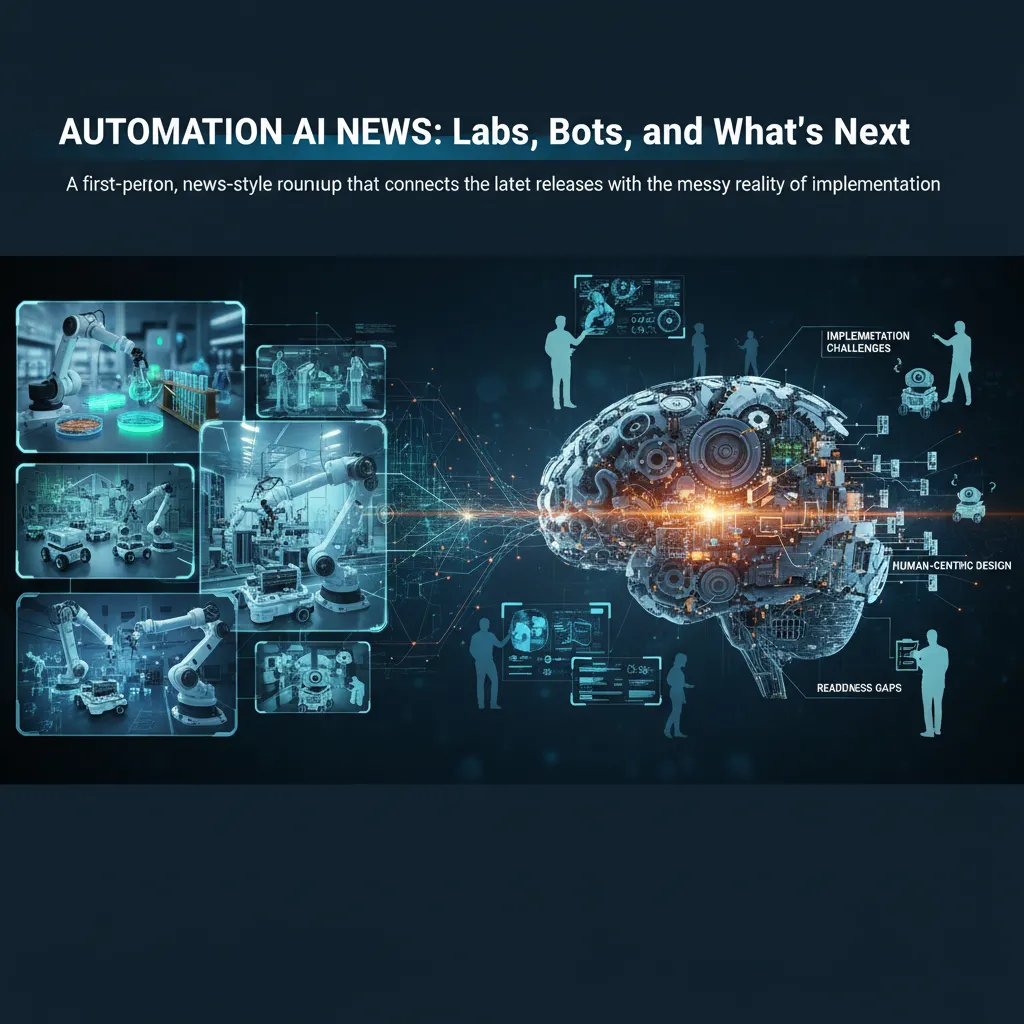
Last week I tried to “automate” a tiny part of my day—sorting the inbox rules I swear I’ll maintain. It worked for exactly 36 hours, right up until one newsletter broke the pattern and everything collapsed into chaos. That small failure is basically how I’ve been reading Automation AI News lately: the breakthroughs are real, the demos are slick, and yet the unglamorous glue (data, interoperability, people) still decides whether anything sticks. In this post I’m collecting the updates that actually feel consequential—from ABB Robotics at SLAS 2026 to agentic AI in the enterprise—and I’ll call out what I think we’re still hand-waving away.
My “Automation AI News” filter: what counts as real progress?
When I read Automation AI News updates, I use a simple filter to separate real progress from hype. I ask one question first: does this change how work gets done, or does it just make the same work look smarter?
My personal rubric
For me, “real” automation AI progress usually hits at least one of these:
- Reduces unplanned downtime (predictive maintenance that actually prevents stops, not just reports them).
- Connects data-driven workflows across systems so actions happen automatically, not by copy-paste.
- Unlocks new capabilities—new decisions, new autonomy, safer operations—not just faster clicks.
2026 automation trends I’m watching
Based on the latest releases and product notes I track, these are the themes I keep seeing in Automation AI News:
- Physical AI: models that understand sensors, machines, and environments, not only text.
- AI agents: software that can plan steps, call tools, and complete tasks with guardrails.
- Collaborative robots: cobots that are easier to deploy, safer near people, and more flexible.
- AI orchestration: coordinating models, rules, and workflows so automation is reliable at scale.
Small tangent: why I distrust “one more dashboard”
I’m skeptical when a launch is basically a new screen. Dashboards can help, but they often become a dead end: data goes in, but actions don’t come out. I prefer interoperable solutions—tools that “talk” through APIs, events, and shared data models. If the system can’t trigger work orders, update schedules, or close the loop automatically, it’s not operational AI to me.
My “AI-ready operations” press release checklist
- Data quality: Are inputs clean, timely, and labeled well enough to trust?
- Ownership: Who owns the data, the model behavior, and the outcomes?
- Integration: Does it connect to CMMS/ERP/SCADA/MES, or is it a silo?
- Measurable ROI: Do they name metrics like downtime hours, scrap rate, or energy use?
My rule: if it can’t move a real operational metric, it’s not progress—it’s packaging.

SLAS 2026 + ABB Robotics: laboratory operations grow up
What caught my eye at SLAS 2026
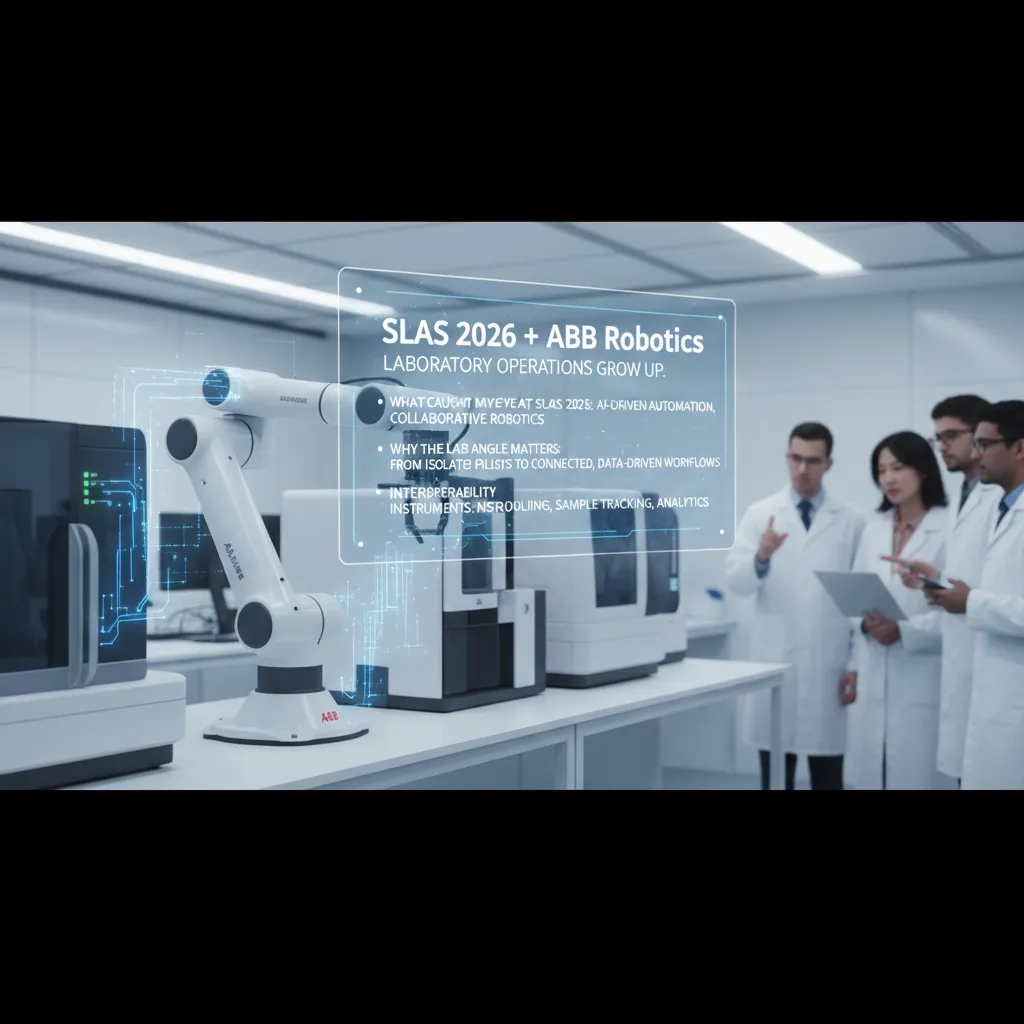
At SLAS 2026, I kept coming back to ABB Robotics demos showing AI-driven automation and collaborative robotics built for real lab variability. Instead of a robot cell that only works for one assay, the message was flexibility: cobots that can handle different labware, adapt to changing schedules, and work safely alongside people. In the context of Automation AI News, this felt less like a flashy “robot arm moment” and more like a practical step toward labs that can scale without adding chaos.
Why the lab angle matters (the “boring plumbing” is the story)
What matters most to me is that labs seem to be moving from isolated pilots to connected, AI-ready, data-driven workflows. The hard part is not the robot pick-and-place. It’s the plumbing: clean data, consistent IDs, reliable timestamps, and systems that can talk to each other. When that foundation is in place, AI can do more than predict outcomes—it can help run operations.
Interoperability automation in plain English
When I say “interoperability,” I mean the lab stops relying on manual handoffs like spreadsheets, sticky notes, and “I’ll email you the run log.” Instead, key systems share context:
- Instruments publish run status and results in a standard way
- Scheduling knows what’s queued, what’s blocked, and what’s urgent
- Sample tracking (LIMS/ELN) keeps chain-of-custody and metadata aligned
- Analytics can read results with enough context to flag issues early
A lab daydream: a cobot that pauses for the right reason
Here’s my hypothetical: a cobot loads plates, seals them, and routes them to an instrument. Mid-run, the analytics layer notices drift—maybe controls are trending out of range. Instead of finishing the script blindly, the cobot pauses, tags the batch, and reroutes the next plates to a verification step. It’s not “AI as magic.” It’s AI plus interoperability: the robot acts on data quality signals, not just timers.
Manufacturing AI: the readiness gap (and the downtime math)
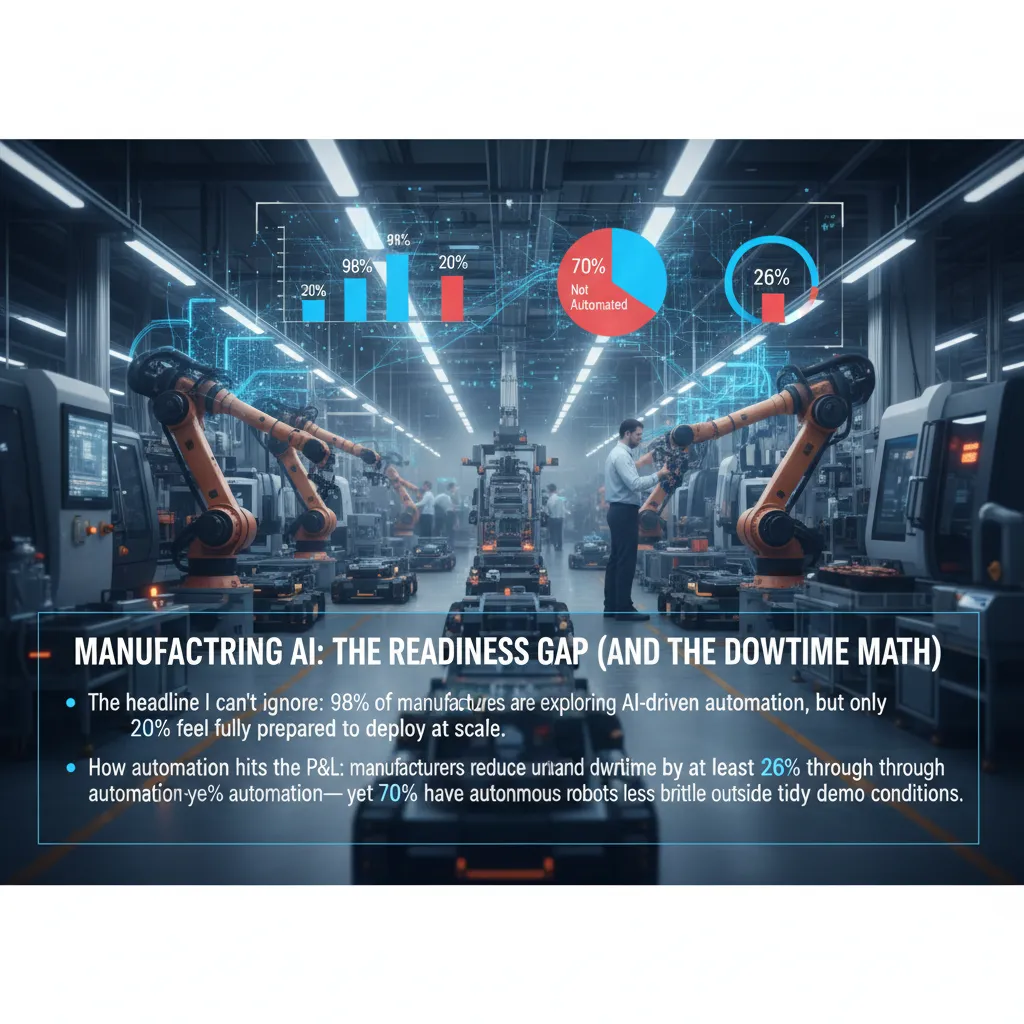
The headline I can’t ignore from the latest Automation AI News roundup: 98% of manufacturers are exploring AI-driven automation, but only 20% feel fully prepared to deploy at scale. I read that as a readiness gap, not a lack of interest. Most teams are testing pilots, but scaling means data standards, safety rules, change control, and people who can run the systems day after day.
How automation hits the P&L: the downtime math
When I talk to operations leaders, the fastest “yes” usually comes from downtime. The source notes that manufacturers can reduce unplanned downtime by at least 26% through automation. That’s not a nice-to-have; it’s direct margin protection.
| Simple downtime math | Example |
|---|---|
| Baseline unplanned downtime | 100 hours/quarter |
| Reduction with automation (26%) | 26 hours avoided |
| Value per hour (varies by plant) | $5,000/hour |
| Estimated savings | $130,000/quarter |
And yet, there’s a second stat that explains why results are uneven: 70% of manufacturers have automated ≤50% of operations. Partial automation can still help, but it also creates “handoff gaps” where humans, machines, and software don’t share the same real-time view.
Where physical AI fits
This is where physical AI matters. Real-world reasoning and planning can make autonomous robots less brittle outside tidy demo conditions—like when parts are slightly misaligned, lighting changes, or a pallet shows up in the wrong spot. I’m watching this space because it’s the bridge between scripted automation and flexible workcells.
My practical takeaway
- Start with sensor technologies (vibration, vision, temperature, power draw).
- Build monitoring loops: alert → diagnose → fix → learn.
- Only then consider more agentic AI for planning and control.
Global robotics trends: $16.7B market, smarter bots, messier logistics
The global industrial robot market hitting US$16.7B is impressive, but I’m more interested in what it implies: deployment is getting mainstream. In the source material (“Automation AI News: Latest Updates and Releasesundefined”), the signal isn’t just bigger numbers—it’s that more teams now treat robots like regular production tools, not special pilots that need a research budget.
Three trends I see colliding on the floor
When I look at recent robotics updates, I keep seeing the same three forces meet in the same facility:
- Collaborative robotics on the line: cobots are moving closer to people, so setup, guarding, and training matter as much as payload.
- Autonomous robots in warehouses: AMRs are spreading from simple point-to-point moves into picking support, replenishment, and inventory scans.
- AI agents coordinating tasks: software “brains” are starting to schedule work across robots, conveyors, WMS/ERP, and even human tasks.
A quick aside: global stats won’t save your Wi‑Fi
Here’s the part that market numbers don’t tell you: your facility can still fail on basics. I’ve seen “smart” robots become slow robots because of weak wireless coverage, noisy RF zones, or overloaded access points. A $16.7B market doesn’t guarantee your network can handle roaming, low latency, and constant telemetry.
“Global robotics growth is real, but local reliability is what decides if the robot is helpful or just in the way.”
What I watch in releases: safety, human-centric AI, interoperability
In new product releases, I focus on practical details that reduce risk and integration time:
- Safety: better sensing, clearer stop behavior, and easier validation for mixed human-robot spaces.
- Human-centric AI: systems that explain decisions, support simple overrides, and fit real workflows.
- Interoperability automation: connectors and standards that reduce custom glue code between robots and business systems.
Even a small checklist helps. For example:
release_check = ["safety_cert", "network_requirements", "api_docs", "fleet_management", "fallback_modes"]
Agentic AI, AI agents, and generative AI: my ‘trust ladder’
In Automation AI News: Latest Updates and Releases, I keep seeing the same terms used in different ways. To stay grounded, I explain it to myself like this: generative AI writes or creates, analytical AI predicts, and agentic AI mixes both so it can act with some independence.
How I separate the three (in plain language)
- Generative AI: makes new content—work instructions, incident summaries, emails, SOP drafts.
- Analytical AI: finds patterns—failure risk, demand forecasts, anomaly detection.
- Agentic AI: uses both—reads signals, decides a next step, and triggers actions through tools and workflows.
Where AI agents help right now
Most practical “AI agents” I trust today are not sci‑fi robots. They are software helpers connected to real systems. The best results show up when they are paired with IoT sensors and clear operating rules.
- Monitoring: watching sensor feeds, logs, and alerts, then grouping issues so humans don’t chase noise.
- Maintenance prediction: spotting early warning signs and creating a work order before a breakdown.
- Supply chain management: tracking inventory signals, lead times, and delays, then recommending reorders or reroutes.
My “trust ladder” (slightly imperfect on purpose)
I don’t jump from “cool demo” to “full autonomy.” I climb a ladder:
- Suggest: the agent flags a risk or opportunity.
- Draft: it prepares a plan, message, or ticket for me to edit.
- Execute in a sandbox: it runs in a test environment with fake orders or simulated machines.
- Execute with human-in-the-loop: it acts, but I approve key steps.
- Limited autonomy: it can act alone inside strict boundaries (time, cost, safety, rollback).
My rule: the more irreversible the action, the higher up the ladder it must be.
Wild-card hypothetical
I keep imagining an agent that negotiates machine downtime windows like a polite but relentless project manager—checking production schedules, maintenance needs, and parts availability, then proposing the least painful slot and rebooking when reality changes.
Process automation meets code generation: the quiet revenue engine
In the latest round of Automation AI News, the less flashy update is the one I keep coming back to: code generation and process automation are projected to drive 43% of AI platform market revenue by 2030. It’s not as headline-friendly as a new chatbot demo, but it’s the kind of shift that shows up in budgets, renewals, and real operating margin.
Why this wins (in my day-to-day work)
I think this category wins because it sits close to the work. Most teams don’t need “AI magic”—they need fewer stuck tickets, fewer manual scripts, and fewer fragile integrations. When AI can draft a connector, generate a migration script, or turn a support request into a repeatable workflow, it reduces the time between “request” and “done.”
It also pairs nicely with AI orchestration. Orchestration tools help route tasks, enforce approvals, and connect systems. Code generation fills in the gaps: the small bits of glue code, config, and transformation logic that usually slow everything down.
A practical mini-playbook I’ve used
- Start with one revenue-adjacent workflow (quotes, renewals, onboarding, billing fixes). If it touches revenue, it earns attention.
- Measure cycle time before you automate. I track: request date, first response, handoff count, and time-to-close.
- Automate the boring handoffs: ticket triage, data copy/paste, status updates, and “please provide X” follow-ups.
- Generate code in small chunks (one function, one script, one integration step), then test.
| Workflow step | Automation + code gen example |
|---|---|
| Ticket intake | Auto-label + draft response + create task checklist |
| Integration | Generate API call wrapper + mapping rules |
| Deployment | Generate CI snippet + rollback notes |
Tiny confession: I still review every generated script—because “almost correct” is the most expensive kind of wrong.
Even a simple check like run unit tests + validate inputs + log outputs has saved me from shipping automation that “works” until it hits real data.
Healthcare revenue cycle automation: the ‘paperwork factory’ goes AI
In this week’s Automation AI News: Labs, Bots, and What’s Next, the corner that feels the most human is healthcare revenue cycle work—the quiet “paperwork factory” behind every visit. Health systems are prioritizing AI automation in prior authorization (73%), denials management (67%), and coding (60%). Those numbers matter because they point to where the pain is: forms that never end, claims that bounce back, and queues that grow while patients wait.
I keep this in the same conversation as robots and warehouse bots for a simple reason: it’s still process automation. The “factory” just looks different. Instead of conveyor belts, we have intake forms. Instead of pallets, we have claims. Instead of pick lists, we have work queues. AI doesn’t change the goal—move work from messy inputs to clean outputs—it changes the tools, using language and pattern matching to speed up decisions and reduce rework.
But I’m cautious here. Human-centric AI matters more in revenue cycle than in many other automation stories, because the cost of a wrong denial or miscoding isn’t just money—it’s time and trust. A patient can lose weeks to back-and-forth calls. A clinician can waste hours on documentation fixes. And a billing team can end up fighting the same battle twice if the system “optimizes” the wrong thing.
My “what if” for what’s next is small, practical, and safer than full autopilot: an AI agent that drafts appeal letters for denied claims, pulls the key clinical facts, cites the payer policy language, and formats everything correctly—but forces a human sign-off before submission. That one design choice keeps accountability where it belongs while still cutting the most repetitive work.
If robots are the headline, revenue cycle automation is the fine print that touches real lives. When AI helps the paperwork move faster without removing human judgment, it doesn’t just improve cash flow—it protects the patient experience. That’s the kind of automation story I want to end on.
TL;DR: AI-driven automation is accelerating across labs, manufacturing, and healthcare ops—but readiness, interoperability, and human-centric AI design are what separate pilots from real, scalable change.


