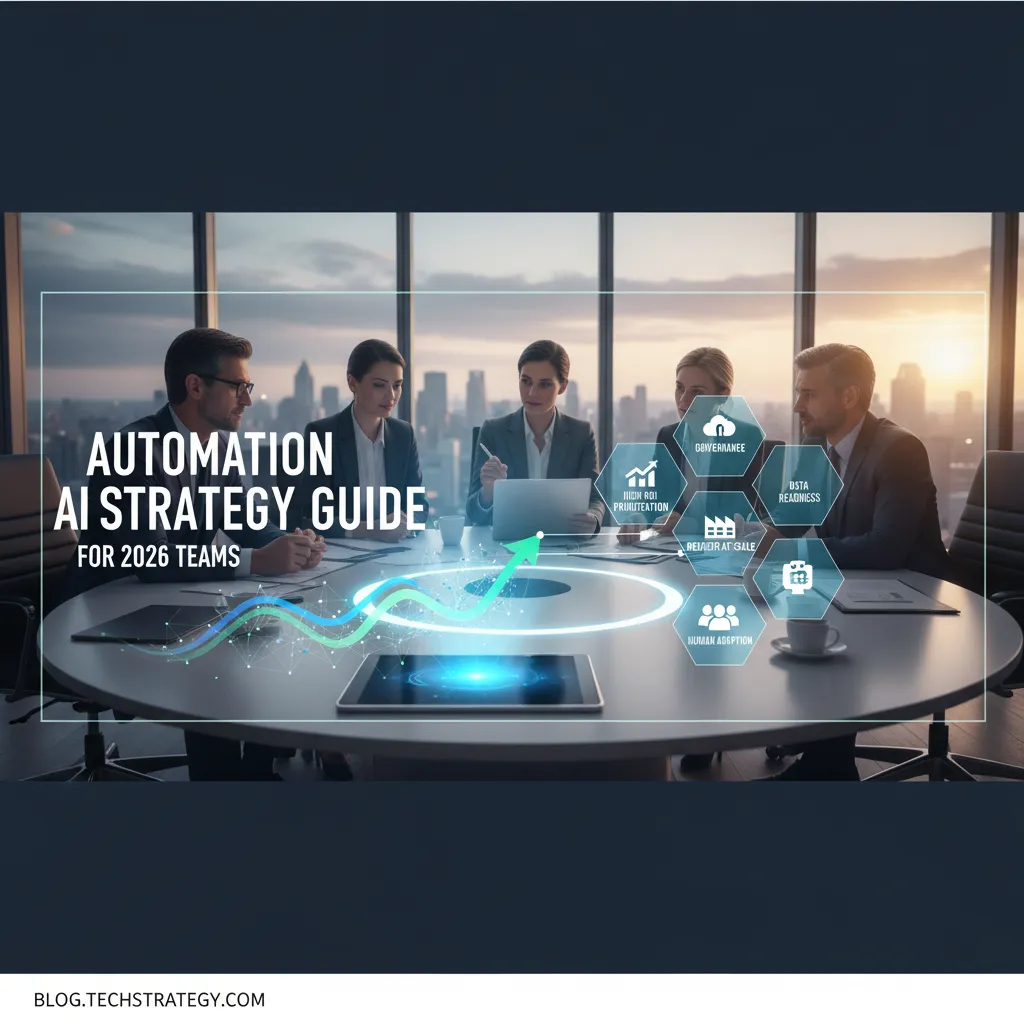
I used to think “AI strategy” meant picking a model and calling it innovation. Then I watched a simple automation pilot melt down because nobody owned risk decisions, the data lived in three spreadsheets, and the loudest stakeholder wanted a chatbot “by Friday.” That little fiasco became my accidental Step By Step Guide: map the work, pick high-ROI use cases, operationalize Responsible AI, and scale through delivery—without pretending humans won’t be part of the system.
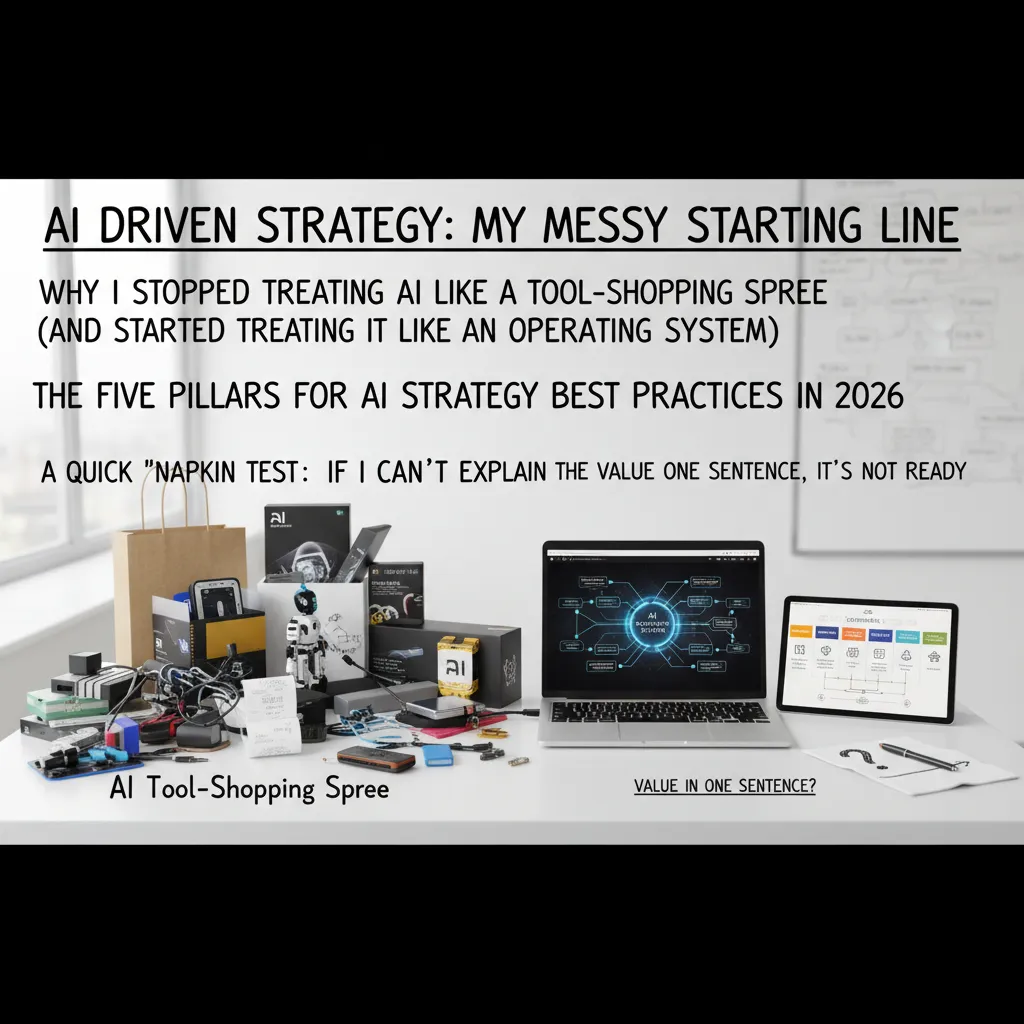
AI Driven Strategy: My messy starting line
I started 2026 like many teams: I treated AI like a tool-shopping spree. New chatbot here, new summarizer there, a “quick” workflow automation everywhere. It felt productive, but it wasn’t strategic. The moment I reframed AI as an operating system—a shared layer that changes how work moves, how decisions get made, and how risk is managed—everything got clearer. That shift is a core lesson I pulled from The Complete Automation AI Strategy Guide: tools come and go, but the system you build around them is what lasts.
The five pillars I keep coming back to (AI Strategy Best Practices in 2026)
- Governance: clear rules for privacy, security, model use, and approvals.
- Data readiness: clean inputs, shared definitions, and access that matches policy.
- High-ROI use cases: pick work that saves time, reduces errors, or grows revenue fast.
- Operating model: who owns what, how requests flow, and how changes get shipped.
- Scale-through-delivery: repeatable rollout, training, monitoring, and continuous improvement.
My “napkin test” for automation AI strategy
I keep a simple filter before we build anything:
If I can’t explain the value in one sentence, it’s not ready.
Example: “This agent cuts invoice triage time by 40% by extracting fields and routing exceptions.” If I can’t write that sentence, we’re still guessing.
Wild card analogy: AI strategy is a kitchen workflow
If your pantry (data) is chaos, the fancy oven (model) won’t save dinner. You’ll still burn time looking for ingredients, arguing about measurements, and redoing steps. In practice, that means messy customer records, unclear process steps, and missing audit trails will break “smart” automation.
Micro-tangent: rework is the real cost
Teams obsess over token spend, but the most expensive part is often rework: rebuilding prompts because requirements changed, re-labeling data, redoing integrations, and patching governance after launch. My strategy now starts with the system—then the tools earn their place.
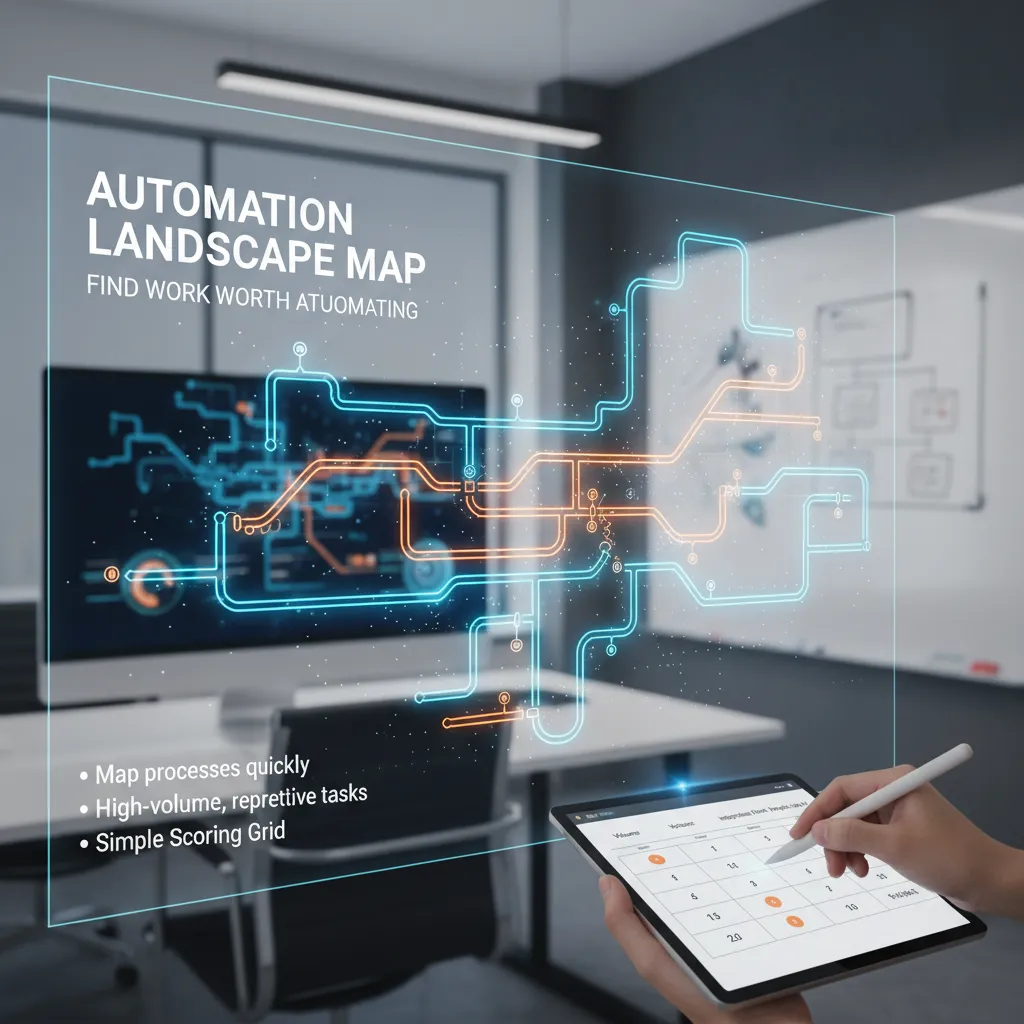
Automation Landscape Map: find work worth automating
When I build an automation landscape map, I keep it light. I’m not trying to create a six-week documentation project that nobody reads. I start with a 60–90 minute workshop per team: “What work repeats every day? Where do errors show up? What slows approvals?” Then I capture only what I need: trigger, inputs, systems touched, decision points, and the handoffs. If a process can’t be explained on one page, it’s usually not ready for automation yet.
Start with the unglamorous, high-volume work
The best candidates are often the boring ones: password resets, invoice matching, ticket triage, status updates, data copy-paste, and report refreshes. These tasks quietly burn budget because they happen all day. I look for processes that are:
- High-volume (done many times per week)
- Repetitive (same steps, same tools)
- Time-sensitive (delays create downstream chaos)
A simple scoring grid I actually use
I score each candidate with a quick grid so we can compare apples to apples. Here’s the version I use in 2026 planning:
| Factor | What I’m checking |
|---|---|
| Volume | How often it runs and how many people touch it |
| Variance | How many exceptions and “special cases” exist |
| Risk | Compliance, security, customer impact if it fails |
| Integration effort | APIs available? Stable UI? Data access? |
| Adoption | Will people actually use it? Does it fit the workflow? |
Enterprise AI Agents vs. classic RPA (not either/or)
I use classic RPA for stable, rules-based steps across known screens and systems. I use Enterprise AI Agents when the work includes reading messy text, summarizing, routing, or making suggestions with human approval. In practice, the best designs combine both: the agent decides what to do, and RPA executes how to do it in legacy tools.
Quick Wins Pilots: learning vs. theater
“A pilot should reduce uncertainty, not just produce a demo.”
A teaching pilot measures cycle time, error rate, and adoption, and it logs exceptions. A theater pilot hides edge cases, uses hand-held data, and only works for one perfect scenario. I insist on real inputs, real users, and a clear “kill or scale” rule.
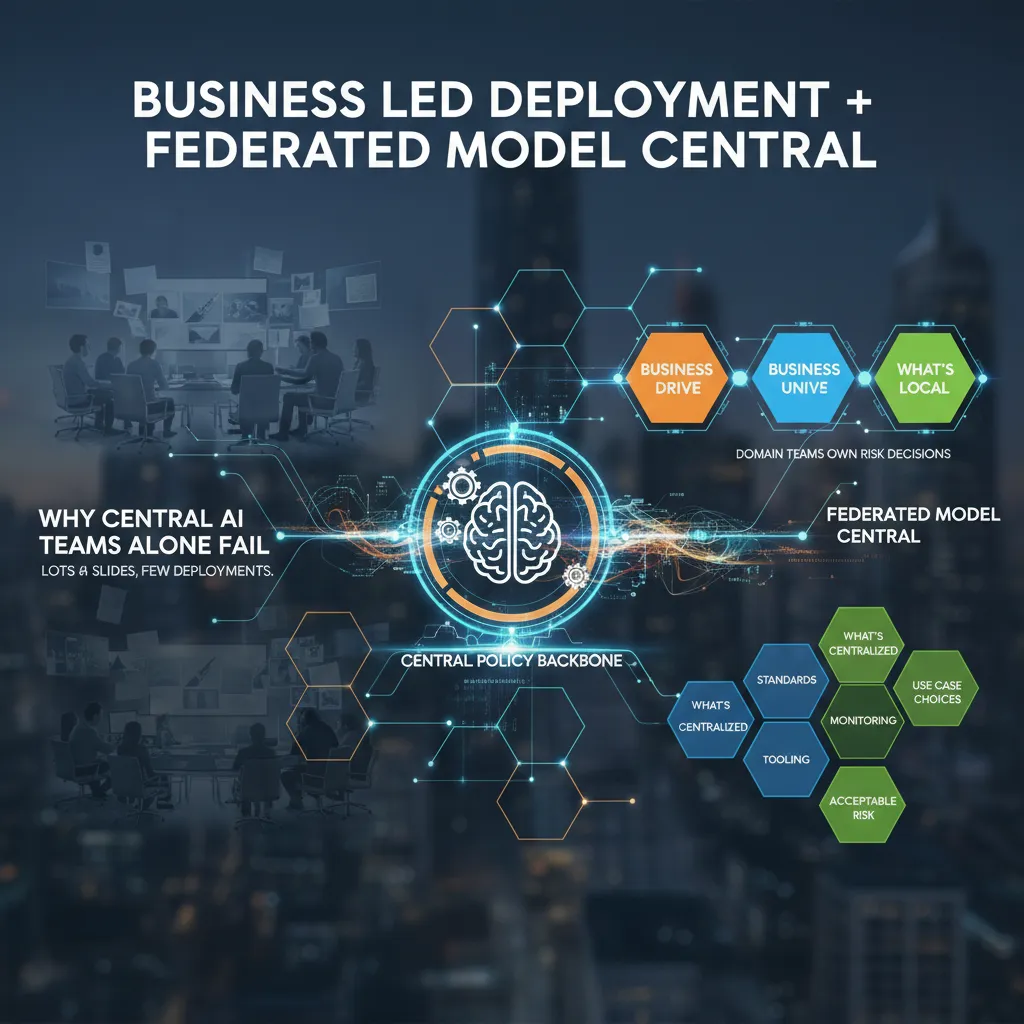
Business Led Deployment + Federated Model Central
Central AI teams often fail because they become a presentation factory. I’ve been in those meetings: lots of slides, perfect roadmaps, and almost no deployments. The core issue is distance. A central team can’t feel the daily pain, edge cases, and real risk tradeoffs inside Sales, Ops, Finance, or Support. So projects stall in review loops, or they ship a “generic” model that nobody trusts.
Business Units Drive (with a central policy backbone)
In 2026, the best automation AI strategy I’ve seen is business-led deployment. Domain teams should own the decision: “Is this risk acceptable for our workflow?” They know the customer impact, the compliance pressure, and what failure looks like. The central AI function still matters, but as a backbone: guardrails, shared tools, and clear policy.
Federated Model Central: what’s central vs. what’s local
A federated model keeps speed without losing control. Here’s the split that works in practice:
- Centralized: security standards, model/vendor approval, prompt and data handling rules, evaluation methods, monitoring, incident response, and shared MLOps/LLMOps tooling.
- Local (Business Units): use case selection, workflow design, acceptable risk thresholds, human-in-the-loop steps, and success metrics tied to the P&L.
Phase 1 → Phase 2: from “one cool demo” to a pipeline
Phase 1 is usually a single impressive prototype. Phase 2 is a repeatable intake-to-deploy pipeline. I push teams to standardize the path: intake form → risk triage → data access check → evaluation plan → pilot → monitoring → scale. This turns automation AI from a one-off project into a product-like system.
Template Standardisation Battlecard
These are the documents I wish I had earlier:
- Use-case one-pager: user, workflow, inputs/outputs, “what good looks like.”
- Risk checklist: data sensitivity, bias, hallucination impact, audit needs, fallback plan.
- ROI assumptions: time saved, error reduction, adoption rate, cost per run, payback window.
When business teams own outcomes and central teams own standards, deployments stop being rare events and start being routine.
Operationalize Responsible AI (without killing speed)
Responsible AI function: what it does day-to-day
In The Complete Automation AI Strategy Guide, I treat Responsible AI as a working function, not a monthly committee. Day-to-day, this team (often 2–5 people across product, security, and data) writes the rules that ship with the work: approved data sources, model use cases, risk tiers, and “stop-ship” criteria. They also run quick reviews on new automations, keep a shared incident log, and answer one key question fast: “Can we deploy this safely this week?”
Generative AI accuracy: my checklist
Speed comes from using the same checklist every time, so teams don’t debate basics on every release.
- Retrieval: ground answers in your docs, CRM, and policy pages (with citations).
- Guards: block risky topics, enforce tone, and prevent “make it up” behavior.
- Validators: check numbers, dates, and pricing against a trusted source.
- Human review for the hard stuff: exceptions, discounts, legal terms, or anything high-impact.
Security by design (yes, even internal tools)
I threat-model prompts the same way I threat-model APIs. Internal-only tools still leak data through logs, browser extensions, copy/paste, or bad integrations. I look for: prompt injection paths, sensitive data exposure, and over-permissioned connectors (email, drive, CRM). I also define what the model must never do, like reveal system prompts or hidden pricing tables.
MLOps security deploy: gates, evals, monitoring
To keep an Automation AI strategy moving, I use lightweight release gates:
- Evaluation suite on real examples (including “nasty” prompts).
- Policy checks (PII, secrets, restricted content).
- Monitoring for drift and weird outputs (spikes in refusals, hallucinations, or tool errors).
Tiny hypothetical: the sales bot invents pricing
Your sales bot confidently offers “30% off enterprise” because it saw an old promo in a doc. Reps copy it into emails, finance can’t honor it, and customers screenshot the promise. Chaos follows: escalations, refunds, and a trust hit. With retrieval + validators + a human approval step for discounts, that message never ships.
Observability Cost Control: ROI that survives the CFO
When I put AI into support or ops, I don’t start with “token savings.” I start with Cost Per Resolution: total monthly cost divided by tickets closed to the right standard. It keeps me honest because it includes the messy parts—handoffs, retries, and time spent fixing mistakes. If AI touches a ticket, I want to see that metric go down, not just “time to first reply.”
Cost Per Resolution: the metric I track
I calculate it like this:
Cost Per Resolution = (AI + tools + labor + rework) / resolved tickets
Then I split it by ticket type (password reset vs. incident triage) so one noisy workflow doesn’t hide the truth.
Why token cost is rarely the whole bill
Token cost is the easiest line item, so it gets too much attention. In practice, the bill grows from:
- Integration: connectors, auth, data cleanup, and routing logic
- Human review: approvals, spot checks, and escalation handling
- Monitoring: logs, traces, eval runs, and alerting
- Rework: wrong actions, duplicate tickets, and customer follow-ups
From The Complete Automation AI Strategy Guide, my rule is simple: if I can’t measure rework, I can’t claim ROI.
Tool selection monitoring: before the incident
I pick evaluation + observability tooling before rollout. After an incident, it’s too late to wish I had better traces or prompt/version history. I want:
- Prompt and model version tracking
- Quality evals tied to real tickets
- Cost dashboards by workflow
- Alerts for drift (accuracy drops, latency spikes)
GenAI value creation without the hype deck
Yes, people cite the $2.6–$4.4T macro upside. I connect it to outcomes I can defend: fewer escalations, faster MTTR, higher CSAT, and lower Cost Per Resolution. I show a small baseline, a pilot delta, and a confidence range.
My weirdly effective habit: I write a pre-mortem for every automation and list how it could fail.
I include failure modes like “hallucinated steps,” “bad permissions,” and “silent drift,” then map each to a monitor and an owner.
Top Enterprise AI: Competitive Intelligence Automation as my favorite ‘proof’
In The Complete Automation AI Strategy Guide, I keep coming back to one “serious” enterprise AI win: Competitive Intelligence (CI) automation. It’s my favorite proof because the before/after is obvious. Before: scattered notes, stale slides, and gut-feel updates. After: a steady stream of structured signals you can measure.
Why CI automation is the best first serious use case
CI is clean to evaluate. You can track time saved, response speed, and win-rate lift in competitive deals. It also forces good data habits: consistent competitor names, tagged sources, and a shared place to store claims and evidence.
- Clear before/after: fewer “Where did we hear that?” moments
- Measurable impact: faster enablement updates and tighter deal cycles
- Better data hygiene: one taxonomy, one source of truth
The shift I’m betting on: descriptive → predictive/prescriptive
Most teams start with descriptive CI: “What changed?” I’m seeing a shift to better questions: “What will they do next?” and “What should we do about it?” That’s where enterprise AI becomes strategy support, not just reporting.
CRM Integration Intelligence (where sellers actually live)
If CI insights don’t land inside the CRM, they don’t land at all. I like piping competitor insights into account views, opportunity records, and call prep so reps don’t switch tools. Even a simple rule like if competitor=X then show battlecard=Y changes behavior.
Agentic AI: what I automate vs. keep human
- Automate: briefing docs, battlecard drafts, change alerts, source summaries
- Keep human: positioning calls, pricing exceptions, and high-stakes narrative choices
Tiny confession: I once lost a deal because we responded to a competitor move two weeks late. Never again.
Culture Trust Adoption: scaling an AI workforce model (humans included)
To close this guide, I want to be clear about what makes automation stick in 2026: culture and trust. In The Complete Automation AI Strategy Guide, the biggest shift I’ve seen is moving away from “humans vs bots” thinking. I frame the AI workforce model as humans + systems. Humans set goals, define quality, and own decisions. Systems handle repeatable steps, drafts, routing, and checks. When teams feel replaced, they resist. When they feel supported, they adopt.
Operating model skills I had to invent
Scaling an AI workforce model forced me to create roles that did not exist on my org chart. The automation product owner keeps the backlog tied to real business outcomes, not shiny demos. The model risk lead asks the hard questions about data use, safety, and failure modes before we ship. And yes, I have a prompt librarian—someone who curates prompts, templates, and examples so teams don’t start from zero every time. These roles reduce chaos and make AI feel normal, like any other system we run.
Scale through delivery, not hype
The cadence that works for me is simple: intake → build → evaluate → ship → monitor → iterate. Intake clarifies the job-to-be-done and the “no-go” rules. Build is fast and small. Evaluate is where we test accuracy, bias, and security. Ship is controlled rollout. Monitor tracks drift, cost, and user feedback. Iterate keeps trust alive because people see steady improvement instead of surprise changes.
A small ritual that builds trust
I demo progress to the teams who do the work, not just leadership. That one habit changes everything. It invites real feedback, surfaces edge cases early, and shows respect for the people who will live with the automation every day.
Key trends shaping 2026 adoption
In 2026, I’m betting on security-first platforms, governance baked in, stronger collaboration features, and more agent flexibility so teams can mix tools without breaking controls. If we treat AI like a shared workforce—trained, guided, and accountable—adoption becomes a natural outcome, not a change program.
TL;DR: If I were starting today: I’d draw an Automation Landscape Map, rank High ROI Use Cases, set a federated governance model, build Security By Design + MLOps guardrails, then scale with an AI workforce model (humans + Enterprise AI Agents).