

I still remember the chaotic first week we gave new hires — stacks of PDFs, a dozen logins, and the well-meaning but exhausted buddy system. Over coffee and a few awkward orientation games I started sketching something better: an onboarding program that uses AI to guide, personalize, and liberate human time for real connections. In this post I’ll walk you through why AI onboarding matters, how to design it, which tools to choose, and how to measure impact — sprinkling a few candid anecdotes and a slightly nerdy spreadsheet obsession along the way.
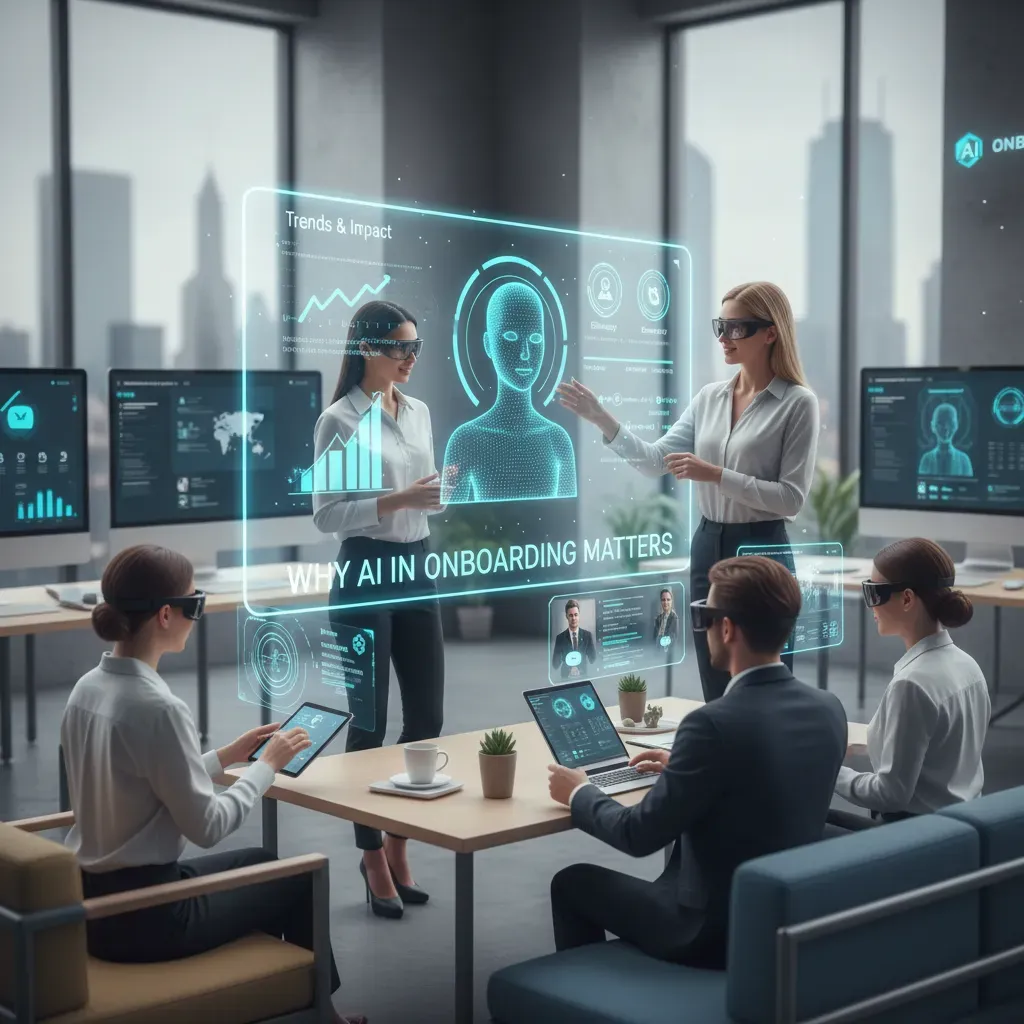
Why AI in Onboarding Matters (Trends & Impact)
When I look at onboarding today, I see one big shift: AI is moving onboarding from “one-size-fits-all” to “right info, right time”. That matters because onboarding is not just paperwork—it’s a business lever. If a new hire feels lost in week one, it shows up fast in retention, speed to productivity, and employee satisfaction.
The business case: retention, speed, satisfaction
Onboarding is expensive to get wrong. Every delay in access, training, or role clarity slows down output and adds stress to managers. AI helps by automating repeat tasks, guiding new hires through steps, and answering common questions instantly. I’ve also seen teams use AI to spot “stuck points” (like missing system access) before they become day-three frustration.
Stat-driven hook: Some organizations report up to an 82% improvement in retention when onboarding is structured and supported with smarter tools and consistent follow-up.
Trends: onboarding is no longer one location
Work models are mixed, so onboarding has to work anywhere. Satisfaction can vary by setup, and it’s useful to track it like a product metric. For example, I often reference a simple comparison:
| Onboarding Model | Reported Satisfaction |
| Hybrid | 75% |
| Remote | 71% |
| In-person | 73% |
AI can help close the gaps by giving remote hires faster answers and clearer next steps, while still supporting in-person and hybrid teams with consistent messaging.
A quick real-world aside from my first pilot
In my first AI onboarding pilot, we used a simple AI assistant to handle FAQs, link to policies, and remind people about key tasks. The surprising impact: it saved one manager about 6 hours per week that had been spent repeating the same instructions and chasing status updates.
Quick wins HR teams can expect immediately
- Faster time-to-ready: automated checklists, nudges, and access requests.
- Higher consistency: every hire gets the same core info, even across locations.
- Better support: 24/7 answers to common questions without waiting on HR.
- Clearer insights: dashboards showing where hires drop off or get stuck.
Designing a Tailored Onboarding Experience (Hyper-Personalization)
When I build an AI-enhanced onboarding program, I start with one belief: new hires don’t need “more content.” They need the right content at the right time. Hyper-personalization means I design onboarding like a set of guided journeys, not a single checklist everyone must follow.
Map employee journeys by role, location, and learning style
I map onboarding paths based on what actually changes a person’s day-to-day work. A sales rep in a remote region needs different tools than an on-site engineer. A visual learner needs different formats than someone who prefers reading.
- Role: core tasks, systems, and key partners
- Location/time zone: meeting windows, local policies, office access
- Learning style: video, short reading, practice tasks, or live coaching
Use generative AI to create personalized learning paths and microlearning workdays
Next, I use generative AI to turn that map into a personalized learning path. Instead of a long course, I create “microlearning workdays” made of small steps: a 5-minute explainer, a quick quiz, and a real task that produces work output.
For example, I might prompt AI like this:
Build a Day-1 plan for a junior backend engineer: 6 micro-lessons, 2 practice tasks, and 1 check-in question per lesson.
The result is a schedule that feels doable and relevant, with content that adapts as the employee progresses.
Add gamification and milestones for engagement
To keep momentum, I add simple gamification. I’m not trying to “turn work into a game,” but I do want clear progress signals.
- Milestones: “First PR opened,” “First customer call observed,” “Security basics completed”
- Badges: for key skills (tools, process, compliance)
- Streaks: short daily learning blocks (10–15 minutes)
Anecdote: from confused to confident in 3 days
One time, a new engineer told me on Day 1, “I don’t even know where to start.” I used AI to generate a tailored microlearning day: three short lessons on our codebase, two guided setup tasks, and one small bug fix with a template for the pull request.
By Day 3, they weren’t just asking questions—they were answering them in the team channel and shipping a clean fix.
That’s the power of hyper-personalized onboarding: less overwhelm, faster clarity, and real contribution early on.
Tools & Technologies: Chatbots, Voice Agents, AR/VR, and Agentic AI
When I build an AI-enhanced employee onboarding program, I start by listing the tools that can remove friction in the first weeks. The goal is not “more tech.” The goal is faster answers, clearer steps, and better practice for real work.
Inventory of common onboarding tools
- AI chatbots for FAQs, policy questions, benefits basics, and “where do I find…?” support.
- AI voice agents for hands-free help, reminders, and quick scheduling.
- Agentic AI that can take actions across systems (with rules and approvals), not just respond.
- AR/VR for guided tours, equipment training, and role-play simulations.
- Workflow orchestration to connect tasks, approvals, and notifications across teams.
Pros and cons (what I watch for)
Chatbots shine because they offer 24/7 support and reduce repetitive HR tickets. The downside is that a chatbot can give a wrong or outdated answer if content is not maintained. I treat the knowledge base like a living document.
Voice agents are great for busy managers and new hires who are moving around (warehouse, retail, field work). The tradeoff is privacy and noise: I make sure voice features are optional and transcripts are handled carefully.
AR/VR can deliver deeper learning, especially for safety training and high-risk tasks. The con is cost and setup time. I use AR/VR where mistakes are expensive, not for every topic.
Agentic AI can automate multi-step onboarding (create accounts, assign courses, open tickets). The risk is over-automation. I add guardrails: approvals, logs, and clear “undo” paths.
Integration matters more than features
Even the best AI tools fail if they don’t connect to daily systems. I prioritize single sign-on (SSO), plus clean links to HRIS, LMS, and calendar tools so onboarding steps happen in the flow of work.
Example toolchain I use
| Tool | Onboarding job |
| AI chatbot | Answer FAQs, route complex questions to HR |
| Voice agent | Schedule buddy chats, send reminders, confirm meetings |
| AR/VR module | Role simulations and safety walkthroughs |
| Analytics layer | Predict delays (missing forms, low course progress) and alert owners |
I aim for “right tool, right moment”: quick AI answers for daily questions, and immersive practice only where it truly improves performance.

Implementation Roadmap: From Pilot to Scale
Phase 1: Discovery — map journeys, identify gaps, set KPIs
When I build an AI-enhanced onboarding program, I start by mapping the real employee journey from offer acceptance to the first 90 days. I interview recent hires, managers, and HR to find where people get stuck: unclear steps, missing tools, slow approvals, or too much reading with no practice.
Next, I define success with simple KPIs that everyone understands. My core onboarding metrics usually include:
- Retention (30/60/90-day and first-year)
- Time to productivity (time to first independent task or quota)
- Completion rate for required training and paperwork
- New hire sentiment (quick pulse surveys)
Phase 2: Pilot — select one role, deploy AI chatbot + analytics
I always pilot with one role that has clear tasks and repeatable questions (for example, customer support or sales development). Then I deploy an AI chatbot that answers policy and process questions, links to the right forms, and guides new hires through “what to do next.” I pair it with analytics so I can see what people ask, where they drop off, and which resources actually help.
To keep the pilot safe and useful, I set guardrails:
- Limit the chatbot to approved content and internal knowledge.
- Add escalation to a human when confidence is low.
- Collect feedback weekly from new hires and managers.
My goal in the pilot is not perfection—it’s learning fast with real users.
Phase 3: Scale — expand to hybrid remote teams, introduce AR/VR where needed
Once the pilot hits the KPIs, I scale in waves: similar roles first, then the rest of the company. For hybrid and remote teams, I standardize digital checklists, async training, and chatbot access in the tools employees already use (like Teams or Slack). If the job is hands-on, I consider AR/VR for safe practice—equipment walkthroughs, store layouts, or step-by-step procedures.
Phase 4: Iterate — use predictive analytics to refine and close skills gaps
After scaling, I use predictive analytics to spot risk early—like low engagement, missed milestones, or repeated questions that signal confusion. Then I update content, add microlearning, and adjust manager prompts. I keep measuring retention and time to productivity, and I treat onboarding as a living system that improves every month.
Metrics, Reporting & Case Studies
Onboarding metrics I track (and why they matter)
When I build an AI-enhanced onboarding program, I start by defining clear metrics. Without them, “better onboarding” is just a feeling. These are the numbers I use most often:
- Time to productivity: how long it takes a new hire to complete key tasks with minimal help.
- Retention rates: 30/90/180-day retention to spot early churn.
- Employee satisfaction: short pulse surveys after week 1, week 4, and day 90.
- Support tickets and help requests: volume, topic, and time-to-resolution.
I also watch training completion and knowledge checks, but I treat them as supporting signals, not the main goal.
Reporting: turning data into actions
My reporting is simple: one dashboard for leaders and one for onboarding owners. I like weekly snapshots during the first month, then monthly. A practical report includes:
- Trend lines (not just single numbers)
- Breakdowns by role, location, and manager (to find patterns)
- Top onboarding blockers pulled from AI chatbot topics
“If the AI chatbot answers the same question 200 times, that’s not success—it’s a content gap.”
Data sources I connect
To measure onboarding well, I pull from systems that already exist:
- LMS (Learning Management System): course progress, quiz scores, completion time
- HRIS: start dates, role changes, retention, manager assignments
- Survey tools: satisfaction, confidence, and clarity scores
- Chatbot logs: common questions, unresolved issues, escalation rates
Compact case study (fictional): BrightWave Support
BrightWave Support added an AI onboarding assistant, personalized learning paths in the LMS, and automated check-ins. Here’s what changed after 90 days:
| Metric | Before AI | After AI |
| Time to productivity | 8 weeks | 5.5 weeks |
| 90-day retention | 82% | 90% |
| New-hire satisfaction (1–5) | 3.6 | 4.3 |
| Onboarding support tickets | 310/month | 190/month |
Privacy and ethics checks I require
Because AI uses employee data, I set rules upfront: clear consent, data minimization (collect only what we need), and bias checks on recommendations and assessments. I also limit access, set retention periods, and avoid using private chat content for performance scoring.

Wild Cards, Creative Analogies & Closing Thoughts
Wild Card 1: “The AI Buddy” who never sleeps
Picture this: it’s your first week, and you have an AI Buddy in your chat tool. It never sleeps, it answers “Where do I find the PTO policy?” in two seconds, and it even remembers you like oat milk in your coffee. It nudges you with a simple plan: “Today: meet your manager, finish security training, and review the team’s top three goals.” That’s the best version of AI in onboarding—fast, friendly, and always available. But I also know the risk: if the AI Buddy becomes the only buddy, a new hire may feel like they joined a system, not a team.
Wild Card 2: Tech optimism vs. the human touch
“AI will turn onboarding into a personalized journey for every employee, at scale.”
— A workplace technology leader
I agree with the spirit of that quote. Personalization matters, and AI can reduce confusion, repeat questions, and wasted time. Still, my counterpoint is simple: belonging is not automated. A model can recommend the right training, but it can’t replace a manager who says, “I’m glad you’re here,” and means it. The most effective AI-enhanced employee onboarding program uses AI to remove friction, so humans have more time for trust.
Analogy: Onboarding is like planting a garden
When I design onboarding, I think like a gardener. The soil is culture—how we communicate, how we make decisions, and what we reward. The seeds are talent—each new hire’s skills and potential. The water is training—clear steps, practice, and support. The sunlight is feedback—regular check-ins that help people grow in the right direction. AI can help test the soil, label the seeds, and schedule watering, but it can’t do the patient work of showing up every day.
Closing thoughts: my practical next steps
As I wrap this up, here’s my simple checklist in sentence form: map the first 30/60/90 days, build one trusted AI knowledge hub, set clear handoffs between AI and humans, train managers to run great check-ins, and measure outcomes like time-to-productivity and new-hire confidence. My imperfect but honest take is this: use AI to make onboarding smoother, not colder. If the program saves time but costs connection, it’s not a win.
AI-powered onboarding shortens time to productivity, improves new hire retention, and personalizes experiences. Implement a phased roadmap: map journeys, pick tools (chatbots, voice agents, AR/VR), pilot, and measure with clear onboarding metrics.


