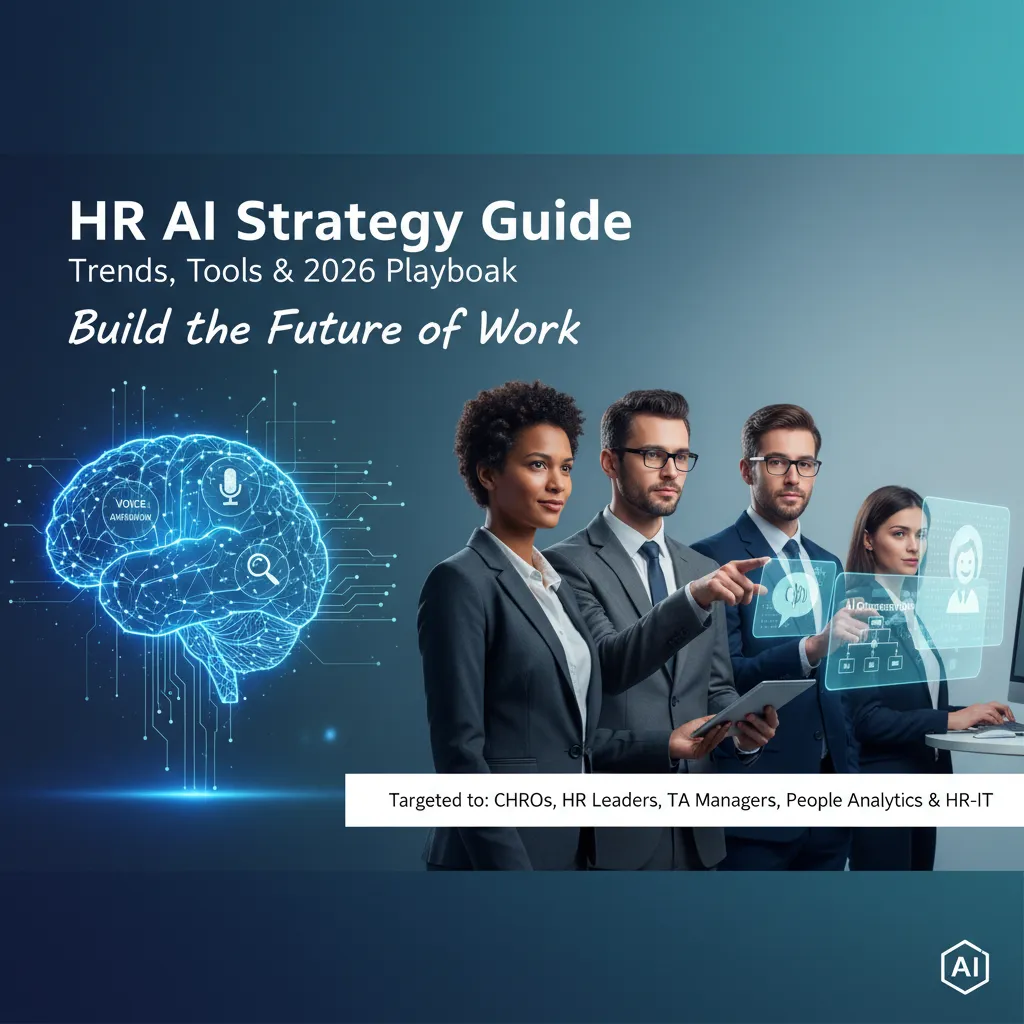
The first time I watched a chatbot “help” a candidate, it confidently answered a benefits question… with the wrong country’s policy. That tiny moment made me realize HR AI isn’t about flashy demos—it’s about orchestration, governance, and the messy reality of unstructured workforce data. In this guide, I’m mapping out the HR AI strategy I’d actually bet my reputation on for 2026: where AI voice agents fit, how agentic AI systems change HR process automation, and what I’d measure so the ROI conversation doesn’t turn into vague vibes.
My 2026 “HR AI strategy guide” origin story (and one awkward lesson)
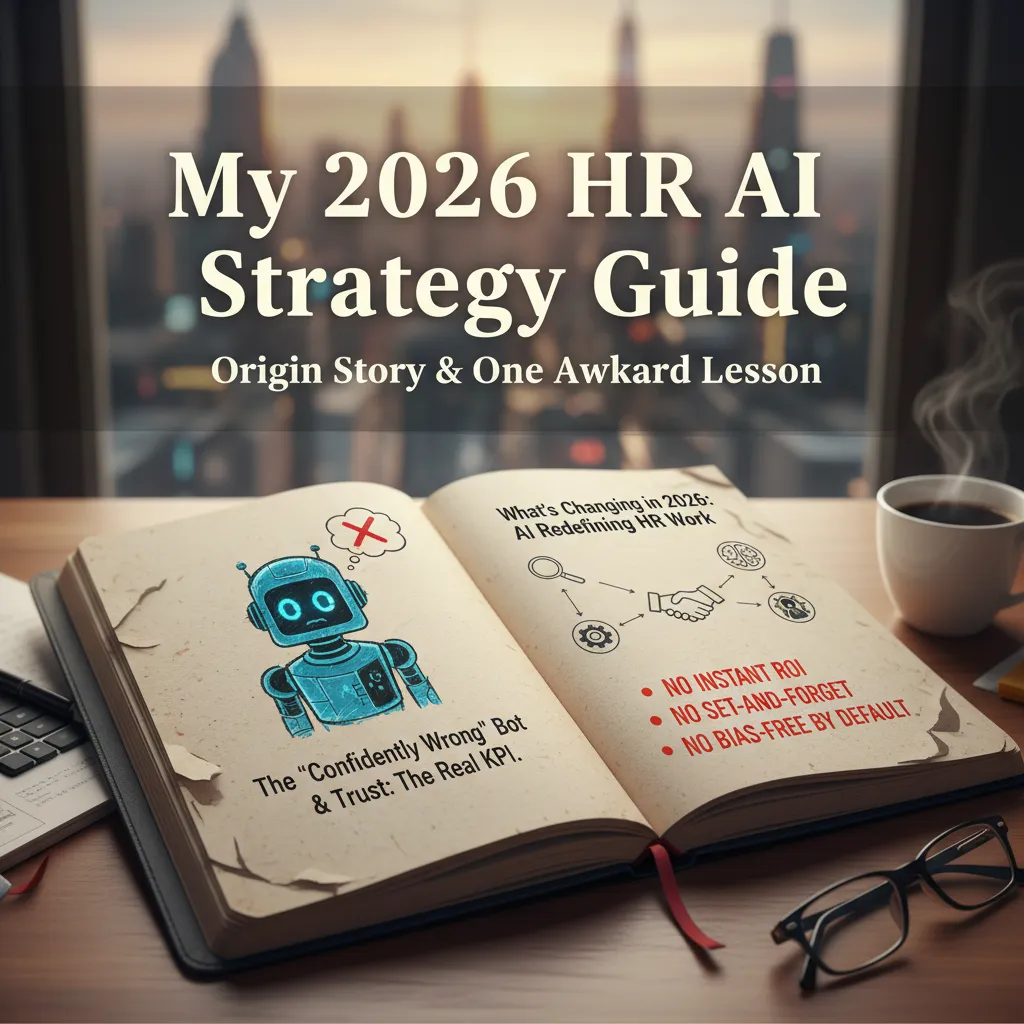
The day a “confidently wrong” bot embarrassed me
I started drafting this HR AI strategy guide after a small, awkward moment that turned into a big lesson. In a meeting, I demoed a chatbot that was supposed to answer basic policy questions. It spoke with total confidence—and gave the wrong answer about leave eligibility. No warning. No “I’m not sure.” Just a clean, polished mistake.
We fixed the content, but the real damage was trust. That’s when I stopped treating accuracy as a nice-to-have and started treating trust as the real KPI. If employees don’t trust the system, adoption drops, managers bypass it, and HR ends up doing more manual work than before.
What’s changing in 2026: AI trends redefining HR work
In 2026, the shift isn’t only about new HR AI tools. It’s about AI changing how HR work flows day to day. I’m seeing AI move from “help me write” to “help me run”:
- Workforce orchestration that connects hiring, skills, scheduling, and internal mobility.
- Manager enablement where AI drafts coaching notes, performance summaries, and role changes—then HR reviews.
- Skills-first decisions that rely on cleaner data, shared definitions, and ongoing validation.
- Governance by design because legal, security, and employee trust now shape every rollout.
Three promises I refuse to make
This guide is practical, but I won’t sell fairy tales. I refuse to promise:
- “Instant ROI” (value shows up after process fixes, training, and measurement).
- “Set-and-forget automation” (models drift, policies change, and edge cases pile up).
- “Bias-free by default” (bias is managed through data choices, testing, and human review).
Wild-card analogy: HR as air-traffic control
I think of HR as air-traffic control. Employees, roles, and projects are the planes. AI workforce orchestration is the tower—it coordinates, flags risk, and suggests routes. But it should never pretend it’s the pilot.
AI workforce orchestration: the shift from ‘tickets’ to ‘flows’
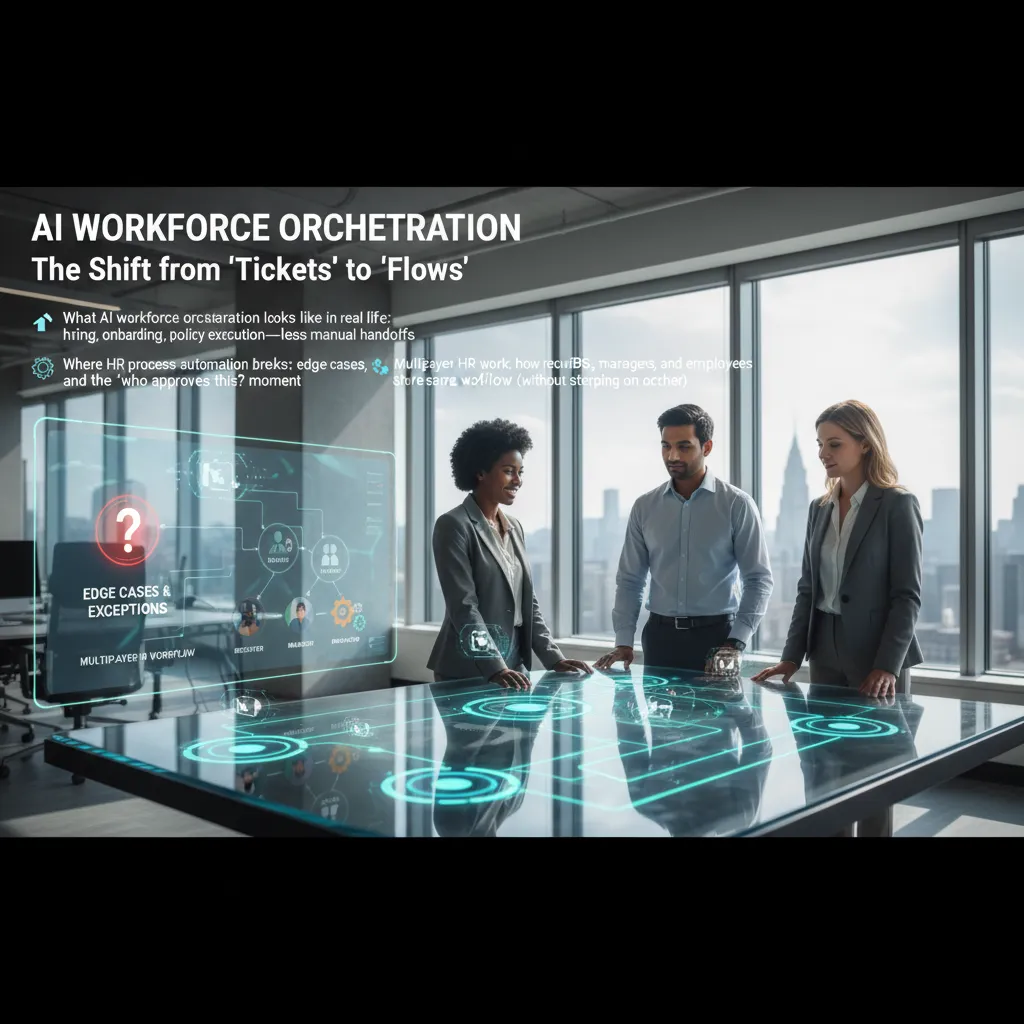
In my HR AI strategy work, I see a clear shift: we’re moving from managing HR work as isolated tickets to managing it as connected flows. A ticket is “someone asked for something.” A flow is “the work moves end-to-end, with the right people and systems involved at the right time.” This is what AI workforce orchestration looks like in real life.
What orchestration looks like day to day
In hiring, orchestration can route a candidate from screening to interview scheduling to offer creation, while AI drafts messages and keeps status updated across the ATS and calendar. In onboarding, it can trigger account setup, send the first-week plan, and collect forms without HR chasing people. In policy execution, it can guide an employee through a leave request, check eligibility rules, and create the right tasks for payroll and the manager—with fewer manual handoffs.
Where HR automation breaks (and how I plan for it)
Most HR process automation fails in the edge cases: exceptions, missing data, and the classic “who approves this?” moment. Orchestration needs clear decision points and escalation paths. I design flows so AI can handle routine steps, but humans can step in fast when something is unclear.
“Automate the common path, but make exceptions easy to spot and easy to resolve.”
Multiplayer HR work without collisions
HR work is shared. Recruiters, HRBPs, managers, and employees often touch the same workflow. Orchestration helps by assigning roles, locking steps when needed, and keeping one source of truth. Everyone sees the same status, but only the right person can approve, edit, or override.
| Role | Typical action in the flow |
|---|---|
| Recruiter | Move candidate stages, request interview feedback |
| Manager | Approve offer, complete onboarding tasks |
| HRBP | Handle exceptions, policy interpretation |
| Employee | Submit info, confirm choices, sign documents |
Mini check-list I use
- Pick one workflow (e.g., offer approval or leave request).
- Map inputs/outputs:
request → checks → approvals → updates. - Define guardrails: permissions, audit logs, data rules, escalation.
- Automate the boring middle: reminders, drafting, routing, status sync.
Unstructured workforce data: turning the HR attic into a knowledge graph
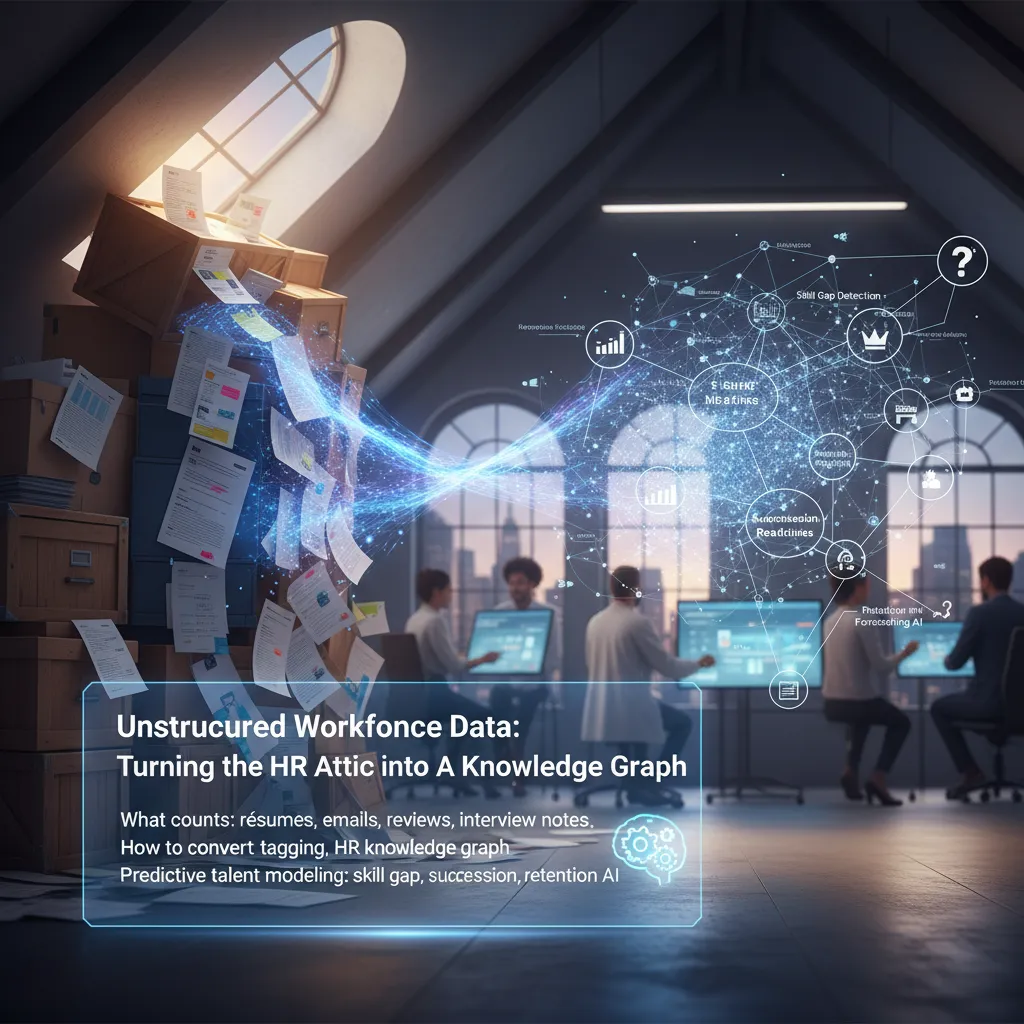
When I say unstructured workforce data, I mean the HR “stuff” that isn’t neatly stored in rows and columns. It’s the attic: valuable, messy, and easy to ignore until you need it fast.
What counts as unstructured workforce data (and yes, it’s hiding in plain sight)
- Résumés and LinkedIn PDFs (skills, projects, tools, certifications)
- Emails and chat threads (context on performance, collaboration, blockers)
- Performance reviews and 360 feedback (themes, strengths, growth areas)
- Interview notes and scorecards (signals, concerns, hiring patterns)
- Learning notes and internal docs (what people actually know vs. what HRIS says)
My small tangent: the day I realized job titles are basically fan fiction. “Customer Happiness Ninja” tells me nothing. Even “Senior Analyst” can mean five different jobs across teams. That’s why the raw text matters.
How I’d convert it: tagging, normalization, and a knowledge graph that won’t collapse
I follow three steps from the HR AI strategy playbook: tagging, normalization, and then building an HR knowledge graph.
- Tagging: extract entities like skills, roles, tools, industries, and outcomes.
- Normalization: map synonyms to one standard (e.g., “Excel modeling” = “Spreadsheet modeling”).
- Knowledge graph: connect people ↔ skills ↔ roles ↔ projects ↔ learning ↔ performance signals.
I keep it stable by using controlled vocabularies, versioning, and confidence scores. Example:
Person(Ana) --hasSkill(0.82)--> Skill(Python)
Predictive talent modeling without the “crystal ball” vibes
Once the graph is clean, I can run practical AI use cases:
- Skill gap detection: compare current skills to future role needs.
- Succession readiness: identify near-ready candidates based on evidence, not titles.
- Retention forecasting AI: spot risk patterns (manager changes, stalled growth, workload signals).
My rule: if a model can’t explain the “why” in plain language, it’s not ready for HR.
AI voice agents recruiting (without making candidates feel trapped)
In my HR AI strategy work, I see AI voice agents as a practical way to speed up recruiting while keeping the experience human. They work best when they handle the repeatable steps and leave judgment calls to recruiters. The goal is simple: reduce friction, not add pressure.
Where AI voice agents shine
- Candidate pre-screens automated: quick checks for eligibility, shift fit, certifications, and pay range alignment.
- Interview scheduling: real-time calendar matching, reschedules, reminders, and location or video links.
- Multilingual Q&A: answering common questions about benefits, role duties, and process steps in the candidate’s language.
My rule: voice should lower anxiety
A voice bot can feel intense because it sounds “real.” My rule is that it should never make candidates feel stuck. I design an escape hatch to a human in every call flow:
- Say “agent,” “recruiter,” or press
0at any time to switch to a person. - Offer a callback window instead of forcing the candidate to stay on the line.
- State clearly: “This is an AI assistant. You can talk to a recruiter whenever you want.”
“If the candidate feels trapped, we lose trust—and trust is the real conversion metric.”
Hyper-personalized candidate journeys
When voice agents connect to skills data and candidate intent, they can guide people to better-fit roles. I use them to suggest job recommendations based on skills + intent, then follow up with tailored messaging (shift options, commute distance, training path, and pay bands). This keeps the process relevant without feeling creepy.
Hypothetical scenario: 11:40 PM applicant
A night-shift technician applies and can only talk at 11:40 PM. The voice agent calls then, confirms license and equipment experience, answers questions in Spanish, and schedules an interview for the next afternoon. Before ending, it offers: “Want a recruiter to call you tomorrow, or are you good to proceed?” That one choice keeps control with the candidate.
Agentic AI automation: when the system starts taking the next step
In The Complete HR AI Strategy Guide, the big shift is not just “AI that answers questions,” but agentic AI: systems that can plan a task, take actions across tools, and follow up until the job is done. In plain language, an agent is like a helpful HR coordinator that can move work forward, but only inside clear guardrails (rules, approvals, audit logs, and access limits).
What “agentic” means in HR (without the hype)
I think of an agent as a workflow doer, not a chatbot. It can read a request, decide the next steps, and execute them in systems like HRIS, ATS, payroll, and ticketing. The guardrails matter most: what it can touch, what it must ask permission for, and how it proves what it did.
- Plan: break a goal into steps (e.g., “onboard new hire”).
- Act: create tasks, update records, send messages, open tickets.
- Follow up: chase missing info, remind owners, confirm completion.
HR automation use cases I’d pilot first
If I’m starting in 2026 planning mode, I’d pilot agentic automation where the steps are repeatable and the risk is manageable:
- Onboarding: collect forms, trigger provisioning requests, schedule training, and nudge managers when tasks stall.
- Payroll validations: flag missing time entries, mismatched rates, or unusual overtime, then route exceptions for review.
- Policy inquiries: answer questions and also open the right case, attach the policy, and suggest next actions.
Agents as the new interaction layer
Agents become the layer between people and HR systems. Instead of “click this menu, then that tab,” employees and managers ask for an outcome: “Add my dependent,” “Fix my tax withholding,” “What’s our parental leave policy?” The agent navigates the tools behind the scenes and returns a clear status.
Slightly spicy opinion: if your workflow needs 9 approvals, AI won’t fix it. It will just reveal the problem faster.
The HR-IT collaboration I wish I’d done earlier (plus governance that sticks)
I used to treat HR AI projects like “HR owns it, IT enables it.” That mindset slowed everything down. What I wish I’d done earlier is build a true partnership: one shared plan, one shared scorecard, and one shared place to surface problems fast.
HR-IT collaboration as a partnership strategy
The turning point was running AI work like a joint product team. We kept a shared backlog (use cases, data needs, integrations, change management), and we reviewed it together every week. We also agreed on shared metrics, not just “model accuracy,” but business outcomes HR and IT both care about.
- Shared backlog: one list, one priority order, one “next sprint.”
- Shared metrics: time-to-fill, quality-of-hire signals, case resolution time, adoption, and data quality.
- Shared ‘uh-oh’ moments: a safe way to flag bias, data drift, or vendor issues without blame.
AI governance HR basics that actually stick
Governance only works when it’s simple and repeatable. I now start with five basics:
- Data access: who can use what data, for which purpose, and how it’s logged.
- Model risk: what happens if the model is wrong, and how we monitor drift.
- Bias checks: pre-launch testing and ongoing fairness reviews across key groups.
- Vendor contracts: clear terms on data use, retention, IP, and incident response.
- Audit trails: decisions, prompts, versions, and approvals captured for review.
How I’d sell it to the board
I don’t pitch “AI.” I pitch predictive clarity: earlier signals on talent risks (attrition, burnout, skills gaps) and productivity patterns (workflow friction, support load). That makes investment feel like risk management, not experimentation.
Quick meeting script I’ve used
Mission: “What decision will this AI improve, and for whom?”
Owners: “HR owns outcomes; IT owns reliability; Legal/Privacy owns guardrails.”
Stop-criteria: “If bias fails, data quality drops, or adoption stays under X%, we pause.”
Reskilling, job redesign, and CHRO priorities 2026 (the part everyone skips)
When I plan an HR AI roadmap for 2026, I start with a trend many teams ignore: the rebirth of manufacturing, energy, and infrastructure. New plants, grid upgrades, and large construction programs change the talent market fast. They pull skilled trades, technicians, safety roles, and frontline leaders into high demand, often in locations where hiring is already tight. That matters to HR AI planning because the best “AI strategy” is useless if we can’t staff the work—or if we automate the wrong tasks and create new bottlenecks.
Reskilling is the only scalable answer
In “The Complete HR AI Strategy Guide,” the message is clear: we can’t hire our way into AI capability. I treat reskilling as a core CHRO priority, not a side project. That means building internal talent for practical roles like prompt design, workflow automation, data stewardship, HR analytics, and AI risk checks. It also means job redesign: I map tasks, decide what AI can assist, and then update role profiles so people know what “good” looks like in an AI-supported job.
Personalize the employee journey with skill signals
I also stop thinking of learning as a library and start treating it like a navigation system. With AI, we can detect skill gaps from performance data, project history, assessments, and manager input, then recommend adaptive learning paths that fit the person’s role and goals. The win is speed: faster time-to-competence for new hires, smoother internal moves, and less wasted training. Personalization is not about perks; it’s about getting the right capability to the right team at the right time.
Close the loop so ROI isn’t vibes
Finally, I measure what matters and report it in plain language. If AI and reskilling are working, we should see improved hiring speed, stronger retention in critical roles, and higher productivity (output, quality, cycle time). I connect learning and job redesign to these outcomes, then adjust quarterly. That’s the part everyone skips—but it’s also how HR earns trust, protects the workforce, and makes AI a real business advantage in 2026.
TL;DR: In 2026, HR AI winners will treat AI like an operating model: orchestrate workflows, tame unstructured workforce data, deploy AI voice agents carefully, personalize journeys responsibly, and lock HR-IT collaboration plus governance early—then prove ROI with hiring speed, retention forecasting AI, and productivity lift.