

I keep a messy note on my phone called “AI stuff that might actually change my Tuesday.” It’s not a list of the loudest headlines—it’s the releases that would alter how I write, build, buy, or plan. Lately that note has been filling up fast: a reimagined AI-powered Siri slated for 2026, Samsung’s plan to push Gemini to 800 million devices, and a hardware arms race that’s getting weird (in a good way). This post is my attempt to sort the signal from the glitter—without pretending I’m immune to the glitter.
My “Latest AI Updates” Filter: What Makes News Stick
When I scan product AI news—new releases, feature drops, and “latest updates”—I don’t try to read everything. I’m not building a comprehensive roundup here. This section is my curated lens on AI breakthroughs that actually matter in real work, not just on launch day.
The three questions I ask before I care
Most updates sound exciting until I run them through a simple filter. I ask:
- Does it save time? (Fewer steps, faster drafts, less manual cleanup.)
- Does it reduce risk? (Better privacy controls, fewer errors, clearer citations, safer outputs.)
- Does it unlock something I couldn’t do last month? (New workflows, new integrations, new capabilities.)
A tiny confession: I used to chase model releases
I used to chase every generative AI model release like it was a sports score. Now I’m more interested in deployment details than hype. When a tool update claims “faster” or “cheaper,” I want the boring parts: latency, cost, and privacy. If an AI feature can’t run within my budget, or it sends sensitive text to places I can’t control, it’s not an upgrade—it’s a problem.
My quick “kitchen test”
I have a rule: if I can’t explain the update while making coffee, I probably don’t understand it yet. That’s not me being cute; it’s a check on clarity. If I can’t say what changed, who it helps, and what it costs, I’m not ready to trust it in a workflow.
Wild-card thought experiment: one shared memory
Here’s the scenario I keep coming back to: imagine your inbox, browser, and editor share one memory. It could be helpful—no more re-explaining projects, fewer lost links, smoother writing. It could also be horrifying—one leak, one wrong permission, and your whole work history is exposed. This is why I watch “memory” features closely in the latest AI news updates.

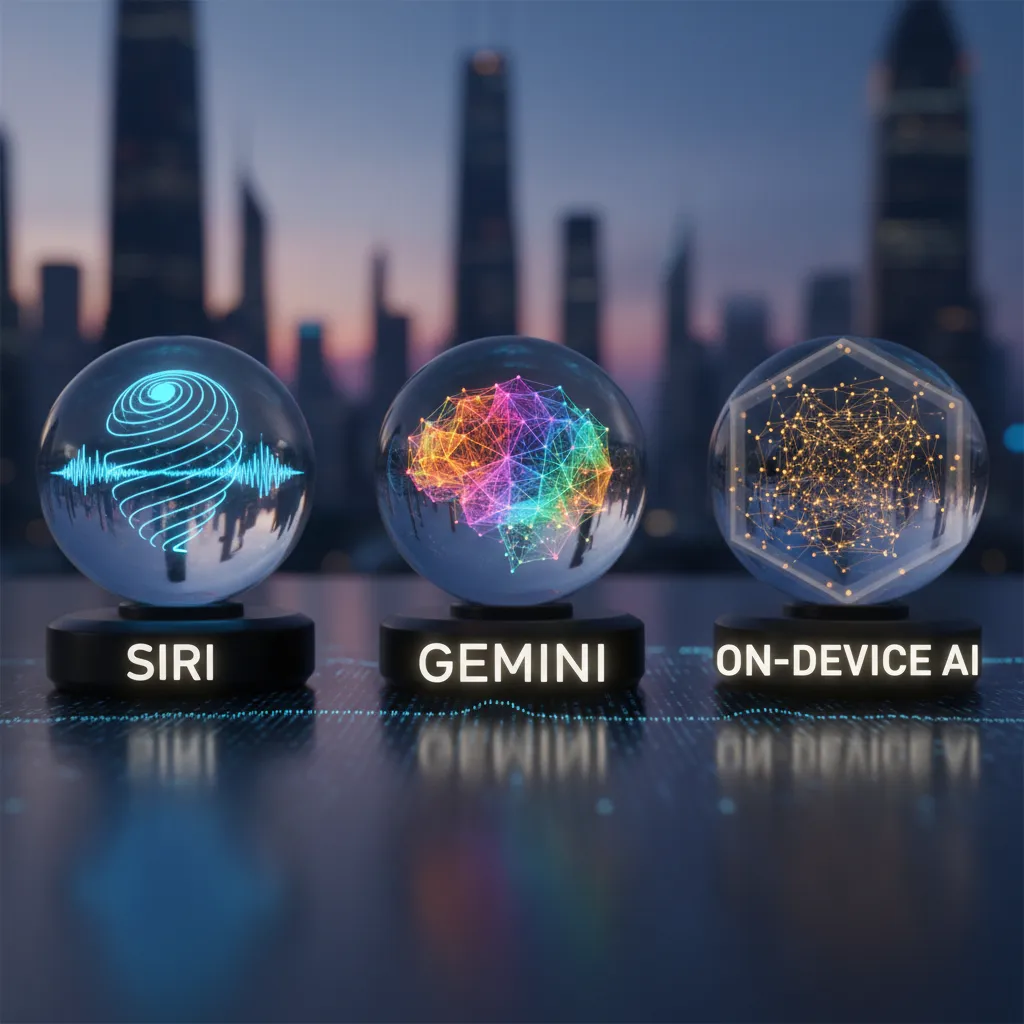
AI Assistants Category: Siri, Gemini, and the “On-Device AI” Swerve
AI-Powered Siri: less chatbot, more system layer
In the latest product AI news, the Siri story that caught my eye is Apple’s reimagined Siri, expected to land in 2026. What I’m watching is the shift in framing: it sounds less like “a bot you talk to” and more like an operating system layer. The promise is on-screen awareness (understanding what I’m looking at) plus cross-app integration (actually doing the next steps across apps). If Apple pulls that off, Siri becomes more like a coordinator for my phone, not a separate destination.
Samsung + Gemini: making assistants the default
On the Android side, Samsung’s Gemini integration is the scale play. The target—800 million Gemini-equipped devices by the end of 2026—signals a big change in expectations. “AI assistant” stops being a premium feature and becomes a baseline, like having a camera or GPS. That matters because once it’s everywhere, the real competition shifts to reliability, speed, and how well it fits into daily routines.
Where I land: chores first, poetry later
My opinion is simple: assistants win when they do boring chores flawlessly. I care more about calendar cleanup, receipt sorting, translation, and follow-ups than fancy writing. If an assistant can’t handle the basics, I don’t trust it with higher-stakes tasks.
- Calendar: detect conflicts, suggest fixes, confirm before changing
- Receipts: extract totals, tag vendors, export clean summaries
- Translation: keep names, dates, and numbers accurate
Privacy angle I’m watching closely
The privacy line is getting sharper: Apple’s Private Cloud Compute approach vs assistants that are fully cloud-based. I’m paying attention to what stays on device, what gets sent to servers, and whether I can control that per task.
I tried “talking” my way through a travel rebook once; the assistant was charming and still got the date wrong. Now I care more about guardrails than vibes.
Main AI Trends: From “Agents” to AI Workflow Automation (Finally)
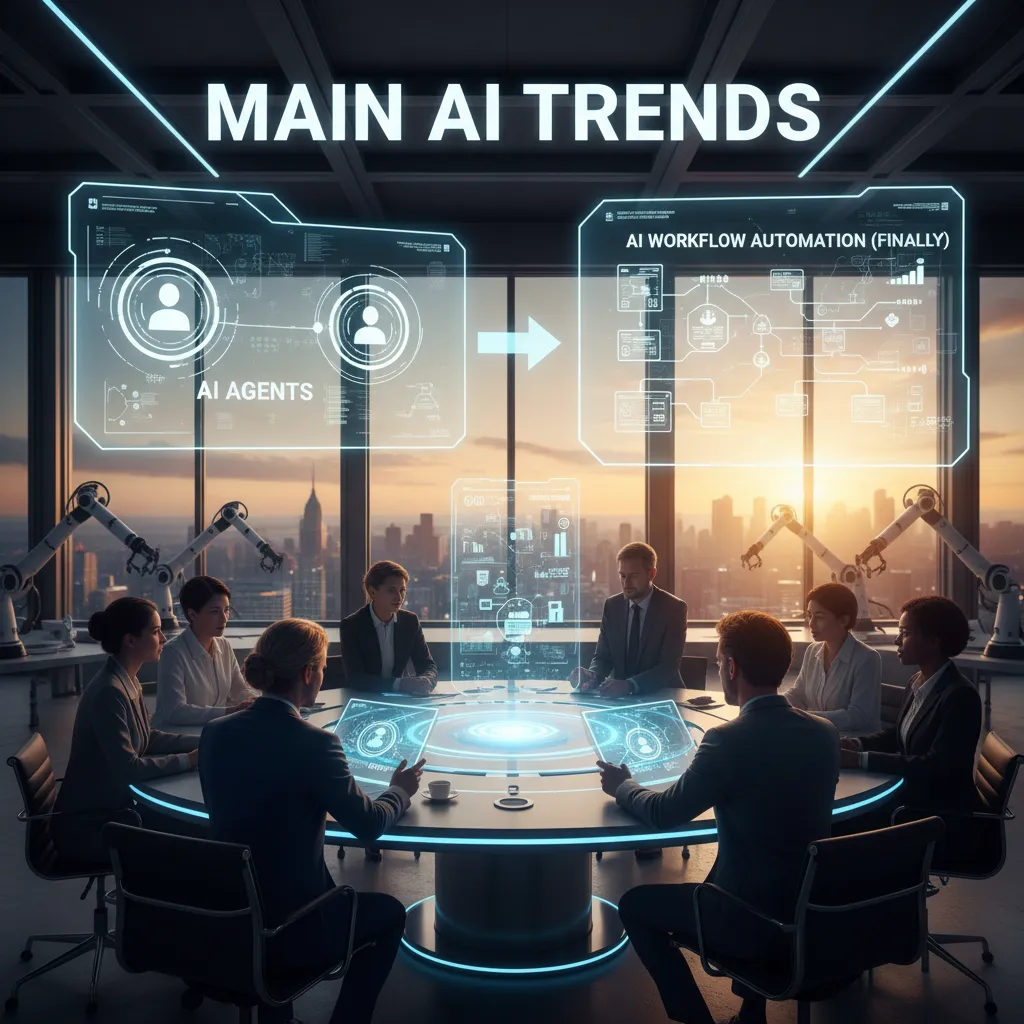
In the latest Product AI news cycle, I keep seeing the same shift: teams are moving from “AI agents” (the sci-fi idea of a bot that runs everything) to AI workflow automation that actually ships. The trend I’m betting on is workflows, not agents—less autonomy theater, more dependable handoffs between tools like docs, chat, email, and project boards.
Why “agent control planes” feel like the missing UI
Multi-agent dashboards and agent control planes are showing up more often, and I get why. I don’t want to hope an agent did the right thing—I want to see what the system is doing, step by step. A good control plane makes automation feel like a product, not a gamble.
- Visibility: what ran, when, and with what inputs
- Guardrails: approvals before sending, posting, or deleting
- Logs: clear traces so I can debug failures fast
My real-life use case: writing without copy-pasting context 12 times
My day-to-day need is simple: one writing workflow that drafts, fact-checks, formats, and schedules. Today, the annoying part is repeating the same context across tools. The workflow I want looks like this:
- Draft from a brief (topic, angle, audience)
- Fact-check against saved sources
- Format for blog + social snippets
- Schedule and create tasks automatically
Context engineering: prompts as briefs, not magic spells
I’m learning to treat prompts like a creative brief: audience, constraints, and sources up front. Even a small template helps:
Audience: ___ | Goal: ___ | Must include: ___ | Sources: ___ | Don’t do: ___
Slight tangent: “undo” is the most underrated feature
If vendors nail reversible automation—real undo, versioning, and safe rollbacks—adoption gets way easier. I’ll trust automation more when I can confidently rewind it.
Hardware Race Accelerators: GPUs, NPUs, ASICs… and My Laptop Fan’s Opinion
In the latest Product AI News stream, the hardware story feels less like “one faster GPU” and more like a full-on accelerator race. I’m watching it closely because it changes what we can run, where we can run it, and how often my laptop sounds like it’s preparing for takeoff.
NVIDIA Vera Rubin at CES 2026: power for trillion-parameter models
The headline from NVIDIA Vera Rubin at CES 2026 is simple: more power aimed at trillion-parameter models. The bigger implication is that the edge of feasibility keeps moving. Workloads that used to be “research-only” start to look like “enterprise soon,” and some capabilities trickle down into smaller, more practical deployments.
AMD Ryzen AI 400 series: NPUs that feel less like demos
On the client side, AMD Ryzen AI 400 series upgrades its NPU, and that matters for everyday, local AI. Real-time translation, meeting notes, and content creation features feel more stable when they can stay on-device instead of bouncing to the cloud. For me, that’s the difference between “cool feature” and “I’ll actually use this daily.”
The bigger story: acceleration beyond GPUs
What stands out most is how AI hardware acceleration is expanding beyond classic GPUs:
- ASIC accelerators for specific model shapes and predictable workloads
- Chiplet designs that mix and match compute, memory, and interconnect
- Analog inference ideas that chase efficiency in new ways
- Quantum-assisted optimizers (still early, but showing up in the conversation)
My practical takeaway (and my fan test)
I’m choosing tools that degrade gracefully when the GPU is busy. “Fast enough” beats “fastest” for day-to-day work—especially if the app can fall back to NPU/CPU without breaking the workflow.
My informal benchmark: I can tell when a feature is genuinely on-device AI because my laptop fan either panics… or doesn’t.
Generative AI Models I’m Actually Testing: Speed, Context Window Tokens, and Open Models
In my latest round of model testing (pulled from my running “Product AI News” notes), I’m focusing less on hype and more on speed, context window tokens, and whether a model is open enough to inspect and control. These three factors shape what I can realistically ship into real products.
Gemini 3 Flash: lightweight models where speed is the feature
I keep coming back to Gemini 3 Flash because I care about “lightweight” models. In low-latency, real-time applications—think live assistants, inline writing help, or fast search summaries—speed isn’t a nice-to-have. It’s the product. If a model is slow, users feel it immediately, even if the answer is technically better.
NVIDIA Nemotron 3 (open reasoning): throughput + huge context
NVIDIA Nemotron 3 is interesting to me because the specs point to a workflow shift, not just a benchmark win. The Nano version is reported to deliver 4× higher token throughput, and it supports up to a 1,000,000 token context window. That combination changes how I think about long documents, multi-file code reviews, and “keep everything in memory” research prompts.
Context windows feel like desk space—more room doesn’t make you smarter, but it stops you from dropping papers on the floor.
Open source AI models I use for controlled experiments
For experiments where I need tighter control, I lean on smaller, domain-specific open releases like IBM Granite, Ai2’s OLMo 3, and DeepSeek. Open models are my go-to when I want to test prompt stability, fine-tune behavior, or run evaluations without guessing what changed behind an API.
How I test: same prompt, three constraints, one brutal score
- Time limit: can it respond fast enough for the use case?
- Formatting rules: can it follow structure without drifting?
- Source citations: can it point back to evidence instead of vibes?
Then I give it a ruthless “would I ship this?” score. If it fails under pressure, it doesn’t matter how impressive it looks in a demo.
Video Generation Tools, Image Generation AI, and the “Do We Trust This?” Moment
In the latest Product AI News updates, I keep seeing the same pattern: AI video generation tools are getting more usable, more “click-and-ship,” and more tempting for small teams. The output is smoother than it was even a few months ago. But my personal bottleneck hasn’t changed: review time. I can generate a draft fast, yet spotting the subtle weirdness still takes real focus—odd hand motion, a blink that feels off, a shadow that doesn’t match the light.
From “Wow” to Workflow in Image Generation
Image generation AI has shifted from a fun demo to something I actually plan around. I’m using it more like a production helper: consistent brand style, quick product mockups, and rough storyboards that let me test ideas before design time gets booked. The “wow” moment is gone, and honestly, that’s a good sign. It means the tools are settling into daily work.
- Consistent style: keeping colors, lighting, and composition aligned across a set
- Mockups: fast visuals for landing pages, packaging, or ad concepts
- Storyboards: simple frames that help me plan a video before editing
The Trust Problem Shows Up After You Ship
Here’s the mini scenario I can’t stop thinking about: a small team ships a full campaign in a day using AI video and AI images. They hit the deadline, the metrics look good, and then the comments roll in: “Is this real?” “Did you fake this?” “What else are you hiding?” They spend the next week answering questions instead of building the next thing.
My rule: label synthetic media clearly, even when it’s legal not to—trust is compounding interest.
I’m also reminding myself that creative tools don’t replace taste; they amplify it. If my inputs are lazy, the output will be polished laziness. If my direction is clear, AI can speed up the parts that don’t need my full attention—so I can spend more time on the parts that do.
Physical AI Robotics + Weather AI: Where ‘Next in AI’ Gets Very Real
Lately, my biggest “next in AI” takeaway is simple: AI is moving off the screen. We’ve spent years scaling large language models, but it feels like we’re starting to hit diminishing returns on pure size alone. So innovation goes looking for a body—robots, sensors, glasses, and systems that can act in the real world, not just talk about it.
One update that stuck with me from the latest product AI news cycle is Google DeepMind’s GenCast, a generative AI approach for medium-range weather forecasting. What makes it feel different is the focus on high-resolution probabilistic forecasts—not just “it will rain,” but a clearer picture of where, when, and how likely. The part I’m watching most is the claim of better extreme weather prediction. If that holds up, it’s not just a science win; it’s a daily-life upgrade.
Personally, better forecasts would change how I plan almost everything. Outdoor events become less of a gamble. Logistics and deliveries get easier to schedule. Even my weekly groceries shift—if I know a heat wave or storm is more likely, I buy and prep differently. Weather sounds boring until you realize it quietly controls a lot of your time, money, and stress.
On the “AI gets a body” side, Alibaba’s Quark glasses are another sign that physical AI is accelerating. Real-time translation and object recognition are already useful, but the bigger signal is the integration: Alipay and Taobao built in. That’s AI leaving the screen and stepping into shopping, travel, and everyday decisions in a more direct way.
My small worry is social, not technical. When AI lives in cameras and glasses, social norms lag behind tech—they always do. I’m excited by what these tools can do, but I’m also watching for clearer rules, better consent signals, and stronger privacy defaults as “latest AI news updates” become real-world habits.
TL;DR: 2026’s latest AI news isn’t just bigger models—it’s on-device AI, massive context windows, open-source momentum, and a pivot toward AI workflow automation. Watch Siri’s 2026 reboot, Gemini’s device expansion, NVIDIA/AMD’s accelerators, and the rise of agent control planes.


