

I still remember the first time I accidentally posted the wrong job listing — thank you, confusing ATS UI — and vowed never to suffer another clumsy hiring workflow. That experience sent me down the rabbit hole of ATS options. In this piece I compare Lever, Greenhouse, and Workable from a real-world, recruiter-first perspective. I’ll lean on product strengths, pricing signals (yes, even the annoying opaque ones), and the AI features that actually save time. Expect practical takeaways, one quirky anecdote, and a few imperfect but honest opinions.
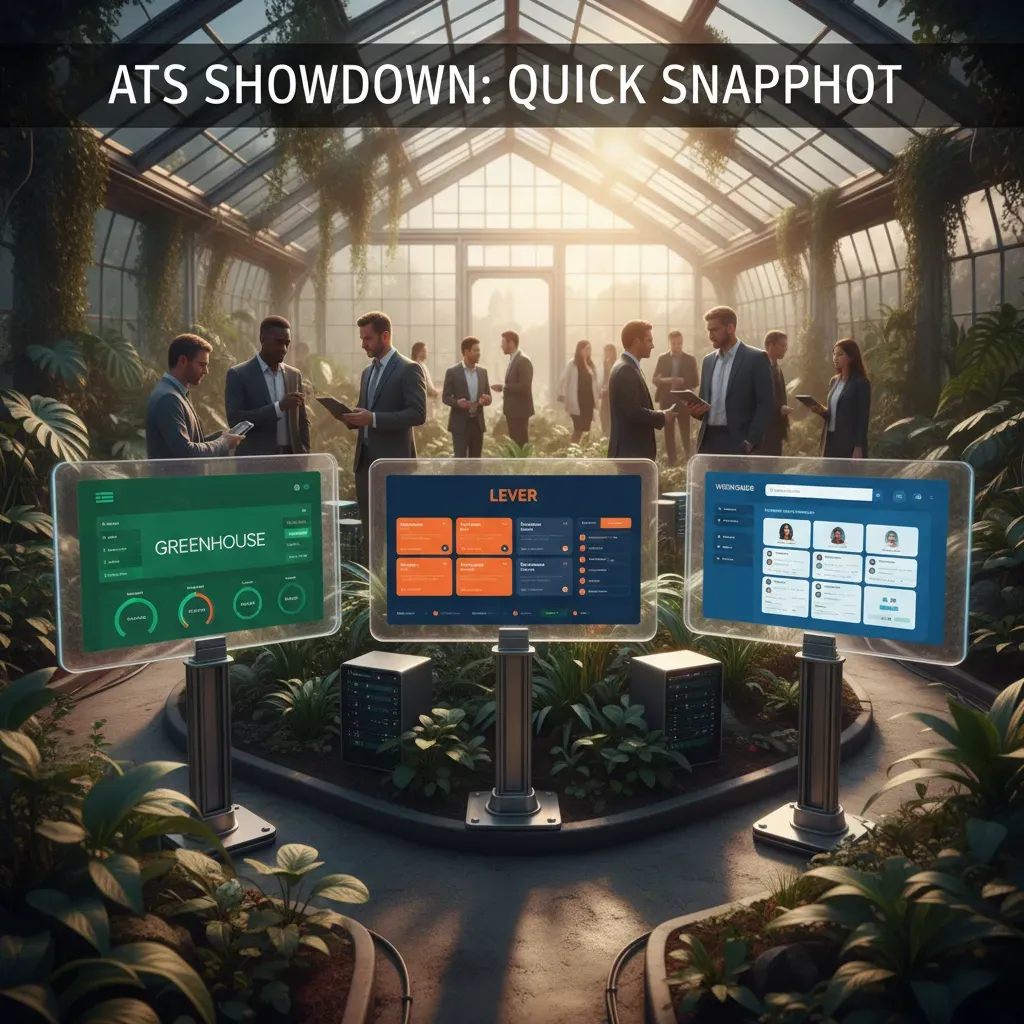
ATS Showdown: Quick Snapshot (Greenhouse vs Lever vs Workable)
When I compare Greenhouse vs Lever vs Workable, I start with one simple question: what kind of hiring motion do you run today? Even though all three tools support modern AI-assisted recruiting workflows, they’re positioned for different team sizes and hiring styles.
Positioning at a glance
- Workable = SMB-friendly ATS that’s easy to launch and manage with a small team.
- Lever = CRM-forward platform built for proactive sourcing and relationship-based recruiting in the mid-market.
- Greenhouse = enterprise-grade structured hiring with strong process controls and consistency.
Pricing signals (what you can infer quickly)
Pricing tells you who the product is built for. Workable is the most transparent, with a public entry price of $189/month. In contrast, Greenhouse and Lever typically use custom, opaque pricing, which usually signals a mid-market to enterprise focus (more seats, more workflows, more security needs).
Integrations, job posting, and ecosystem
| Platform | What stands out |
| Workable | One-click job posting to 50+ boards, designed for speed and simplicity. |
| Lever | Open API and a strong HR tech ecosystem for teams that like to customize. |
| Greenhouse | Deep integrations plus agency portals that help manage external recruiters. |
Quick picker (based on real-world use cases)
If I had to choose fast: Small teams => Workable. Proactive sourcing teams => Lever. Structured, compliance-focused hiring => Greenhouse.
Candidate Experience & CRM: Who Nurtures People Better?
Lever: ATS + CRM in real daily use
When I tested Lever, the biggest difference was how it treats recruiting like relationship building, not just tracking. Lever positions itself as an ATS+CRM, and that shows in the way candidate profiles hold context: notes, past touchpoints, and reminders feel close to the pipeline instead of buried. For AI-assisted recruiting workflows, this matters because good data in means better suggestions out.
In day-to-day use, follow-ups felt smoother because I could log quick notes after a call and immediately set the next step. It’s not “marketing automation,” but it’s strong for nurturing warm talent pools.
Greenhouse: structured feedback that improves perception
Greenhouse leans hard into candidate experience through consistency. Interview kits and structured scorecards push interviewers to prepare and submit feedback on time. In my experience, that structure reduces “ghosting” moments where candidates wait because the team is disorganized.
When interviewers know what to ask and how to score, candidates feel the process is fair—even if they don’t get the job.
This is also where Greenhouse supports bias reduction: the system nudges teams toward comparable evaluation, which can improve trust in the process.
Workable: fast reach, but screening hygiene is on you
Workable stands out with one-click posting to 50+ job boards. That speed helps you fill the top of the funnel quickly, especially for high-volume roles. The trade-off I noticed: more inbound means you need strong manual screening habits (tags, disqualify reasons, and clean stages), or the pipeline gets noisy fast.
Scheduling, templates, and nurture campaigns
- Lever: strong pipeline nurturing with notes, reminders, and email templates that feel CRM-like.
- Greenhouse: excellent interview coordination through kits, scorecards, and structured feedback loops.
- Workable: solid templates and scheduling support, but nurturing is more “process-driven” than CRM-driven.
If your goal is long-term relationship management, Lever felt the most natural. If your goal is a clean, consistent interview experience, Greenhouse led the pack. For speed and distribution, Workable delivered—provided I kept the funnel organized.
Customizable Workflows & Visual Pipeline Management
Customizable workflows (how flexible each ATS feels)
When I compare Lever vs Greenhouse vs Workable, I start with workflow design because it shapes everything else, including how well AI-powered recruiting features can support the process. Greenhouse is the strongest choice for complex, multi-stage hiring. I can build structured steps for sourcing, screening, multiple interview rounds, scorecards, and approvals without the process getting messy.
Lever gives me solid customization too, but it often feels more streamlined than deeply “build-anything.” Workable supports customization, yet it’s usually best when I want a simpler pipeline that’s quick to adjust rather than heavily governed.
Visual pipeline management (seeing candidates move)
For day-to-day recruiting, visuals matter. Workable stands out with drag-and-drop pipeline movement, which makes it easy for me to keep roles current during busy weeks. Lever adds value with pipeline health analytics, helping me spot bottlenecks (like too many candidates stuck in “Phone Screen”). Greenhouse focuses more on clearly defined stages and consistency than on a highly visual “kanban” feel.
Structured hiring practices (consistency and auditability)
If I need structured hiring for compliance, reporting, or internal fairness goals, Greenhouse is geared toward auditability. It encourages consistent stages, defined interview plans, and repeatable evaluation steps. That structure can reduce bias and improve decision quality, especially when multiple teams hire at once.
Automation: triggers, rules, and workflow actions
Automation is where workflows become scalable. Here’s how I think about it across the three tools:
| Platform | Workflow automation strengths |
| Greenhouse | Strong rules for structured steps, approvals, and consistent stage transitions |
| Lever | Good automation plus insights; useful triggers tied to pipeline health and follow-ups |
| Workable | Practical automation for fast-moving teams; simple triggers and easy stage actions |
My rule of thumb: if the process must be consistent and defensible, I lean Greenhouse; if I want visibility and analytics, I look at Lever; if I want speed and simplicity, I consider Workable.
Integration Ecosystem & ‘Open API’ Realities
When I compare Lever vs Greenhouse vs Workable for AI-supported recruiting, I always look past the marketing page and into the integration ecosystem. An ATS only feels “smart” if it can share data with the rest of your stack—HRIS, background checks, assessments, scheduling, and analytics.
Integrations: breadth vs depth
- Lever puts a lot of emphasis on an open API and a broad HR tech ecosystem. In practice, that usually means more flexibility when I need to connect a niche tool or build a custom workflow.
- Greenhouse is known for deep partner integrations and strong support for agency workflows (including agency portals). If you rely on agencies or want structured partner connections, this can reduce manual work.
- Workable covers the essential HR integrations most teams need, without making integration management feel like a separate project.
One-click job posting: Workable’s distribution advantage
For high-volume hiring, job distribution matters. Workable’s 50+ job boards and one-click posting can be a real advantage when I need reach fast and don’t want to manage postings board-by-board. It’s less about “AI” and more about speed and consistency in the top of the funnel.
Custom connections: exporting data and BI tools
If I’m serious about reporting, I ask one question: “How easy is it to get my data out?” Lever’s open API approach can make it simpler to connect BI tools or a data warehouse. Greenhouse also supports robust data access through partners and integrations. Workable can work well for standard reporting needs, but I typically verify how far I can go with exports and API access before I promise custom dashboards.
“Open API” is real value only if the documentation is clear, rate limits are workable, and support helps when something breaks.
Integration maintenance: the hidden cost
The ongoing cost is keeping integrations working as vendors update APIs. Even a “one-click” integration can fail quietly after an update. I plan for ownership (who monitors it), testing (after changes), and a fallback process.
Tip: Track every integration + owner + last tested date in a simple sheet.
Comprehensive Reporting & Data-Driven Recruitment
When I compare Lever vs Greenhouse vs Workable, I always start with reporting. AI recruiting software can automate tasks, but data is what helps me prove what’s working and fix what’s not. The most useful reports usually fall into three buckets: pipeline health, source effectiveness, and time-to-hire. The key question is: which ATS makes these metrics easy to find and act on without extra spreadsheets?
What I look for in ATS reporting
- Pipeline health: stage conversion, drop-off points, and aging candidates
- Source effectiveness: where quality candidates come from (and which sources waste budget)
- Time-to-hire metrics: time in stage, bottlenecks, and overall cycle time
Greenhouse: deeper analytics + interview kit auditability
Greenhouse stands out when I need robust analytics and a clear hiring process I can defend. Its reporting connects well with structured hiring, and I can use interview kit data to support bias reduction and consistency. That matters when I’m asked, “Why did we reject this candidate?” or when I need audit-ready notes and scorecards.
Greenhouse is strongest for teams that want structured interviews, measurable feedback, and reporting that supports compliance and fairness.
Lever: pipeline health, source of hire, and engagement signals
Lever gives me comprehensive visibility into pipeline health and source of hire, plus reporting that reflects candidate engagement. If I’m running high-volume roles or nurturing talent, I like seeing how candidates move, where they stall, and which channels bring people who actually respond.
Workable: essential reports for SMB hiring
Workable covers the basics well: core pipeline views, simple source tracking, and standard time-to-hire reporting. For many SMBs, that’s enough—especially if the team wants quick answers without deep analytics setup.
| Platform | Best-fit reporting strength |
| Greenhouse | Advanced analytics + interview kit data for auditability |
| Lever | Pipeline health, source of hire, candidate engagement |
| Workable | Essential reports for SMBs |

Plans, Pricing & Who Should Buy What
Transparent vs. Opaque Pricing
When I compare Lever vs Greenhouse vs Workable, pricing is the first big difference. Workable is the most transparent: it publicly lists entry pricing (often shown as $189/month, depending on plan and region). That makes it easier for me to estimate cost before I ever talk to sales.
Greenhouse and Lever typically use custom pricing. In practice, that usually means they’re built for mid-market to enterprise teams, and the final number depends on headcount, hiring volume, modules, and support needs.
Buying Checklist (What I Evaluate)
- Company size: Are we 10 people or 1,000+?
- Hiring volume: A few roles per quarter vs. constant recruiting.
- Need for structured hiring: Scorecards, approvals, interview kits, and reporting.
- Integrations: HRIS, background checks, calendars, Slack, job boards, and AI recruiting tools.
- Engineering support: Do we have someone who can help with APIs, SSO, and data flows?
Custom Pricing Signals (Budgeting Reality)
In my experience, custom pricing is a signal to plan for more than just the subscription. If you’re looking at Greenhouse or Lever, I budget for:
- Implementation (setup, workflows, permissions, templates)
- Change management (training recruiters and hiring managers)
- Integration work (especially if you need SSO or custom reporting)
Rule of thumb I use: if structured hiring and integrations are “must-haves,” expect premium pricing and a real rollout plan.
Recommendation Matrix (Quick Picks)
| Company Profile | Best Fit | Why |
| SMB (1–50), light hiring | Workable | Clear entry pricing, fast setup, solid all-in-one ATS. |
| Scaling (50–500), growing process | Lever or Greenhouse | More structure, deeper workflows, stronger integration options. |
| Enterprise (500+), complex org | Greenhouse or Lever | Custom controls, governance, reporting, and enterprise support. |
Final Thoughts, Wild Cards & A Practical Buying Checklist
My “wild card” scenarios
If I’m advising an early-stage startup that needs to hire fast with a small team, I usually lean toward Workable. It’s easier to get running, and the day-to-day workflow feels straightforward when you don’t have a dedicated recruiting ops person. In this scenario, I care less about deep process controls and more about speed, simple collaboration, and getting value from AI features without a long setup.
If I’m looking at a regulated enterprise (think strict audit trails, approvals, and consistent interview scoring), I’m more likely to pick Greenhouse. It’s built for structure and compliance, and it supports a more formal hiring system. For a mid-market team that wants stronger sourcing and CRM-style recruiting motion, Lever often lands in the middle as a flexible option.
A quick analogy I use
I think of Workable as a compact car: efficient, easy to park, and great for everyday trips. Lever is a hybrid SUV with extra cargo space for sourcing: you can carry more tools and still move quickly. Greenhouse is a heavy-duty truck built for compliance: it’s designed to haul complex processes safely, even if it takes more planning.
A practical buying checklist
Before I choose any ATS, I sanity-check five areas: integration needs (HRIS, email, calendar, background checks), reporting requirements (who needs dashboards and how often), interview structure (scorecards, stages, approvals), pricing transparency (what’s included vs. add-ons), and timeline to value (weeks, not months, if hiring is urgent). If any one of these is a hard requirement, it usually narrows the choice fast.
Next steps I recommend
During trials, I run one real role end-to-end, invite hiring managers to test feedback, and confirm the AI features actually save time. I also plan data migration early—clean old stages, map fields, and decide what to import vs. archive. Finally, I loop in IT for security and SSO, Legal for privacy and retention, and People Ops for process ownership—because the best ATS is the one your whole team will truly use.
Workable is the fastest on-ramp for SMBs with transparent pricing and one-click posting; Lever blends ATS+CRM for proactive sourcing; Greenhouse is built for structured, bias-aware enterprise hiring. Choose based on company size, workflow complexity, and integration needs.


