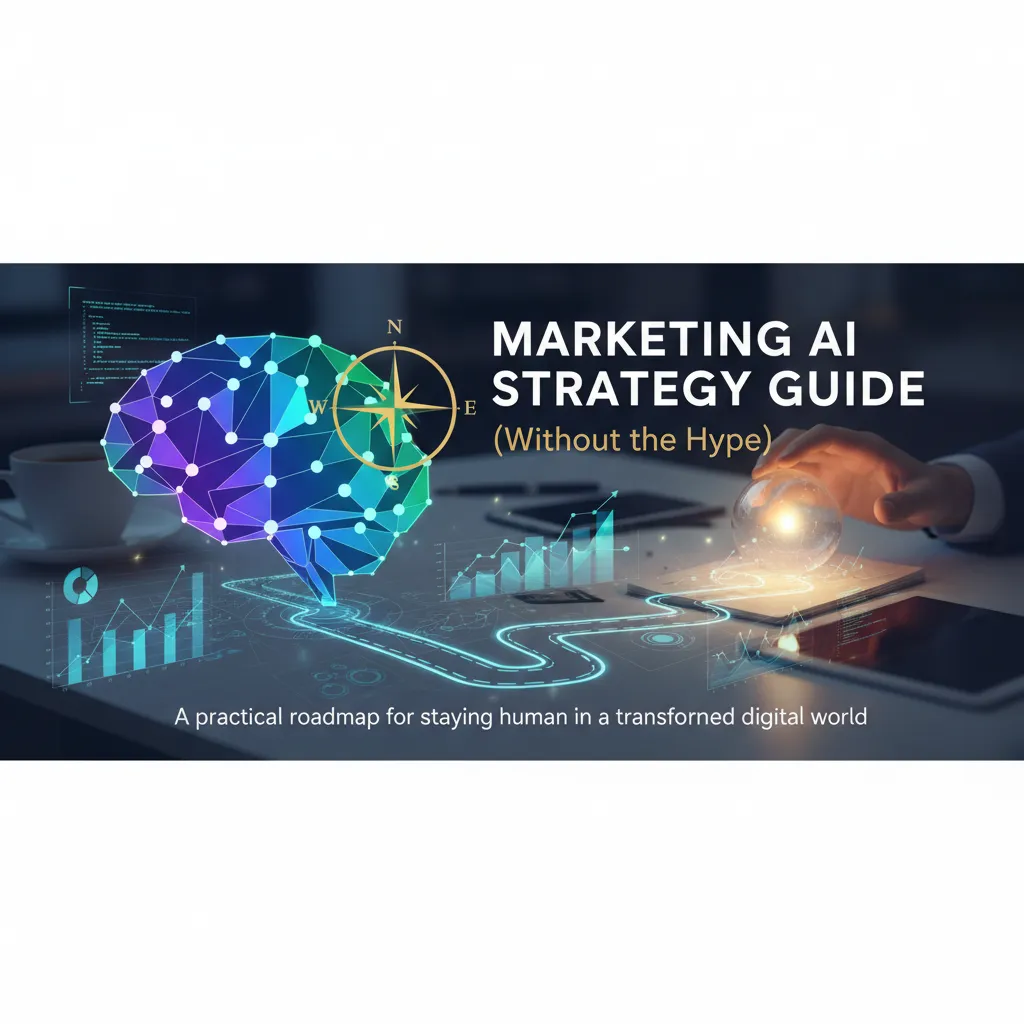
Last year I tried to “speed up” a campaign by letting Generative AI draft everything—emails, ads, even the landing page FAQ. It worked… until customers started asking questions in support chat that the copy accidentally promised we could do. That week taught me the real job isn’t using AI—it’s designing guardrails, feedback loops, and measurements so Marketing AI helps instead of improvising. This guide is the version I wish I’d had then: part strategy, part checklist, and part honest confession about what went sideways.
1) The “Why Now?” Moment: AI Transforms Digital Marketing
The day I realized AI wasn’t a tool—it was a workflow
I used to think AI in marketing was like a fancy add-on: helpful, but optional. Then I had one of those weeks where my inbox told the truth. Leads came in from three channels, each with different questions, and my “quick replies” turned into a messy copy-paste routine. When I tested an AI workflow—summarizing threads, tagging intent, drafting responses, and logging notes into my CRM—I saw the shift. AI wasn’t doing one task. It was connecting tasks. My inbox became a system, not a stress test.
From manual campaigns to AI optimization loops
Digital marketing used to be: plan, launch, wait, report. Now it’s closer to: launch, learn, adjust, repeat—fast. The big change is the feedback loop. With Marketing AI, I can spot patterns in performance data sooner and make small changes daily instead of big changes monthly.
- Creative testing moves from “a few versions” to many variations with clear learnings.
- Budget shifts happen based on signals, not gut feelings.
- Personalization becomes practical because AI can group users by behavior in real time.
AI Mode and conversational search change the first touchpoint
Search is becoming a dialogue. With AI Mode and conversational search, people don’t just type keywords—they ask full questions, follow up, and compare options in one thread. That means the first touchpoint is less “rank for a term” and more “be the best answer.” I now think about content like a helpful sales rep: clear, specific, and easy to quote.
“If search becomes a conversation, my marketing has to sound like a human who knows the details.”
Reality-check: what I automate vs. what I won’t
- Great at: summarizing data, drafting ad variations, clustering keywords, finding content gaps, routing leads.
- I won’t automate: brand voice decisions, final claims, sensitive customer replies, and strategy trade-offs.
For me, the “why now” is simple: AI doesn’t just speed up marketing—it changes how marketing runs day to day.

2) Content Production Without Losing My Voice (Content Creation + UGC)
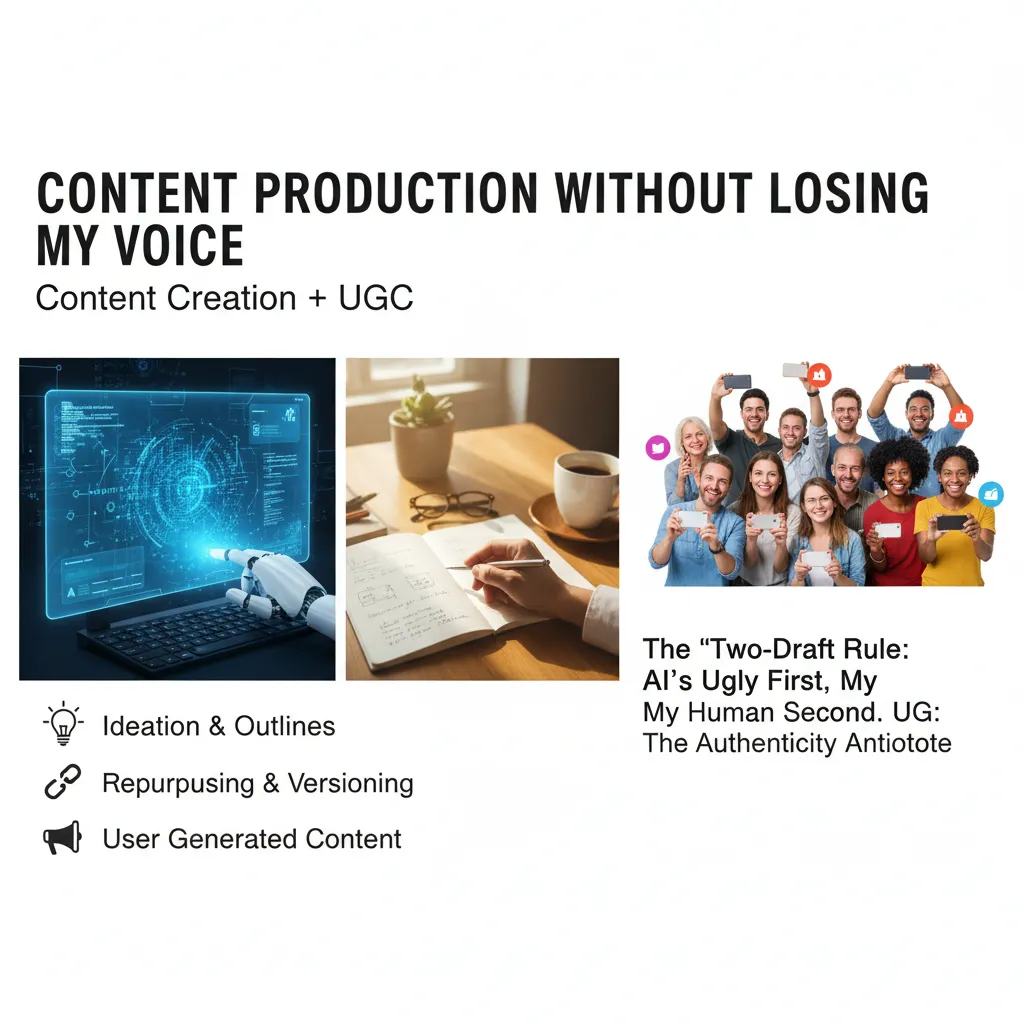
In this Marketing AI Strategy Guide (Without the Hype), I treat Generative AI like a production tool, not a personality. My goal is simple: publish faster without sounding like a template.
My “two-draft rule”
I use what I call the two-draft rule:
AI writes the ugly first draft. I write the human second draft.
The first draft is allowed to be rough, repetitive, and too long. That’s fine. The second draft is where I add my real point of view, tighten the story, and remove anything that feels generic.
Where Generative AI actually helps (and where it doesn’t)
AI is strongest when the task is structured. I use it for:
- Ideation: topic angles, objections, FAQs, and headline options.
- Outlines: clean section flow, missing steps, and examples to include.
- Repurposing short form: turning one article into social posts, email snippets, and scripts.
- Versioning for channels: LinkedIn vs. blog vs. newsletter tone, length, and formatting.
What I don’t outsource: my opinions, my stories, and my standards. If I wouldn’t say it out loud, it doesn’t ship.
UGC: the antidote to overly-polished AI copy
User generated content (UGC) keeps my marketing AI strategy grounded in real language. I recruit it on purpose:
- Ask customers one question after a win: “What almost stopped you from buying?”
- Collect screenshots from support chats (with permission) and turn them into themes.
- Run a simple monthly prompt: “Show how you use it in real life.”
- Offer light incentives: feature credit, swag, or early access.
Checklist: machine-legible, still human
- Use short sentences. One idea per line.
- Add specific proof: numbers, timeframes, tools, constraints.
- Keep a “signature phrase” list and reuse it.
- Write like you talk, then cut 10%.
- Include real quotes and label them clearly with
<blockquote>.
3) Personalization Enhancing… or Creeping People Out?
The personalization moment that boosted sales—and the one that got me unsubscribes
I’ve seen personalization work like magic. One campaign used AI to recommend “next best” add-ons after a customer bought a starter kit. The result was a clear sales lift because the suggestions matched what people actually did next.
I’ve also watched it backfire. I once tested a subject line that referenced a product someone viewed minutes earlier. It felt “smart” in the dashboard, but it felt watched in the inbox. Unsubscribes spiked, and replies included “How do you know that?” That was my reminder: relevance is not the same as comfort.
How AI-powered segmentation uses consumer behaviour signals (and where it lies)
AI-powered segmentation works by clustering people based on consumer behaviour signals—pages viewed, time on site, cart actions, email clicks, purchase timing, and even device or location patterns. Done well, it helps me stop blasting everyone with the same message.
Where it lies is in the story we tell ourselves. A model can predict “likely to buy,” but it can’t explain why in human terms. It may also confuse correlation with intent. For example, late-night browsing might mean “high interest,” or it might mean “can’t sleep.”
Personalization should feel like helpful memory, not hidden surveillance.
Designing personalization experiences with consent, frequency caps, and transparency
- Consent: I only personalize deeply when the user has opted in (account, preferences, or clear cookie choices).
- Frequency caps: I limit how often someone can receive “triggered” messages, even if the model wants more.
- Transparency: I say why they’re seeing something:
You’re getting this because you subscribed to updatesorBased on your recent purchase.
What I measure: lift vs. trust (and why I track complaints like a KPI)
In my Marketing AI strategy, I track performance and trust side by side:
| Lift metrics | Trust metrics |
|---|---|
| Conversion rate, AOV, revenue per send | Unsubscribes, spam complaints, negative replies |
If lift goes up but complaints rise, I treat that as a failure. I’d rather grow slower than train my audience to stop trusting me.
4) Marketing Analytics, Synthetic Data, and the “Show Your Work” Era
My messy middle: when dashboards disagreed
In my own marketing analytics work, I hit a messy middle that no tool could “AI” away. One attribution dashboard said paid social drove the most revenue. Another said email did. A third insisted organic search was the hero. I wanted a single source of truth, but the truth was that each system used different rules, windows, and tracking gaps. AI didn’t magically fix it; it just made it easier to create more charts that looked confident.
Machine learning can spot patterns, not make decisions
What helped was using machine learning in marketing analytics as a pattern finder, not a judge. I used models to surface signals like: which audiences churned after a price change, which creatives lifted conversion rate, and which regions lagged after a site update. Then I validated the “why” with humans: sales calls, support tickets, and campaign notes. When the model said “Channel X is declining,” I checked for simple causes first (tracking changes, budget shifts, seasonality) before changing strategy.
Synthetic data as a safe sandbox
When real data was limited, messy, or sensitive (like small customer lists or regulated industries), synthetic data became a safe sandbox. I could test pipelines, dashboards, and even model logic without exposing personal data. It’s not a replacement for real performance data, but it’s great for:
- QA on tracking and reporting before launch
- Stress-testing edge cases (missing fields, outliers)
- Training teams on tools without sharing customer records
A simple “show your work” ritual
Before launching any AI-driven analysis, I document the basics. This keeps stakeholders aligned and reduces surprise later.
- Assumptions: attribution window, conversion definitions, seasonality notes
- Models: algorithm used, features included, training period
- Exclusions: bot traffic, internal users, low-volume segments
My rule: if I can’t explain the inputs and exclusions in plain language, I’m not ready to act on the output.
5) AI Agents in Marketing: The Temptation to Autopilot
When I say AI agents, I mean systems that don’t just answer a prompt—they take steps. They watch inputs (like leads, tickets, comments, spend), decide what to do next, and trigger actions across tools. That “doer” part is exactly why I don’t let agents just run. In marketing, one wrong step can mean wasted budget, off-brand replies, or a privacy issue that is hard to undo.
What agents are great at (when I keep them on a leash)
In my day-to-day work, AI agents shine most in support roles where speed matters and risk is low. I use them to:
- Monitor signals: sudden CPC spikes, negative comments, broken links, low email deliverability.
- Summarize messy data: weekly performance notes, call transcripts, survey themes, competitor updates.
- Route intents: “pricing,” “cancel,” “demo,” “bug,” “refund” to the right team or workflow.
- Suggest optimizations: budget shifts, keyword negatives, creative fatigue alerts, audience exclusions.
Notice the pattern: the agent helps me see and decide faster, but it doesn’t get the final say.
The 2026 bet: agents handling consumer intents end-to-end
The big promise is autonomous intent handling: a customer asks a question, the agent identifies intent, pulls context from CRM, and responds or takes action. What could go right? Faster response times, fewer dropped leads, and more consistent follow-up. What could go wrong? The agent may misread tone, offer the wrong discount, violate policy, or “solve” a problem in a way that hurts trust.
Autonomy is not the goal. Controlled autonomy is.
My 3-tier permission model
- Recommend: agent flags issues and proposes next steps.
- Draft: agent writes replies, ads, or workflows for review.
- Execute: agent can act, but only with human sign-off for spend, messaging, and customer-impacting changes.

6) GEO, AI Visibility, and the New Search Anxiety (Yes, I Have It Too)
The first time a chatbot got my brand wrong
I still remember the first time I saw a chatbot summarize my brand incorrectly. It mixed up our pricing model and claimed we served an industry we don’t. My first reaction was panic (and, yes, a little anger). The same day, I changed three things: I added a plain-language “What we do / What we don’t do” block, I tightened my About page with exact product names, and I added a short FAQ that answered the wrong claims directly.
If an AI can’t quote you clearly, it will guess.
GEO vs traditional SEO: write for answers, not just rankings
Traditional SEO often rewards pages that win clicks. Generative Engine Optimisation (GEO) is about winning the answer. In AI search, users may never see your page—only a summary of it. So I now write with “extractable” sentences: clear definitions, short explanations, and one idea per paragraph.
I also try to include the exact phrases people ask in chat, like “How does [Brand] work?” and “Is [Brand] for small teams?”
Make content algorithmically preferred
To become more “machine-legible,” I format content so it’s easy to scan and cite. That means:
- Structure: strong headings, short paragraphs, and lists.
- Citations: link to primary sources, studies, and your own docs.
- Specificity: use real numbers, dates, and named features.
When I publish a claim, I try to back it up right next to it. Even a simple line like Source: 2025 customer survey (n=214) helps.
A tiny field guide for conversational search
- FAQs: add 6–10 questions that match real support tickets and sales calls.
- Entity clarity: repeat your brand name, product category, and audience in plain terms.
- Update old winners: refresh top pages with new dates, clearer definitions, and corrected misconceptions.
My goal is simple: make it easy for humans to understand—and hard for machines to misquote.
Conclusion: My “Human-First” Marketing AI Strategy Checklist
When I strip away the hype, my Marketing AI Strategy Guide comes down to one idea: content, personalization, analytics, agents, and GEO only work when people trust what they see. AI can speed up drafts, segment audiences, spot patterns, and even run small workflows. But none of that matters if the message feels unclear, pushy, or “machine-made.” Trust is the real growth channel, and clarity is how I protect it.
Before any AI integration goes live, I open the checklist I keep in my notes app. I ask myself if the AI output is grounded in real sources, real customer language, and real brand standards. I check whether personalization is helpful or creepy. I confirm analytics are measuring what matters (not just what’s easy). If I’m using agents, I make sure there’s a clear handoff to a human and a clear way to stop the system when it drifts. And with GEO, I focus on being easy to cite: clean structure, accurate claims, and content that answers questions without hiding the point.
Here’s my wild-card thought experiment: if a competitor cloned my tactics with AI tomorrow, what’s still uniquely mine? The answer is never “my prompts.” It’s my point of view, my customer relationships, my product truth, my lived examples, and the way I make decisions when trade-offs show up. AI can copy formats fast, but it can’t copy earned trust or real experience. That’s why I keep investing in original insights, customer interviews, and clear positioning—things that make my marketing hard to replace.
My small promise to myself: automation stops the moment empathy starts to drop.
If an AI workflow makes support tickets colder, emails less respectful, or content less honest, I pause it. I’d rather ship slower than scale something that weakens the relationship. That’s my “human-first” line in the sand—and the simplest way I know to use AI responsibly, without losing what makes marketing work.
TL;DR: Marketing AI works best when you treat it like a system: pick the right use cases (content production, personalization, analytics), deploy AI agents carefully, prepare for conversational search and Generative Engine Optimisation, and protect trust with transparent data practices and synthetic data testing.