

I realized my “AI stack” had become like my kitchen junk drawer: five ways to open a package and somehow none nearby when I needed it. So I spent a weekend doing what I tell myself not to do—testing, timing, and price-checking a bunch of the best AI tools side-by-side. This isn’t a lab report; it’s the messy, real version: what felt fast, what felt trustworthy, what broke my flow, and what I’d actually pay for in 2026.
1) The “Junk Drawer Test”: What I Mean by Best AI Tools
I judge “best AI tools” the same way I judge the random gadgets in my junk drawer: if I don’t use it often and it doesn’t make my life easier, it’s out. My personal rule is simple: a tool must save me 30+ minutes per week or it’s gone—even if it’s cool, even if it’s trending, even if it has a shiny “AI-powered” badge like the ones in those top product tools compared lists.
Why categories beat rankings
Rankings are fun, but they hide the real question: what job is this tool doing? In my notes, I group AI-powered solutions into categories, because comparing across categories is like comparing a screwdriver to a flashlight.
- Assistants: drafting, summarizing, planning, and quick help.
- Search: finding answers and sources fast (and checking them).
- Orchestration: connecting steps, automations, and workflows.
- Creative generation: images, audio, video, and brand assets.
The three friction points I score
When I test a “best AI tool,” I score it on three things that actually affect my week:
- Setup time: Can I get value in one sitting, or do I need a weekend?
- Trust: How much fact-checking do I have to do before I can use the output?
- Handoff: Does it move cleanly into my existing apps (docs, tasks, email), or do I copy-paste forever?
My goal isn’t “more AI.” My goal is less busywork.
A quick tangent (aka my all-in-one mistake)
One day I tried to replace my entire workflow with one all-in-one AI tool. It promised everything: research, writing, tasks, and “smart briefs.” I fed it one project and somehow ended up with 14 versions of the same brief, each slightly different, none clearly “final.” That’s when I learned: the best AI tools don’t do everything—they do one category job well and hand off cleanly.

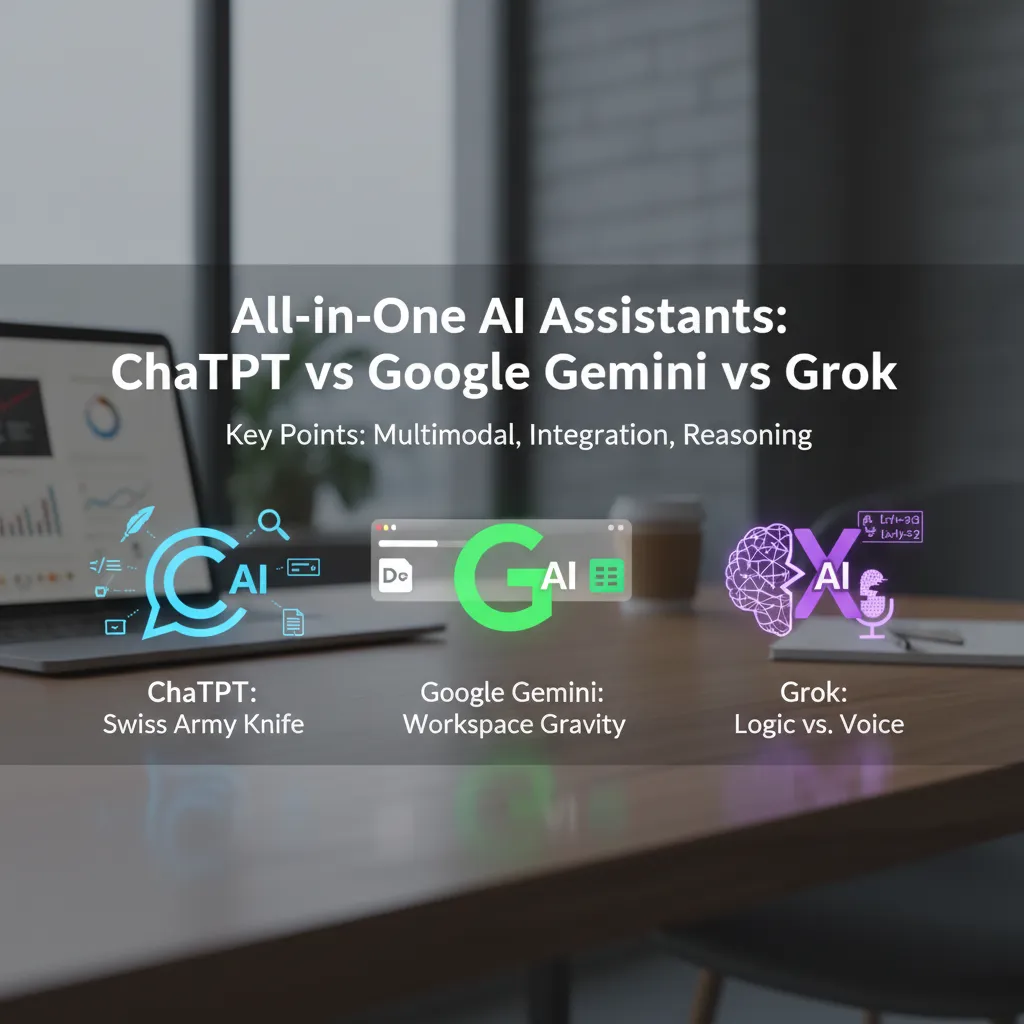
2) All-in-One AI Assistants: ChatGPT vs Google Gemini vs Grok
ChatGPT: my Swiss Army knife assistant
When I’m speed-running tasks, ChatGPT feels like the “do-it-all” option. I use it for writing (outlines, rewrites, tone shifts), quick research-style summaries, coding help, and even file analysis when I drop in a document and ask for key points or a table. In the “Top Product Tools Compared: AI-Powered Solutionsundefined” vibe, this is the tool that covers the most ground with the least switching.
Google Gemini: my Workspace gravity moment
Google Gemini won me over the day I stopped caring about novelty and started caring about where my work already lives. If I’m in Docs or Sheets, the integration is the real feature. That “Workspace gravity” is strong: I can draft in Docs, pull structured ideas into Sheets, and keep everything in the same flow instead of copy-pasting between tabs.
Grok: sharp reasoning, not my brand-voice babysitter
Grok surprised me most on math and logic checks—especially when I need a clean chain of steps or a sanity check on assumptions. But I wouldn’t use it for delicate brand voice, sensitive customer replies, or anything that needs a careful, polished tone. It’s more “brainy sparring partner” than “editor with soft hands.”
Mini-experiment: same prompt, timed
I ran a simple test: one prompt, three tools, and I stopped the timer when I had a usable first draft.
Prompt: “Write a 150-word product update email for a new AI feature. Friendly, clear, with 3 bullet benefits.”
| Tool | Time to usable draft | What I noticed |
|---|---|---|
| ChatGPT | ~2–3 min | Fast structure + easy edits |
| Google Gemini | ~3–4 min | Best when drafting directly in Docs |
| Grok | ~3–5 min | Strong logic, tone needed more tuning |
3) Research Without Rabbit Holes: Perplexity Search + Fact-Checking Habits
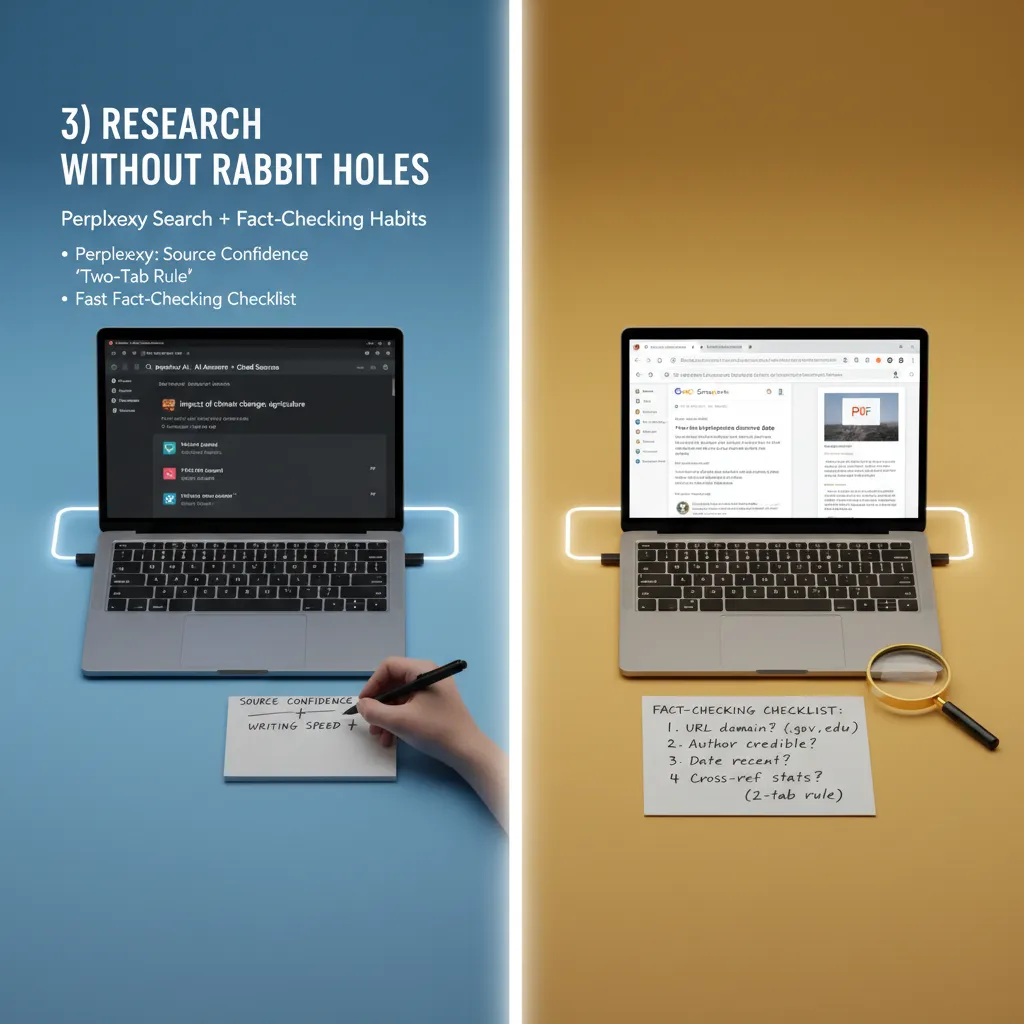
When I’m building a post from the source material (“Top Product Tools Compared: AI-Powered Solutionsundefined”), I don’t want a research spiral. That’s why I use Perplexity as my “get oriented fast” tool. The big difference is source quoting. When Perplexity shows claims with links right next to them, my confidence goes up and my writing speed jumps—because I’m not guessing where a statement came from.
Why Perplexity’s citations change my workflow
I treat Perplexity like a research assistant that also leaves receipts. If a tool comparison says a feature exists, I look for a citation that points to a product page, docs, or a reputable review. If the sources look thin, I slow down.
My “two-tab rule” (so I don’t get lost)
I keep exactly two tabs open:
- Tab 1: Perplexity for synthesis, quick summaries, and “what’s the landscape?” answers.
- Tab 2: Traditional search (Google/Bing) for edge cases and primary sources like official docs, pricing pages, changelogs, and press releases.
Fast fact-check checklist (stats + dates)
- Trace the claim to a primary source (not just another blog).
- Confirm the date: check “last updated” and version notes.
- Cross-check numbers in at least two independent sources.
- Match definitions (users vs. active users, revenue vs. ARR).
- Quote carefully: copy exact wording for anything sensitive.
Wild card: presenting in 30 minutes
If I’m presenting soon, I’ll trust Perplexity for high-level framing and common knowledge. I’ll verify manually any stat, date, pricing detail, or “best tool” claim by checking the vendor site or a primary document. If I can’t verify it fast, I rephrase it as a range or remove it.
4) AI Orchestration Automation: Zapier Automation vs Gumloop
Automation is where AI stops being helpful and starts being income (or at least sleep). A single prompt is cute. A system that runs every day without me babysitting it? That’s the real upgrade. In the “Top Product Tools Compared: AI-Powered Solutions” mindset, this is the layer where tools stop being features and start being workflows.
Zapier automation: my default connector (until prompts get picky)
Zapier is still my go-to for connecting apps fast: Gmail to Notion, Slack to Google Sheets, Stripe to CRM—done. The pain shows up when the AI part changes. If I tweak a prompt, add a new field, or change the format of the output, I often have to re-map steps, re-test filters, and fix weird edge cases where one app expects plain text and another expects structured data.
- Best at: reliable app-to-app plumbing
- Gets fiddly when: prompts evolve and outputs shift
Gumloop AI automations: a marketer’s playground
Gumloop feels built for chaining AI steps without writing code. Instead of “trigger → action,” I think “input → classify → summarize → draft → store.” It’s more natural when the workflow is mostly AI reasoning, not just moving data around.
- Best at: multi-step AI flows with clear handoffs
- Feels like: building a mini assembly line for content and ops
Mini build: auto-triage emails → summarize → draft reply → log to Notion
- New email arrives → AI labels it: urgent, sales, support, or noise
- AI summarizes the thread in 3 bullets
- AI drafts a reply in my tone
- Log summary + draft + label to Notion
What went wrong: the draft reply sometimes “answered” questions that weren’t asked, and Notion logging broke when the AI summary included extra line breaks. My fix was forcing a tighter format like {"label":"","summary":"","draft":""} and rejecting anything that didn’t match.
5) Content Creation Tools That Don’t Sound Like Robots (Mostly)
Grammarly Rewording: Quiet Help, Not a Personality Swap
Grammarly is the tool I forget I’m using until I hit “reword” and my sentence suddenly sounds like me, just less tired. In the “Top Product Tools Compared: AI-Powered Solutionsundefined” roundup vibe, it’s the kind of AI-powered solution that works in the background. I use it to fix tone (too sharp, too formal, too messy) without turning my writing into corporate oatmeal.
- Best for: smoothing tone, tightening long sentences
- I avoid: accepting every suggestion like it’s law
Surfer SEO: Guardrails, Not Paint-by-Numbers
Surfer SEO is my “keep me honest” tool for content optimization. I treat it like guardrails: it reminds me to cover key topics, use clear headings, and not forget basic on-page SEO. But I don’t let it write the post for me. If I follow every keyword prompt, the article starts to read like a checklist wearing a trench coat.
My rule: optimize for humans first, then adjust for search.
Jasper AI: Great for Variants, Not My First Draft
Jasper AI shines when I need lots of copywriting options fast—ad variations, email subject lines, campaign angles, product descriptions. It’s like having a brainstorming buddy who never runs out of ideas. But when I’m writing something personal or weird (which is… often), I still prefer a blank doc and my own messy first draft.
- Write the core idea myself
- Use Jasper for variants and punchier phrasing
- Rewrite the final version in my voice
A Slightly Embarrassing Aside
I once optimized a headline so hard it stopped making sense to humans. It was basically:
Best AI Content Optimization Tool for SEO Content Writing Tools 2026
Search engines might have nodded politely. Real people? They would have backed away slowly.
6) For Designers & PMs: Product Design AI + Feedback Triage
ChatGPT for personas and UX microcopy (without inventing users)
I use ChatGPT like a fast writing partner, not a research tool. For personas, I only feed it real inputs: interview notes, support tickets, and analytics snippets. Then I ask it to summarize patterns, not create new “types of users.” If it starts guessing, I pull it back with a rule: “Only use evidence from the text below. If missing, say ‘unknown.’”
Prompt I reuse: “Draft 3 persona summaries using only these notes. Add a ‘Confidence’ line and list the exact quotes that support each claim.”
For UX microcopy, I give it constraints (tone, length, reading level) and a UI context. I still do the final pass because AI can be smooth but wrong.
Notion AI as my product hub
From the “AI-powered product tools compared” mindset, Notion AI is where I keep everything connected: docs, decisions, and tasks. After a meeting, I paste raw notes and ask Notion AI to turn them into action items I’ll actually see again.
- Convert notes into tasks with owners + due dates
- Pull out decisions and open questions
- Create a short status update for stakeholders
User feedback analysis with simple tags
I keep feedback searchable with a tiny tagging scheme:
- Area: onboarding, billing, search
- Type: bug, request, confusion, praise
- Severity: low/med/high
- Stage: new, validated, shipped
AI helps suggest tags, but I approve them so the taxonomy stays consistent.
Hypothetical: 200 survey responses by Friday
I automate: cleaning text, grouping themes, counting mentions, and drafting a summary table. I keep human: interpreting edge cases, deciding what matters for the roadmap, and writing the final narrative.
7) Creative Corners: Image Generation Tools + Voice/Music Generation
In the “Top Product Tools Compared: AI-Powered Solutions” roundup, the creative tools are the ones I reach for when I need speed, not perfection. Image generation and voice/music generation can move a project forward fast, but they can also create messy review work if I treat them like final assets.
Image generation: where it helps (and where it hurts)
I use AI image generation tools for moodboards, quick ad mockups, landing page hero ideas, and “what if this looked like…” experiments. It’s great for getting options on the table without waiting on a full design cycle.
Where it hurts: brand consistency. The same prompt can give me five different “brands,” and none of them match our real one. Logos drift, colors shift, and tiny details change between versions. If the goal is a consistent system, I still need a designer and a style guide.
Voice + music generation: fun for demos, risky for production
For voiceovers and background music, I follow my “use it like a sketch” rule. AI audio is perfect for demos, prototypes, internal videos, and testing pacing. But for production, it can be risky: unclear rights, uneven quality, and the “is this too close to something else?” problem.
My rule: AI-generated media is a draft until it passes rights + review.
My lightweight rights-and-reviews checklist
- Rights: Can I use this commercially under the tool’s terms?
- Attribution: Required or optional? If required, add it.
- Similarity check: Does it resemble a known brand, person, or song?
- Brand check: Colors, tone, and style match our guidelines?
- Human review: One teammate signs off before publishing.
Small joy moment: I turned a rough product idea into a visual in 90 seconds, dropped it into a mock ad, and the team finally got it. That’s the real win—shared understanding, fast.
Conclusion: My 2026 AI Stack in One Backpack (Not a Shopping Cart)
After reading through Top Product Tools Compared: AI-Powered Solutionsundefined and stress-testing what actually helps me ship work, my 2026 AI stack fits in one backpack: an assistant for writing and decisions, search for fast answers across my files, automation for handoffs, and a knowledge base so I stop re-learning the same things. If I had to pay for it myself (I do), that’s the core I keep. Everything else has to earn a spot by saving time every week, not just looking impressive in a screenshot.
The biggest upgrade wasn’t adding tools—it was adopting a delete list. I stopped using a few popular “best AI tools” because they overlapped with what I already had: extra meeting note apps, duplicate chatbots, and shiny prompt libraries I never opened twice. Popular doesn’t mean personal. If two tools do the same job, I keep the one that’s easiest to open, easiest to trust, and easiest to export from.
My quarterly reset takes 45 minutes, and it’s boring in the best way. First, I audit what I used in the last 30 days and what I ignored. Then I cancel anything that didn’t pay rent. Next, I replace only the missing piece (not the whole stack). Finally, I retrain habits: I update my default templates, my saved searches, and my automation triggers so the “new” tool actually gets used.
In 2019, “an assistant that drafts, searches my docs, and runs workflows” would sound like magic. In 2026, the clutter is paying for five versions of the same magic.
So my rule is simple: one backpack, not a shopping cart. If it doesn’t reduce steps, reduce stress, or reduce cost, it doesn’t come with me.
TL;DR: If you want one tool: start with ChatGPT as an all-in-one multimodal AI assistant. If you live in Docs/Sheets: Google Gemini. If you want citations fast: Perplexity search. If you want sharp logic: Grok AI reasoning. For real leverage: pair an assistant with Zapier automation (or Gumloop AI automations) and a knowledge hub like Notion AI—then ruthlessly prune anything that doesn’t save you measurable time per week.


