

Last summer I tried to “save time” by installing every shiny AI tool I saw on my feed. Two days later my browser looked like a yard sale: 37 tabs, three overlapping subscriptions, and a half-written brief I no longer trusted. That little mess forced me to do something unglamorous: compare tools like an adult—by workflow, not hype. This post is the result: the AI news tools (and neighbors) that actually earned a permanent spot in my week.
1) My “news workflow” test (and why it broke)
When I started comparing AI-powered news tools for 2026, I set one hard rule: any tool must either cut my research time or increase source citation accuracy—otherwise it’s a toy. “Nice summaries” don’t help if I still have to chase links, open ten tabs, and double-check every number.
The quick-and-dirty rubric I used
I needed a simple scoring system I could repeat across tools from Top AI News Tools Compared, so I graded each one on:
- Speed (how fast I got usable info)
- Citations (clear sources, stable links, quote-level traceability)
- Context handling (did it keep the thread across follow-ups?)
- Multimodal processing (could it read PDFs, charts, screenshots, audio?)
- “Did I open it twice this week?” (my real-world adoption test)
The mistake that broke my test
Small confession: I kept confusing “real-time AI search” with “fast answers”. I assumed anything labeled “real-time” would be both current and correct. It wasn’t. One tool gave me a quick response that sounded fresh, but the citations were thin and the timeline was off. I spent an entire afternoon re-checking claims I thought were already verified.
What I tracked for 7 days
To keep myself honest, I tracked three simple signals:
- Number of tabs opened per story
- Duplicated queries (asking the same thing in different ways)
- How often I had to re-verify a claim manually
AI tools are like kitchen knives—one good chef’s knife beats a drawer of weird gadgets.

2) Real-time AI search for news: Perplexity, Komo, Brave (and my trust issues)
When I need real-time AI search for news, my biggest issue isn’t speed—it’s trust. I want answers that show their work. That’s why Perplexity (especially Research/Pro Search) became my default when I need verification-first responses that cite almost every sentence, which matters most on messy topics like layoffs, regulation, or “leaked” product plans.
My tiny citation “stress test”
I asked the same market research question three ways: broad, narrow, and with a date filter. Then I compared whether the citations stayed consistent or quietly shifted to weaker sources.
- Perplexity: usually strongest at keeping citations tight and easy to check.
- Komo: good at exploration, but I still double-check what it treats as “primary.”
- Brave Search: feels more like a traditional engine with AI help—less hand-holding, more scanning.
Komo vs Brave: how much control do I actually want?
Komo can feel like an AI research assistant, while Brave feels like a power-user search page. I’ve learned I don’t want infinite knobs. I want just enough control to pick sources, adjust recency, and avoid spam—without turning every search into a settings project.
Where Grok Deep/Deeper Search fits
Grok’s Deep/Deeper Search is great for pulling live signals from the web and X in one pass. But the X Premium+ gate changes the math: it’s harder to justify if you only need it for occasional breaking-news checks.
My “switch” moment: Pro Search summaries plus citations beat my own skim-reading.
3) AI tools for research with long context windows: Gemini + NotebookLM (my “upload the whole mess” phase)
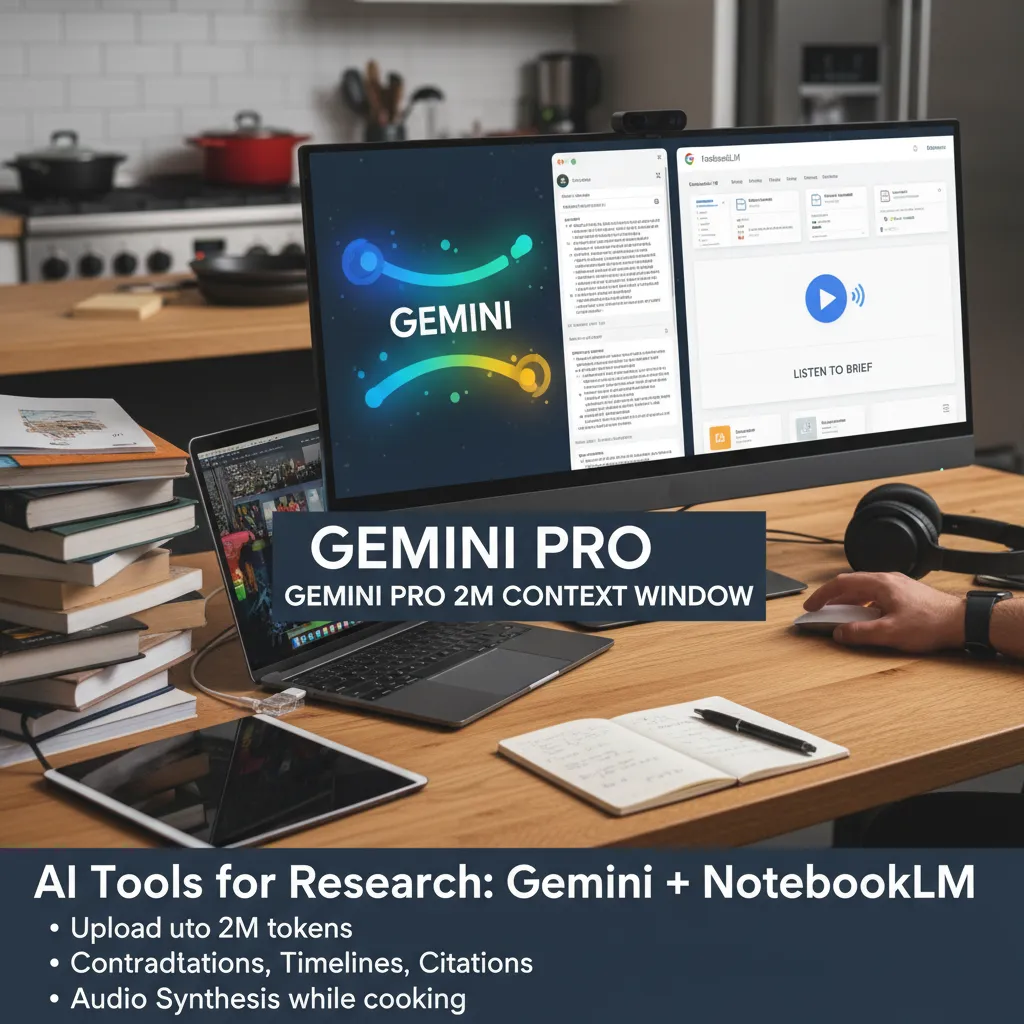
In my “upload the whole mess” phase, I need AI research tools that can hold a lot of material at once. Google Gemini 2.5/3.0 Pro is the first time I felt truly comfortable dumping in a huge corpus—because the context window can reach up to 2 million tokens. For me, that changes the workflow from “summarize one file” to “understand the whole project.”
How I use Gemini for long-form news research
My favorite use is to upload hours of video or thousands of pages, then ask targeted questions that would take me forever manually. In practice, I treat it like a research assistant that can scan everything and point me to the weak spots.
- Contradictions: “Where do sources disagree, and what exact quotes show it?”
- Timelines: “Build a dated sequence of events and flag gaps.”
- Missing citations: “Which claims lack a primary source link?”
NotebookLM: document interaction + audio briefs
NotebookLM surprised me with how natural it feels for document interaction. I’ve dropped in a chaotic folder of notes, PDFs, and transcripts, then used its audio synthesis to turn the mess into a listenable brief while I was cooking. That “hands-free review” is a real advantage when I’m trying to absorb a lot fast.
A small warning (and my workaround)
Long context windows don’t guarantee deep reasoning. Even with Gemini, I still sanity-check key claims with a second model and I verify quotes against the original files.
If I had to prep a board memo overnight, Gemini + NotebookLM is the pair I’d reach for.

4) General-purpose assistance & AI productivity tools: ChatGPT, Notion, agent builders (the “do less, better” section)
ChatGPT: my Swiss-army assistant for news work
In my “Top AI News Tools Compared” stack, ChatGPT (OpenAI) is still the tool I reach for first when I need deep reasoning and flexible help. It’s not just for drafting. With GPT-4o’s multimodal processing, I can work across text, images, audio, and video in one place—useful when I’m turning messy inputs (screenshots, interview clips, charts) into clean notes, angles, and summaries.
Notion AI: fewer context switches, calmer writing
When I’m writing inside a workspace, Notion’s built-in AI feels calmer than copy-pasting between apps. For me, $10/user/month is basically the price of fewer context switches: I can summarize meeting notes, rewrite a paragraph, or turn research into a checklist without leaving the doc or database.
My rule for “real” AI productivity
I keep a simple filter: if a tool can’t automate one annoying step, it’s not an AI productivity solution—it’s a distraction. The steps I actually want automated are:
- Summaries (articles, transcripts, long threads)
- Database updates (tags, fields, status changes)
- Follow-ups (reminders, next actions, handoffs)
Where agent builders fit (and where they don’t)
AI agent builders are great for orchestration—connecting tools, running multi-step routines, and keeping a workflow moving. But I only build an agent after a workflow repeats 5+ times. Before that, I use a simple prompt and a checklist.
Small tangent: I don’t want my tools to be “smart,” I want them to be predictable.
5) Video generation AI & avatars: HeyGen (when “good enough” isn’t)
In my 2026 roundup of AI news tools, HeyGen is the first video generation AI I’ve used where the output feels like professional video content, not a demo. With most avatar tools, I can spot the “AI look” in seconds—odd timing, stiff faces, or that slightly off eye focus. HeyGen still isn’t perfect, but it crosses the line into “publishable” more often than anything else I tested.
Interactive avatars that actually respond
The feature that changed my mind was real-time interactive avatars. I tested a Q&A-style clip (the kind I’d use for a newsroom explainer or a product FAQ), and the responsiveness made it feel less like a scripted read and more like a guided conversation. For explainers, that matters: when the pacing feels natural, viewers stay with you.
Where it’s practical (not just flashy)
I keep coming back to three use cases that fit real workflows, especially for teams producing frequent updates:
- Internal training videos that need quick revisions without booking a studio
- Product walkthroughs where you want consistent delivery across versions
- Localization without re-shooting everything when a feature or policy changes
Translation at scale, consistency in every market
HeyGen’s video translation across 175 languages is the headline feature, but the real win is consistency. If you’re publishing the same message in multiple regions, the tone, timing, and visual style stay aligned—so your brand (or newsroom voice) doesn’t drift from market to market.
My take: video is the fastest way to lose trust if it looks uncanny—so I’d rather publish less, but cleaner.
6) Image generation AI for newsrooms & creators: Imagen 3 (and the texture problem)
In my roundup of Top AI News Tools Compared, Google Imagen 3 stood out as the image generation AI I reach for when a newsroom deadline is tight. What impressed me most was prompt comprehension—especially when I asked for specific textures and smooth color gradients. With other models, “linen paper texture” can turn into random noise. Imagen 3 gets closer to the texture I mean, not just the words I type.
My “thumbnail torture test”
I run a simple test: can the model produce a consistent style across five thumbnail variations without drifting? I keep the same layout, lighting, and palette, then swap only the headline concept. Imagen 3 usually holds the look better, which matters when I’m building a series for a beat or an ongoing investigation.
Where it beats Midjourney and DALL-E (for my use)
- Fewer re-rolls to get something usable when I’m on deadline.
- Less of the “why is that hand weird?” energy in people shots.
- Better follow-through on small constraints like “matte finish,” “soft grain,” or “two-tone gradient.”
The texture problem is still real
Even with Imagen 3, textures can look “too perfect” or slightly synthetic, especially in close-ups (skin, fabric, wood, food). I treat it like a fast draft, not final truth.
Brand safety and look-alikes
I always keep a human review step. Image generation models can create accidental look-alikes, misleading context, or brand-risk details in the background.
Quick workflow idea
Pair Imagen 3 with a citation-heavy research tool so visuals don’t outrun facts. I’ll generate the image last, after I’ve locked claims, names, and timelines.
7) Transcription and meeting notes: Fireflies (the $10 decision)
In my “Top AI News Tools 2026: News Tools Compared” stack, Fireflies became my transcription assistant for one simple reason: it makes calls searchable. That sounds small until you realize how often “I’ll just rewatch the recording” turns into a time sink. With Fireflies, I search a keyword, jump to the exact moment, and move on—no more treating meeting replays like it’s a hobby.
Why 100+ languages changed my workflow
I didn’t think language support would matter—until one global stakeholder joined a call. Fireflies’ 100+ language coverage helped me keep transcripts readable and summaries useful across regions. For news teams, research calls, and partner interviews, that’s a quiet upgrade that prevents misunderstandings.
The “unsexy” features that save real hours
Smart filters and deep CRM integration are not flashy, but they’re the features I feel every week. When I’m doing sales discovery or customer research, I can filter by speaker, topic, or key moments, then push notes where they belong. It’s the difference between “notes exist” and “notes are usable.”
- Search across past calls instead of hunting through folders
- Filters to find objections, requests, and follow-ups fast
- CRM sync so insights don’t die in a transcript
The $10 decision (pricing + ROI)
Pricing starts at $10/user/month with unlimited summaries, and that’s one of the easiest ROI calculations in my stack. If it saves even one hour a month, it pays for itself.
Tiny tweak: tag decisions, not topics
My best workflow change: I tag decisions, not topics. Topics are easy to remember. Decisions are what I forget—and what I need when I’m writing recaps, updating stakeholders, or checking what we actually agreed to.
8) The “Top ten AI tools” shortlist for 2026 (and how I’d pick yours)
To wrap this “Top AI News Tools Compared” guide, here’s my 2026 shortlist in plain English. For daily writing and planning, I lean on ChatGPT. For fast, real-time answers and source discovery, I use Perplexity. For a second opinion and strong workspace help, I add Gemini. When I need to turn messy notes into something I can actually use, NotebookLM is my “make this make sense” tool.
For content that isn’t just text, I keep a simple media layer: HeyGen for quick video explainers, Imagen 3 for clean images, and Fireflies for meeting capture and summaries. If I’m building a bigger system, optional tools come in: Notion as a home base for projects, and Grok when I want another angle on what’s trending. That’s basically my “top ten AI tools” mindset: a few core tools, plus two flex picks.
How would I pick yours? Simple chooser: if you live in research, start with real-time AI search (Perplexity, then Gemini as backup). If you live in deliverables, start with productivity and capture (ChatGPT + Fireflies), then add NotebookLM to keep your sources and drafts connected.
Budget sanity check: I’d rather pay for two tools I use daily than six I “might” use monthly. Most people don’t have a tool problem—they have a workflow problem.
Wild-card test: if all AI went offline for 48 hours, what manual skill would you miss most? For me, it’s fast synthesis, not writing.
Final friendly warning: don’t outsource your curiosity. Use AI-powered news tools to amplify it, not replace it.
TL;DR: If you want one stack: use ChatGPT (deep reasoning + multimodal), Perplexity (verification-first, real-time research), Gemini for massive long-context analysis, NotebookLM for document interaction and audio summaries, HeyGen for professional video content, Imagen 3 for image generation models, and Fireflies for transcription and meeting notes. Pick based on your bottleneck (research, writing, meetings, video) and avoid paying for three tools that do the same thing.


