
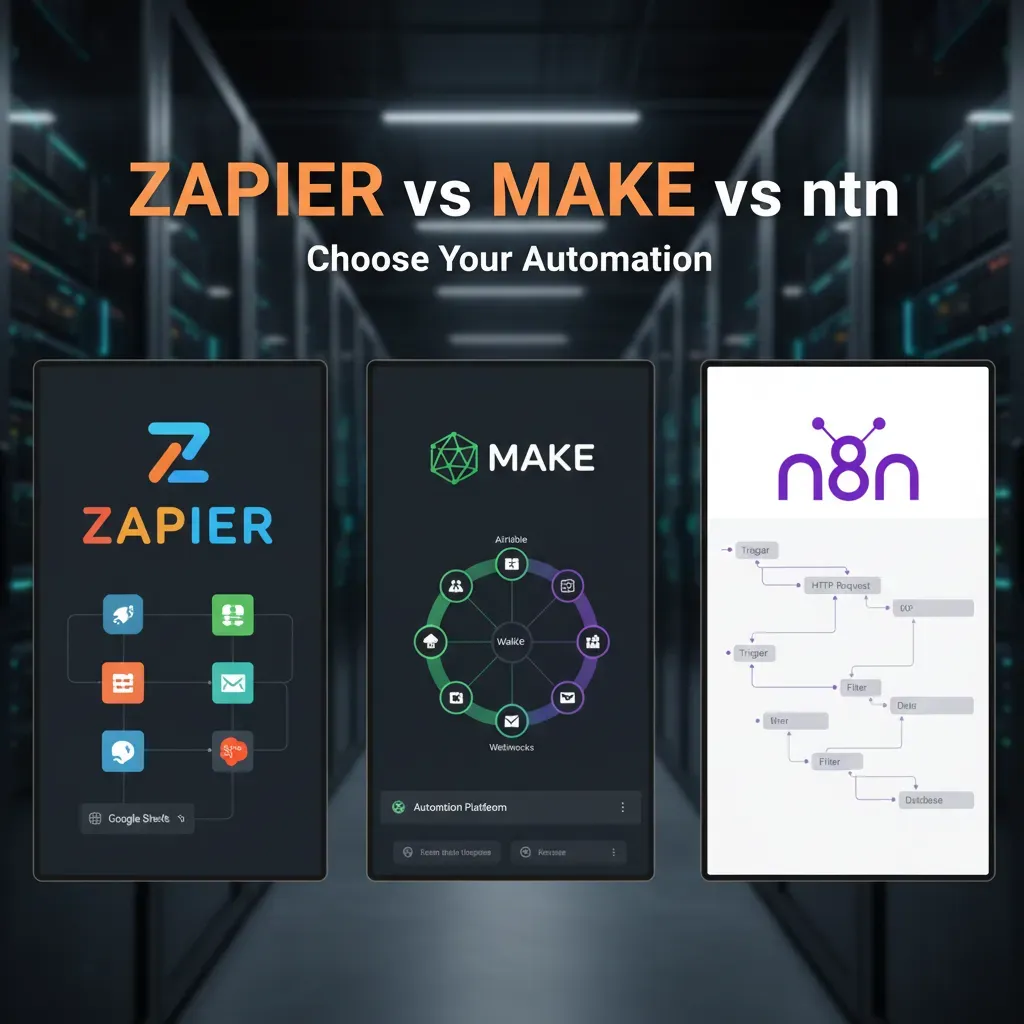
I still remember the day I automated our newsletter workflow — it felt like unlocking a cheat code. Back then I tried Zapier first because it looked friendly. Later, when workflows got nastier and we needed more control, I tested Make and eventually n8n. Over a series of real projects I learned that each platform has a personality: Zapier is the approachable office mate, Make is the methodical problem-solver, and n8n is the tinkerer’s lab. In this post I’ll walk you through that journey — the trade-offs, the surprising wins, and a decision framework you can actually use.
First Glance: Head-to-Head Overview (Automation Platforms)
Quick snapshot: what each one “feels” like
When I compare an automation platform in real work, I think about how it feels at 9 a.m. on a busy Monday.
- Zapier feels like the fastest path from idea to working automation. I usually click through a guided setup and I’m done.
- Make feels more visual and flexible. I can “see” the whole workflow, add branches, and handle edge cases without hacks.
- n8n feels like a builder’s toolkit. It rewards me when I want control, custom logic, and deeper data handling.
High-level pros and cons (signals, not fine print)
| Platform | Integrations | Learning curve | Hosting | Cost signals |
| Zapier | Very broad, lots of popular apps | Low | Cloud | Can rise quickly with high task volume |
| Make | Strong coverage + good HTTP tools | Medium | Cloud | Often efficient for complex scenarios |
| n8n | Good, plus easy custom API work | Medium–High | Self-host or cloud | Self-hosting can lower spend, adds ops work |
My real switching story
I started one client project in Zapier because the goal was simple: new form submission → create CRM lead → send a Slack alert. It worked in minutes. But when the client asked for routing rules, retries, and multi-step enrichment, I switched to Make. The visual flow made it easier to debug and expand without turning the automation into a maze.
Later, I prototyped n8n for a data-heavy pipeline where I needed custom transforms and tighter control over API calls. Being able to drop in logic and handle data in a more “developer-friendly” way was the difference.
Wild card: n8n saved a manual ETL task
One odd win: n8n replaced a weekly copy-paste ETL that moved CSV exports into a database.
I used n8n to pull files from cloud storage, parse rows, map fields, and upsert records. A small IF check caught bad rows and logged them, so the client stopped losing hours to cleanup.

Ease of Use vs Technical Capacity (Workflow Complexity & Learning Curve)
Zapier: “No-code” until the workflow gets real
When I think of an Automation Platform that feels friendly on day one, Zapier is usually it. Most of the time, it really is no-code: I pick a trigger, choose an action, map a few fields, and I’m done. The problem shows up when my automation needs more than a straight line. The clicky interface can start to feel limiting when I need branching logic, looping through lists, or handling messy data.
Zapier can still do advanced things (Filters, Paths, Formatter, Webhooks), but I often notice the learning curve shifts from “easy” to “where is that setting?” pretty fast.
Make: the middle ground with a visual builder
Make sits in a sweet spot for me. The visual canvas makes it easier to understand complex workflows because I can see the steps and the branches. It takes longer to learn than Zapier, but it rewards that effort with powerful routing, iterators, and better control over data flow.
- Moderate learning curve: you learn modules, routes, and data mapping
- Stronger branching: multiple paths feel natural
- Better for “messy” automations: transforming data is less painful
n8n: built for developers and deep control
n8n is where I go when I want full control: custom code, complex loops, and granular error handling. But I don’t call it beginner-friendly. Even though it has a visual builder, it assumes I’m comfortable with concepts like JSON, expressions, and debugging.
In n8n, I might add a Function node like:
items[0].json.total = items[0].json.qty * items[0].json.price;
My honest take: n8n feels “simple” only if you already think like a developer.
A quick tangent: my failed n8n lesson
I once tried teaching a non-technical colleague to build a looping workflow in n8n. We got stuck on the idea of “items,” then expressions, then why the loop didn’t run because the previous node returned an empty array. After 30 minutes, we switched to Zapier—not because it was more powerful, but because it was easier to finish.
Cost, Operations Pricing, and Scaling Economics (Cost Operations)
When I compare an Automation Platform like Zapier vs Make vs n8n, I don’t start with the monthly sticker price. I start with the real cost drivers: how each tool counts tasks/operations, what triggers extra usage, and what happens when I copy a workflow across teams and it suddenly runs 10x more often.
What actually drives cost as you scale
- Operations pricing: every step, filter, router, or data transform can count as usage.
- Task/operation counts: one “automation” can create many billable actions.
- Scaling behavior: costs rise fast when workflows multiply across campaigns, regions, or products.
Concrete example: 1k to 100k operations
Imagine the same marketing automation: new lead → enrich data → add to CRM → send Slack alert → add to email list. At 1,000 operations/month, most plans feel affordable. But at 100,000 operations/month, the pricing model matters more than the UI.
| Scale | What changes | Cost risk |
| 1k ops | Low volume, few edge cases | Minimal overages |
| 100k ops | More steps, retries, branches | Overages + plan jumps |
In practice, Zapier can get expensive on complex, multi-step flows because each action is a task. Make often stays cheaper when scenarios get intricate; I’ve seen cited comparisons claiming Make delivers 89% savings vs Zapier on complex workflows. For high-volume SMBs, n8n can be even more cost-stable, with cited estimates of 71% savings over three years when you run lots of executions.
My rule: the more steps and volume you have, the more you should model operations before committing.
One client story: we moved critical ETL workflows off a paid Zapier plan to self-hosted n8n. After we stabilized retries and batching, their monthly automation spend dropped by about 50%, mainly because usage stopped scaling linearly with every extra step.

Integrations, Data Sync, and AI: What Each Platform Plays Well With (App Integrations & AI Agents)
Integration breadth: how fast I can connect tools
When I compare any Automation Platform, I start with app coverage because it decides how quickly I can ship a working workflow. Zapier leads on native integrations with 8,000+ apps, which is a big deal if I need common SaaS tools “just to work” with minimal setup. Make sits around ~3,000 apps, but it often gives me deeper control over data mapping and routing. n8n has fewer “one-click” integrations, yet it wins on flexibility with customizable nodes and a strong self-host option when I want full control.
Native integrations vs custom API calls
Native integrations matter most for marketing ops and CRMs—think HubSpot, Salesforce, Mailchimp, Google Sheets—where I’m syncing contacts, deals, tags, and campaign events all day. In those cases, Zapier usually gets me moving fastest because the triggers/actions are already packaged.
But when the tool is niche (or the workflow is unique), I’m fine using HTTP modules (Make) or HTTP Request nodes (n8n). If the API is clean, custom calls can replace missing integrations without waiting for a vendor connector.
AI and agent workflows
For advanced AI pipelines, I see n8n as the most “builder-friendly.” It pairs well with LangChain, supports RAG patterns (retrieve context, then generate), and can orchestrate multi-agent automation where different steps “think” and pass results forward. Zapier and Make can run AI steps too, but n8n feels more open when I need custom logic, memory, or self-hosted models.
Example: AI-powered lead enrichment (fastest MVP)
- Zapier: fastest MVP if my stack is common—form submission → enrich via AI → push to CRM.
- Make: great when I need heavier data shaping, branching, and bulk processing.
- n8n: best when enrichment includes RAG, internal docs, or custom agent chains.
Error Handling, Custom Code, and Production Reliability (Technical Capabilities)
Error handling: visibility and control
When I compare each automation platform for production work, I start with how it fails. Zapier is the simplest: it clearly shows task errors in the run history and often retries automatically, but the retry logic is mostly “managed for you.” That’s great for speed, yet it can feel limited when I need fine control over backoff, branching, or partial replays.
Make and n8n give me more granular controls. In Make, I can add error handlers per module, route failures to a separate path, and decide what to do next. In n8n, I can build explicit “try/catch”-style paths with nodes, store failed payloads, and re-run specific executions with more confidence.
Custom code and developer tools
If my team needs custom logic, Zapier supports code steps, but it’s not designed like a full dev workflow. Make supports scripting-like transformations, but n8n is where build teams usually feel at home: workflows can be exported, versioned in Git, tested in environments, and reviewed like regular code. I also like that n8n can be self-hosted, which helps with internal logging and security controls.
Scenario: e-commerce order flow under pressure
Imagine an order comes in from Shopify. I want to (1) charge, (2) create a shipping label, and (3) notify the warehouse—at the same time.
- Retries: If the label API times out, retry 3 times with delays.
- Dead-letter handling: After final failure, send the order payload to a “failed-orders” queue and alert Slack.
- Parallel calls: Run fulfillment and email confirmation in parallel to reduce latency.
Zapier can do parts of this, but Make and n8n make the “dead-letter + parallel + controlled retries” pattern easier to model.
Recommendation matrix (SLA fit)
| Reliability need | Best fit | Why |
| Low SLA (internal alerts) | Zapier | Fast setup, managed retries, clear error logs |
| Medium SLA (ops workflows) | Make | Granular error routes, strong scenario control |
| High SLA (core revenue flows) | n8n | Versioning, testability, self-hosting, replay control |

Decision Framework and Real-World Recommendations (SMB Comparison & Growth Scenario)
My decision checklist (what I check before I pick an Automation Platform)
- Team technical capacity: Do we have zero tech help, a “power user,” or a developer?
- Monthly operations: How many tasks run each month, and how fast will that grow?
- Integration needs: Are we mostly using popular apps, or do we need custom APIs and databases?
- 1→3 year growth scenario: Will this stay small, or become a core system with many workflows?
Three SMB archetypes (how I match tools to reality)
- Solo / Service Biz (Zapier): If I need speed, simple setup, and common integrations, I lean Zapier. It’s the easiest way to automate lead capture, email follow-ups, and basic CRM updates without thinking about infrastructure.
- Growing Ops Team (Make): When I see multiple workflows, branching logic, and a need to control costs per scenario, I pick Make. It’s great for ops teams that want visual building plus deeper data handling.
- Dev-Led SMB or Scale-up (n8n): If we have a developer (even part-time) and we care about control, security, or custom integrations, I go with n8n. Self-hosting can reduce long-term cost and unlock advanced workflows.
My playbook: pilot → measure → project year-3 → decide hosting
- Pilot 3–5 workflows that represent real work (sales, support, finance).
- Measure operations usage weekly. I track triggers, steps, errors, and time saved.
- Estimate year-3 costs using growth assumptions (more leads, more tools, more automations).
- Choose self-host vs managed: If uptime and maintenance are a burden, I pay for managed. If cost/control matters and we can maintain it, I self-host n8n.
I don’t choose the “best” tool—I choose the Automation Platform that still fits after 36 months of growth.
Wild card: a no-code agency sells “n8n-managed hosting”
If an agency runs n8n for me, the biggest barrier (tech capacity) drops. In that alternate universe, n8n becomes realistic for non-technical SMBs, because I get custom workflows plus predictable support—without hiring a developer.
Appendix: Implementation Checklist, Migration Steps, and Cost Templates (Workflow Tools)
When I compare an Automation Platform like Zapier vs Make vs n8n, I end with the same advice: migrate like you are moving a revenue system, not “just workflows.” Here’s the checklist I use to keep risk low and results predictable.
Step-by-step migration checklist
- Inventory apps and workflows: list every trigger, action, credential, and owner. Note which ones touch leads, billing, or support.
- Measure operations: estimate runs per day, peak hours, and error rates. This helps you map Zapier “tasks,” Make “operations,” and n8n executions.
- Define success: pick 2–3 metrics (lead-to-CRM time, failed runs, manual hours saved).
- Pilot first: move one low-risk workflow end-to-end, then add a medium-risk one with branching and retries.
- Iterate: improve naming, error handling, and data mapping before scaling.
- Migrate in waves: keep the old automation on standby until the new one proves stable.
Cost template outline (especially for self-hosted n8n)
I estimate cost with a simple table so stakeholders can compare platforms fairly.
| Cost item | How I estimate |
| Workflow volume | Executions/month × avg steps |
| Infrastructure | VM/container + database + storage |
| Maintenance | Updates, bug fixes, on-call time |
| Reliability | Retries, queues, and failover needs |
Tooling notes for production automations
I treat monitoring, logging, backups, and security as non-negotiable. I set alerts for failed runs, store logs long enough to debug trends, back up workflow configs and credentials, and lock down secrets with least-privilege access. For sensitive data, I also document where it flows and who can see it.
I once moved a client’s lead routing from one platform to another during a busy launch. Because we piloted, measured operations, and migrated in waves, their forms kept feeding the CRM without gaps. That careful plan protected their revenue pipeline—and made the platform choice feel easy in the end.
Zapier is best for non-technical teams and quick wins; Make balances power and cost for growing teams; n8n is ideal for developers and heavy-volume, self-hosted scenarios — choose by technical capacity, operations pricing, and integration needs.


